FREE · EDITABLE · NO SIGN-UP
Free Report Templates for Excel & Word
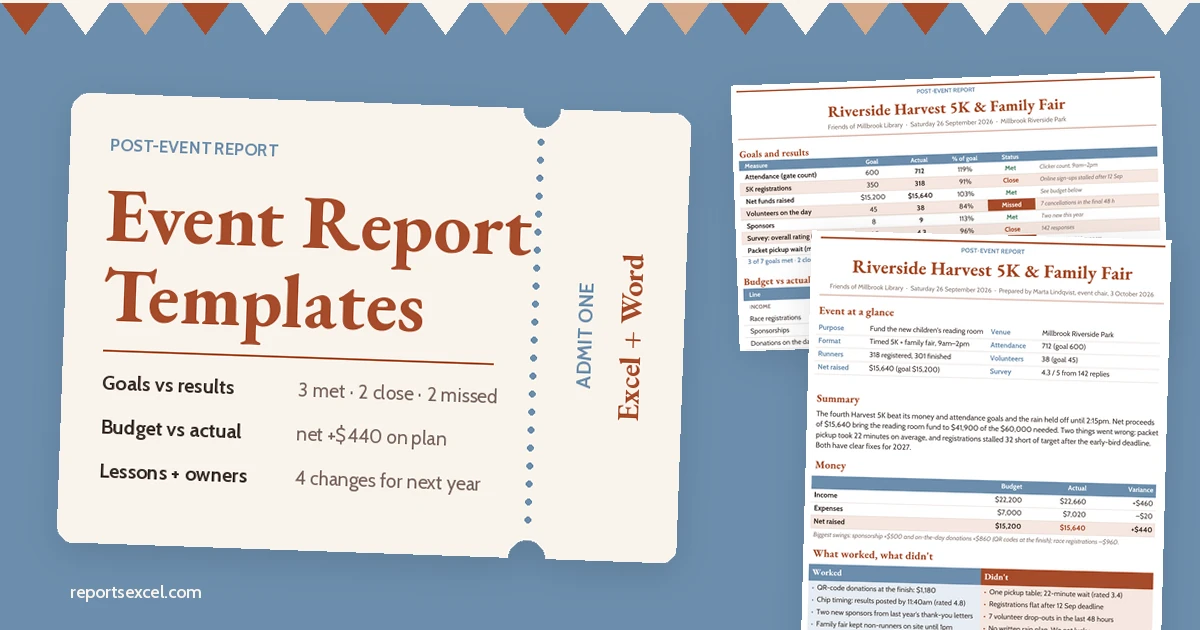
Ready-made reports you can open, edit and send today. Most guides now come as a matched pair: an Excel workbook that does the maths and a Word document you can print, sign or email.
Popular: Profit & Loss · Payroll · Bank Reconciliation · Timesheet
62+
template guides published
2
formats: .xlsx and .docx
14
report topics
$0
no sign-up, no paywall
BROWSE BY TOPIC
Find the report you need in two clicks
Twelve shelves, sorted the way teams actually work. Every card opens a category page with the full list.
THE TWO-FILE KITS
One workbook for the numbers. One document for the people who read them.
Our newer guides each ship two editable files with live previews, so you can see exactly what you are downloading before you click. These are the ones readers open most.
![2 Profit and Loss Statement Templates [Free] preview](https://www.reportsexcel.com/wp-content/uploads/2026/10/profit-and-loss-statement-template-featured.webp)
EXCEL + WORD
2 Profit and Loss Statement Templates [Free]
Download free profit and loss statement templates: a 12-month P&L in Excel with automatic gross profit, operating profit.
EXCEL + WORD
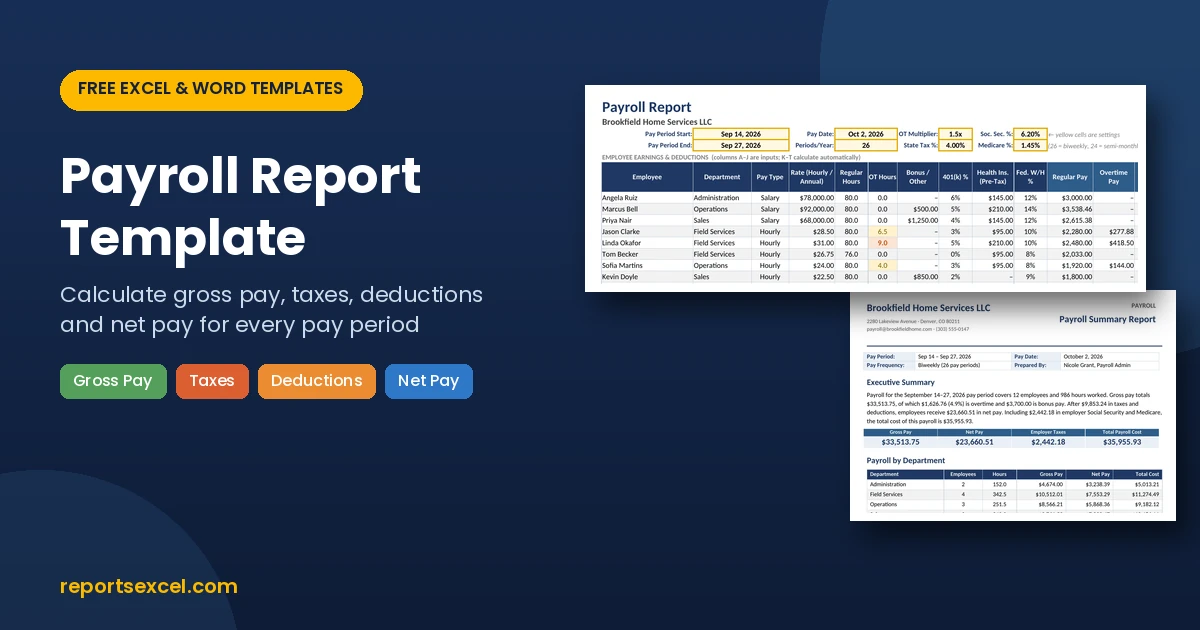
2 Free Payroll Report Templates (Excel & Word)
Download a free payroll report template in Excel and Word.
EXCEL + WORD
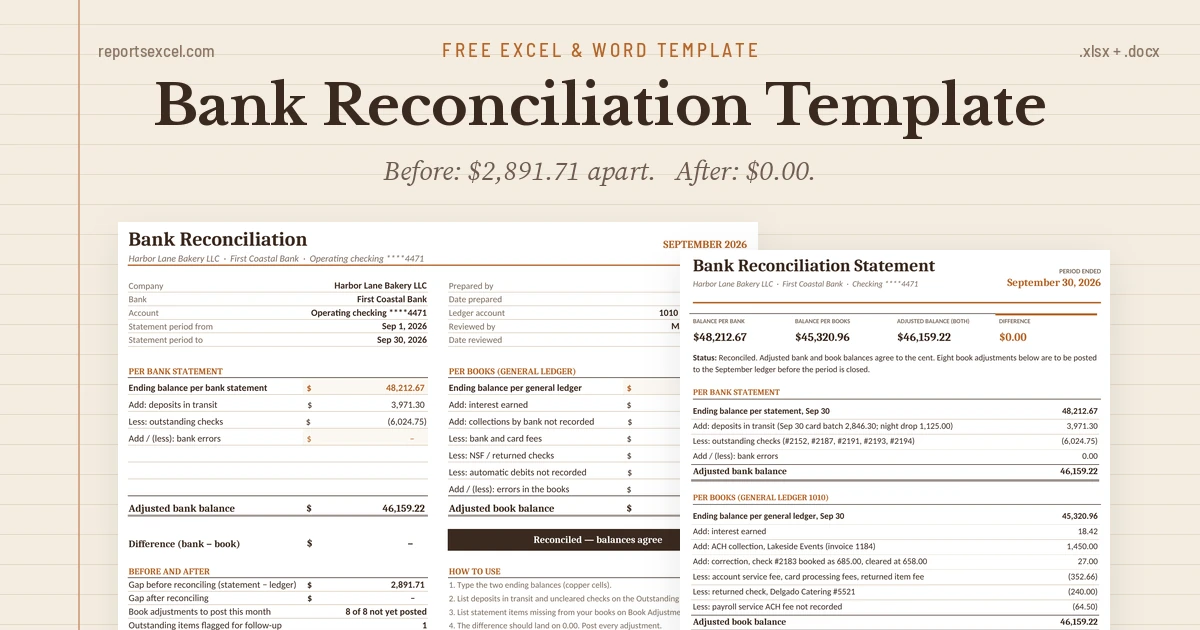
2 Bank Reconciliation Templates, Step by Step (Free)
A bank statement and a ledger $2,891.71 apart, reconciled line by line to $0.00.
EXCEL + WORD
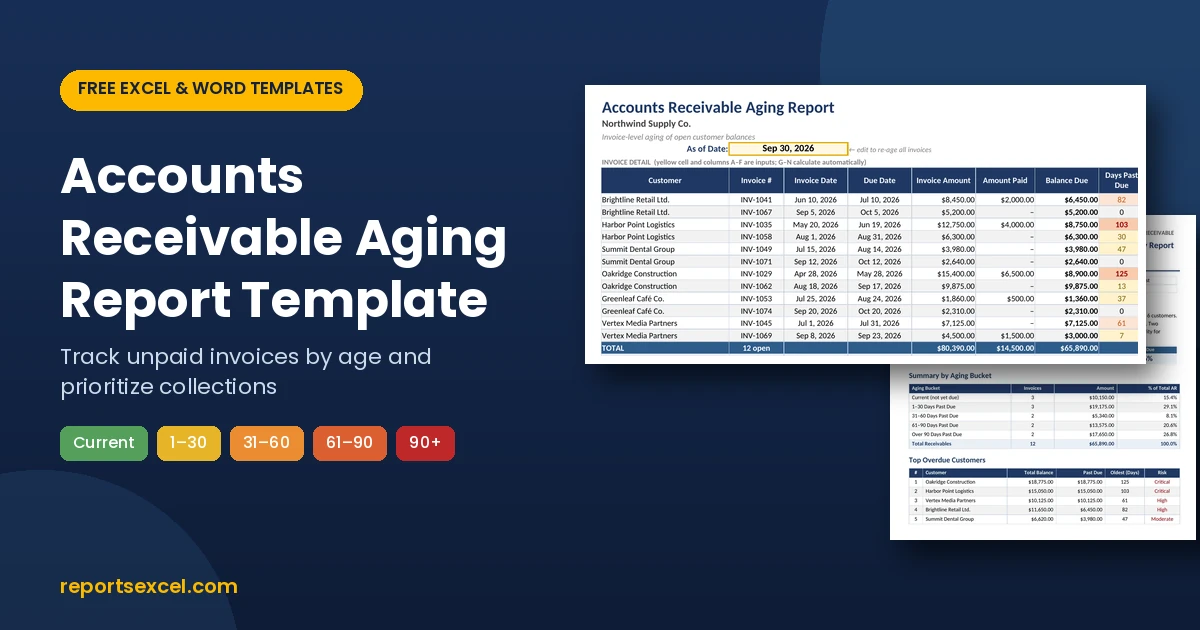
2 Free Accounts Receivable Aging Report Templates
Download a free accounts receivable aging report template in Excel and Word.
EXCEL + WORD
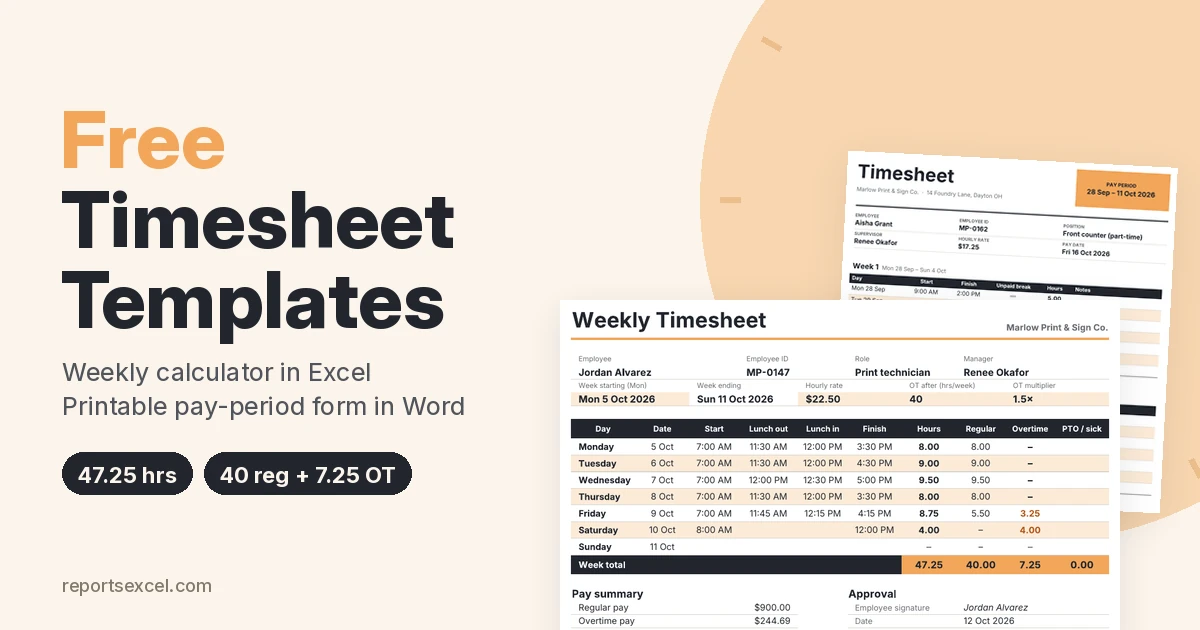
2 Free Timesheet Templates (Excel & Word)
Two free timesheet templates: a weekly Excel timesheet that splits regular and overtime hours and works out gross pay, p.
EXCEL + WORD
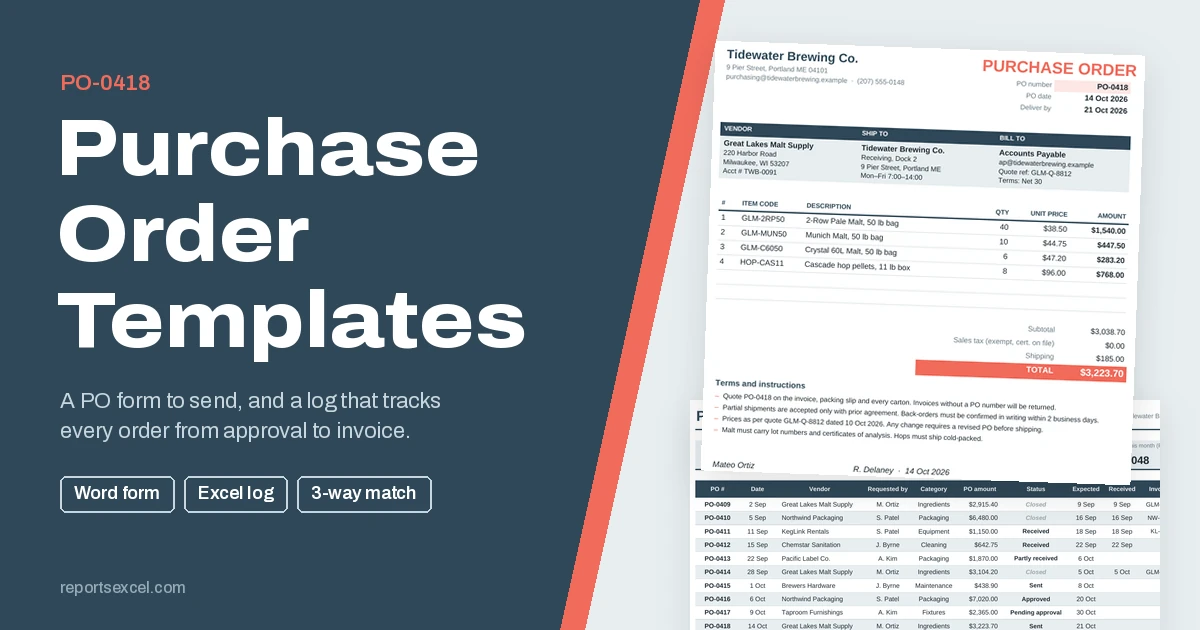
2 Purchase Order Templates: Excel PO Log + Word Form
Two free purchase order templates: a one-page Word PO form to send to suppliers, and an Excel PO log with a totals calcu.
How it works
No account, no email gate, no watermark. Three steps and you are editing.
01
Pick a template
Browse by topic or search. Each guide explains what the report is for and what goes in it.
02
Preview, then download
Check the preview image, then hit the amber button. Files open in Excel, Word, Google Sheets, Docs or LibreOffice.
03
Make it yours
Swap in your logo and numbers. Formulas recalculate; the Word layout stays tidy when you print or export to PDF.
Excel or Word? Usually both.
Track the data in the workbook, then paste the summary into the document. That is why the newer guides include one of each.
📗 EXCEL (.xlsx)
When the report runs on numbers
- Totals, variances and percentages calculate themselves
- Logs you fill in daily or weekly
- Easy to filter, sort and chart
- Best for: ledgers, aging, payroll, inventory, KPIs
📘 WORD (.docx)
When the report has to be read
- Narrative sections, findings and sign-off lines
- Prints cleanly on A4 or Letter
- Simple to email or turn into a PDF
- Best for: incident, site visit, quarterly and event reports
JUST ADDED
Latest templates
- 15 Service Report Templates [EXCEL, WORD, PDF]
 A service report template is a simple and professional way to document the work completed during a service…
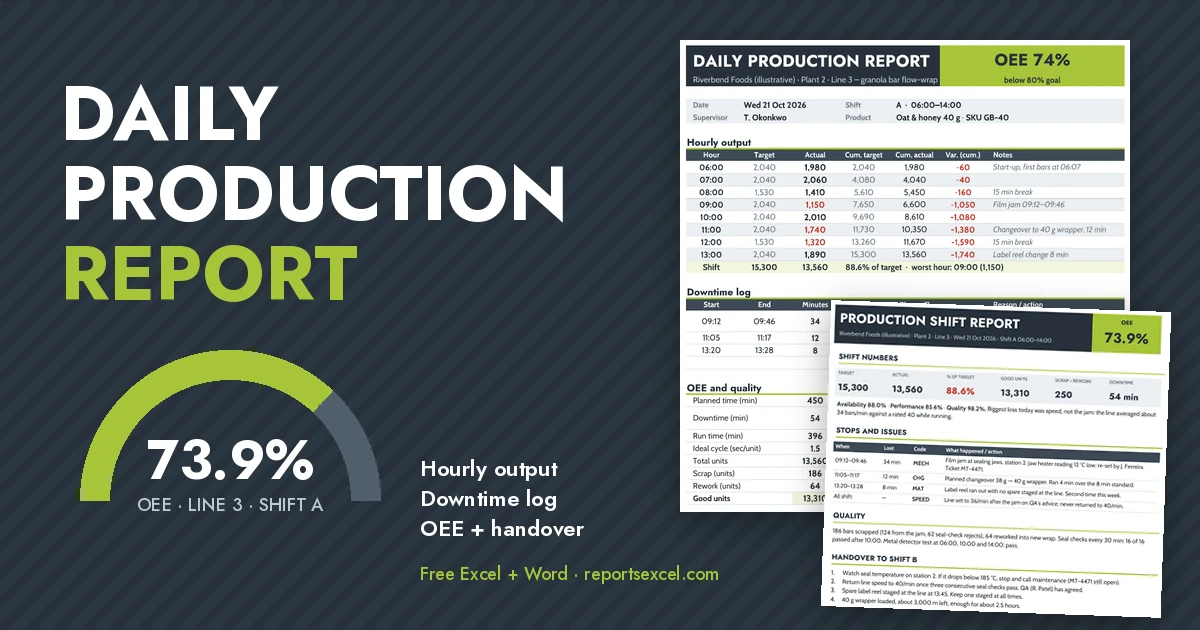
 - 2 Daily Production Report Formats (Excel With Formulas)
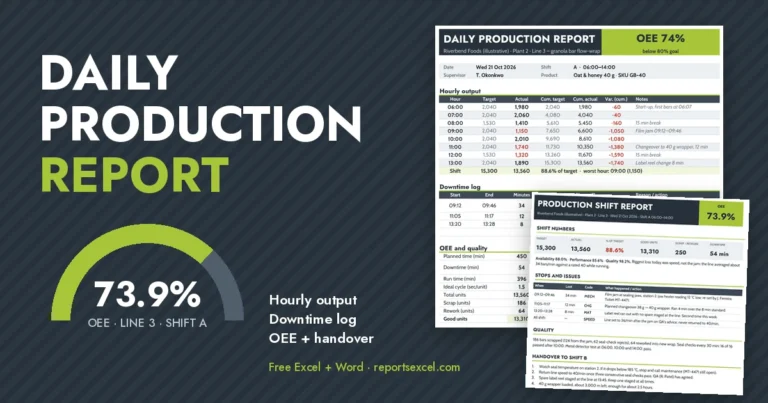 Follow one shift on a packaging line, hour by hour, as the daily production report is filled in: hourly targets, a coded downtime log, cumulative variance and an OEE calculation that finds a hidden speed loss. Free Excel format with formulas plus a Word shift handover report.
 - 14+ Customer Service Report Templates [WORD, EXCEL, PDF]
 Have a fleeting look at the previews of the customer service report templates below and you can download…
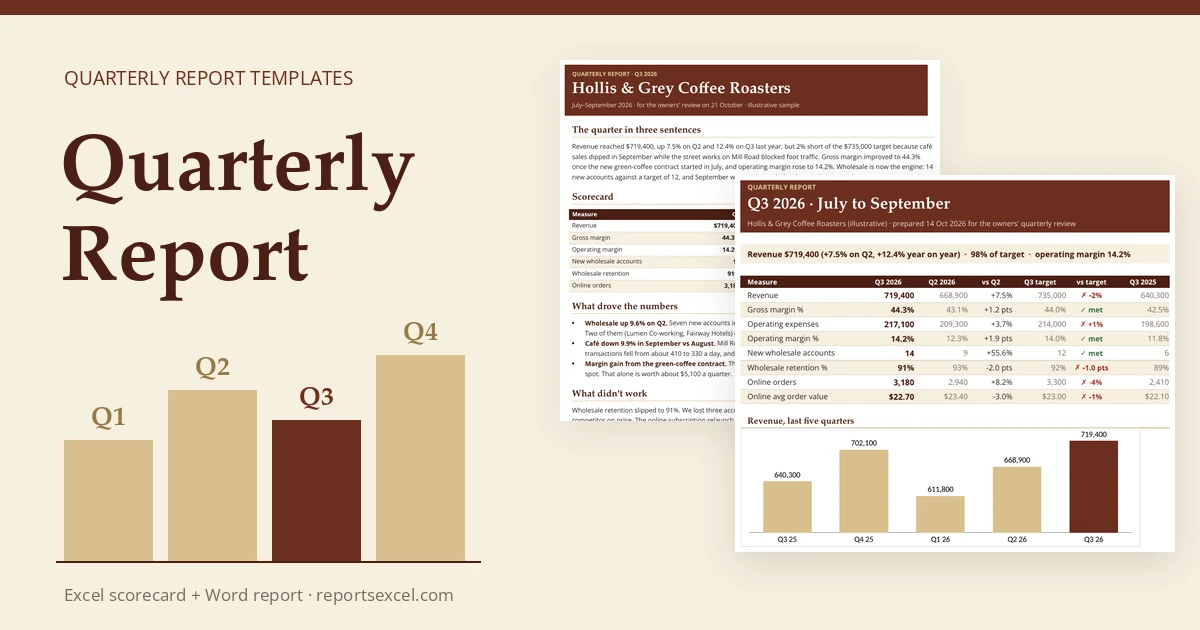
 - 2 Quarterly Report Templates and What a Good One Includes
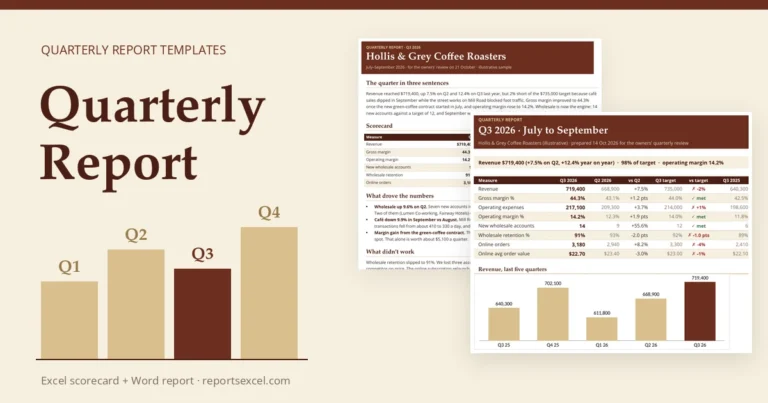 A weak quarterly report draft rebuilt, fix by fix: lead with the result, compare every number, show met or missed, explain variances, own the misses, set three priorities and ask for decisions. Free Excel quarterly scorecard workbook and two-page Word report included.
 - 18+ Inspection Report Templates [Word Excel]
 Maintaining strict quality control, ensuring regulatory compliance, and upholding workplace safety require precise and repeatable documentation. A professional…
 - 2 Invoice Tracker Templates: Excel Log + Word Report
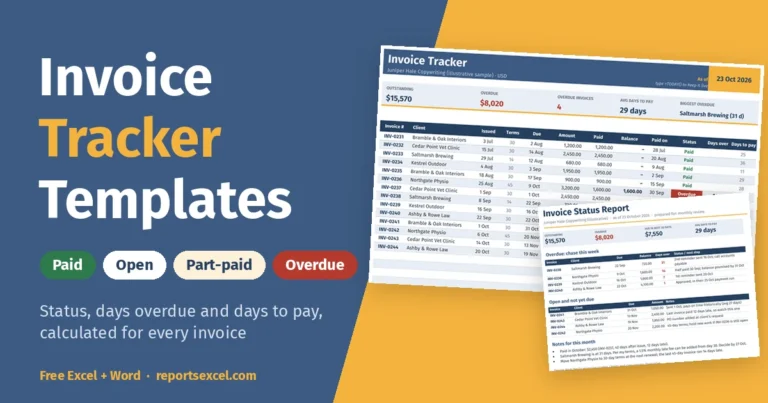 A free invoice tracker template for Excel, explained formula by formula: due dates from terms, balances, automatic Paid, Open, Part-paid and Overdue status, days overdue, days to pay and SUMIFS client totals. Plus a one-page Word invoice status report.
THE BIG COLLECTIONS
Want options? Start with a roundup.
These long-form guides gather many layouts for one report type, so you can compare styles side by side before choosing.
- 16+ Customizable Business Report Templates & Samples
- 20 Free Sales Report Templates – Writing Effective Sales Reports
- 18+ Monthly Report Templates – [Excel, Word Formats]
- 20+ Weekly Report Templates [Excel, Word & PDF]
- 15+ Project Report Templates [WORD & EXCEL]
- 16+ Sample Expense Report Templates [in EXCEL & WORD]
- 20+ Daily Report Templates [WORD & PDF]
- 18+ Inspection Report Templates [Word Excel]
Questions people ask
Are the templates really free?
Yes. Every download on the site is free for personal and business use. There is no sign-up and no email required.
Which programs can open the files?
Microsoft Excel and Word (2010 or later), Google Sheets and Docs, LibreOffice and Apple Numbers/Pages. Formulas work best in Excel and Google Sheets.
Can I add my own logo and change the colours?
Of course. The files are fully editable, nothing is locked. Replace the header, change fonts and colours, add or remove rows.
Why do some posts have two templates and others more?
Our newer guides ship a matched pair (Excel + Word) built for one job. Older roundup posts collect many layouts for one report type. Each title tells you how many are inside.
Do the formulas work after I edit?
Yes, as long as you keep the formula columns intact. Insert rows inside the table rather than below it and totals will keep updating.
Your next report is already half written.
Pick a topic, grab the files and spend your time on the numbers, not the formatting.