

Preparing a project report from a blank document can be time-consuming, especially when you need to present project objectives, activities, milestones, budget information, performance, risks, results, and future recommendations in a professional format. A ready-made project report template gives you a structured starting point so you can focus on the actual project information instead of spending hours designing the report.
Our collection of free project report templates includes editable Word and Excel formats for different project management and reporting requirements. Whether you need a project final report, project status report, construction project report, project summary, performance report, or a simple project report format, you can select a suitable template and customize it with your own information.
These templates can be useful for businesses, project managers, teams, departments, students, contractors, organizations, and anyone who needs to document the progress or results of a project.
What Is a Project Report?
A project report is a structured document that records important information about a project. It can be prepared during the project to communicate current progress or after completion to document the final results, achievements, challenges, and lessons learned.
A typical project report format may contain information about the project’s objectives, scope, activities, schedule, resources, budget, milestones, deliverables, risks, issues, results, and recommendations.
The exact contents depend on the purpose of the report. A project manager may prepare a regular status report for management, while a completed project may require a detailed final report showing whether the original objectives were achieved.
Free Project Report Templates
A professionally structured template can make project reporting faster and more consistent. The collection on this page includes a variety of formats designed for different reporting situations, including:
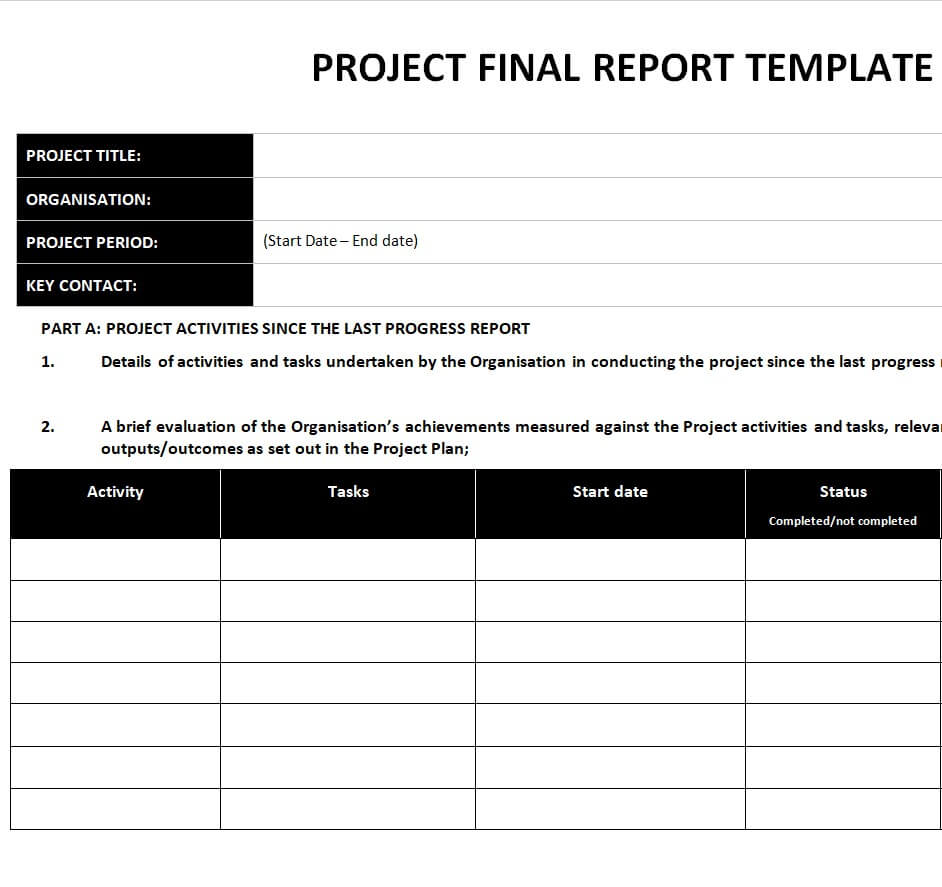
- Project Final Report Template
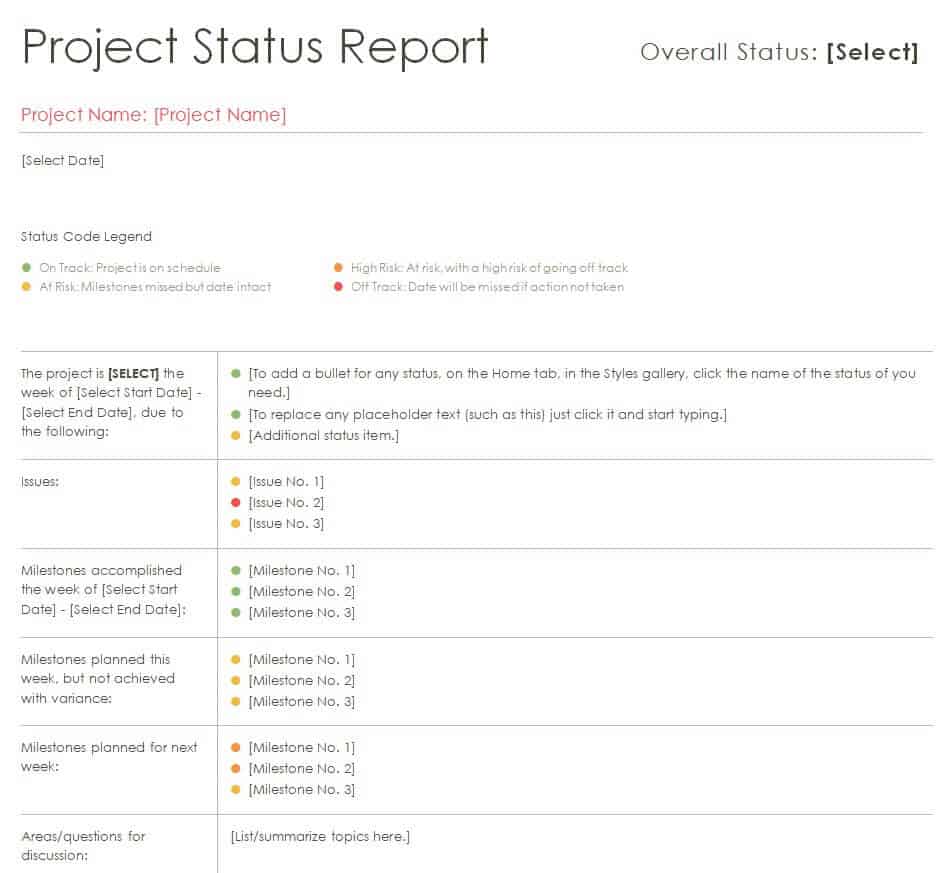
- Project Status Report Template in Word
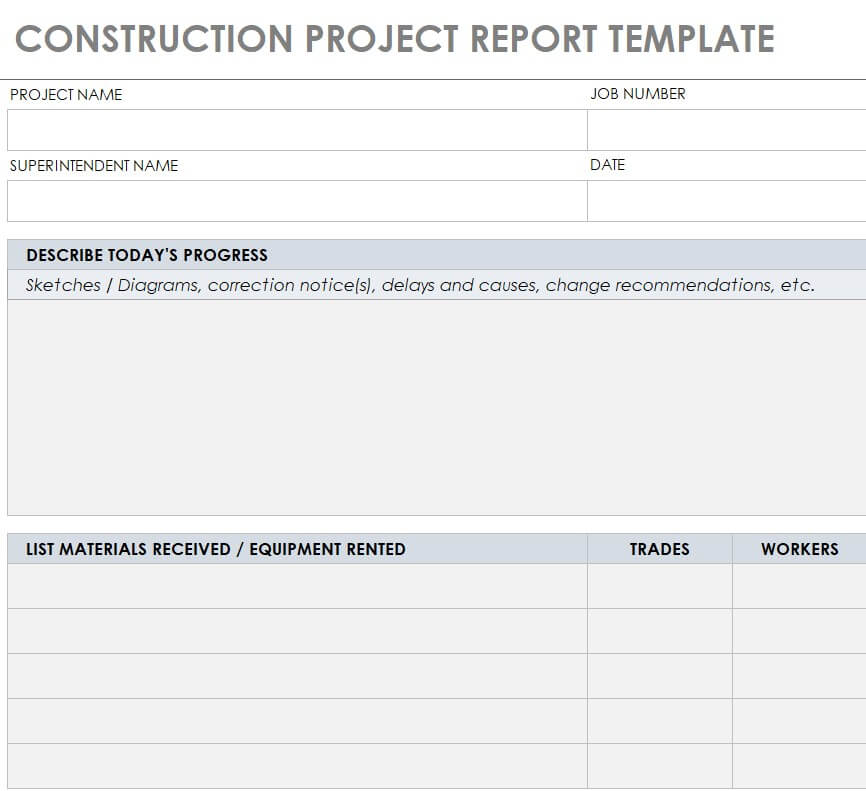
- Construction Project Report Template
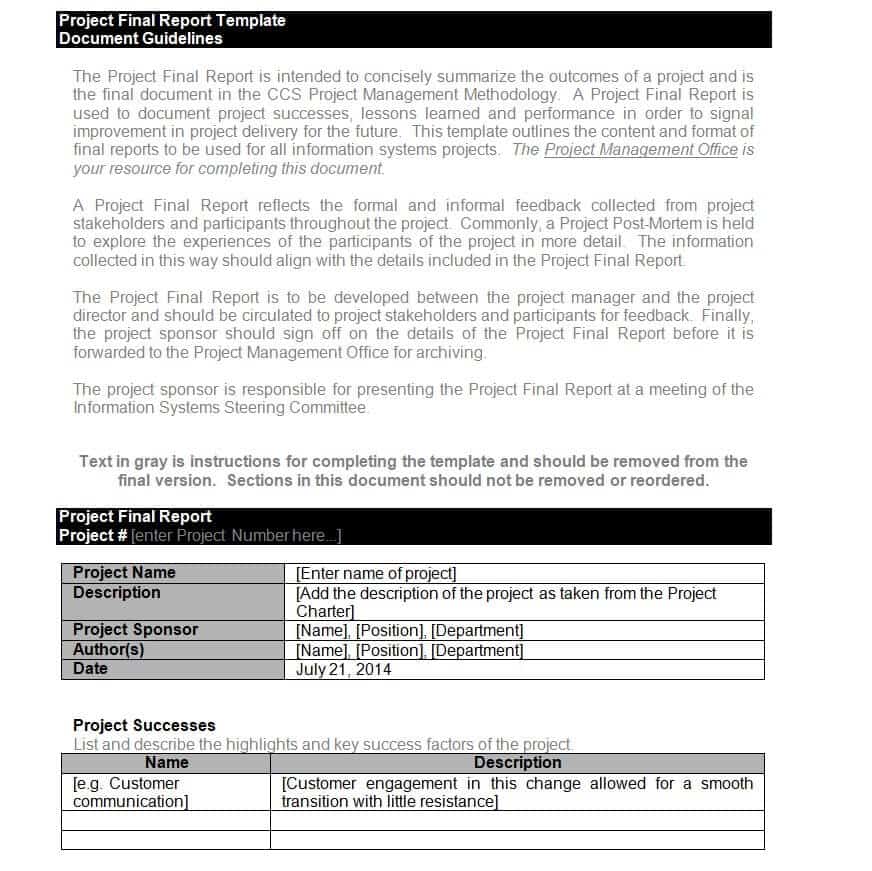
- Detailed Final Project Report Sample
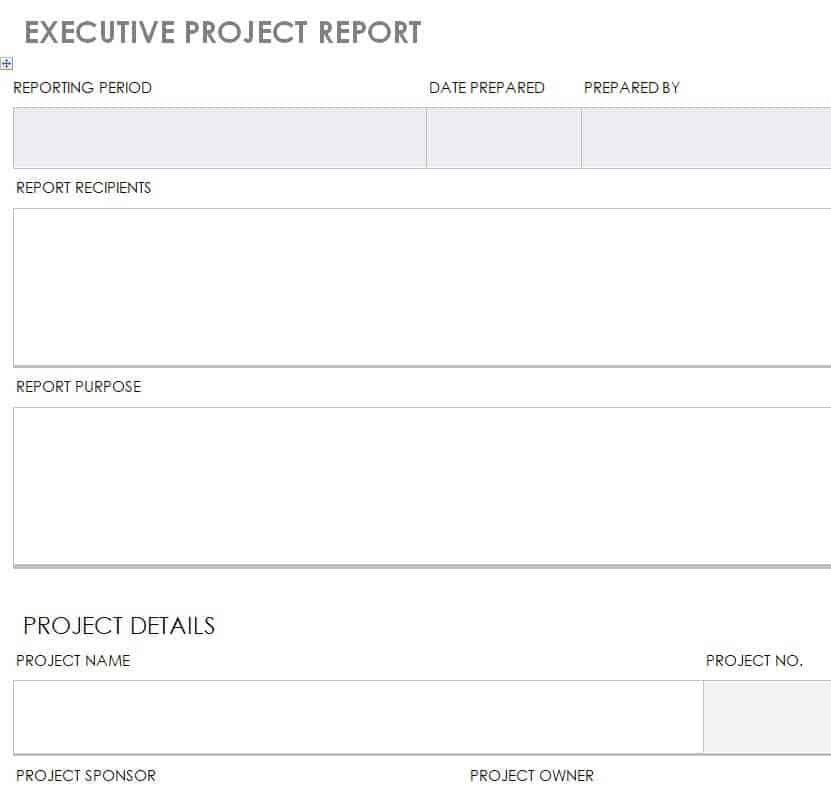
- Executive Project Report Template
- Project Report Sample for Stakeholders and Partners
- Project Activity Report Template
- Business Project Report Example
- Project Report Dashboard Template in Excel
- Simple Project Report Template
- Editable Final Project Report in DOC format
- Project Report Template for Teams and Departments
- Project Summary Report Word Template
- Project Status Report Template
- Project Performance Report in XLSX format
- Standard Project Performance Report Template
The available formats are designed to give you a useful starting point that can be customized according to your project, organization, reporting period, and audience.
Project Final Report Template
A project final report is normally prepared when a project has been completed. It provides an overall summary of what was planned, what was accomplished, how resources were used, and what results were achieved.
A final project report may include the original objectives, completed activities, project outcomes, budget information, challenges, lessons learned, and recommendations.
A project final report template can help you organize this information in a logical sequence so that management, clients, stakeholders, or project teams can easily review the completed work.
Project Status Report Template
A project status report is used while a project is still in progress. Its purpose is to communicate the current condition of the project to managers, clients, stakeholders, or team members.
Depending on the project, a status report can include completed tasks, work in progress, upcoming activities, milestones, deadlines, budget status, risks, issues, and required actions.
Regular project status reporting helps stakeholders understand whether the project is progressing according to the planned schedule and whether any problems require attention.
Project Progress Report
A project progress report focuses on work completed during a particular reporting period. It can be prepared weekly, monthly, or at another interval depending on the size and requirements of the project.
A progress report can show:
- Tasks completed
- Tasks currently in progress
- Upcoming activities
- Milestones achieved
- Delayed activities
- Project risks
- Resource requirements
- Budget or cost information
- Issues requiring management attention
Using a consistent project progress report format makes it easier to compare project performance from one reporting period to another.
Construction Project Report Template
Construction projects often involve multiple activities, contractors, materials, deadlines, budgets, and safety requirements. A construction project report template can help organize information about completed work, ongoing activities, materials, workforce, project schedule, costs, site issues, and other relevant details.
The template can be customized according to the size and type of construction project. For important contractual, financial, engineering, or regulatory reporting, the final report should also meet any requirements established by the relevant organization or authority.
Project Performance Report
A project performance report evaluates how effectively a project is being completed compared with its original objectives, schedule, budget, and performance expectations.
Performance reporting may examine areas such as:
- Project schedule
- Cost and budget performance
- Quality of deliverables
- Resource utilization
- Team productivity
- Milestone completion
- Risks and issues
- Overall project objectives
An Excel-based project performance report can be particularly useful when the report contains numerical data, calculations, performance indicators, or tables.
Project Summary Report
A project summary report provides a concise overview of the most important project information. It is useful when stakeholders do not need to read every detail but still need to understand the project’s purpose, current status, results, and major issues.
A project summary report template can be customized to include the project name, objectives, timeline, key achievements, current status, major risks, budget information, and next steps.
Keeping the summary concise can make it more useful for executives and other decision-makers who need important information quickly.
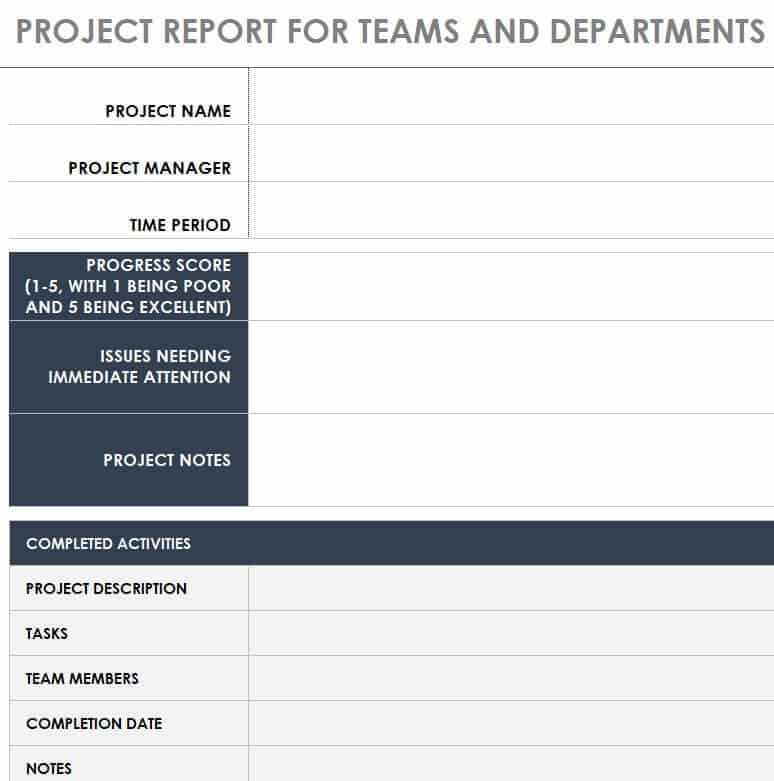
Project Report Template for Teams and Departments
Large projects are often divided among different teams or departments. A standardized project report template can help each team provide information using a consistent structure.
For example, a project team may report on completed activities, while the finance department provides budget information and the technical team reports on implementation or testing.
Using a common format makes it easier for the project manager to combine information into a complete project report.
Business Project Report
Businesses use project reports to document initiatives such as product launches, software implementations, marketing campaigns, construction work, process improvements, system upgrades, and other organizational projects.
A business project report can help management understand what was planned, what was completed, how resources were used, and whether the project delivered the expected results.
The report can also provide useful information for planning similar projects in the future.
What Should a Project Report Include?
The contents of a project report depend on the purpose and stage of the project. However, a professional report commonly includes the following sections:
Project Overview
Begin with the basic details of the project, including the project name, reporting period, project manager, department, client, or organization.
Project Objectives
Explain what the project was intended to accomplish. Clear objectives provide a basis for evaluating the project’s final performance.
Project Scope
Describe what is included in the project and, where appropriate, what is outside its scope.
Activities and Milestones
List important activities and milestones and indicate which tasks have been completed, are in progress, or remain outstanding.
Schedule
Include important dates, deadlines, planned completion dates, and any significant delays or changes to the original schedule.
Budget and Resources
Where relevant, provide information about project costs, budget allocation, materials, equipment, personnel, and other resources.
Risks and Issues
Identify significant risks, problems, delays, or obstacles affecting the project. You can also include actions taken or proposed solutions.
Results and Outcomes
Explain what the project achieved and whether the expected objectives and deliverables were completed.
Recommendations
A final section can include recommendations for future work, improvements, follow-up activities, or similar projects.
How to Write a Project Report
Writing a useful project report does not necessarily require a complicated format. The most important thing is to present accurate information in a logical and easy-to-understand structure.
Start by identifying the purpose of the report and its intended readers. A report for senior management may need to focus on key results, costs, risks, and decisions, while a detailed report for the project team may contain considerably more operational information.
Collect the relevant project data before starting the report. This may include schedules, task information, financial figures, meeting notes, milestone records, performance data, and information from team members.
Next, organize the information into the appropriate sections of the template. Use clear headings and concise descriptions rather than filling the report with unnecessary text.
Finally, review the report carefully. Check dates, figures, percentages, names, project milestones, and other important information before sharing the completed document.
Word or Excel Project Report Template – Which Is Better?
Both Word and Excel can be useful for project reporting, but they serve slightly different purposes.
Microsoft Word is a good choice for project reports that contain detailed explanations, summaries, recommendations, descriptions, and narrative information. Word also works well for formal reports that will eventually be printed or converted to PDF.
Microsoft Excel is useful when the project report contains numerical information, calculations, budgets, performance indicators, schedules, tables, or dashboards. Excel can make it easier to update figures and analyze project data.
For some projects, using both formats can be the most practical approach. Numerical information can be managed in Excel, while a more detailed project report can be prepared in Word.
Benefits of Using a Project Report Template
A ready-made template can simplify the reporting process and improve consistency across projects.
Using an editable project report template can help you:
- Save time when creating project reports
- Organize project information systematically
- Track important milestones and deliverables
- Communicate project status clearly
- Present information in a professional format
- Keep stakeholders informed
- Record project achievements and problems
- Document lessons learned
- Compare planned and actual performance
- Create consistent reports for recurring projects
Templates are particularly useful for organizations that prepare project reports regularly because the same basic structure can be reused and adapted for different projects.
Who Can Use These Project Report Templates?
Project reporting is not limited to large corporations. These templates can be adapted by a wide range of users, including:
- Project managers
- Business owners
- Team leaders
- Department managers
- Contractors
- Construction companies
- Consultants
- Nonprofit organizations
- Schools and students
- IT and software teams
- Operations departments
- Marketing teams
- Corporate management
The appropriate format will depend on the size, complexity, industry, and reporting requirements of the project.
Create a Professional Project Report
A good project report should give its readers a clear understanding of what the project is, what has been accomplished, what problems exist, how resources are being used, and what needs to happen next.
Instead of starting from a blank page, use one of these free project report templates as a practical starting point. Select the format that best matches your needs, download the Word or Excel template, replace the sample information with your own project details, and customize the sections as required.
Whether you need a project final report, project status report, project progress report, construction project report, project performance report, project summary report, or business project report, a structured template can make the reporting process faster and easier.
Download Project Report Templates:
Project Final Report Template
Project Status Report Template WORD
Construction Project Report Template
Detailed Final Project Report Sample
Executive Project Report Template
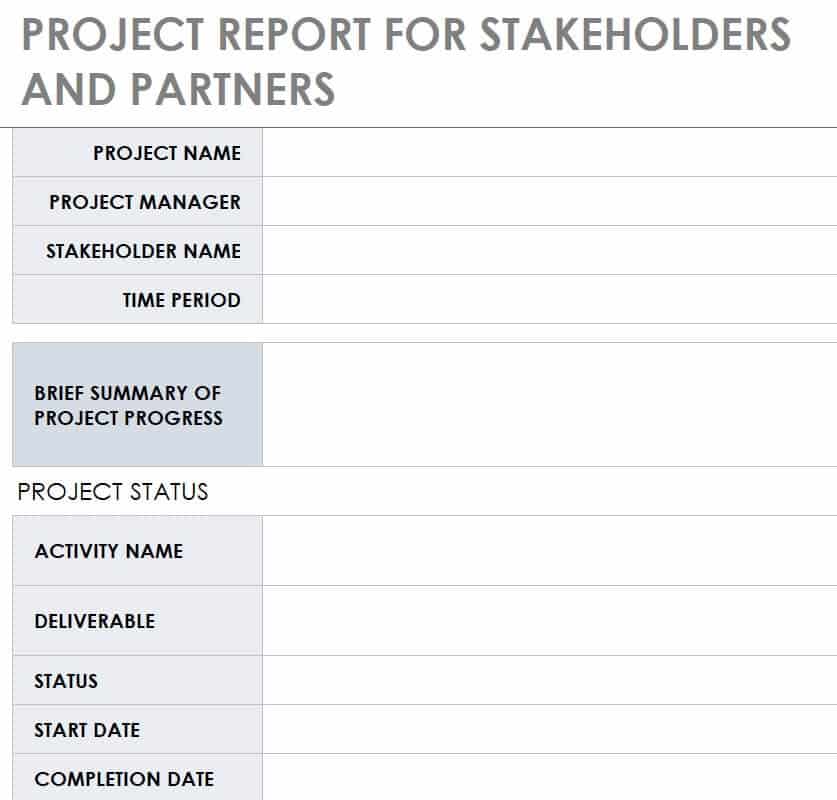
Project Report Sample for Stakeholders and Partners
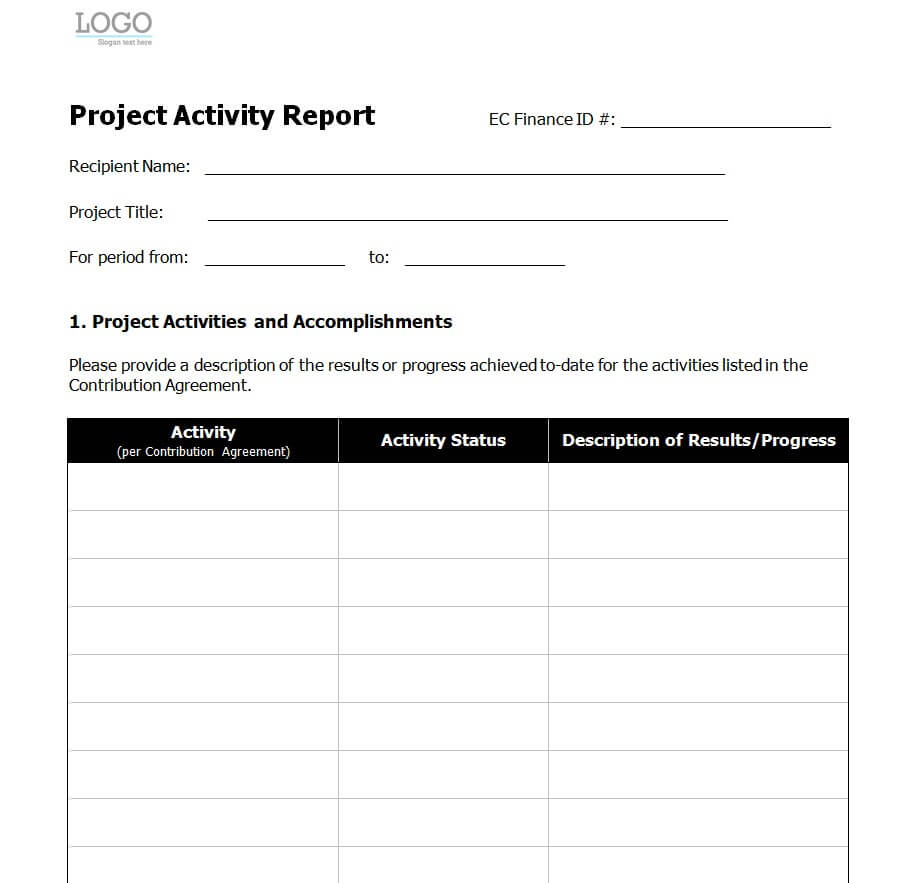
Project Activity Report Template in MS WORD
Business Project Report Example
Project Report Dashboard Template Excel
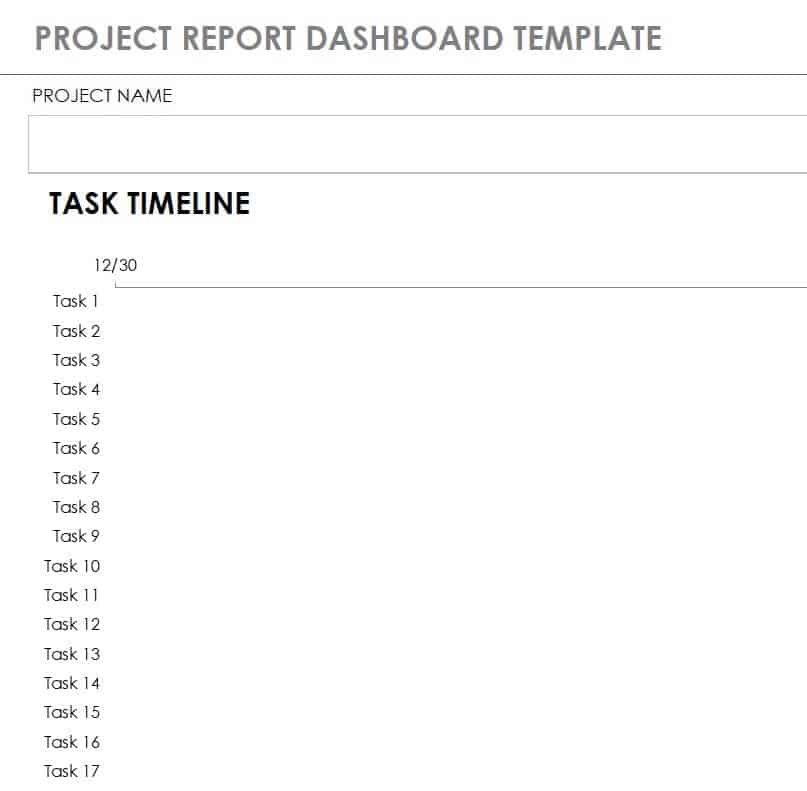
Simple Project Report Template
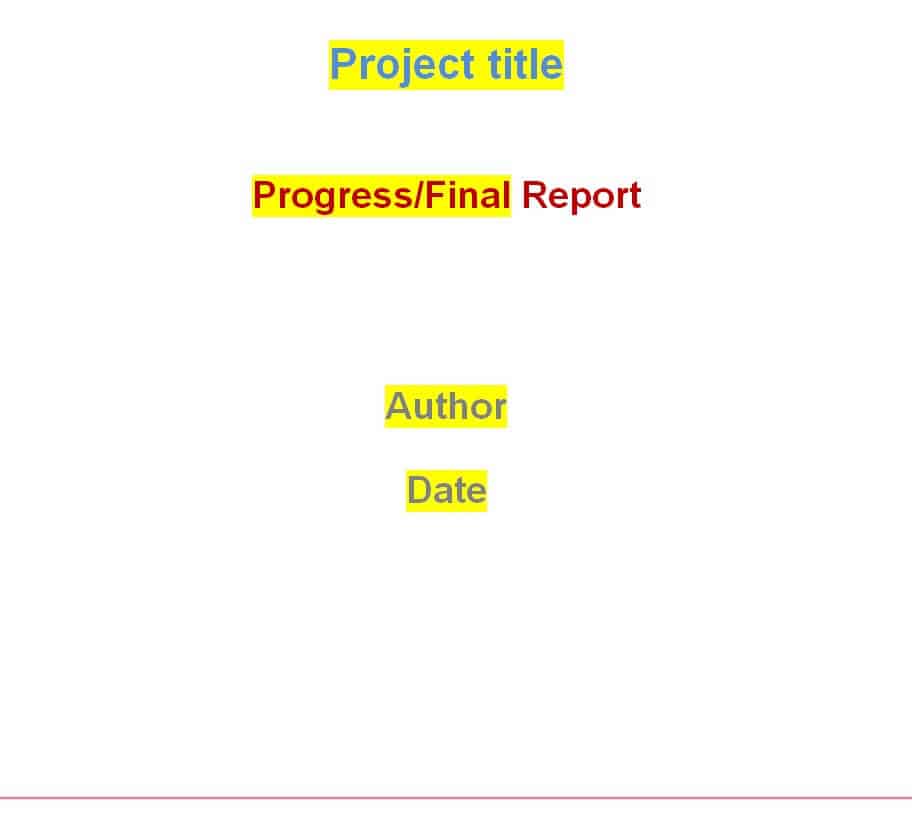
Free Editable Final Project Report Template in DOC Format
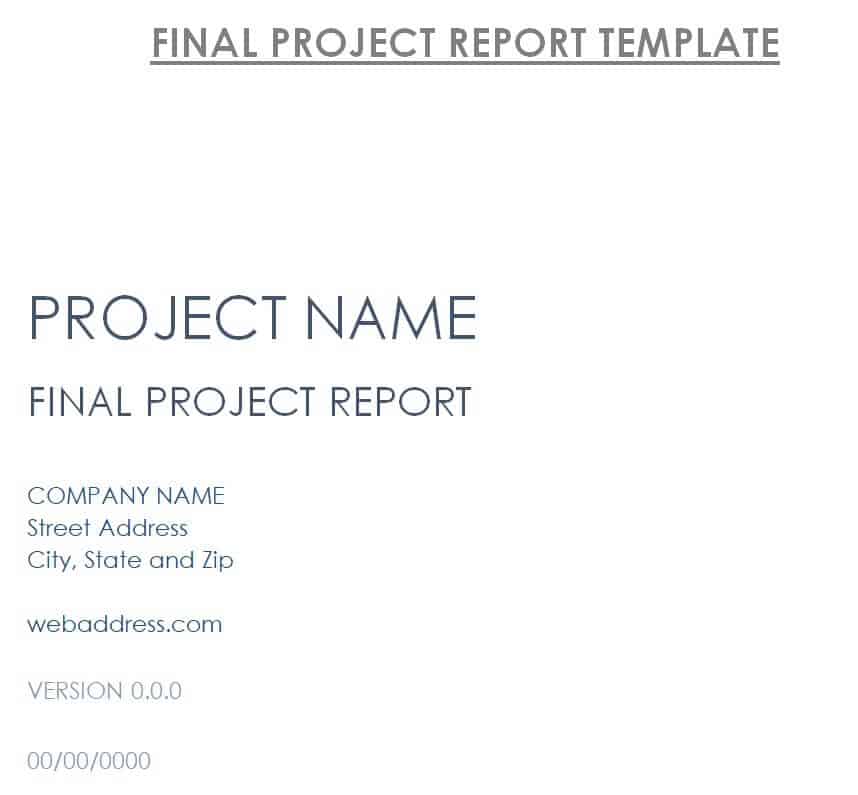
Project Report Template for Teams and Departments
Project Summary Report Word Template
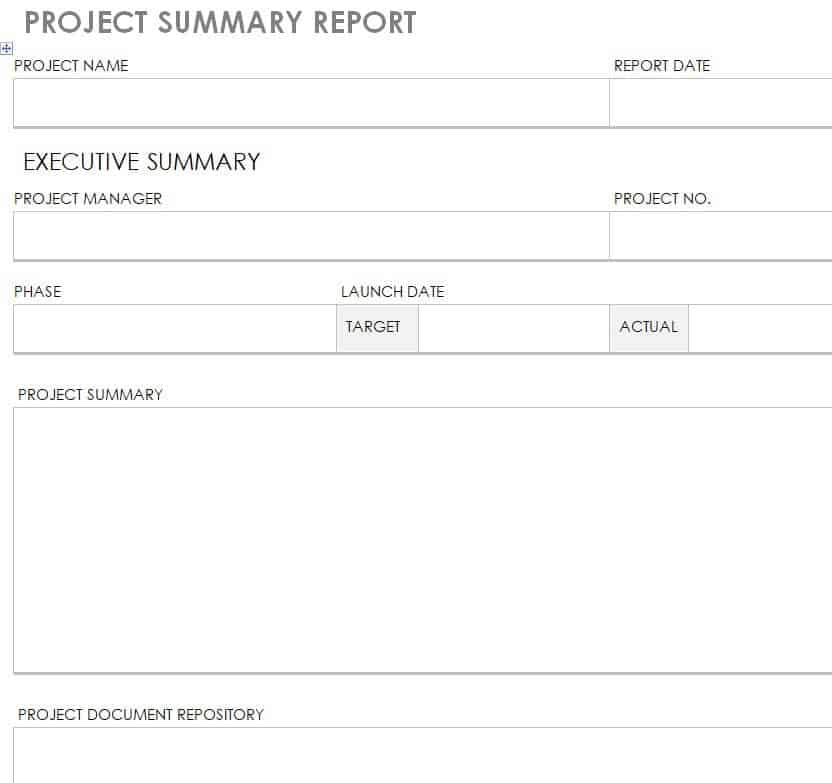
Practical Project Status Report Template
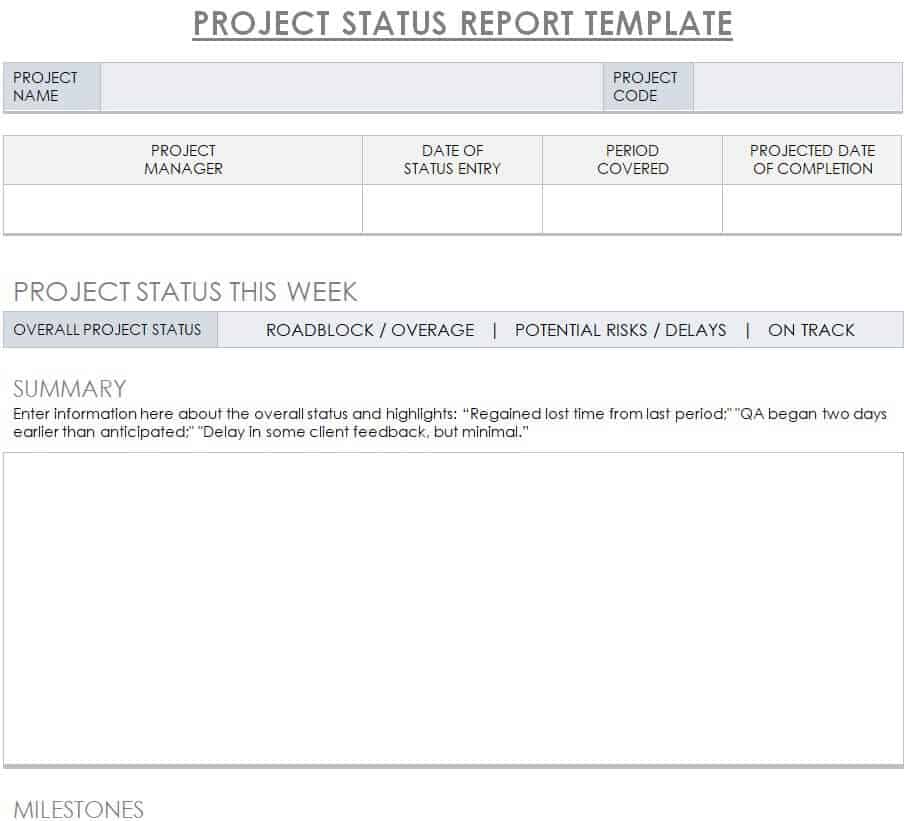
Performance Project Report Template in XLSX Format
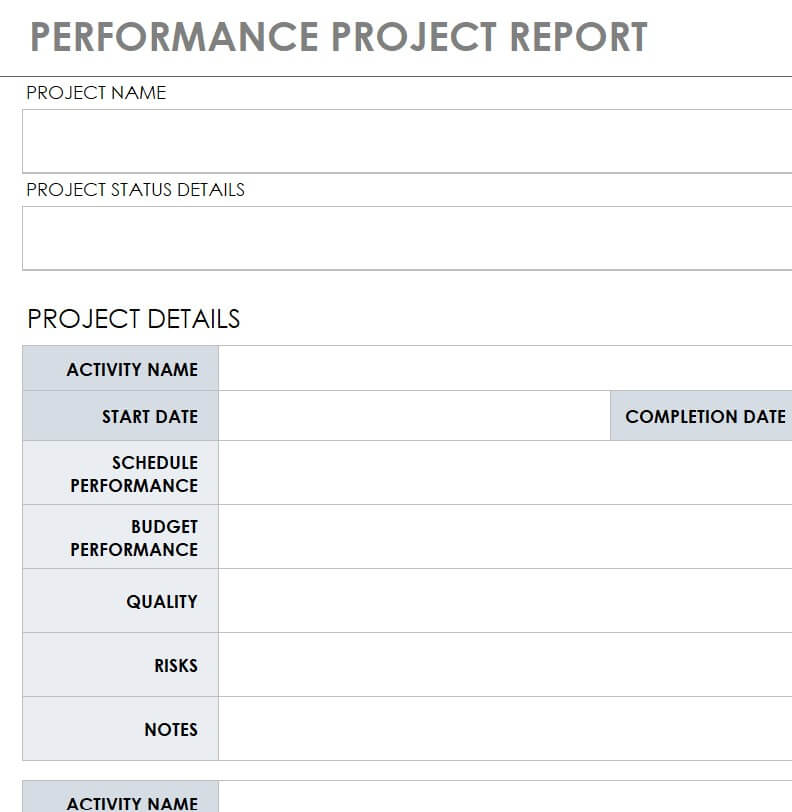
Standard Project Performance Report Template
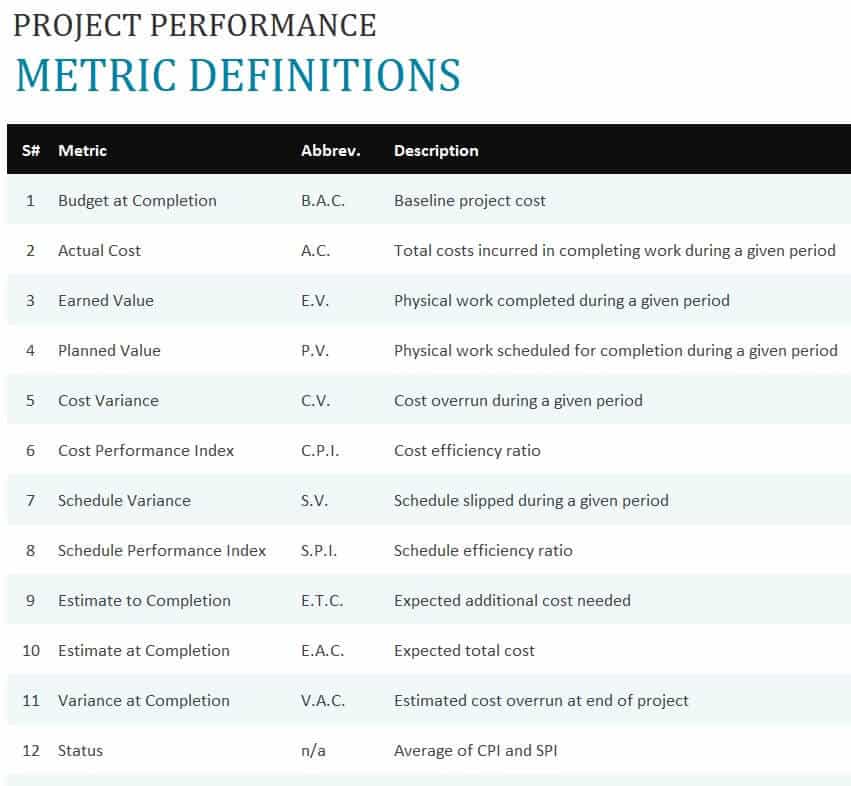
Frequently Asked Questions About Project Report Templates
What is a project report template?
A project report template is a pre-designed document that provides a structured format for recording and presenting project information such as objectives, activities, milestones, progress, costs, risks, results, and recommendations.
What is the purpose of a project report?
A project report communicates important information about a project to managers, clients, stakeholders, team members, or other concerned parties. It can be used to track progress, evaluate performance, document results, and support decision-making.
What should be included in a project report?
A project report may include the project overview, objectives, scope, activities, milestones, schedule, budget, resources, risks, issues, results, conclusions, and recommendations. The exact structure depends on the type of project report.
What is a project status report?
A project status report provides an update on an ongoing project. It commonly includes completed work, current activities, upcoming tasks, milestones, schedule information, risks, issues, and other important project updates.
What is a project final report?
A project final report is prepared after a project has been completed. It summarizes the project’s objectives, activities, results, costs, challenges, lessons learned, and recommendations.
Can I edit these project report templates?
Yes. Editable templates can be customized with your own project name, dates, objectives, activities, figures, milestones, results, and other relevant information.
Should I use Word or Excel for a project report?
Word is generally better for detailed written reports, while Excel is useful for numerical data, calculations, budgets, tables, performance information, and dashboards. Your choice should depend on the type of information your project report needs to contain.
Can a project report template be used for construction projects?
Yes. A construction project report template can be customized to document construction activities, progress, materials, workforce, costs, schedules, issues, and other project information.
How often should a project report be prepared?
The reporting frequency depends on the project. Some projects require weekly reports, while others may use monthly, milestone-based, or final reporting. Larger or more complex projects may require several types of reports throughout their lifecycle.
Can students use a project report template?
Yes. Students can use a project report template as a starting structure for academic or educational projects, provided they customize the document according to their institution’s specific formatting and submission requirements..

You must be logged in to post a comment.