

Consistently tracking revenue, deal pipelines, and team performance is essential for driving business growth. A structured sales report template enables sales reps, account executives, and business owners to monitor daily revenue, identify top-performing products, analyze regional sales trends, and make data-driven forecasting decisions.
Whether you need a simple daily cash sales report in Word or an automated monthly sales dashboard in Excel, utilizing a pre-formatted template saves hours of manual data entry while maintaining clear financial reporting standards.
What is a Sales Report?
A sales report is an essential operational document that summarizes a company’s sales activities over a specific timeframe—such as daily, weekly, monthly, quarterly, or annually. It tracks total revenue generated, units sold, conversion rates, customer acquisition metrics, and sales representative performance.
Beyond recording revenue figures, an effective sales report provides actionable insights into market demand, seasonal shifts, product performance, and potential sales funnel bottlenecks.
Essential Metrics to Include in Your Sales Report
To provide executive management and sales leadership with a complete view of business performance, every sales report format in Excel or Word should track these core Key Performance Indicators (KPIs):
| Sales Metric | Description | Purpose |
| Total Sales Volume | The total dollar value or quantity of goods/services sold during the period. | Measures overall revenue trajectory and top-line growth. |
| Sales Revenue vs. Target | Actual sales figures compared against predefined monthly or quarterly targets. | Evaluates team performance against company quota goals. |
| Average Deal Size | Total revenue divided by the total number of closed transactions. | Identifies customer purchasing power and upsell potential. |
| Sales Rep Performance | Breakdown of closed deals, calls made, and revenue produced per sales representative. | Spotlights top performers and highlights coaching opportunities. |
| Product / Regional Breakdown | Revenue organized by individual SKU, product line, or geographical region. | Reveals top-selling offerings and underperforming markets. |
Free Editable Sales Report Templates for Excel & Word
Choose from our collection of fully customizable Excel (.xlsx) and MS Word (.docx) sales reporting formats below. Each template features pre-formatted tables, clean layout structures, and built-in formulas for rapid deployment.
Excel Sales Report Templates (.XLSX)
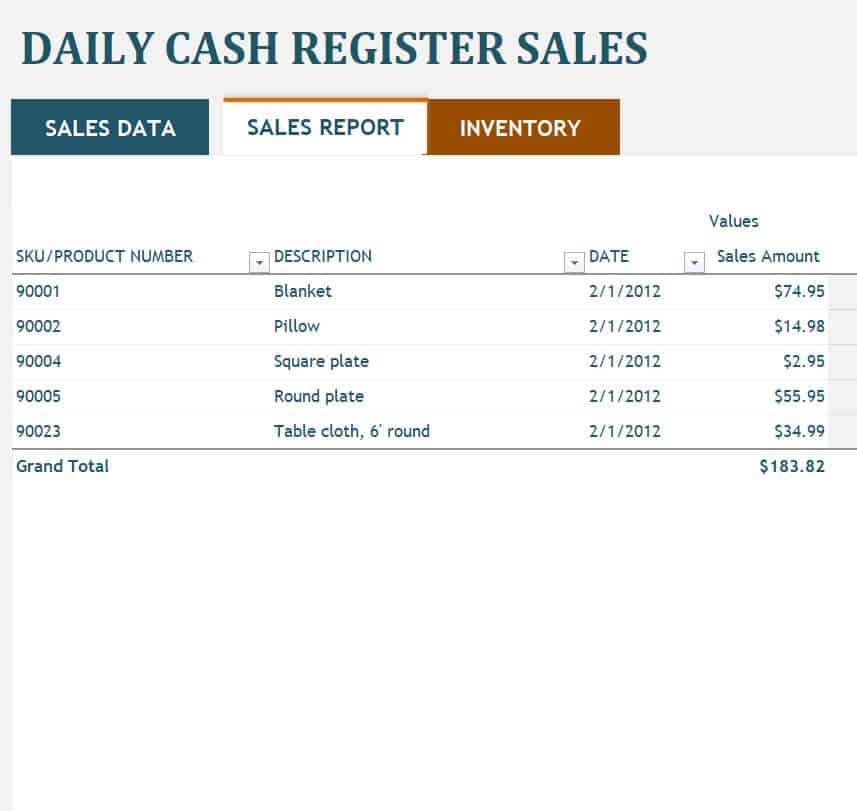
- Daily Cash Sales Tracking Sheet: Tracks daily cash receipts, credit card transactions, register balances, and cash register discrepancies.
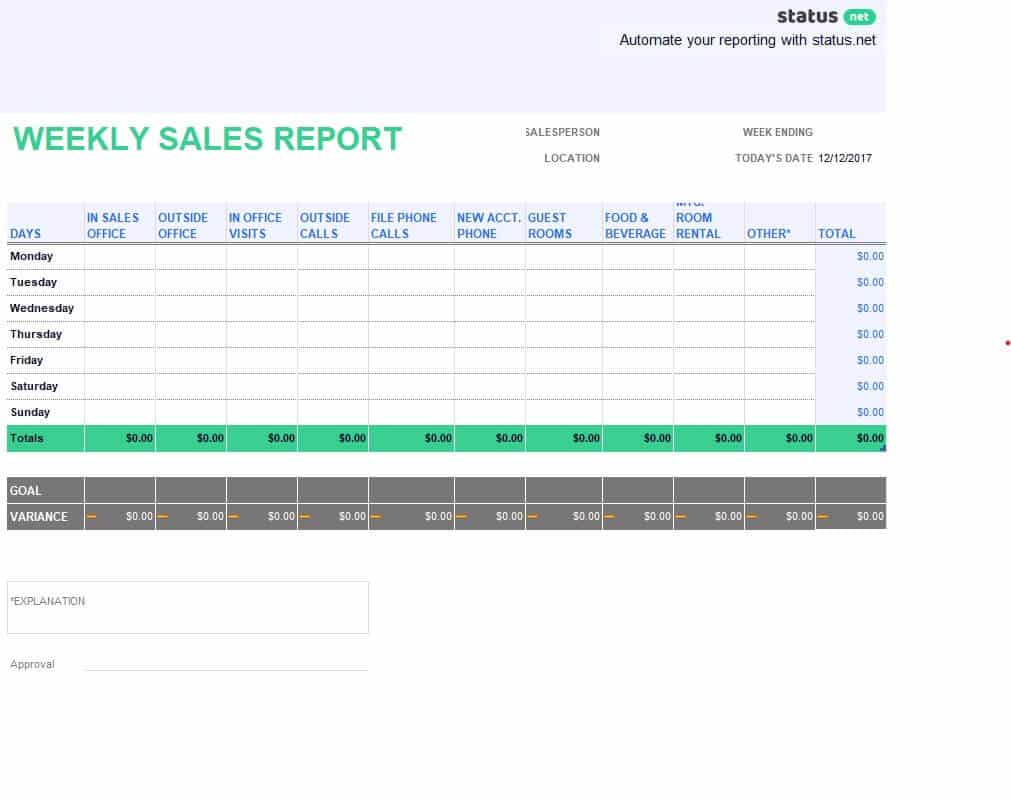
- Weekly Sales Activity Dashboard: Features visual charts and automated formulas to track team outreach, sales calls, demos, and deals closed per week.
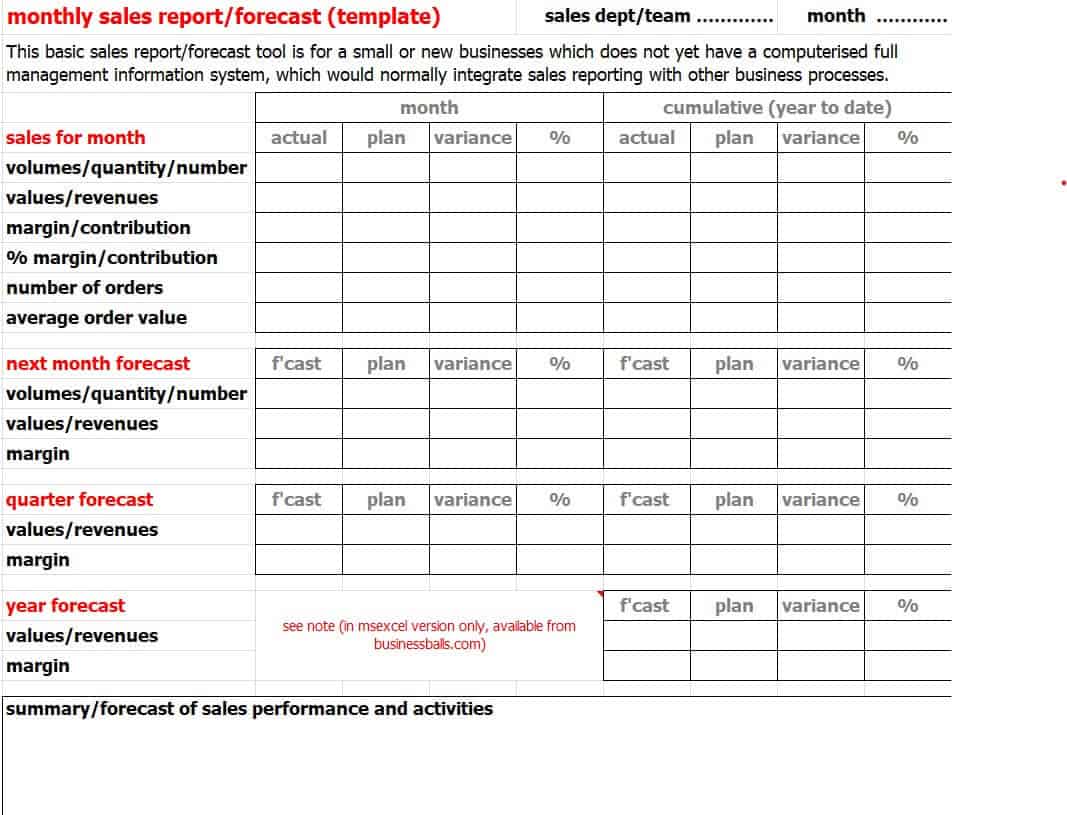
- Monthly & Quarterly Sales Performance Report: High-level executive spreadsheet for tracking product revenue, profit margins, and quarterly percentage growth against target quotas.
MS Word Sales Report Templates (.DOCX)
- Simple Field Sales Report Form: Concise print-friendly document for on-field sales agents to record client meetings, order numbers, and follow-up notes.
- Comparative Yearly Sales Summary: Designed for formal business meetings to document year-over-year revenue growth and market analysis insights.
(Insert your template download grid / list here)
How to Write an Effective Sales Report in 4 Steps
To turn raw sales numbers into actionable business decisions, follow these four reporting best practices:
1. Define Your Reporting Objective and Frequency
Match your report format to your audience. Store managers require daily cash sales logs, sales directors need weekly activity summaries, and board members focus on quarterly revenue trends.
2. Visualize Key Data with Excel Charts
Raw numbers can be overwhelming. Utilize bar charts, pie graphs, and trendlines within your Excel sales dashboard to highlight revenue growth, top-selling categories, and target variances at a glance.
3. Add Qualitative Context to Quantitative Data
Numbers alone don’t reveal the whole story. Include brief written notes explaining why sales surged or dipped—such as marketing campaign launches, supply chain delays, or seasonal shifts.
4. Standardize Your Formatting for Team Consistency
Ensure all team members use the same sales report format. Using standardized Word and Excel templates ensures consistent data collection across departments and simplifies monthly data aggregation.
Download Sales Report Templates in Excel Here:
Simple Sales Report Template
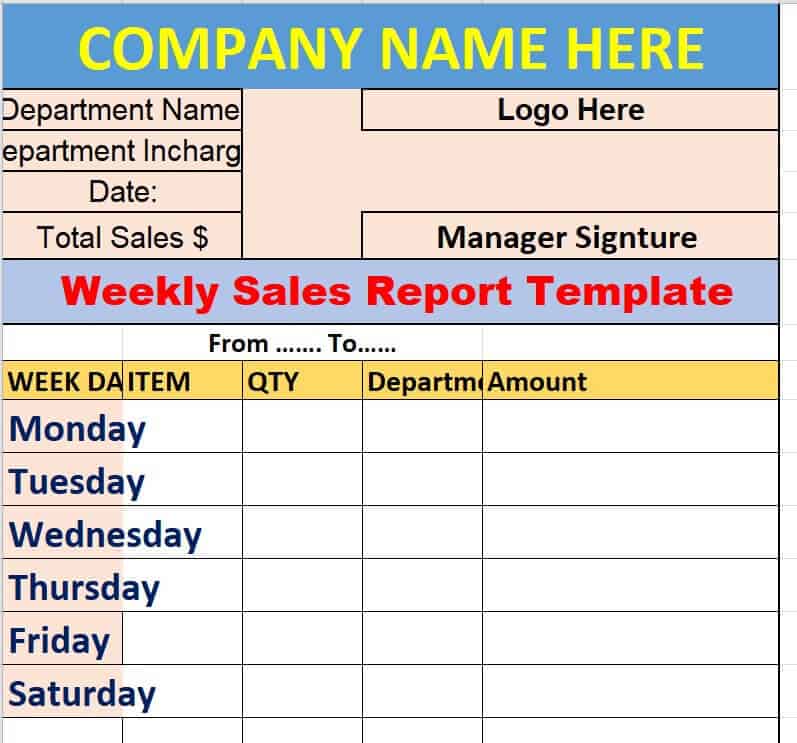
Weekly Sales Activity Report Template
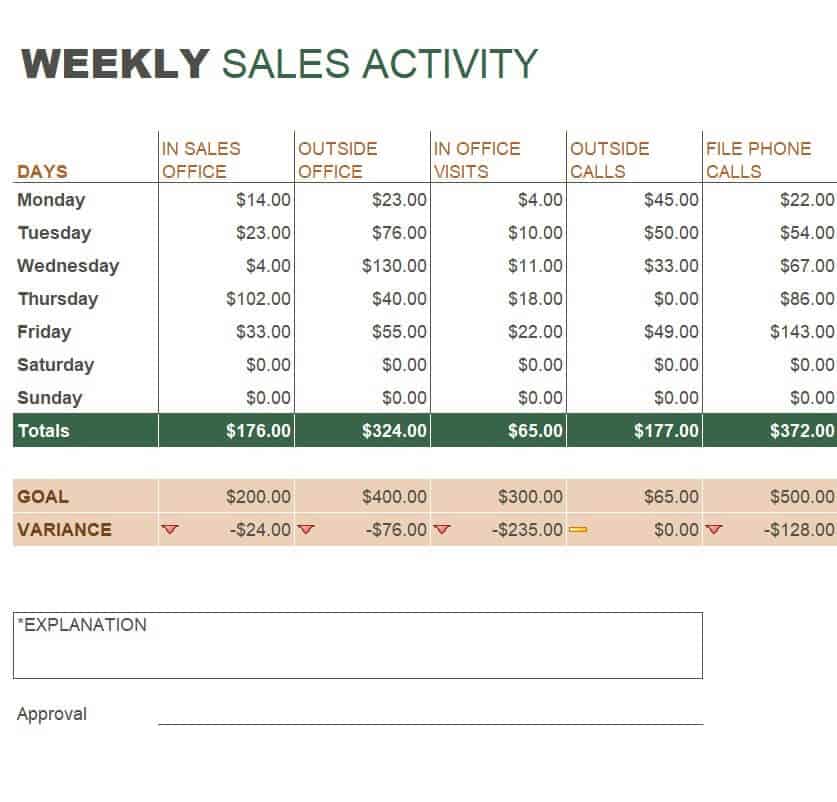
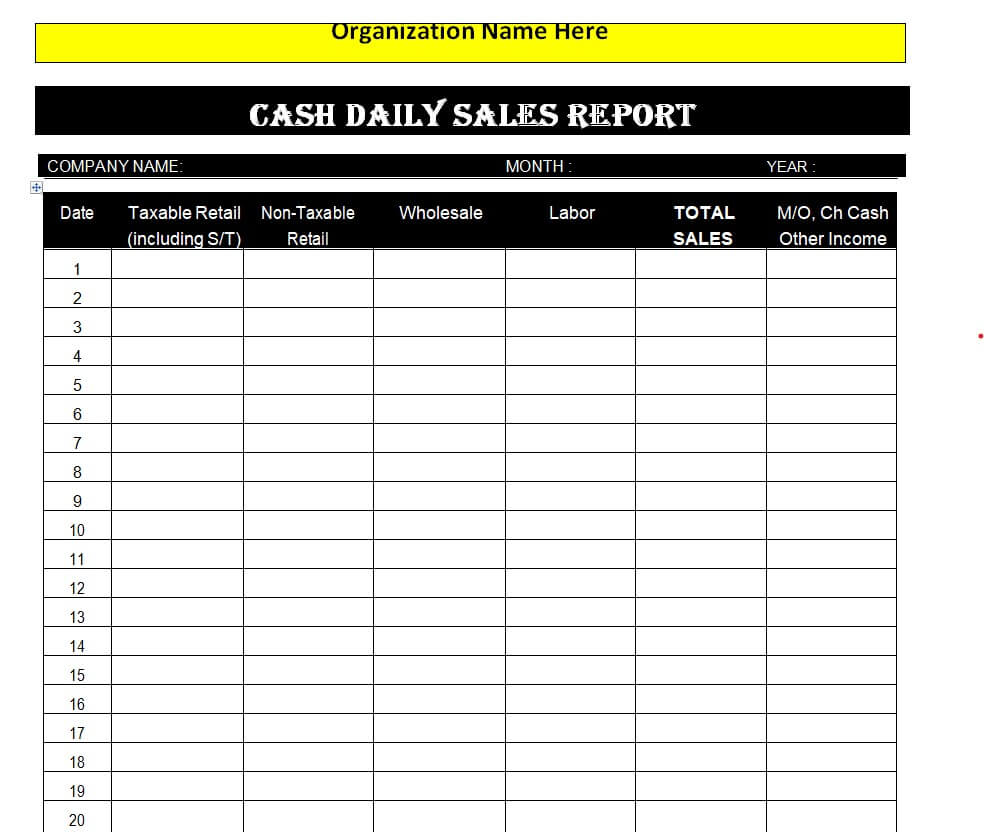
Daily Cash Sales Report Template
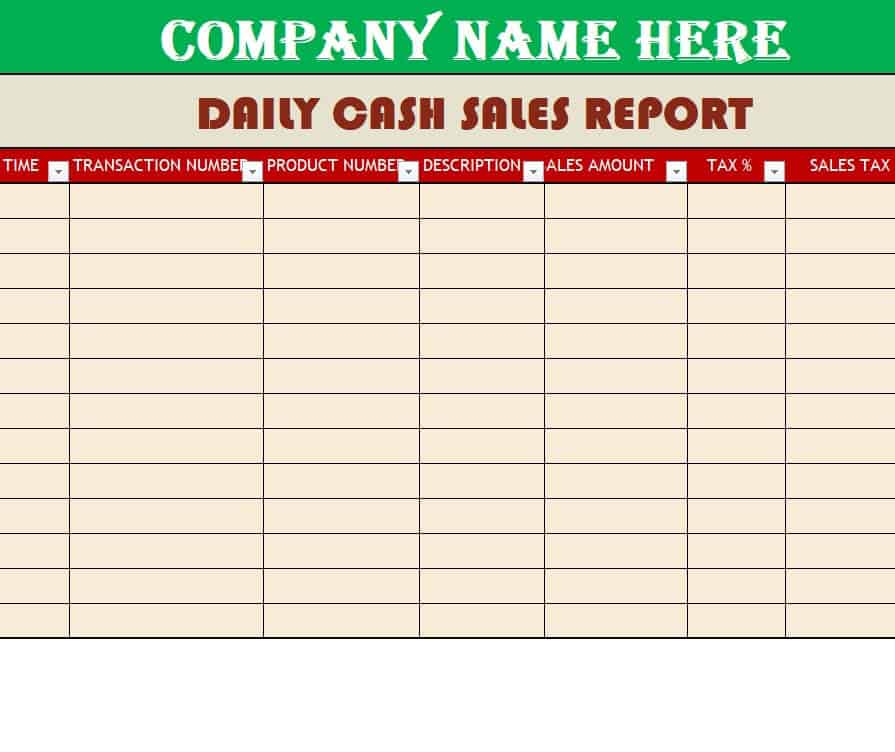
Field Sales Report Form Sample
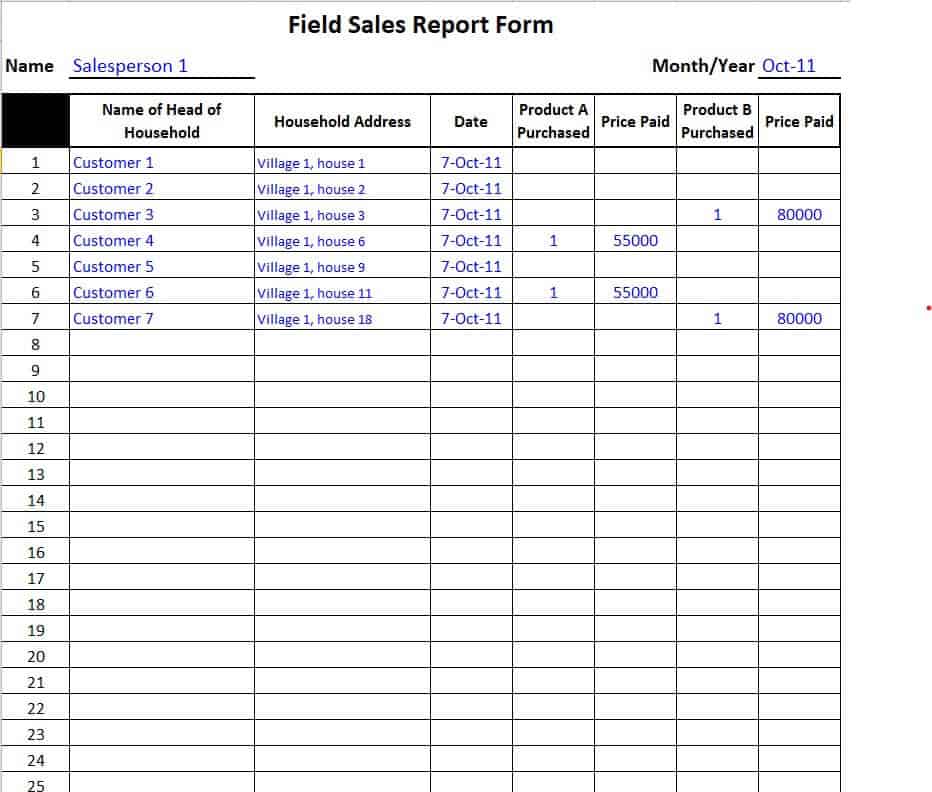
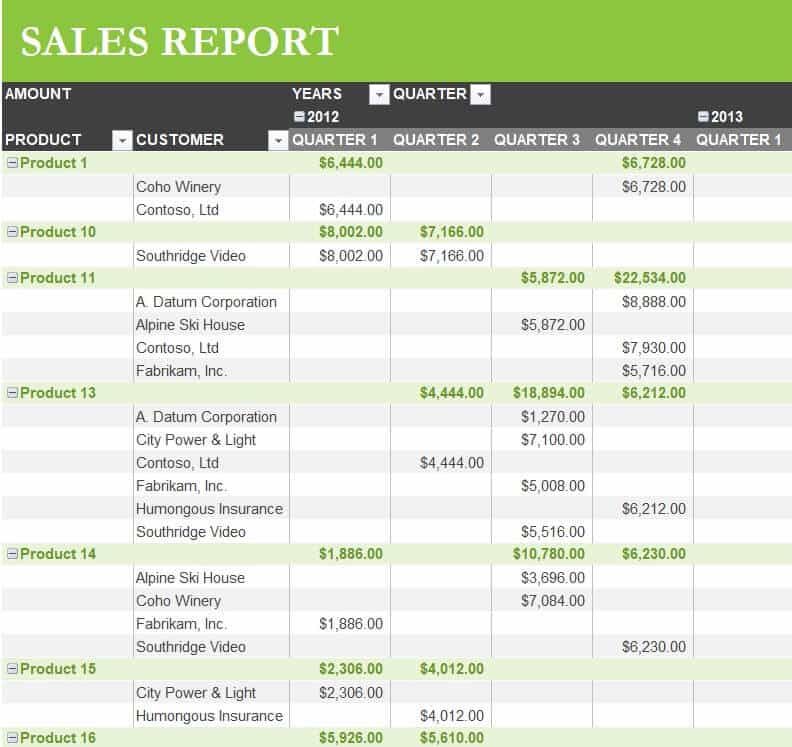
Official Sales Report Excel Template
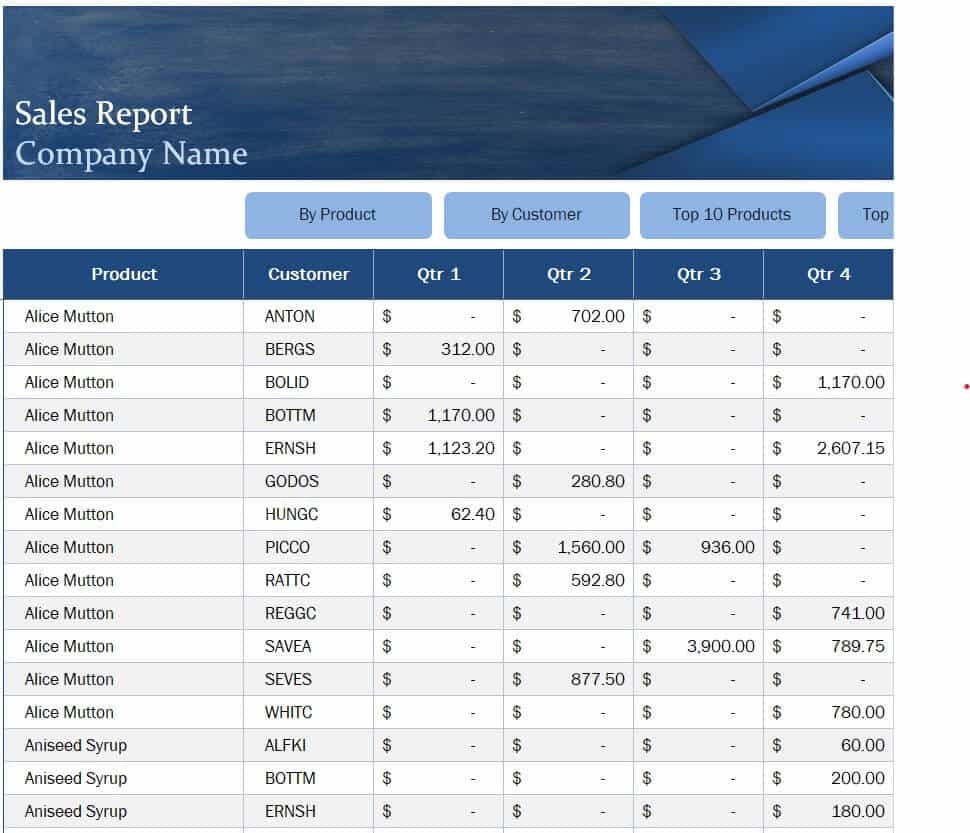
Business Sales Report Sheet Example
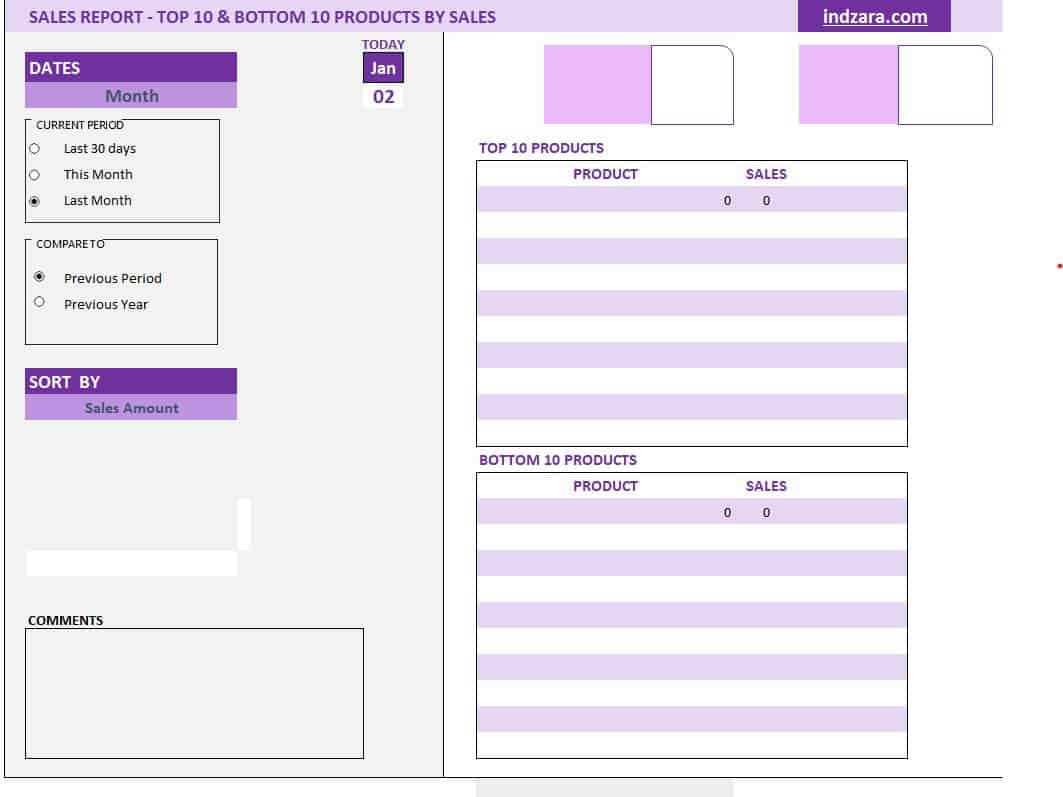
Blank Sales Report Template in XLSX Format
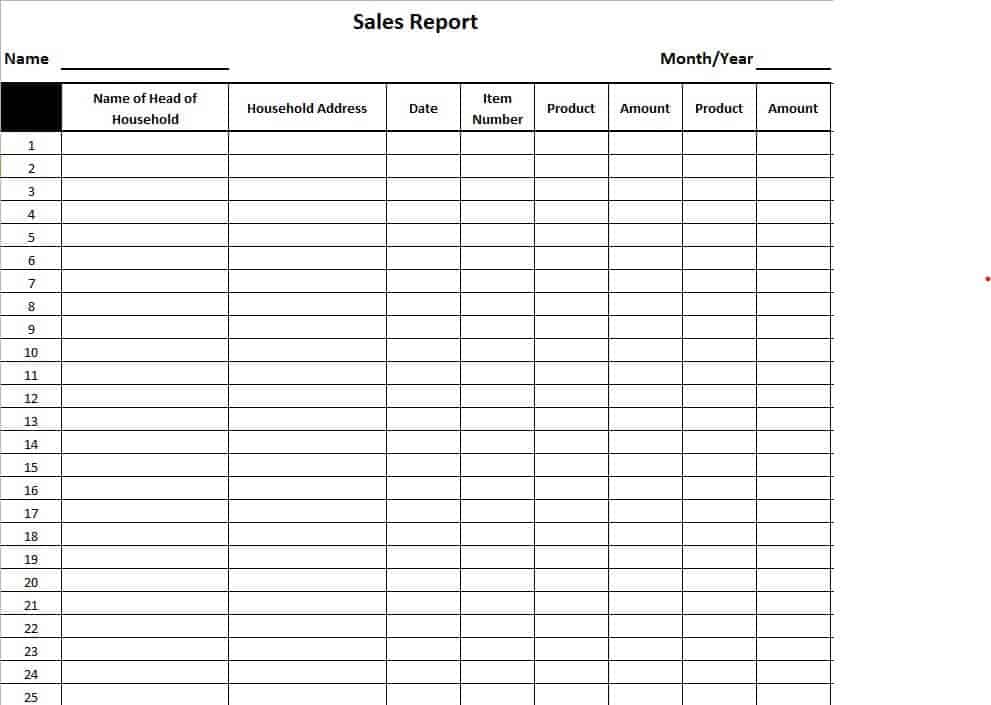
Company’s Quarterly Sales Report Template
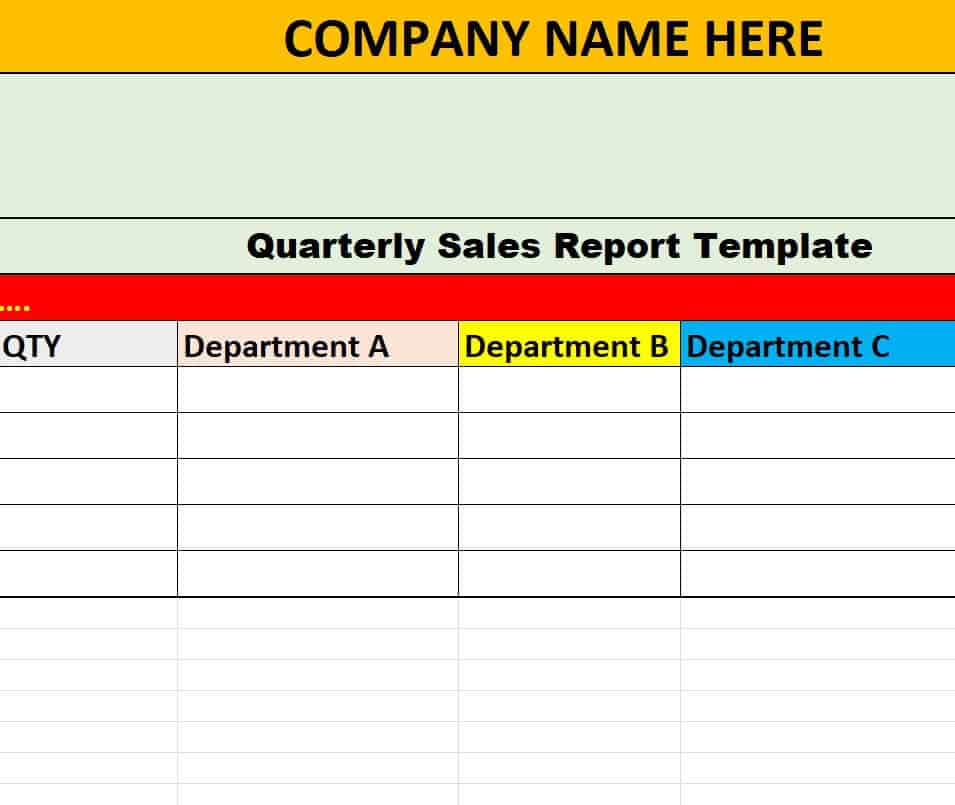
Free Monthly Sales Report Sample
Professional Weekly Sales Report Example
Free Editable Daily Cash Sales Report
Detailed Sales Report Template Excel
Download Sales Report Templates in Word Here:
Simple Sales Report Sheet in WORD
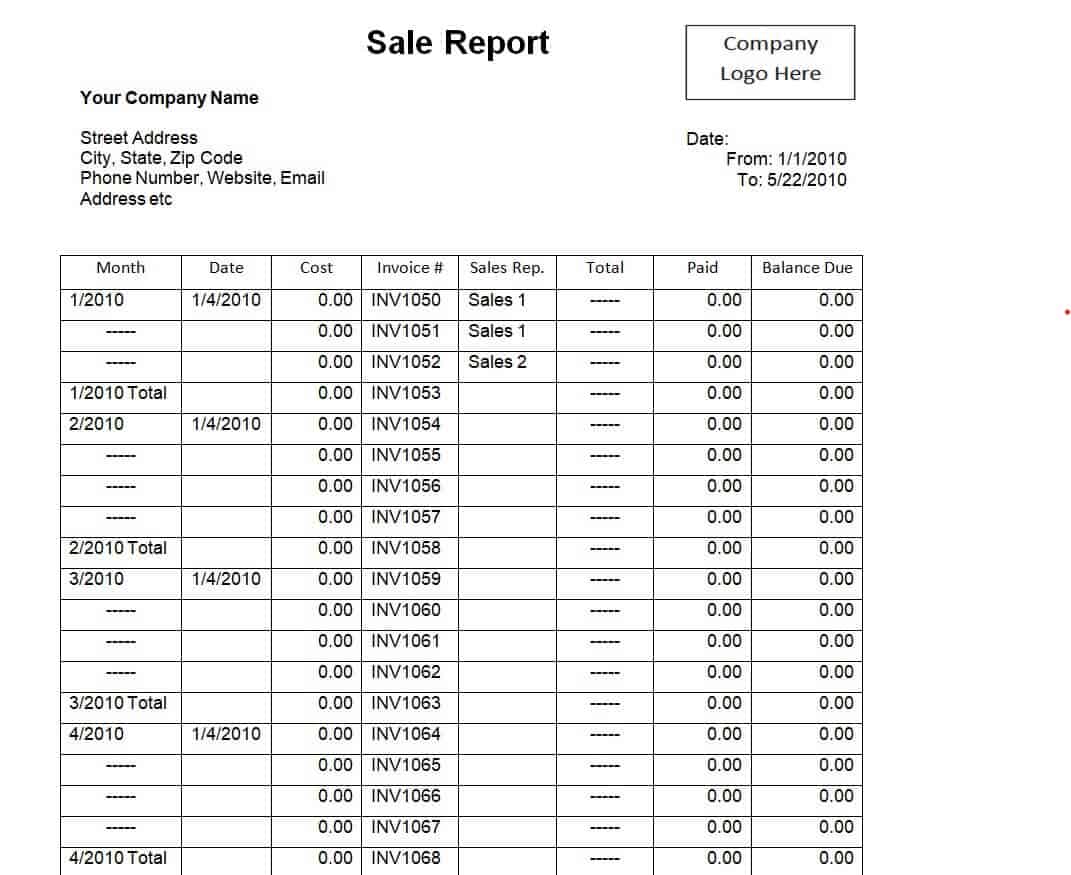
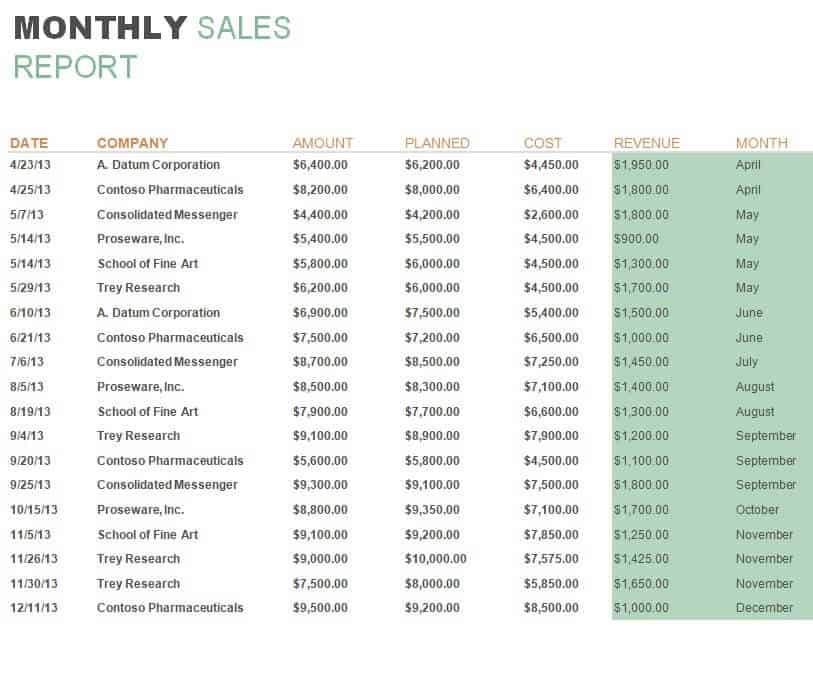
Practical Monthly Sales Report Template
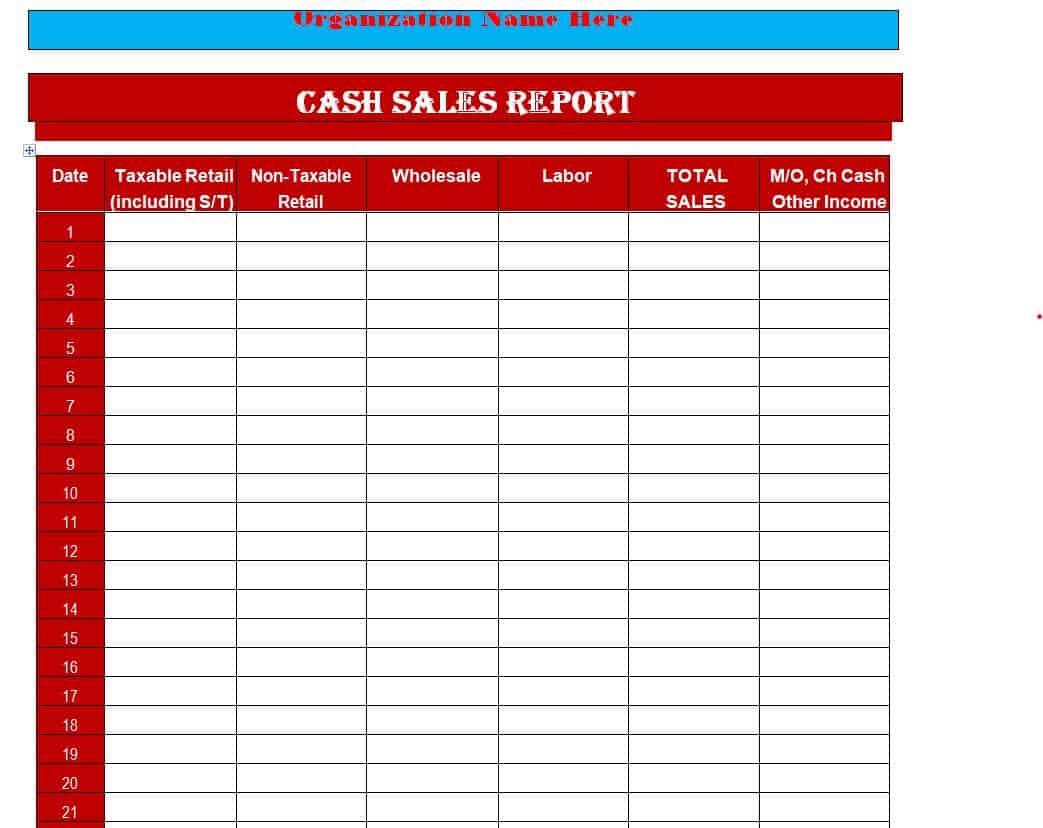
Fillable Cash Sales Report Word Template
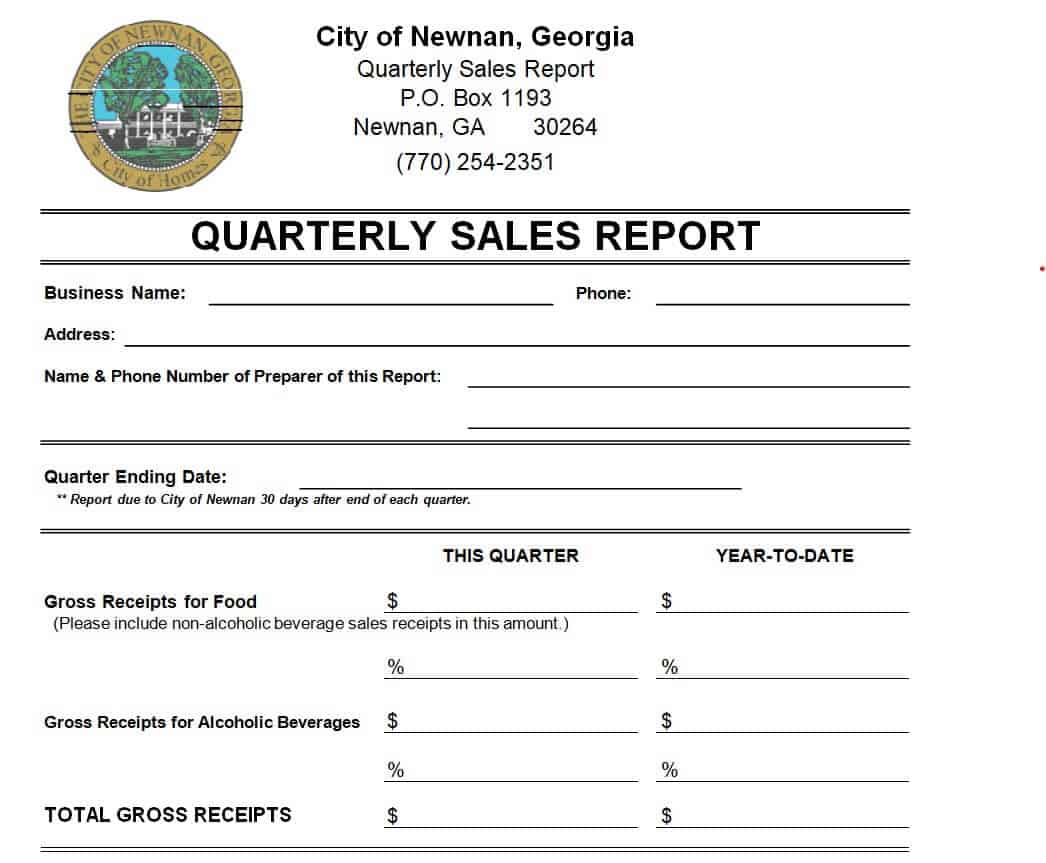
Business Quarterly Sales Report Layout
Organization’s Daily Cash Sales Report Sheet
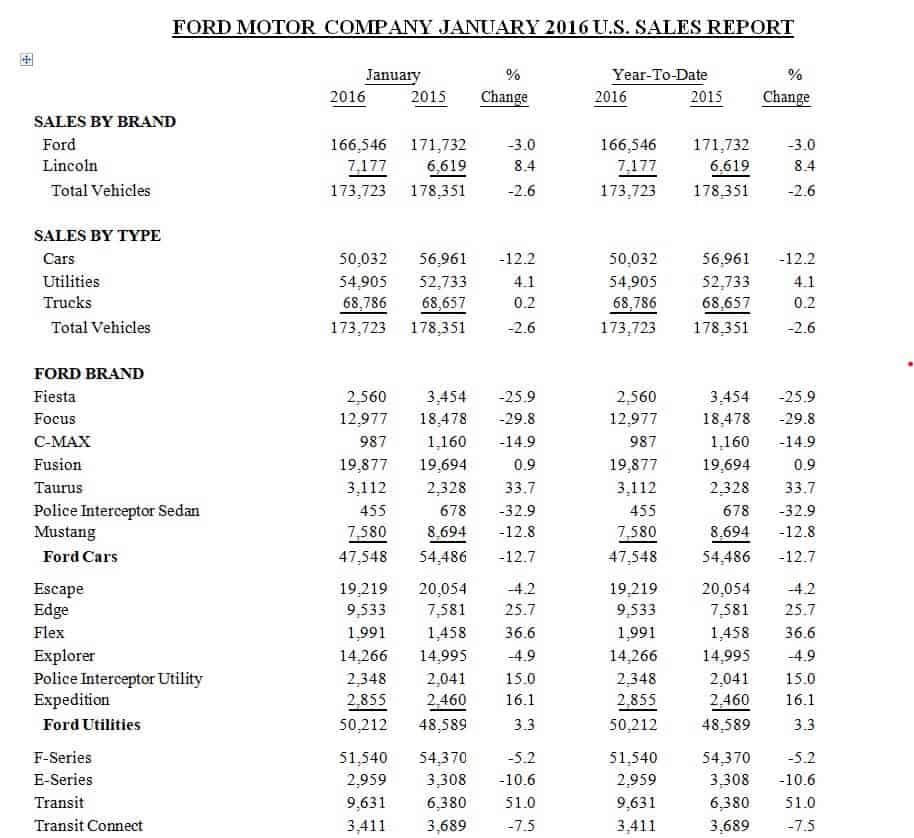
Company’s Comparative Yearly Sales Report Example
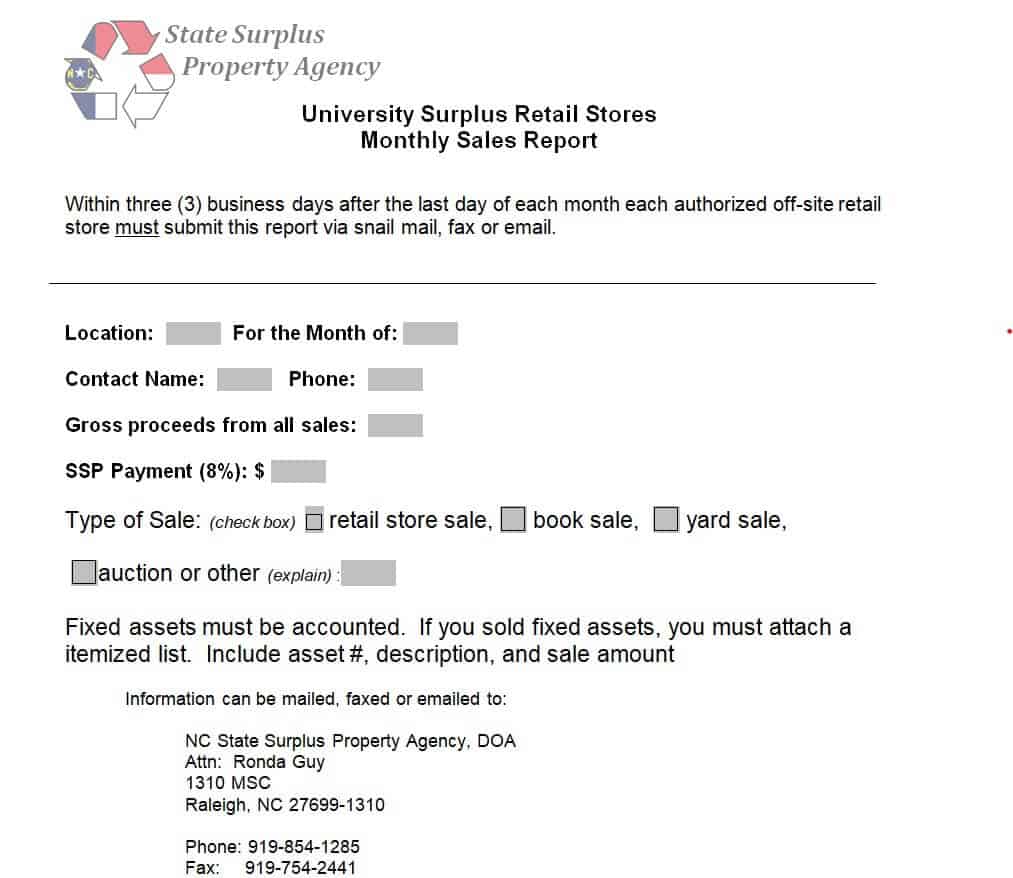
University’s Retail Store Monthly Sales Report
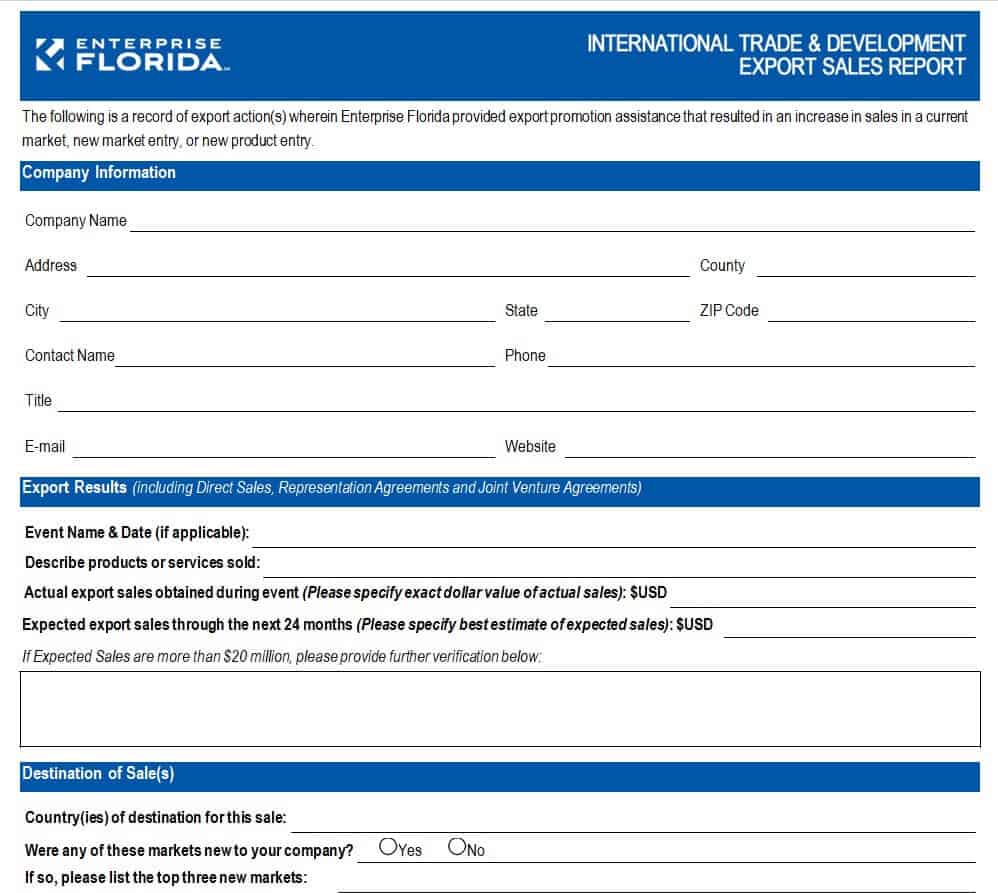
Export Sales Report Template
Frequently Asked Questions (FAQs)
How do I create an automated sales report in Excel?
Download a pre-formatted Excel sales template, input your raw transaction data into the designated table rows, and let built-in SUM and AVERAGE formulas automatically update your total revenue, profit margin, and performance charts.
What is the difference between a daily sales log and a weekly sales report?
A daily sales log focuses on transactional cash handling, daily receipts, and immediate end-of-day register reconciliation. A weekly sales report analyzes sales rep activities, deal pipeline progress, lead conversion rates, and weekly target progress.
Can I convert these Excel sales templates to Google Sheets?
Yes. Simply download the .xlsx file from our site, open Google Drive, click New > File Upload, and select the downloaded file. Google Sheets will automatically convert the spreadsheet with formulas intact.


You must be logged in to post a comment.