

Accurately tracking company spending, employee reimbursements, and operational overhead is critical for maintaining healthy cash flow and ensuring tax compliance. A free expense report template provides a pre-formatted, error-free framework to document business-related expenditures, organize receipts, calculate mileage reimbursement, and streamline manager approvals.
Whether you need a simple daily petty cash log, an itemized travel expense form in Word, or an automated monthly expense tracking spreadsheet in Excel, utilizing pre-built templates saves valuable administrative time and minimizes financial errors.
What is an Expense Report?
An expense report is a formal financial document used by employees, freelancers, and managers to record business-related costs incurred during work operations or business travel. Once submitted with supporting receipts, the finance department reviews the expenditures for policy compliance and issues an employee reimbursement.
Key benefits of using a standardized expense report format include:
- Financial Accuracy: Automated Excel formulas prevent manual calculation errors across tax, mileage, and subtotal lines.
- Audit & Tax Compliance: Maintains clear, itemized records required by tax authorities (e.g., IRS, FBR) for claiming legitimate business deductions.
- Budget Control: Enables department managers to monitor spending trends, spot budget overruns early, and prevent fraudulent reimbursement claims.
- Streamlined Approvals: Provides a standardized layout that speeds up management sign-offs and payout processing.
Key Components Every Expense Report Should Include
To ensure seamless review and tax compliance, every business expense report format should contain the following core fields:
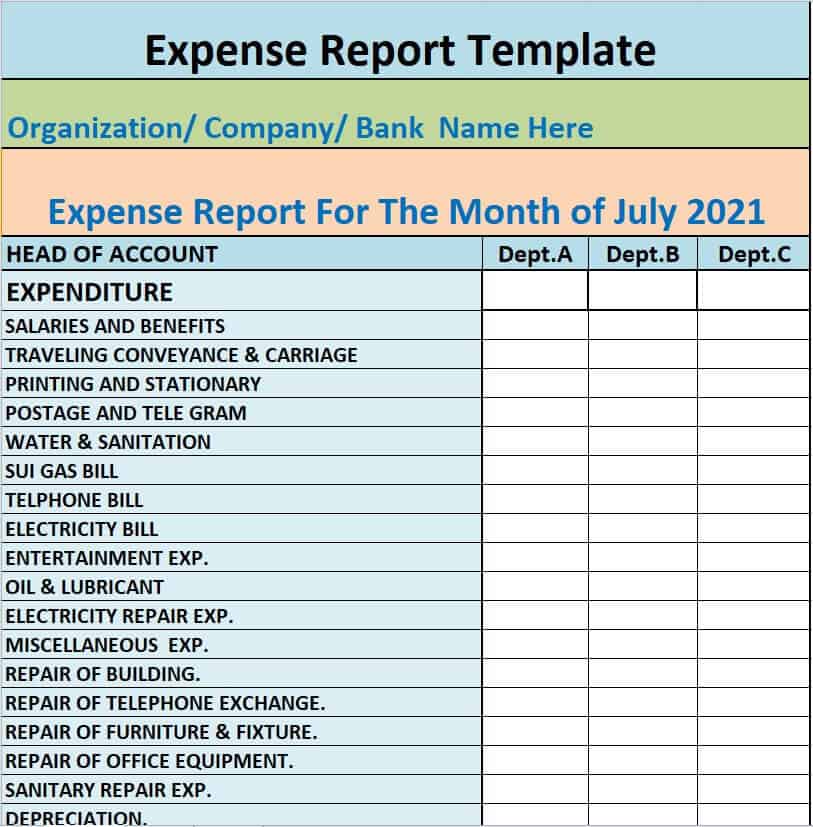
| Field Section | Required Details | Purpose |
| Employee & Header Info | Full Name, Department, Employee ID, Contact Info, Submission Date. | Identifies the claimant and routes the form to the correct department. |
| Expense Details | Date of Expenditure, Vendor/Merchant Name, Purpose/Justification. | Proves the legitimacy and timing of each transaction. |
| Expense Categorization | Travel (Air/Taxi), Meals, Lodging, Office Supplies, Mileage, Utilities. | Simplifies bookkeeping and tax deduction accounting. |
| Financial Summary | Line Totals, Subtotal, Tax/VAT Amount, Less Cash Advance, Total Reimbursement Due. | Automatically calculates the exact payout amount owed. |
| Approval Signatures | Signature lines for Claimant and Authorizing Manager with Approval Date. | Establishes accountability and compliance with company policy. |
Types of Free Expense Report Templates Available
Choose from our library of customizable MS Excel (.xlsx) and MS Word (.docx) formats tailored for specific business needs:
- Travel & Business Trip Expense Report: Features itemized columns for flights, hotel stays, client meals, car rentals, and incidental expenses incurred during business travel.
- Monthly Business Expense Tracker (Excel): Multi-tab spreadsheet allowing small business owners to track recurring operational costs, utility bills, and vendor payments across 12 months.
- Employee Reimbursement Claim Form (Word): Simple, clean fillable Word form for non-travel day-to-day out-of-pocket expenses like office supplies, client coffee, or parking fees.
- Mileage Tracking Log Sheet: Specialized spreadsheet built with auto-calculating mileage rates to compute driving reimbursements based on total distance traveled.
- Petty Cash Log Template: Compact form designed for office managers to record small cash withdrawals, change balances, and daily register receipts.
Download Free Expense Report Templates for Excel & Word
Explore our collection of fully customizable Excel and MS Word expense templates below. Click the download buttons to save each file directly to your device and adapt the fields to your company’s expense policy.
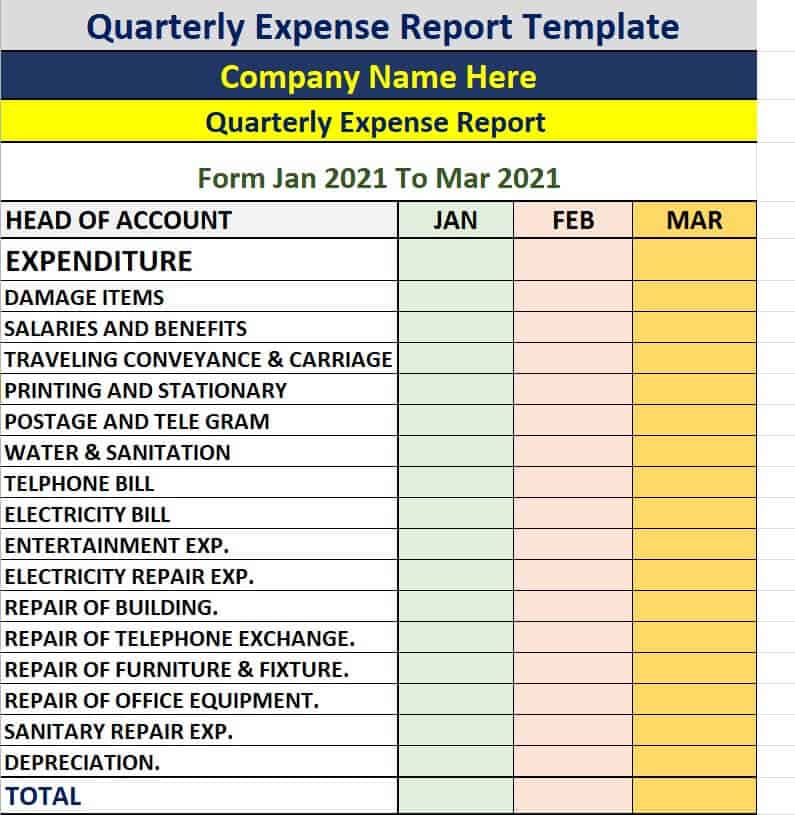
Quarterly Expense Report Template
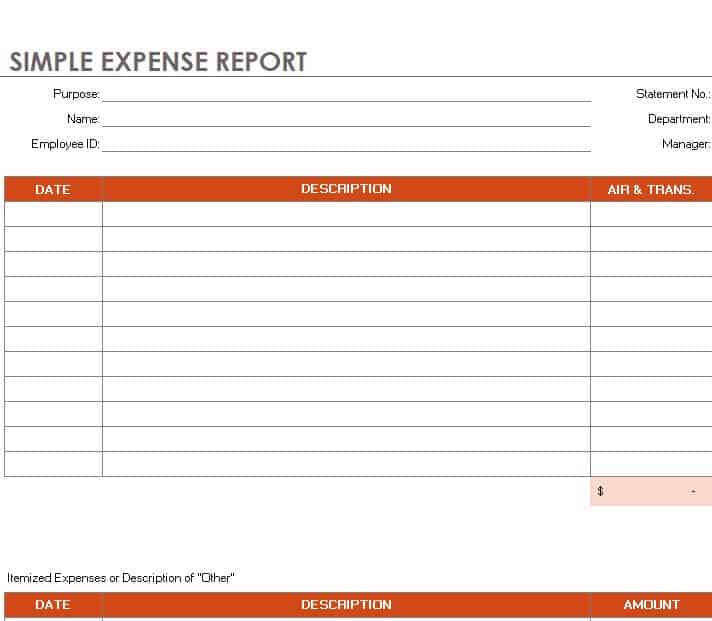
Simple Expense Report Template
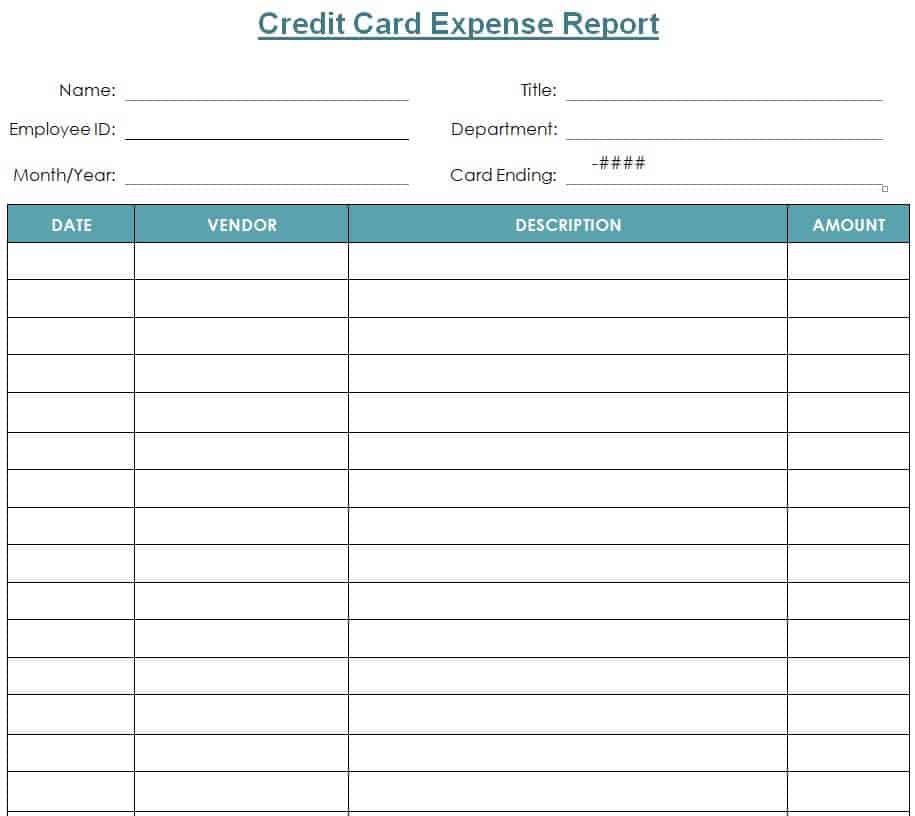
Credit Card Expense Report Word Template
Easy to Use Expense Report Template Excel
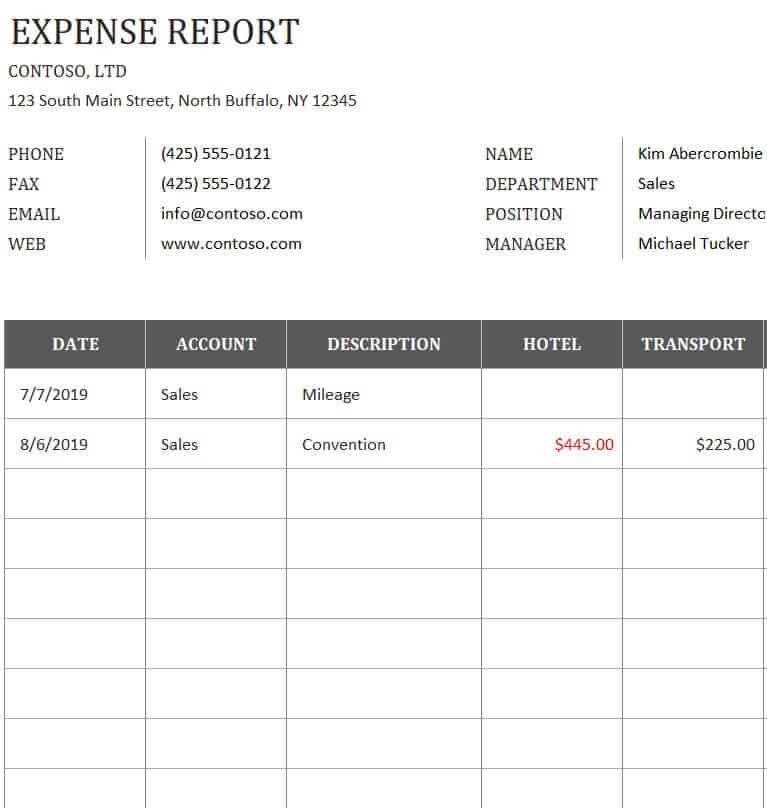
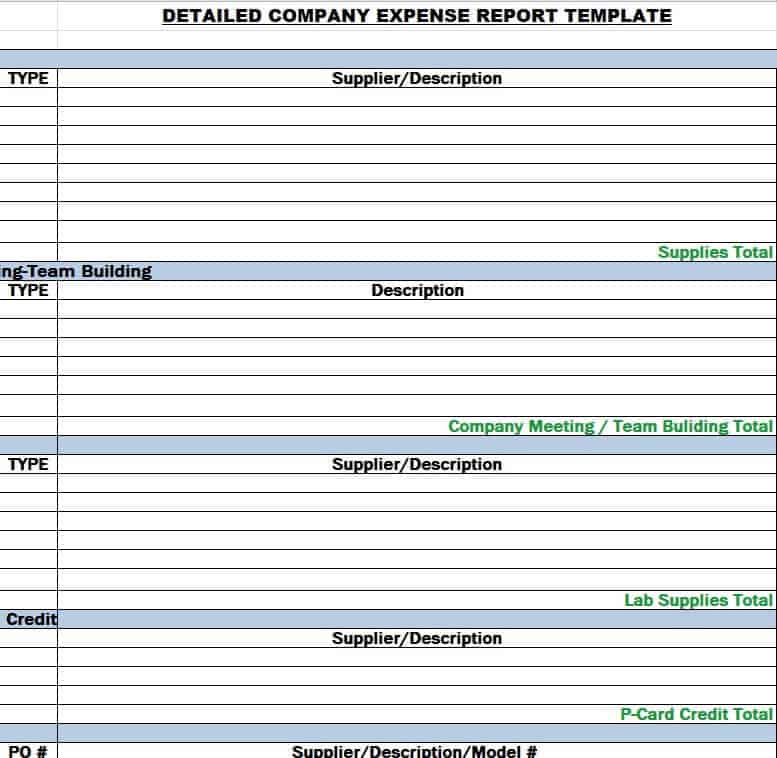
Detailed Company Expense Report Template
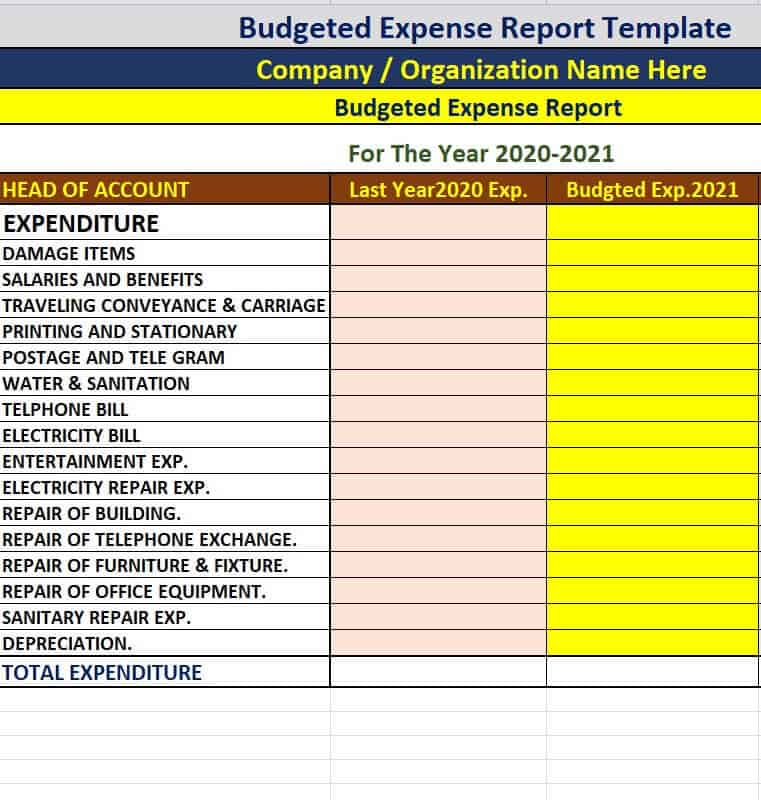
Budgeted Expense Report Template
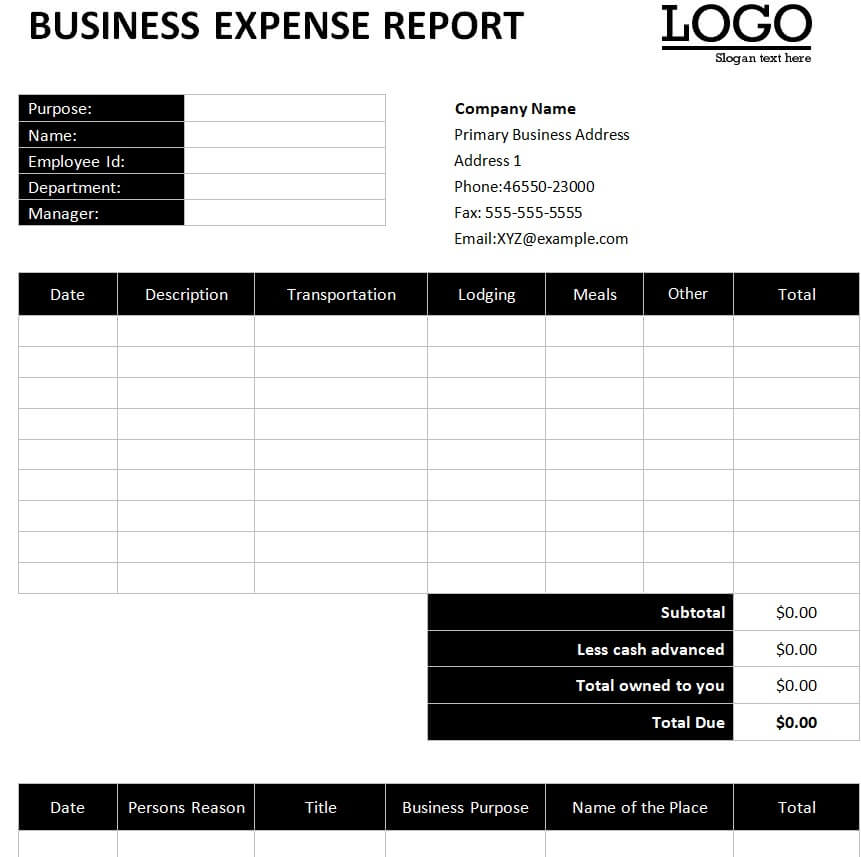
Business Expense Report Sample WORD
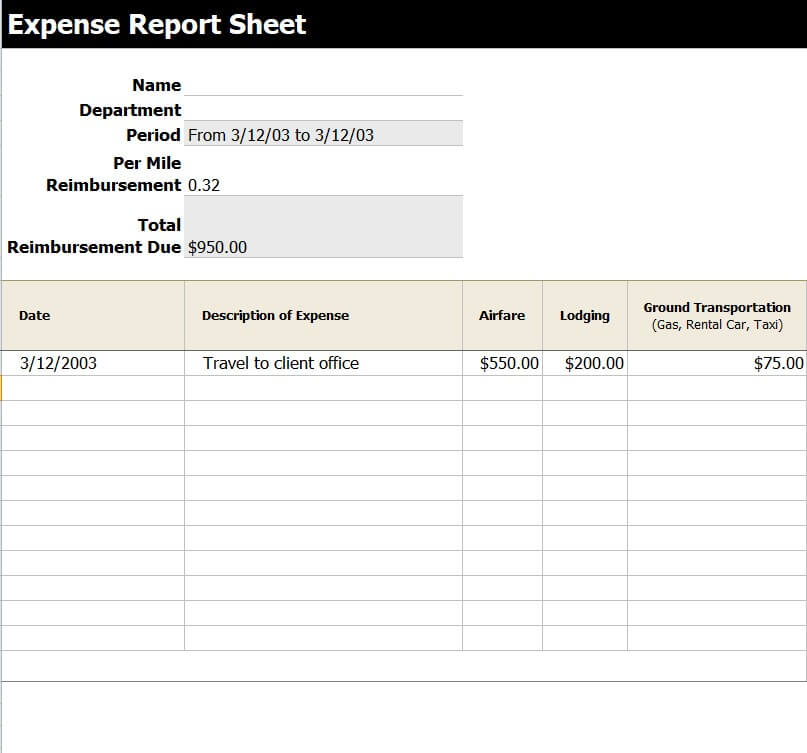
Free Editable Expense Report Sheet Template
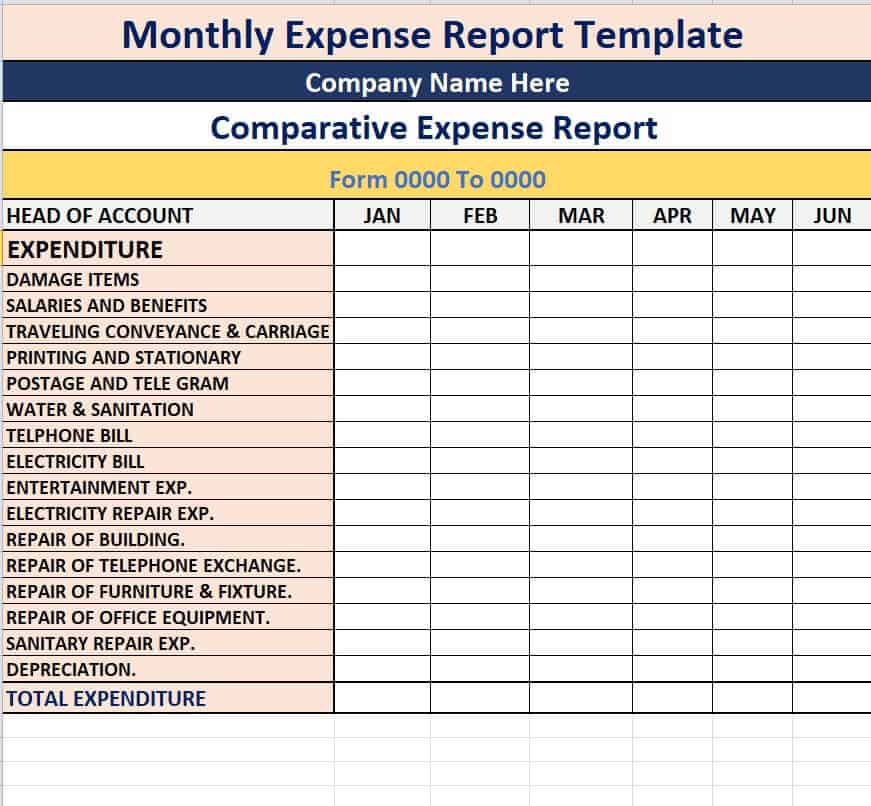
Monthly Comparative Expense Report Template in XLSX Format
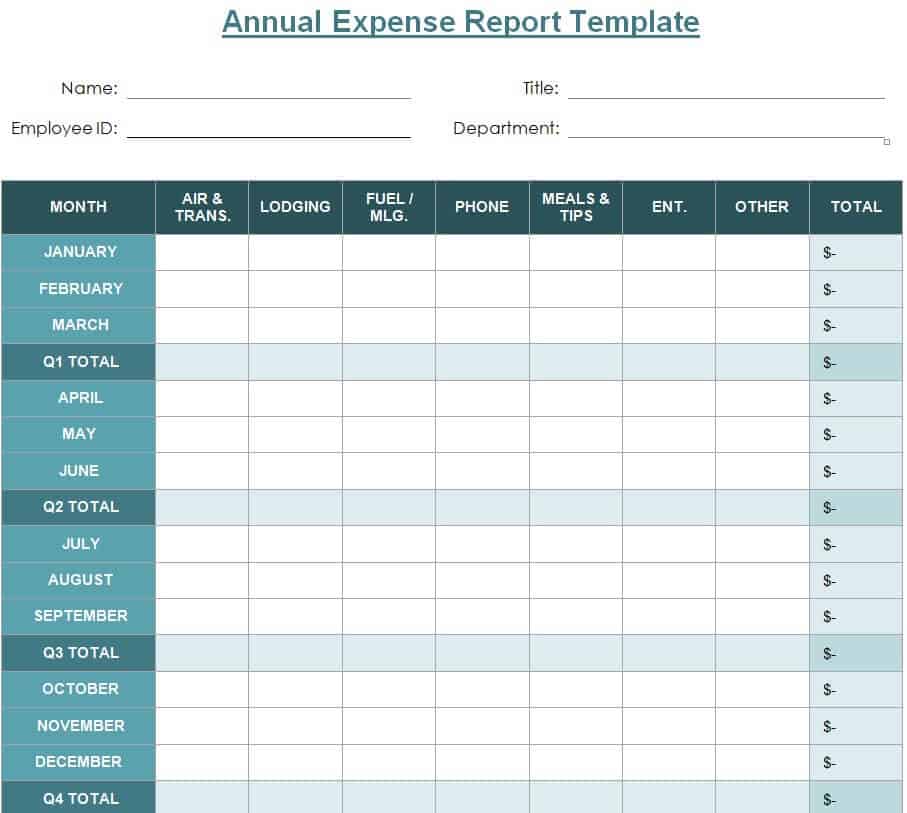
Annual Expense Report Template in DOC Format
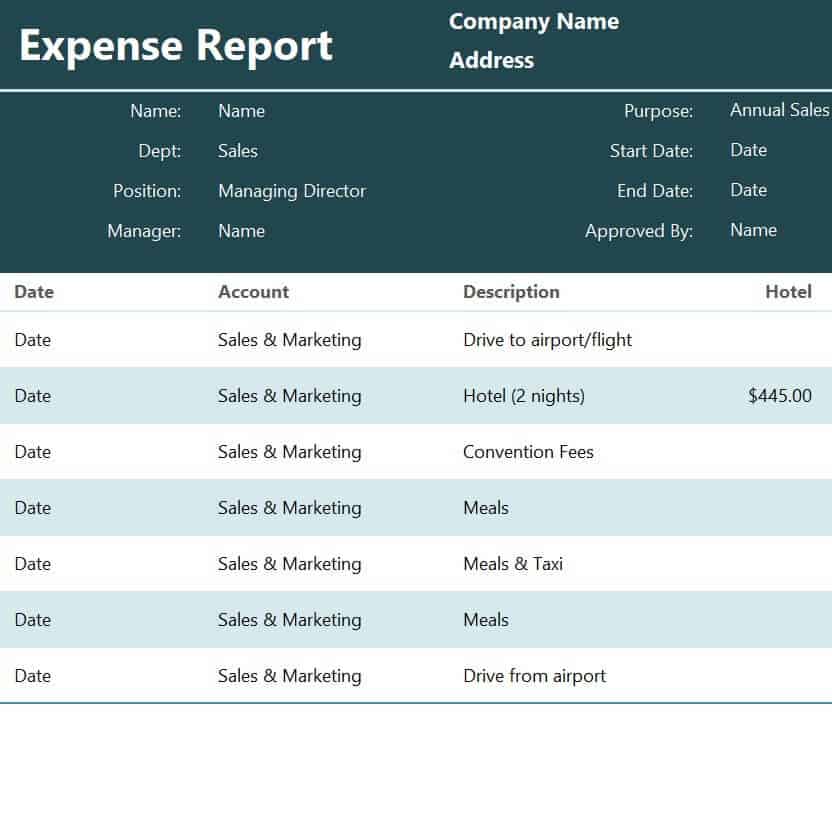
Practical Expense Report Template
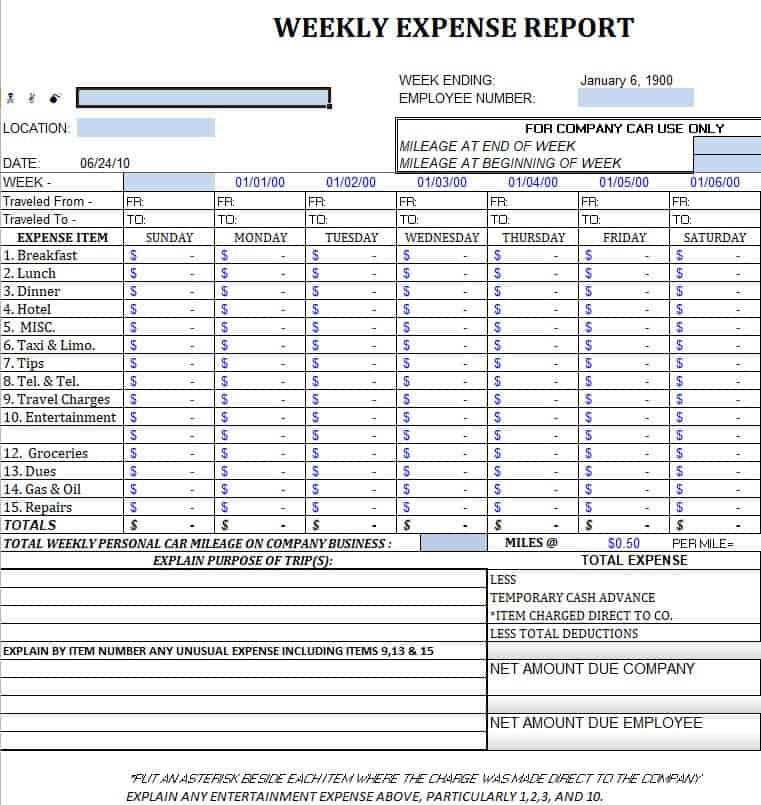
Simple Weekly Expense Report Example
Business Expense Report Template in MS WORD
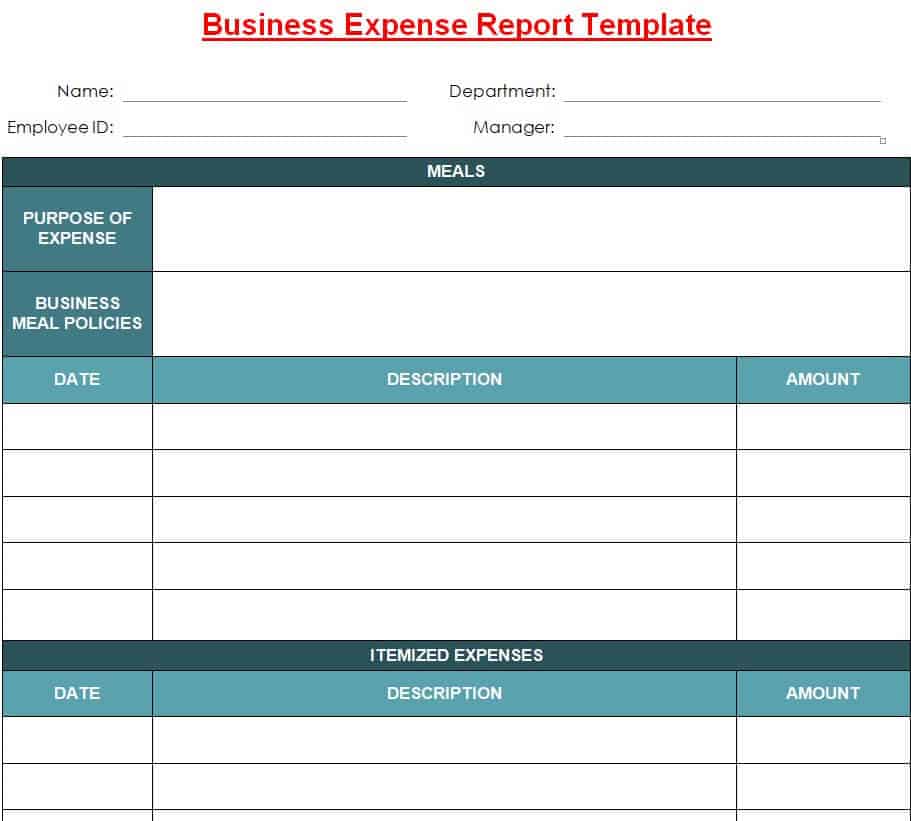
Expense Report Sheet Template
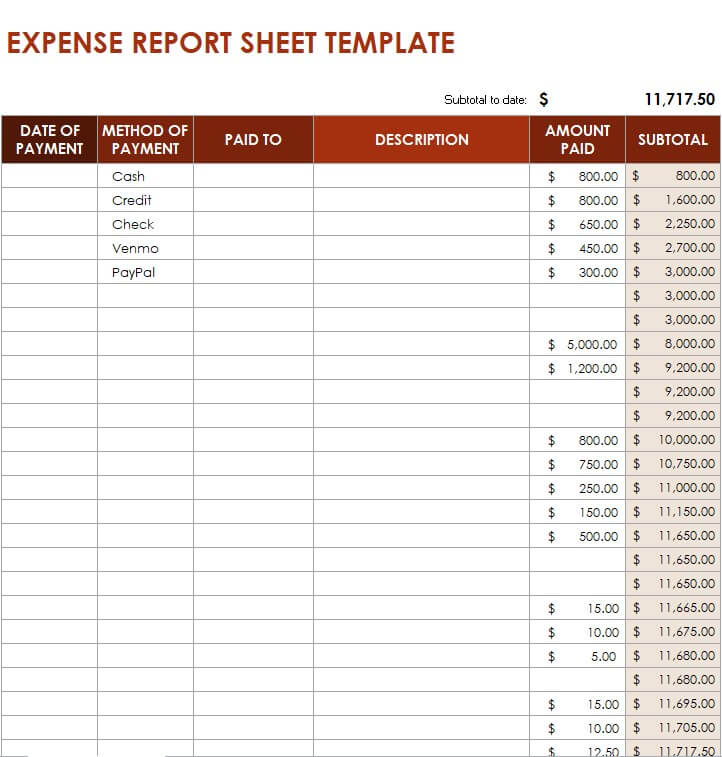
Official Weekly Expense Report Template
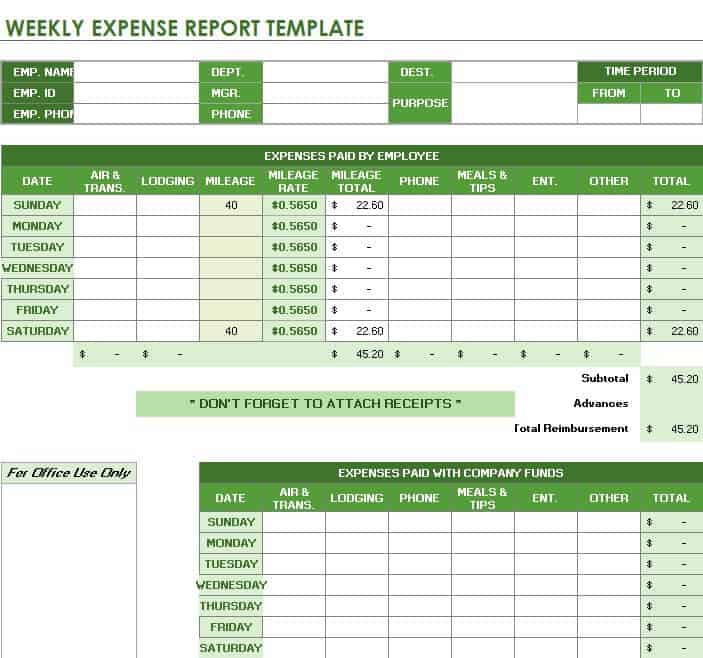
Organization’s Expense Report Template
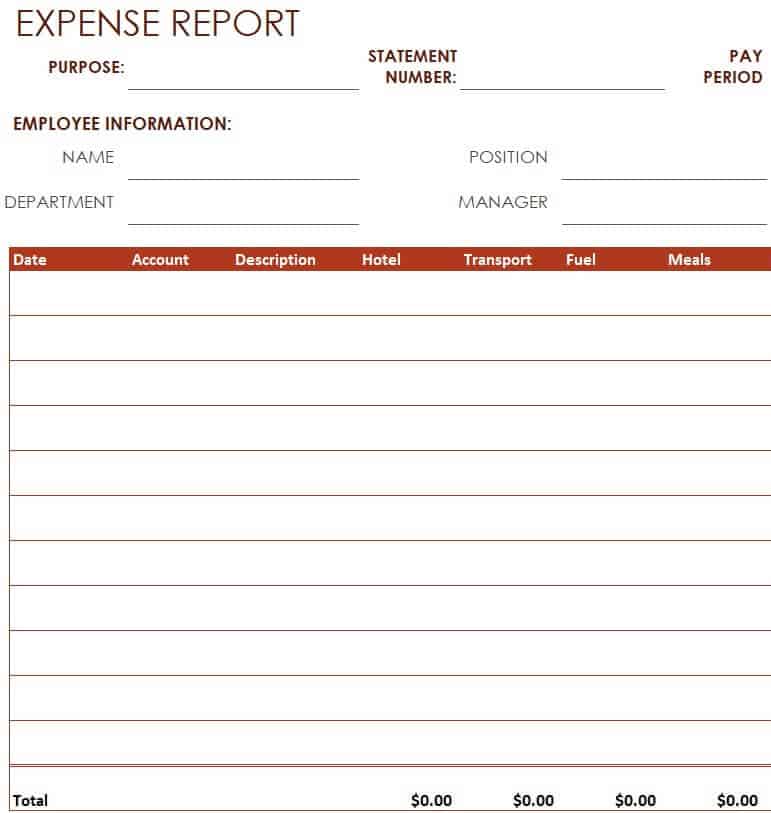
Sample Monthly Expense Report Template
How to Submit an Error-Free Expense Report in 4 Steps
To ensure rapid approval and prompt reimbursement, follow these best practices when preparing your report:
1. Itemize Every Transaction Line-by-Line
Avoid grouping multiple purchases into a single lump sum. State the exact date, vendor name, and specific business purpose for every receipt submitted.
2. Attach Legible Copies of All Receipts
Digital scans or clear photo attachments of itemized receipts are required for all major transactions. Ensure the merchant name, date, item breakdown, and payment total are clearly visible.
3. Separate Tax-Deductible Categories
Use appropriate category dropdowns in your Excel expense spreadsheet. Proper classification between entertainment, travel, and office equipment ensures your accounting team maximizes allowable tax deductions.
4. Double-Check Auto-Calculated Totals
Before submitting for manager approval, verify that any company cash advances or prepaid corporate card charges have been subtracted from the Total Reimbursement Due line.


You must be logged in to post a comment.