

Streamline your team’s weekly status updates, track project milestones, and maintain complete operational visibility with our collection of free weekly report templates. Designed for project managers, team leads, department heads, construction supervisors, and remote employees, these customizable spreadsheets and documents help you capture weekly wins, address roadblocks, and keep stakeholders informed.
Whether you need an automated Excel weekly status dashboard, a structured Word activity log, or a printable PDF weekly tracker, download your preferred layout below to upgrade your business reporting.
Download Free Weekly Report Templates
1. Weekly Report Templates for Microsoft Excel (.xlsx)
Ideal for tracking multi-task progress, calculating completed hours, monitoring project budgets, and generating visual performance charts.
- Weekly Status & KPI Summary Sheet (Excel) – Feature-rich dashboard for tracking project deliverables, completion percentages, and milestone dates.
- Employee Weekly Activity & Hours Tracker – Automated timesheet layout for calculating total billable hours, overtime, and individual task outputs.
- Weekly Project Progress Tracker – Structured GANTT-style spreadsheet to monitor multi-member task assignments and project health.
- Simple Weekly Sales & Revenue Summary – High-level sales tracker to record weekly deal closures, lead conversions, and revenue totals.
- Weekly Operational Task Checklist – Multi-tab operational sheet for recurring weekly routines, maintenance schedules, and department checks.
2. Weekly Report Templates for Microsoft Word (.docx)
Best for written narratives, detailing key accomplishments, summarizing team challenges, and setting priorities for the upcoming week.
- Executive Weekly Summary Report Template – Formal document layout tailored for presenting high-level department updates to senior management.
- Fillable Weekly Team Status Update Form – Clean table-based Word layout featuring sections for “Completed,” “In Progress,” and “Planned” tasks.
- Weekly Project Milestone & Risk Report – Detailed template engineered for project managers to report scope changes, risks, and resource bottlenecks.
- Editable Weekly Work Progress Sheet – Versatile layout for individual employees or freelancers submitting weekly accomplishments to supervisors.
3. Printable Weekly Report Templates in PDF Format
Ready-to-print, fixed-layout forms suitable for tablet annotation, field site visits, and quick handwritten weekly summaries.
- Printable Weekly Activity Log (PDF) – Clean, grid-based layout for offline task logging, daily time blocks, and weekly goals.
- Construction & Site Inspection Weekly Summary (PDF) – Field-ready report for logging site safety, weather conditions, contractor hours, and material deliveries.
- Weekly Student & Volunteer Activity Verification Log – Simplified verification layout for tracking academic progress or volunteer hours.
Detailed Overview of Templates Included in This Collection
Below is a detailed breakdown of each free template available in this collection, complete with search-optimized alt text for images.
Editable Weekly Report Templates:
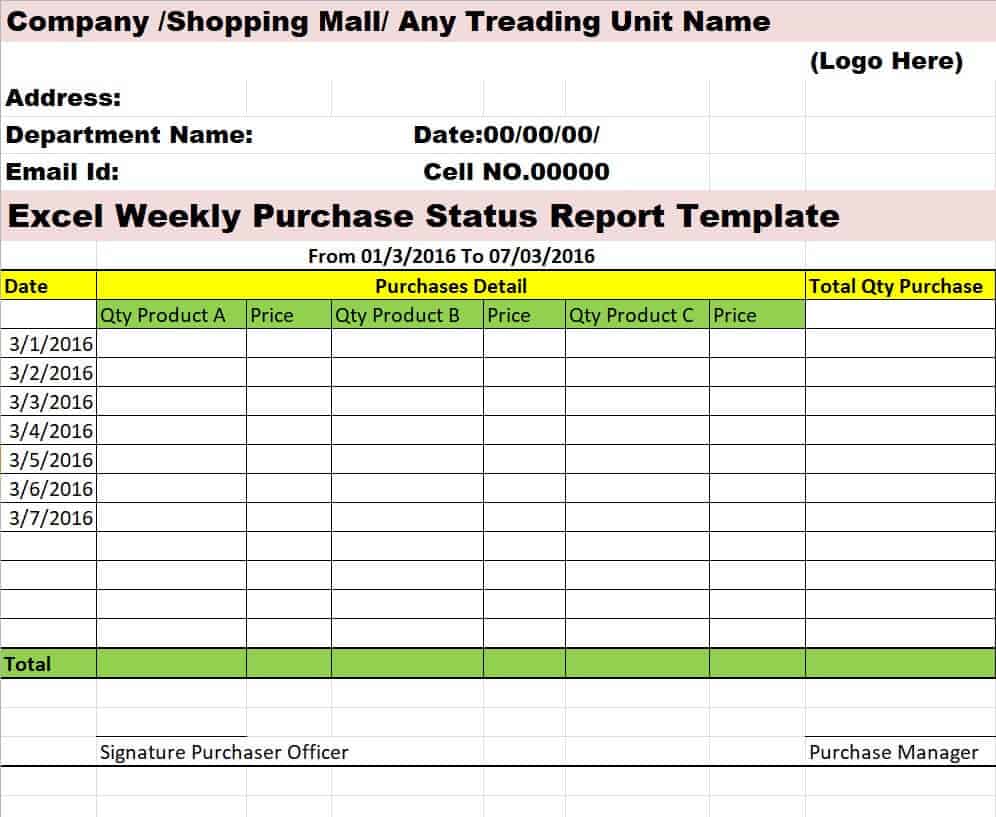
Weekly Purchase Status Report Template
This Excel-based purchase report template is designed to streamline your procurement tracking and inventory management operations. Featuring dedicated sections for purchase order numbers, vendor details, item descriptions, order quantities, unit prices, and delivery statuses, it gives purchasing managers a clear view of all open and fulfilled orders across the business. Built-in summary formulas automatically calculate weekly spend totals, pending financial commitments, and supplier lead times, making it easy to track expenditures against your operational procurement budget.
By standardizing your weekly purchase logging, your procurement team can rapidly identify vendor delivery delays, track backordered stock, and prevent inventory shortages before they impact production or sales. The clean, tabular layout allows for effortless filtering by supplier, order date, or fulfillment status, ensuring that purchase managers can present accurate, audit-ready expenditure summaries to finance leads during weekly budget syncs.
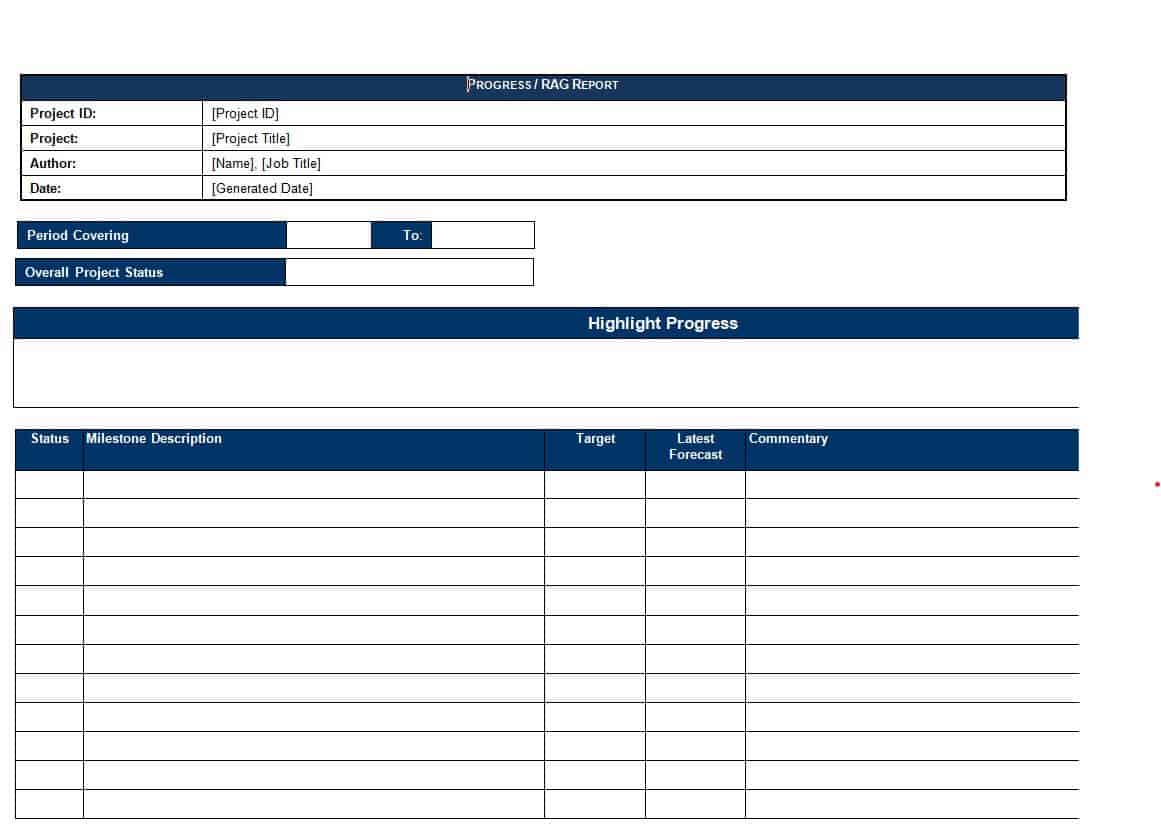
Blank Weekly Progress Report Template
This minimalist weekly progress report template provides a clean, adaptable framework for tracking tasks, projects, and personal deliverables across any industry. Designed without rigid, industry-specific fields, it features straightforward sections for key achievements, ongoing tasks, and planned priorities for the upcoming week. Simple table layouts make it easy to list project milestones, target deadlines, and assigned team members without cluttering the page with unnecessary administrative details.
By using a blank, unstructured progress sheet, independent contractors, freelancers, and small business teams can tailor their weekly reporting to match their exact operational workflow. The single-page layout allows for rapid data entry, enabling team members to summarize their weekly output in minutes while ensuring supervisors receive a clear, scannable overview of active projects during weekly status reviews.
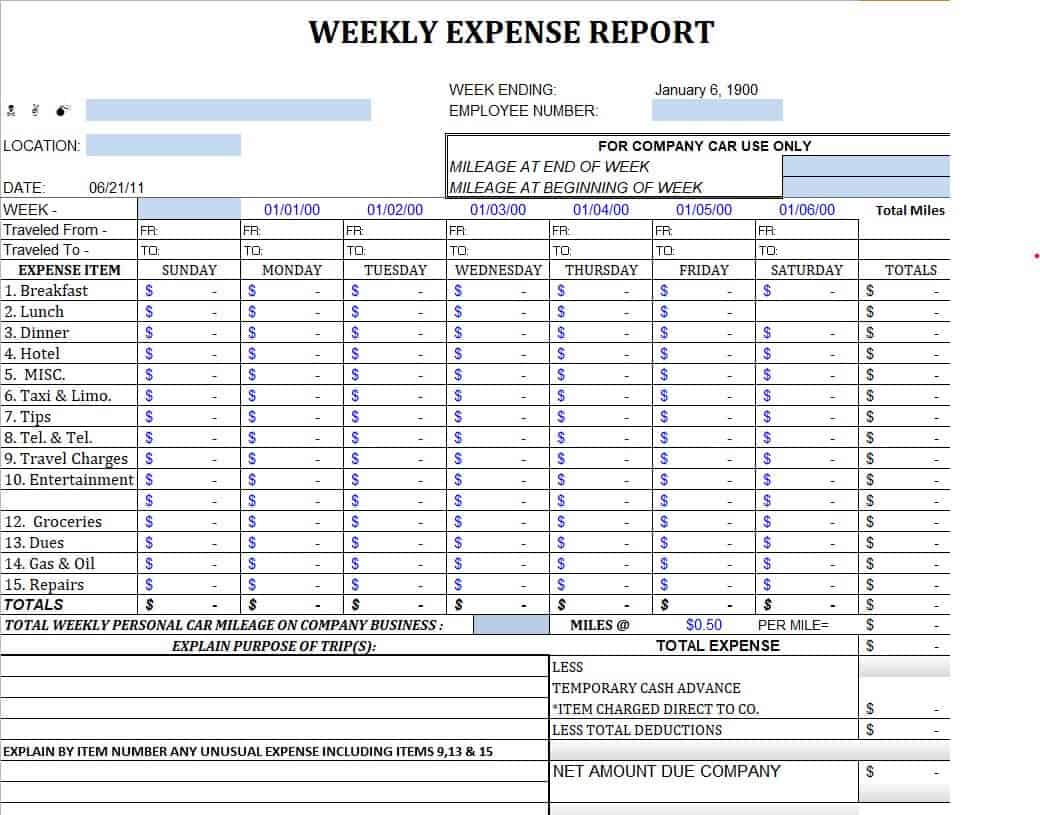
Weekly Expense Report Excel Template
This Excel-based expense tracker is engineered to simplify how employees, field representatives, and business owners log weekly operational costs and reimbursable expenses. Featuring structured columns for transaction dates, expense categories, vendor names, business descriptions, and payment methods, it provides a systematic framework for capturing expenditures as they occur. Built-in sum formulas automatically aggregate daily outlays, calculate tax amounts, and compute total weekly reimbursements due, eliminating manual calculation errors and speeding up processing times.
By standardizing weekly expense logging, finance departments can easily track out-of-pocket spending, monitor budget adherence across departments, and ensure compliance with internal financial policies. The clean, tabular layout allows for quick filtering by category—such as travel, meals, office supplies, or client entertainment—making it easy to attach digital receipts, present clear records for managerial approval, and maintain an audit-ready trail for tax season.
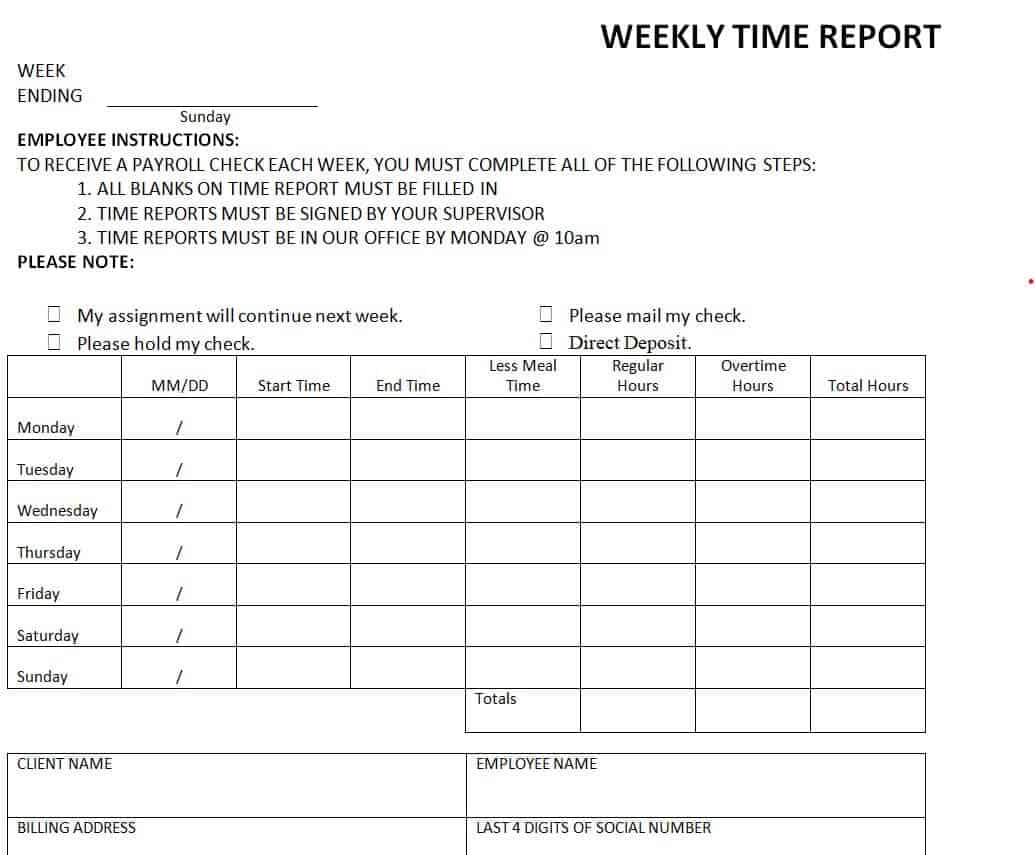
Weekly Time Report Template in DOC Format
This Microsoft Word template offers a clean, document-based layout for employees, freelancers, and contractors to record their billable hours and daily work activities. Designed with structured tables for each day of the week, it allows workers to log start times, end times, lunch breaks, and total hours alongside concise descriptions of tasks completed. The clean formatting ensures that work entries remain highly readable, making it ideal for client billing, project cost tracking, and internal payroll submission.
By utilizing a fillable Word document rather than a complex spreadsheet, team members can easily attach narrative notes, explain project scope adjustments, or include client sign-offs directly within the sheet. The flexible header section easily accommodates company logos, employee IDs, and supervisor approval blocks, providing businesses with a standardized, professional time tracking form that converts seamlessly to PDF for digital archiving.
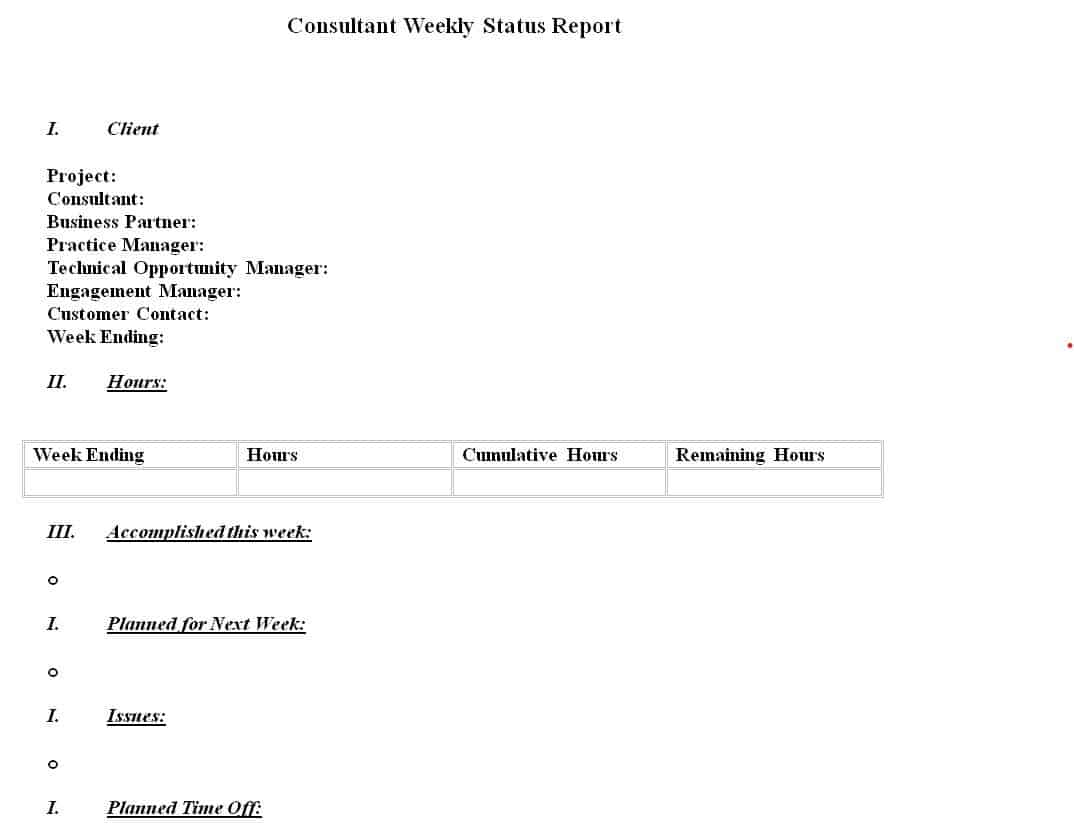
Consultant’s Weekly Status Report Word Template
This Microsoft Word template is engineered for independent consultants, agency partners, and professional service providers who need to deliver clear, professional status updates to project stakeholders. Designed with an executive-focused layout, it features structured sections for summarizing project deliverables, contract milestones achieved, hours billed against retainers, and key advisory insights. Dedicated table blocks allow consultants to categorize weekly progress by work stream, ensuring client sponsors can rapidly digest project momentum without wading through dense technical details.
By standardizing your weekly client communications, this template helps establish operational transparency, manage scope creep, and document project risks before they impact timelines. It includes explicit fields for outlining pending client decisions, required resource inputs, and planned objectives for the upcoming sprint. The document can be easily customized with your consultancy’s branding and color scheme, providing a polished, client-ready summary that converts seamlessly to PDF for formal distribution.
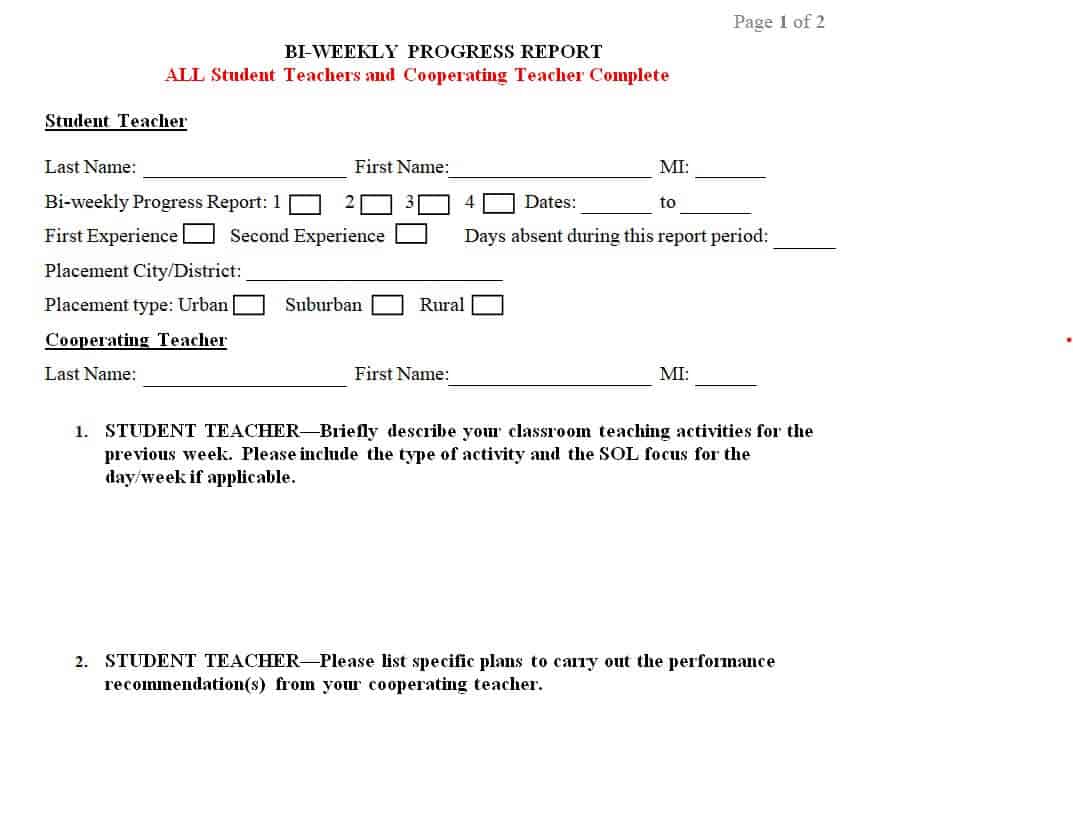
Bi-Weekly Progress Report Example
This bi-weekly progress report example is tailored for project managers, team leads, and consultants who operate on two-week sprint cycles or bi-weekly reporting schedules. Designed to bridge the gap between short-term daily logs and high-level monthly summaries, it features structured sections for capturing two weeks’ worth of major achievements, completed deliverables, ongoing tasks, and key performance indicators. Dedicated tables allow teams to contrast initial sprint commitments against actual outputs, providing clear visibility into resource allocation and project momentum.
By evaluating progress over a fortnight, teams can better analyze work velocity, identify recurring operational bottlenecks, and adjust timelines before major deadlines are compromised. The template incorporates explicit sections for flagging scope changes, technical risks, budget usage, and required stakeholder approvals for the upcoming reporting period. Its balanced, professional layout ensures that executive sponsors and clients receive an actionable, audit-ready update that seamlessly exports to PDF for formal record-keeping.
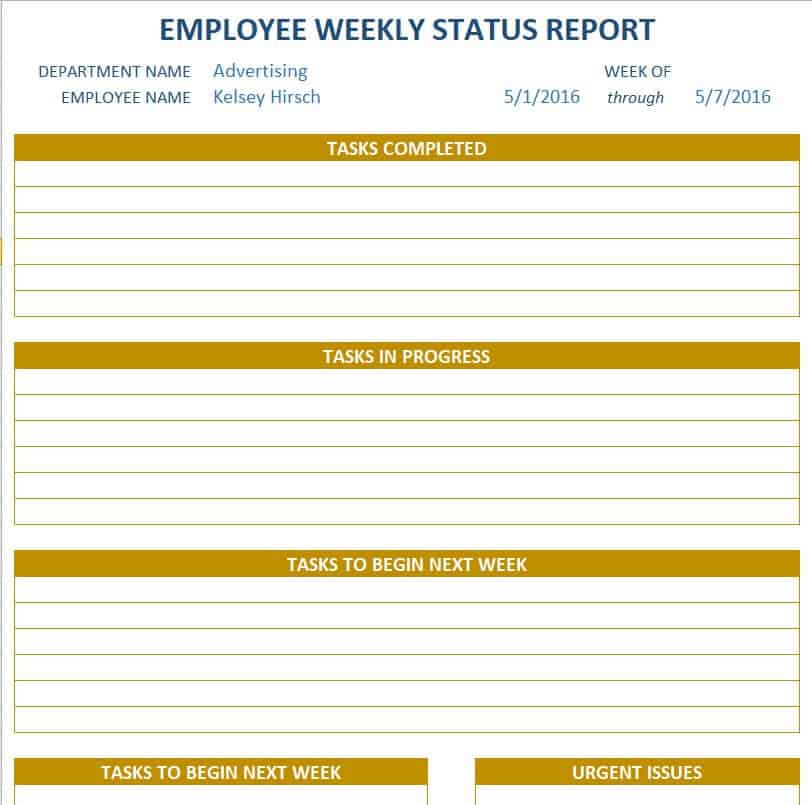
Employee Weekly Status Report Template Excel
This Excel-based status report spreadsheet is built for team leads, HR managers, and department heads who need to track individual employee productivity, task completion rates, and weekly outputs. Featuring pre-formatted rows for logging assigned tasks, priority levels, estimated completion dates, and actual progress percentages, it gives supervisors a clear view of workload distribution across their team. Built-in conditional formatting automatically highlights task statuses—such as On Track, Delayed, or Completed—making it easy to spot lagging deliverables at a glance.
By standardizing employee weekly updates into a structured spreadsheet, managers can streamline one-on-one catch-ups, reduce unproductive status meetings, and identify resource bottlenecks early. The template includes auto-summing calculation fields for tracking billable versus non-billable hours worked each week, alongside dedicated summary tabs to evaluate long-term agent efficiency. Its clean tabular design allows for quick filtering by team member, project phase, or priority status, generating clean, audit-ready performance data for quarterly employee reviews.
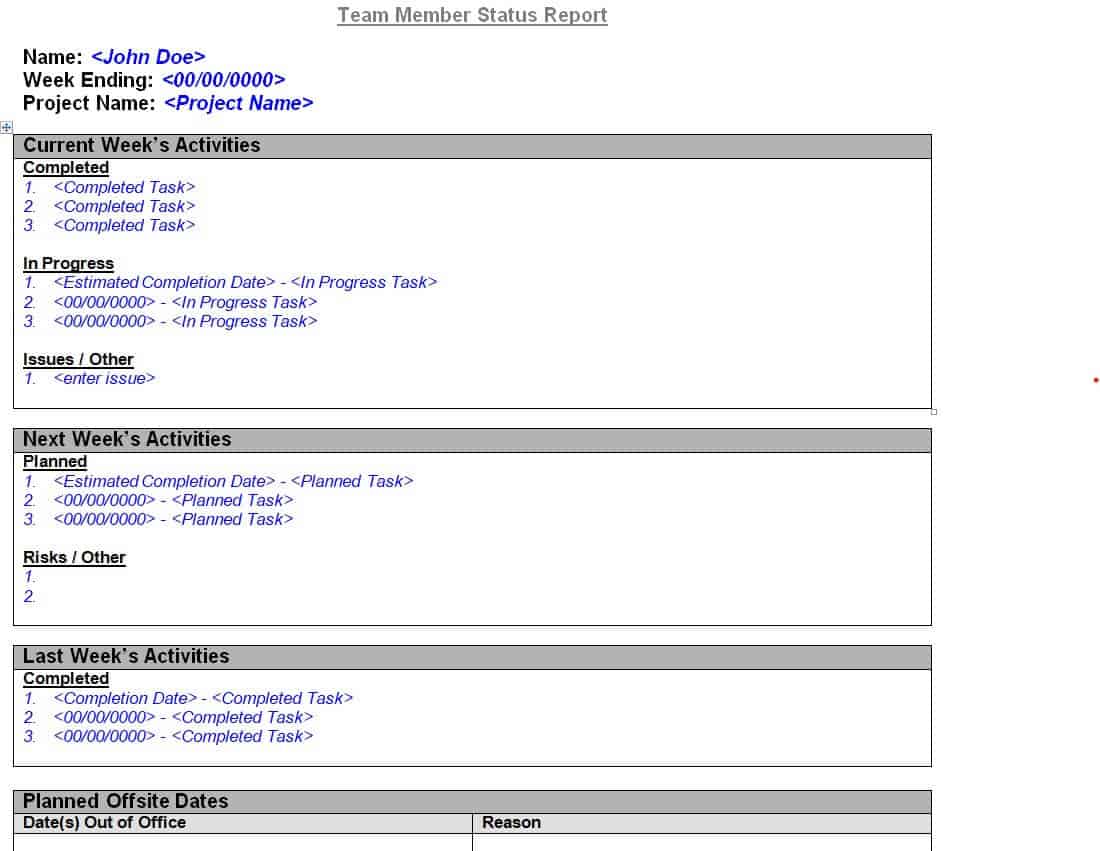
Team Member’s Weekly Status Report Example
This Microsoft Word status report example provides an individual team member with a structured framework for communicating weekly work accomplishments, upcoming priorities, and active operational blockers to their direct manager. Designed around a clean, scannable table layout, it features dedicated sections for listing top weekly achievements, ongoing project tasks, and key performance goals scheduled for the following week. It also includes explicit fields for identifying technical dependencies or required manager intervention, ensuring issues are addressed before deadlines slip.
By standardizing weekly status reporting across your team, managers can streamline 1-on-1 check-ins, eliminate unnecessary sync meetings, and maintain an accurate historical record of employee contributions. The template’s single-page structure makes it fast and effortless for staff members to complete at the end of each work week, while providing department heads with a clear, executive-level overview of team workload distribution and overall sprint health.
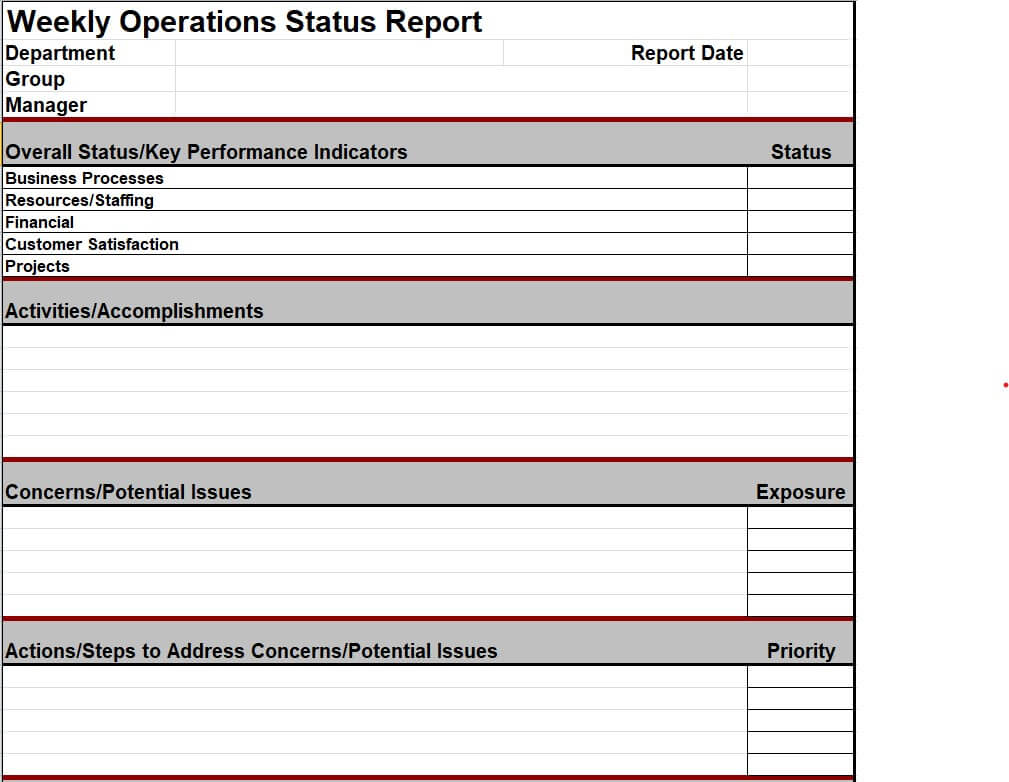
Weekly Operations Status Report Template
This Excel-based operations status report template is engineered for facility managers, operations leads, and department heads who need to monitor plant performance, equipment uptime, and daily workflow execution. Featuring structured tables for recording key operational metrics—such as unit output, system downtime, maintenance schedules, and quality control pass rates—it provides a comprehensive dashboard for evaluating weekly operational health. Built-in sum and percentage formulas automatically compute variance against target benchmarks, giving management immediate visibility into production efficiencies or operational bottlenecks.
By standardizing weekly operational logging, facilities and operations teams can rapidly spot equipment wear, optimize inventory usage, and enforce safety compliance across all shifts. The spreadsheet includes dedicated sections for logging facility maintenance requests, tracking open work orders, and evaluating team staffing levels. Its clean, scannable grid layout allows for quick filtering by shift, department, or asset ID, making it an essential tool for presenting clear, data-driven operational overviews during executive strategy meetings.
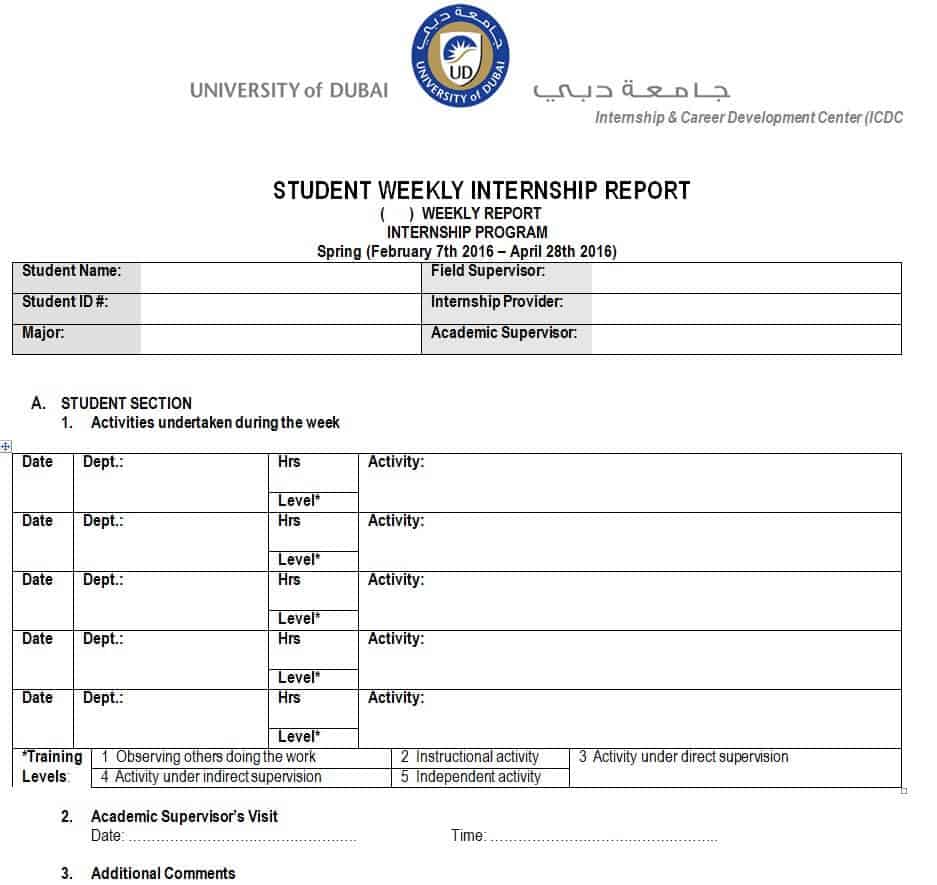
Student Weekly Internship Report Template
This template is designed for students, interns, and academic advisors to document weekly learning objectives, field accomplishments, and skill development throughout an internship program. Featuring structured sections for recording daily task breakdowns, total hours worked, key takeaways, and challenges encountered, it helps students bridge theoretical classroom knowledge with practical workplace experience. The clean, academic-focused layout ensures that internship supervisors can quickly review and verify the student’s weekly contributions and growth.
By standardizing weekly internship reporting, academic coordinators and internship managers can track student performance, ensure compliance with credit requirements, and provide timely feedback or mentorship. The template includes explicit fields for supervisor comments, performance ratings, and formal sign-off signatures, making it an ideal document for submitting to university career departments for grading and credit approval.
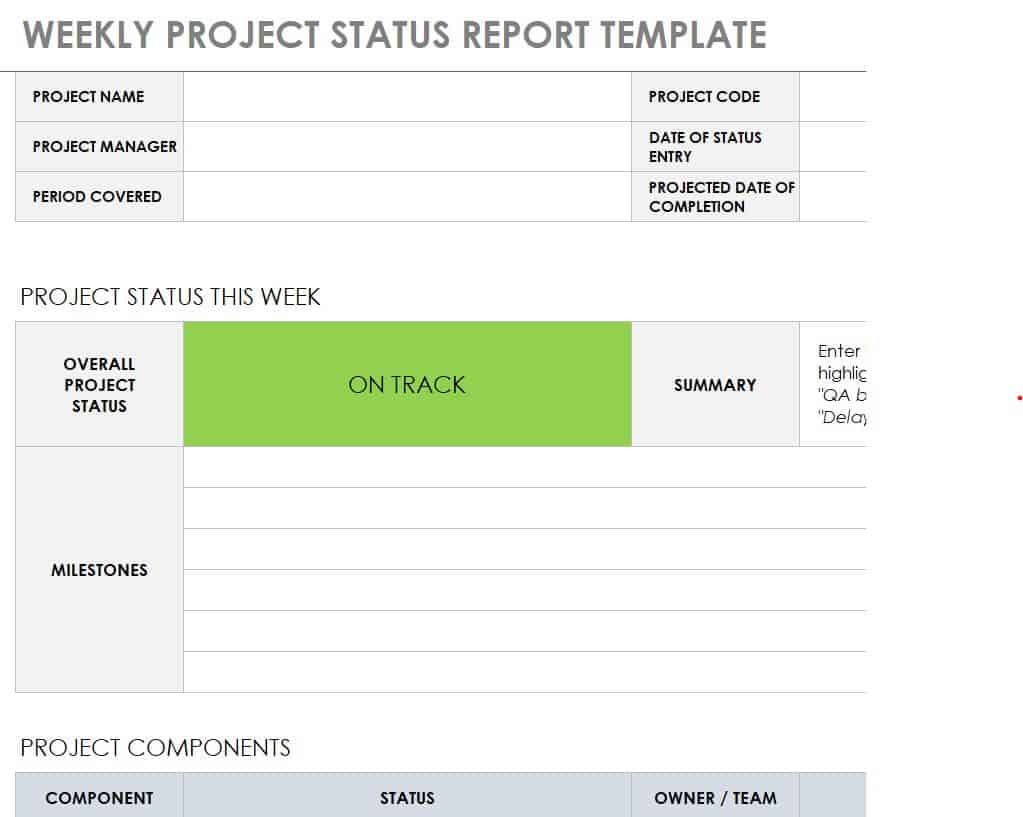
Weekly Project Status Report Excel Sheet
This Excel-based status report spreadsheet provides project managers and team leads with a high-level dashboard for tracking project health, task milestones, and budget allocations. Featuring pre-formatted rows for deliverables, task owners, target completion dates, and progress percentages, it gives stakeholders immediate visual clarity into multi-stage workflows. Built-in conditional formatting automatically highlights task statuses—such as On Track, At Risk, or Delayed—enabling project leads to address potential bottlenecks before deadlines are compromised.
By centralizing project data into a structured Excel format, project managers can easily calculate planned versus actual expenditure, track total billable hours, and monitor resource utilization across teams. The sheet incorporates automated summary charts that update dynamically, making it ideal for presenting clean, executive-ready visual progress updates during weekly stakeholder syncs or board reviews.
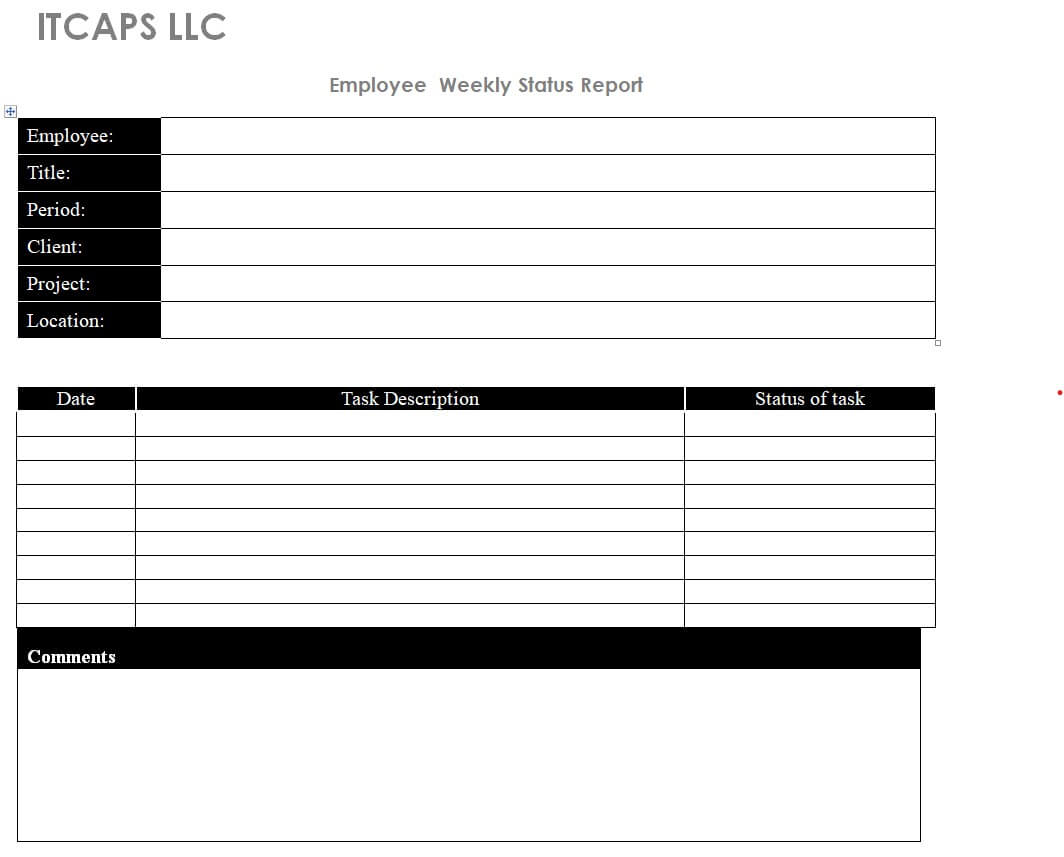
Employee Weekly Status Report Word Template
This Microsoft Word status report template is designed for employees, team leads, and remote staff to deliver clear, professional weekly updates to their direct supervisors. Built around a clean narrative layout, it features structured tables for categorizing key accomplishments, detailing active project deliverables, and outlining top priorities for the upcoming week. The clean document design ensures that weekly progress updates remain highly readable, helping managers quickly digest team wins and assess current workload distribution.
By standardizing employee status updates into a fillable Word document, managers can streamline weekly 1-on-1 catch-ups, reduce unnecessary status meetings, and maintain an accurate historical record of employee performance. The template includes dedicated sections for flagging operational blockers, requesting supervisor guidance, and documenting skill development goals. Its flexible layout can easily be branded with corporate logos and headers, making it an essential tool for maintaining consistent team communication and performance tracking.
Printable Weekly Report Templates:
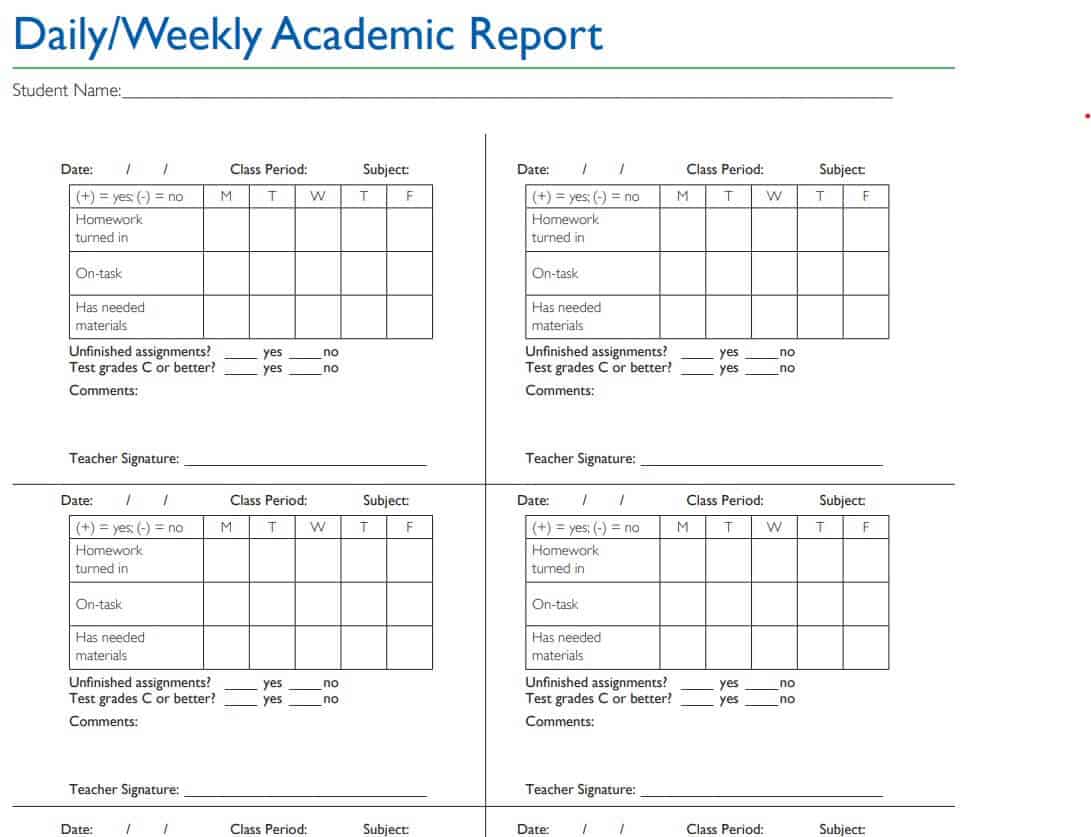
Weekly Academic Report Template
This template is designed for teachers, academic advisors, and department heads who need to track student performance, class attendance, and curriculum progression on a weekly basis. Built with clean, scannable tables, it provides dedicated sections for logging subject-specific assignment scores, attendance records, classroom participation levels, and individual behavioral observations. The structured layout allows educators to consolidate multi-student metrics or focus on single-student progress tracking, ensuring a comprehensive view of weekly academic development.
By standardizing weekly academic updates, educators can identify learning gaps early, coordinate targeted interventions, and maintain transparent communication with parents and school administrators. The template includes explicit fields for recording upcoming exam schedules, setting weekly study goals, and adding personalized teacher notes, making it an invaluable resource for parent-teacher conferences and academic performance reviews.
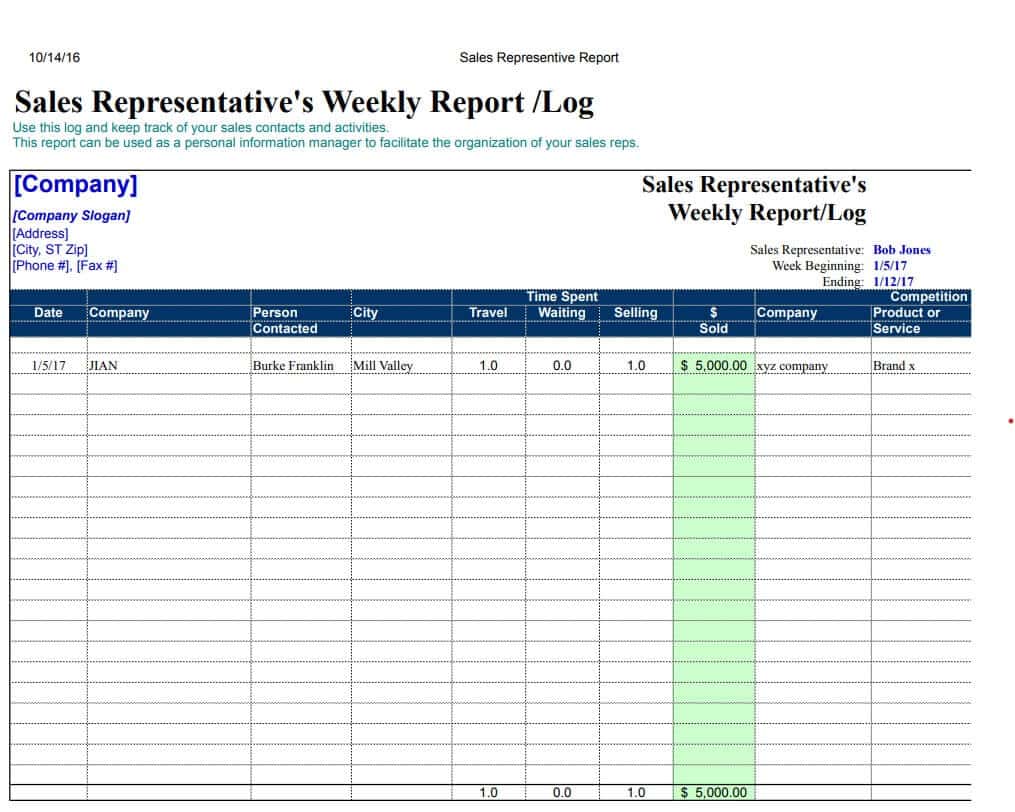
Sales Representative’s Weekly Report Sample
This Excel-based sales report template is designed to help sales reps, account executives, and business development managers track weekly lead generation, client outreach, and revenue pipeline activity. Featuring structured columns for prospect names, call/meeting logs, deal stages, contract values, and projected close dates, it provides a complete overview of individual sales performance. Built-in formulas automatically sum weekly closed deals, calculate conversion rates, and compare actual revenue against monthly quotas, giving sales leads clear visibility into representative productivity.
By standardizing weekly sales logging, account managers can quickly identify stalled pipeline deals, evaluate client engagement metrics, and refine outreach strategies during weekly pipeline reviews. The clean tabular design allows reps to filter prospects by deal stage or follow-up date, ensuring no warm leads fall through the cracks while delivering clean, audit-ready sales data for management forecasting.
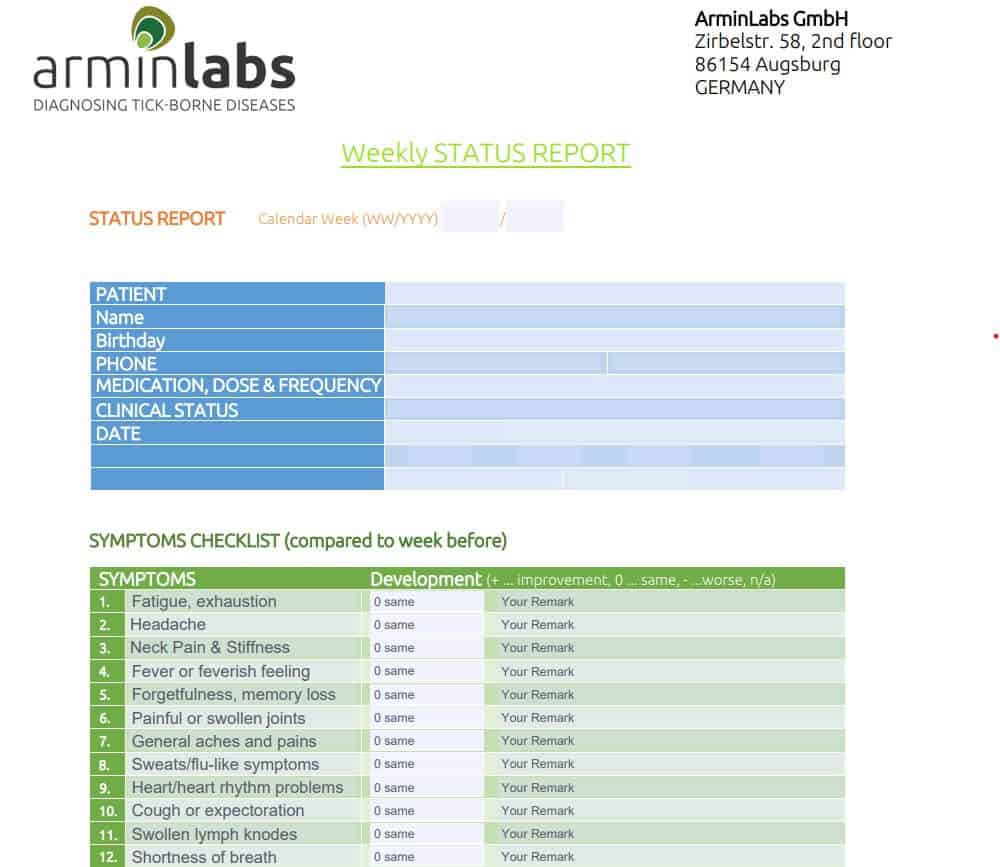
Printable Weekly Status Report Template
This printable weekly status report template is designed for field managers, site supervisors, and busy professionals who prefer physical pen-and-paper tracking or fast PDF printing for manual sign-offs. Engineered with extra-wide line spacing, high-contrast borders, and clean typography, it ensures maximum readability whether printed on standard Letter or A4 pages. The layout features structured sections for handwriting daily task updates, marking off key deliverables, listing top priorities for the upcoming week, and flagging immediate operational blockers.
By using a print-ready reporting format, teams operating on-site or in environments without constant computer access can maintain consistent, standardized documentation without disrupting field workflows. The template includes dedicated signature and date blocks at the footer for supervisor approvals, making it an ideal physical artifact for site logbooks, client audits, and official paper compliance files.
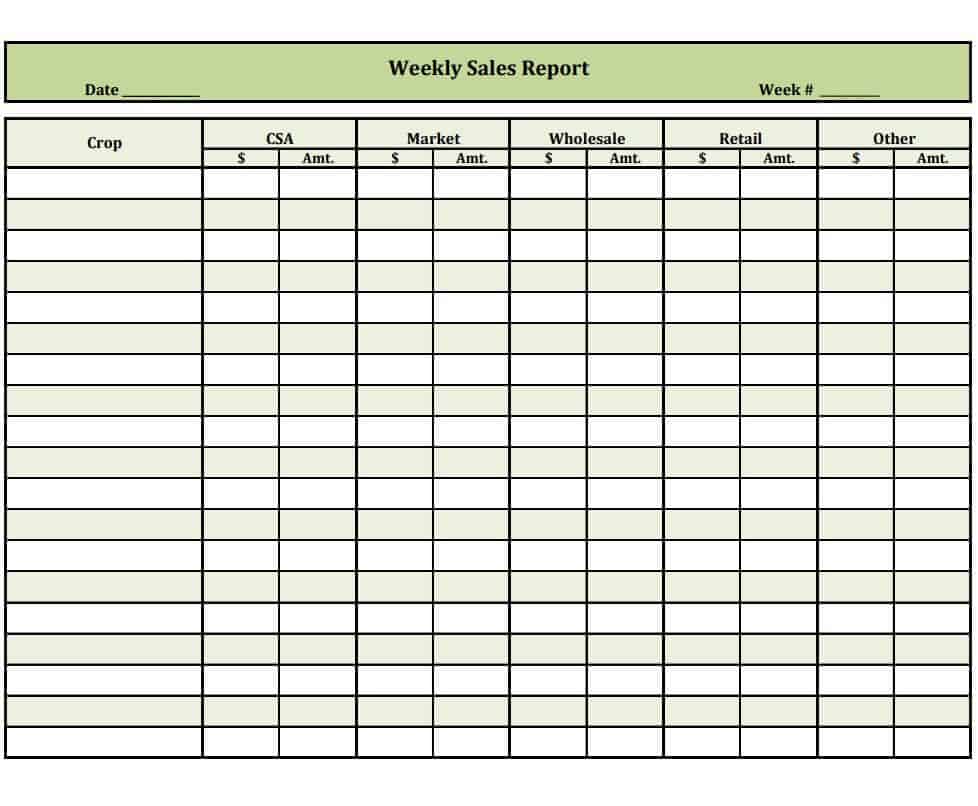
Fillable Weekly Sales Report Template
This fillable sales report template is designed for sales representatives, account executives, and field agents who need a streamlined, digital form to report weekly sales performance and pipeline activities. Built with interactive form fields, checkboxes, and fillable text areas, it allows reps to quickly input prospect interactions, total calls made, client meetings scheduled, and new deals closed without altering the document’s design layout. The structured fields ensure that all necessary metrics—from initial outreach counts to finalized contract values—are captured cleanly and uniformly across the entire sales team.
By standardizing field updates into an interactive fillable format, sales directors and managers can accelerate weekly performance reviews and aggregate lead data with minimal administrative friction. The template includes dedicated sections for logging target versus actual quota achievements, summarizing top revenue opportunities, and listing required manager support or follow-up actions for the upcoming sales cycle. Its digital-first structure makes it easy to complete on laptops or mobile devices, save as a secure PDF, and archive for quarterly revenue forecasting and auditing.
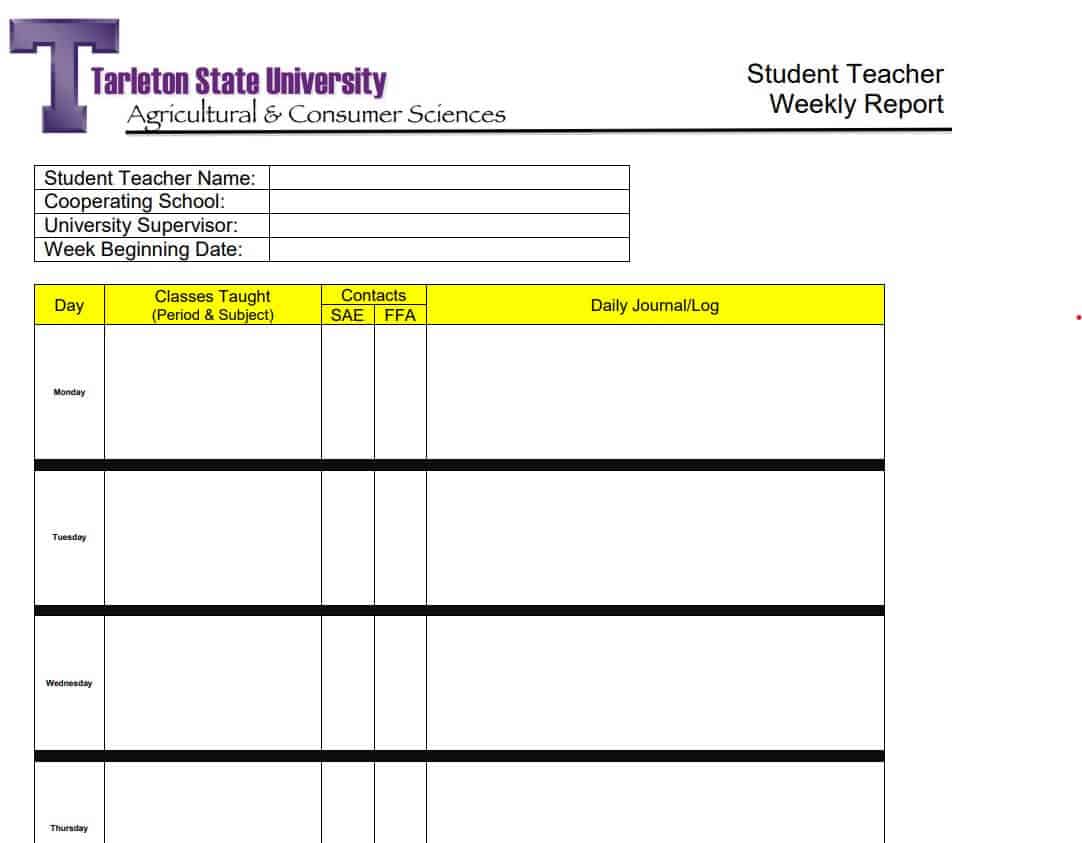
Student Teacher Weekly Report PDF Format
This student-teacher weekly report PDF template is designed for student teachers, mentor teachers, and university supervisors who need a standardized document to monitor classroom practicum performance and instructional development. Engineered with clean lines, high-contrast section headers, and precise spacing, this layout maintains perfect formatting when saved or exported directly to PDF for formal academic submissions. It features structured tables and narrative fields for logging daily subject modules taught, classroom management observations, lesson plan execution, and student engagement levels.
By utilizing a dedicated weekly reporting structure, university faculty and field advisors can systematically track student-teacher progress, ensure compliance with credentialing hours, and provide targeted feedback. The document includes explicit sections for mentor teacher evaluations, constructive teaching recommendations, and self-reflection notes for the student teacher. Complete with formal sign-off signature blocks at the footer, this template serves as an official, print-ready record for academic portfolios and final practicum grading.
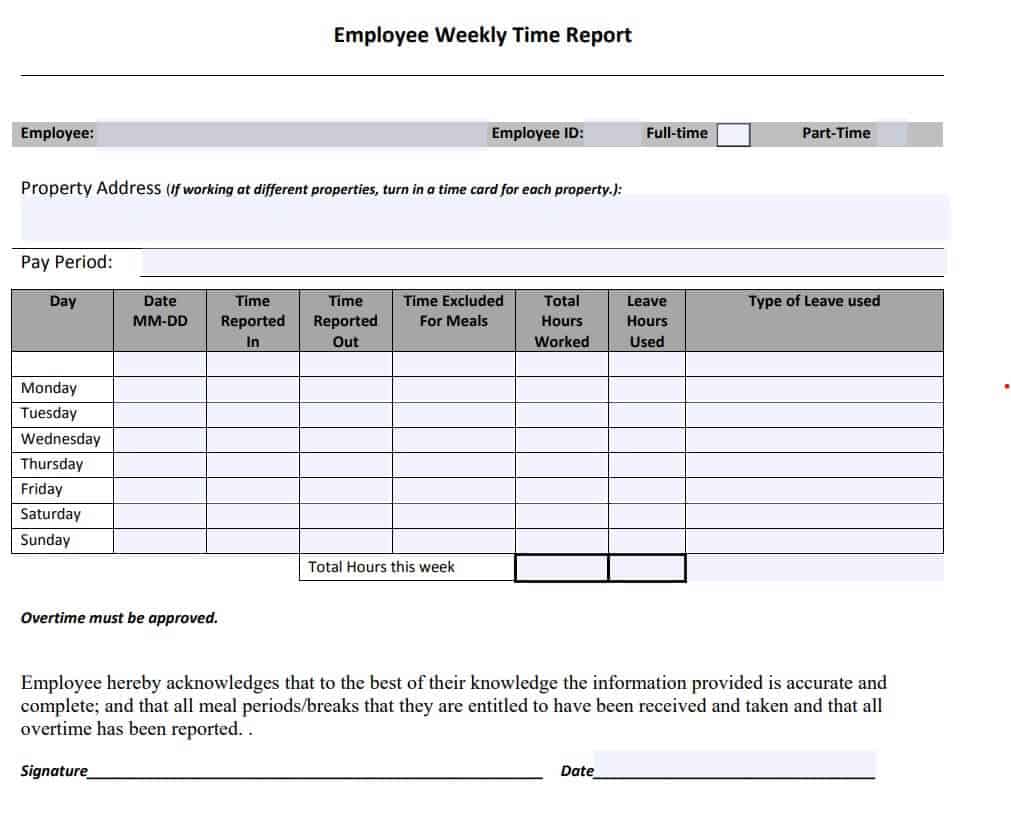
Employee Weekly Time Report Example
This Excel-based weekly time report example is tailored for HR managers, department heads, and payroll administrators who need to accurately log working hours, overtime, and leave balances across a five- or six-day workweek. Featuring formatted tables for recording daily clock-in and clock-out times, lunch break durations, and total billable project hours, it provides complete transparency into employee attendance and timesheet entries. Built-in Excel formulas automatically calculate regular hours, overtime multiples, and total weekly pay, reducing manual calculation errors and streamlining payroll processing.
By standardizing time tracking into a structured spreadsheet, organizations can maintain strict compliance with labor standards, manage project labor costs, and evaluate overall workforce utilization. The template includes dedicated rows for categorizing non-working hours—such as paid time off, sick leave, or company holidays—alongside clear summary blocks for employee and supervisor sign-offs. Its clean, audit-ready design ensures that managers can quickly export timesheets to PDF or archive them for end-of-month accounting and HR compliance audits.
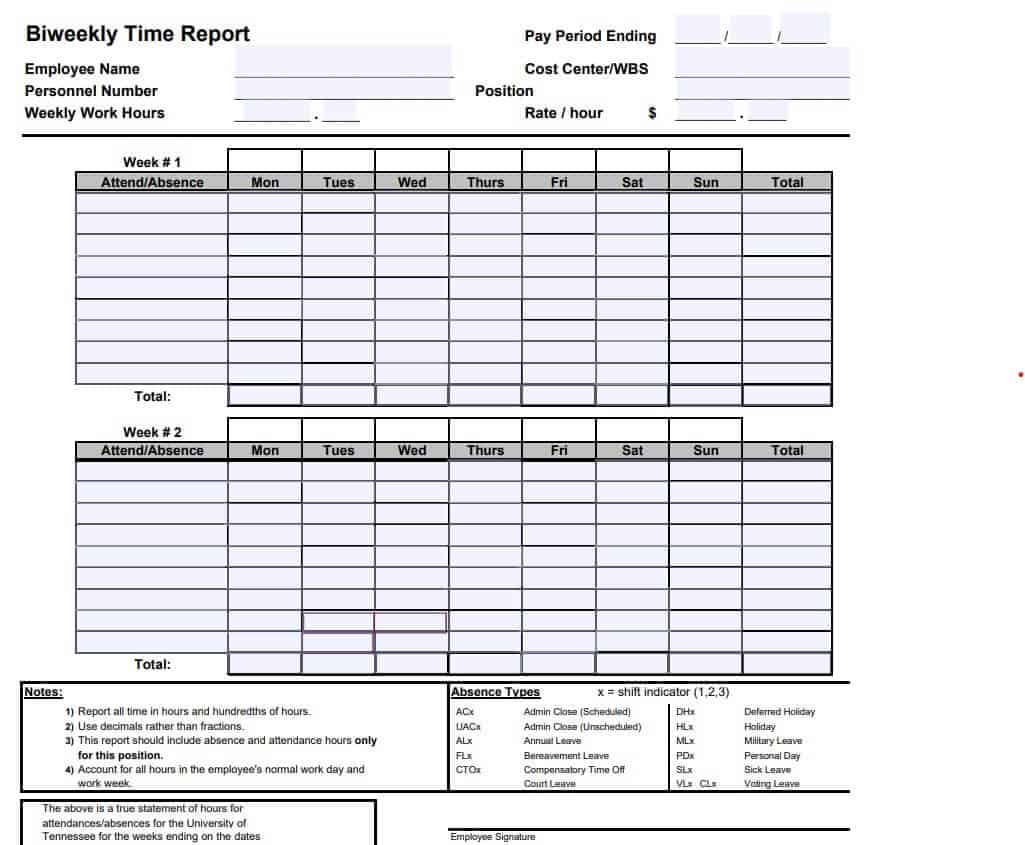
Fillable Bi-Weekly Time Report Template
This fillable bi-weekly time report template is designed for payroll specialists, HR administrators, and team supervisors who need a digital-first solution to record employee working hours across a two-week pay period. Featuring interactive form fields, automated calculation scripts, and structured tables, it allows staff to easily enter daily start and end times, break durations, and specific project codes. The template automatically calculates total regular hours, accrued overtime, and gross earnings, minimizing manual arithmetic errors and ensuring smooth payroll processing.
By standardizing bi-weekly hours tracking, business owners and department heads can better monitor labor costs, track overtime trends, and ensure compliance with labor standards. The layout incorporates dedicated fields for categorizing paid time off (PTO), sick leave, and official holidays for both week one and week two of the reporting cycle. Complete with interactive signature fields for employee and supervisor authorization, this document can be completed digitally, saved as a secure PDF, or printed for long-term payroll compliance records.
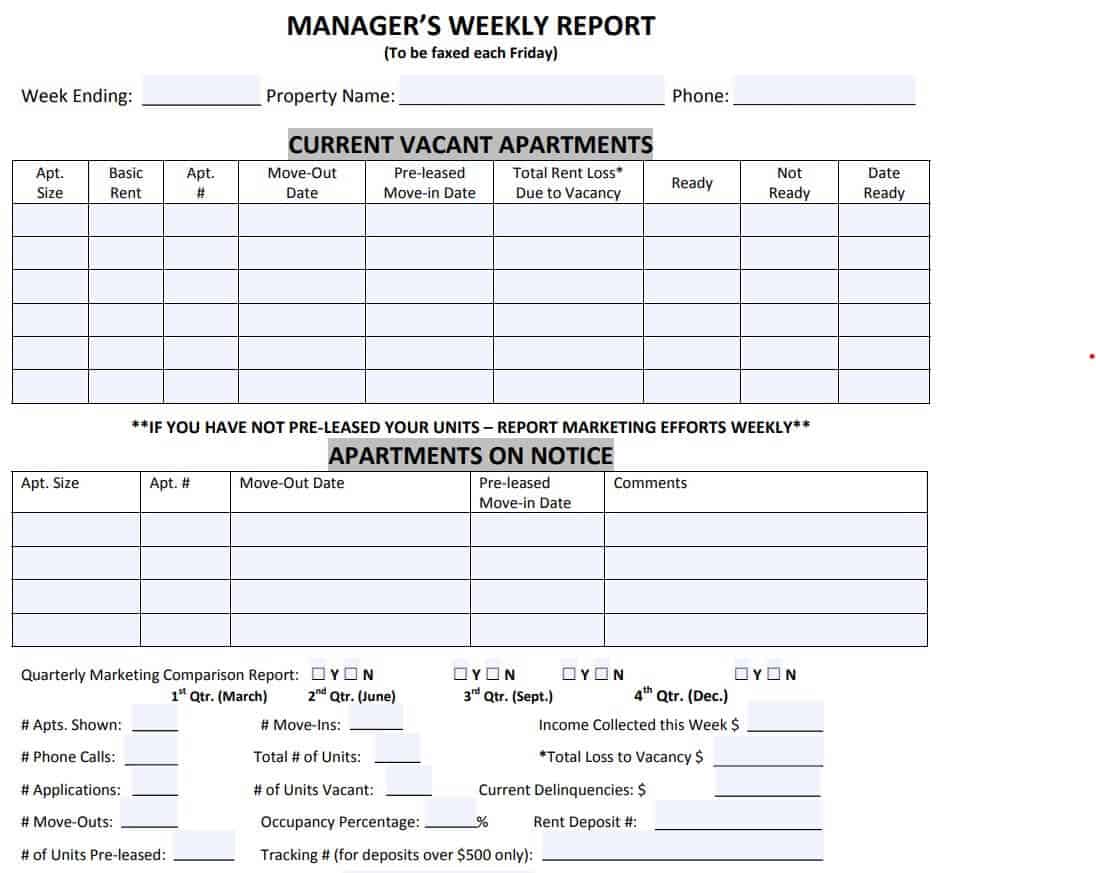
Official Manager’s Weekly Report Template
This official manager’s weekly report template is tailored for department heads, operations managers, and executive leads who need to deliver comprehensive, high-level operational summaries to C-suite executives and board members. Built with a structured executive layout, it features dedicated sections for summarizing key department wins, tracking high-priority strategic initiatives, and analyzing team performance against quarterly key performance indicators (KPIs). The template provides clear visual separation between routine operational updates and major milestones, ensuring senior leadership can immediately digest critical organizational progress.
By standardizing managerial reporting across departments, executives can evaluate cross-functional alignment, identify enterprise risks, and make informed resource allocation decisions. The template incorporates dedicated fields for flagging budget variances, managing staff capacity, and highlighting critical dependencies or strategic decisions required from top management for the upcoming week. Its professional design can be easily customized with corporate branding and colors, making it an essential tool for maintaining executive transparency and operational accountability.
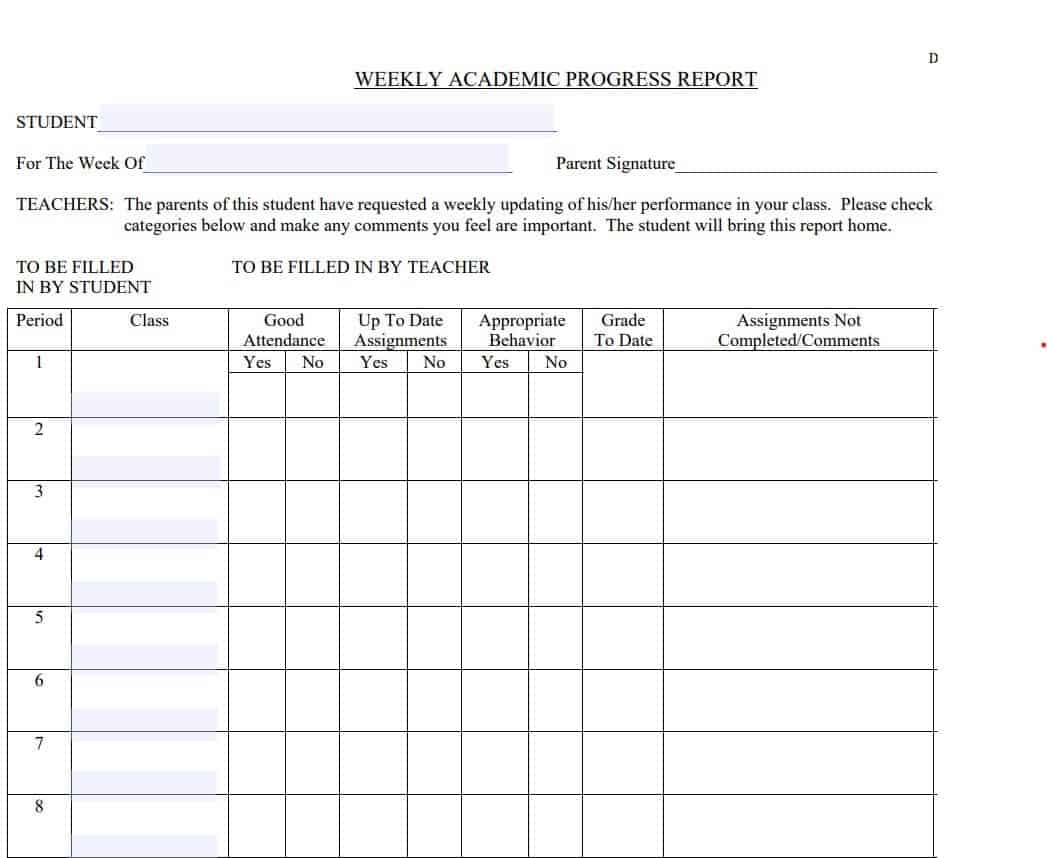
Sample Weekly Academic Progress Report
This sample weekly academic progress report is designed for academic advisors, guidance counselors, and tutoring directors who need to monitor student course standing, assignment completion, and grade trajectories across multiple subjects. Featuring clean, structured tables, it provides dedicated rows for logging current letter grades, recent test scores, pending homework assignments, and attendance records for each enrolled class. The intuitive layout allows educators to present clear, digestible performance data to students and parents during weekly check-ins or academic counseling sessions.
By standardizing weekly academic tracking, counselors and educators can identify learning gaps early, implement targeted intervention plans, and maintain accountable study schedules before midterms or final exams. The template includes explicit sections for documenting specific academic goals, recording teacher feedback, and noting required study hall hours or tutoring sessions for the upcoming week. Its professional format easily converts to PDF for inclusion in official student academic files or for distribution to school administrators and parents.
What is a Weekly Report and Why Is It Essential?
A weekly report is a concise management tool that summarizes an individual’s or team’s work output, project milestones, and challenges over a seven-day period. It serves as a vital communication bridge between operational staff and executive management.
Key Benefits for Your Organization:
- Enhanced Team Alignment: Keeps cross-functional teams focused on shared objectives and upcoming milestone deadlines.
- Proactive Risk Identification: Highlights operational bottlenecks, resource shortages, or project delays early, allowing management to intervene before deadlines are missed.
- Improved Accountability: Establishes clear ownership for assigned tasks and builds a transparent record of individual and team accomplishments.
- Time-Saving Status Syncs: Reduces the need for lengthy status meetings by providing managers with asynchronous, easy-to-read weekly summaries.
Core Components of an Effective Weekly Report Format
To ensure your weekly status report delivers maximum value without wasting time, ensure your template captures these essential sections:
- Administrative Header: Employee/team name, department, project title, and the specific week range (e.g., Aug 17 – Aug 23).
- Key Accomplishments (Progress): Bulleted list of major deliverables completed during the current week.
- In-Progress Tasks & Next Week’s Goals (Plans): Outline of ongoing work items and key priorities scheduled for the upcoming sprint.
- Roadblocks & Support Needed (Problems): Explicit notes detailing technical issues, budget constraints, or pending approvals delaying work.
- Key Metrics & Budget Status: Quantitative performance figures, billable hours, or budget utilization tracking.
Frequently Asked Questions (FAQs)
Which file format is best for weekly reporting?
Use Microsoft Excel (.xlsx) when your report involves numerical tracking, billable hours, or multi-task completion percentages. Use Microsoft Word (.docx) if your report requires narrative explanations, detailed risk logs, or executive summaries. Use PDF format for fixed, printable forms or digital sign-offs on tablets.
How do I write an effective weekly report quickly?
Keep your updates concise by using the PPP method (Plans, Progress, Problems). Focus on major outcomes rather than listing every minor task, use bullet points for scannability, and always flag blockers clearly so your manager knows where assistance is required.
Can these weekly report templates be converted to Google Sheets or Google Docs?
Yes. All downloaded .xlsx and .docx files can be uploaded directly to Google Drive and opened in Google Sheets or Google Docs for real-time collaborative editing with your team.
How does a weekly report differ from a daily log or monthly report?
A daily log focuses on real-time task tracking day to day, while a monthly report provides macro-level analysis, financial reviews, and strategic trend evaluation. A weekly report strikes the ideal balance—offering operational agility without overwhelming managers with daily noise.ummarize tasks, progress, and performance updates over a week.
Why use weekly report templates?
They save time, ensure consistency, and provide a clear framework for tracking weekly achievements, challenges, and next steps.
What types of weekly report templates are available?
- Work activity reports – summarize weekly tasks and accomplishments.
- Project status reports – highlight milestones, risks, and deadlines.
- Sales reports – track weekly revenue, leads, and performance.
- Team performance reports – provide insights into productivity and collaboration.
- Executive weekly reports – summarize high-level updates for leadership.
Who uses weekly report templates?
Managers, employees, project teams, executives, and organizations that need structured weekly updates.
Can these templates be customized?
Yes. They can be tailored to include sections like goals, completed tasks, blockers, metrics, and plans for the next week.


You must be logged in to post a comment.