

Keeping project sponsors, team members, and executives informed is critical for successful project management. A well-structured weekly status report provides clear visibility into key performance metrics, upcoming milestones, and potential project risks before they turn into major roadblocks.
Whether you need a weekly project status report for Microsoft Excel, an employee weekly progress report in Word, or an executive summary dashboard, this comprehensive collection of free status report templates helps you deliver clear updates in minutes.
Why Use a Weekly Status Report Template?
Creating project updates from scratch every week takes valuable time away from actual management tasks. Utilizing a pre-designed weekly status report template brings consistency, speed, and professionalism to your team’s internal and external communication.
Key Benefits of Weekly Progress Tracking:
- Enhanced Accountability: Keeps team members clear on individual deliverables, deadlines, and active tasks.
- Proactive Risk Management: Identifies project blockers, budget shifts, and timeline bottlenecks early.
- Improved Stakeholder Transparency: Gives clients, executives, and department heads a concise summary of project health without unnecessary meetings.
- Streamlined Documentation: Creates an auditable historical trail of project progress from kickoff to final completion.
Core Components of an Effective Weekly Status Report
To ensure your weekly report delivers maximum value to your readers, every status update should cover five core sections:
- Project Identification & Summary: Project name, report date, author, and current overall status indicator (e.g., On Track, At Risk, or Off Track).
- Key Accomplishments: A bulleted list of tasks, deliverables, and milestones completed during the previous 7 days.
- Upcoming Goals & Deliverables: Outline planned activities and priorities scheduled for the next week.
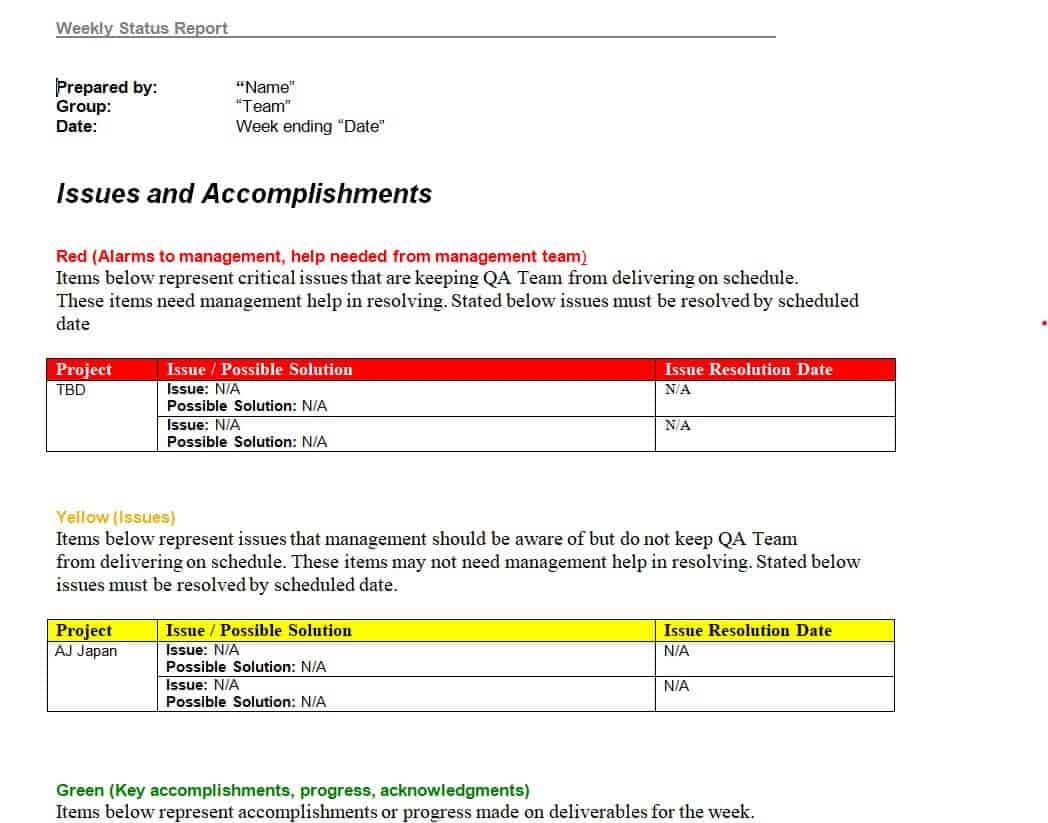
- Risks, Issues & Blockers: Clear documentation of roadblocks, required resources, or decisions needed from management or clients.
- Budget & Schedule Overview: High-level metrics tracking baseline spend versus actual budget and milestone timeline health.
Download Free Weekly Status Report Templates
Browse our collection of editable templates available in Microsoft Word (.docx) and Microsoft Excel (.xlsx) formats. Download your preferred template below and customize the fields to match your workflow.
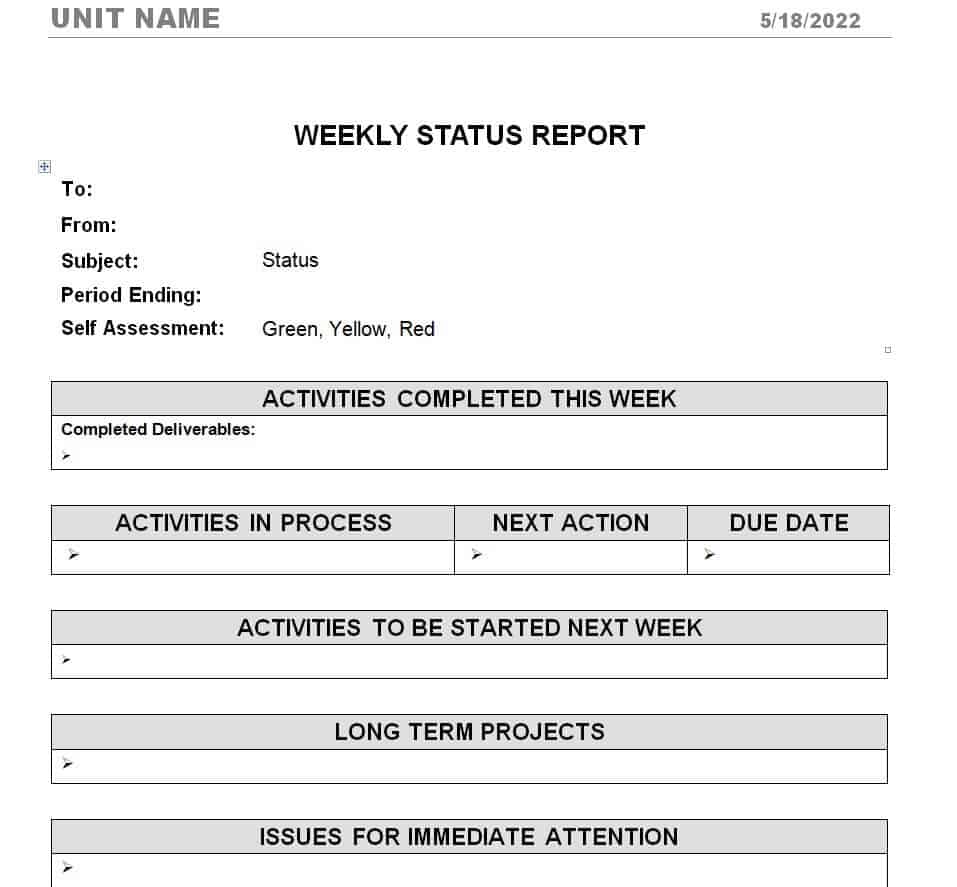
1. Simple Weekly Status Report (Word)
Designed for quick, concise updates. Ideal for individual team members, freelancers, or small departmental updates.
[ Download Simple Word Template ]
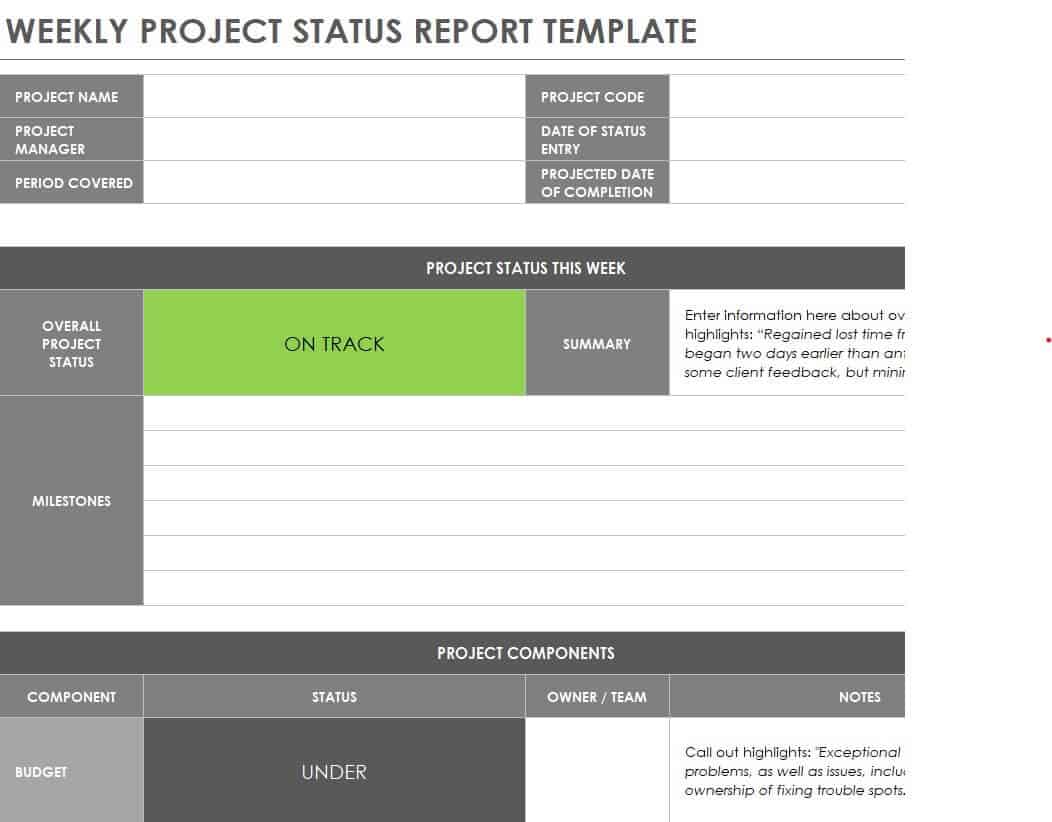
2. Project Weekly Status Report Template (Excel)
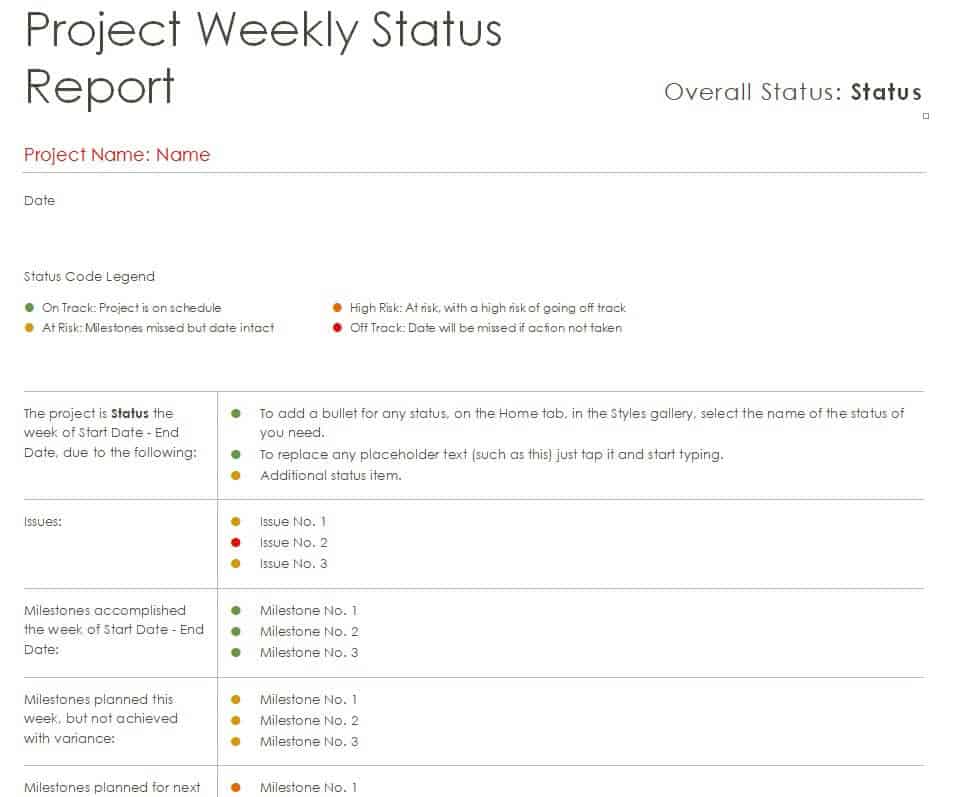
Features a visual status dashboard, conditional formatting indicators, and structured milestone tracking tables. Perfect for technical project managers.
[ Download Project Excel Template ]
3. Employee Weekly Progress Report (Word)
Focused on individual work tracking, billable hours summary, completed tasks, and personal development goals.
[ Download Employee Report Template ]
4. Executive Weekly Status Report (Word & Excel)
A high-level dashboard layout prioritizing project KPIs, budget health, and high-impact risks for c-suite stakeholders and project sponsors.
[ Download Executive Summary Template ]
5. Multi-Project Status Report Layout (Excel)
Allows managers to track progress across multiple active projects or client accounts within a single consolidated spreadsheet view.
[ Download Multi-Project Template ]
Word vs. Excel Status Reports: Which Format Should You Choose?
Choosing the right format depends on the nature of your project data:
- Choose Microsoft Word (.docx) when your status updates are narrative-driven, requiring detailed descriptions, qualitative feedback, client-facing notes, or extensive project context.
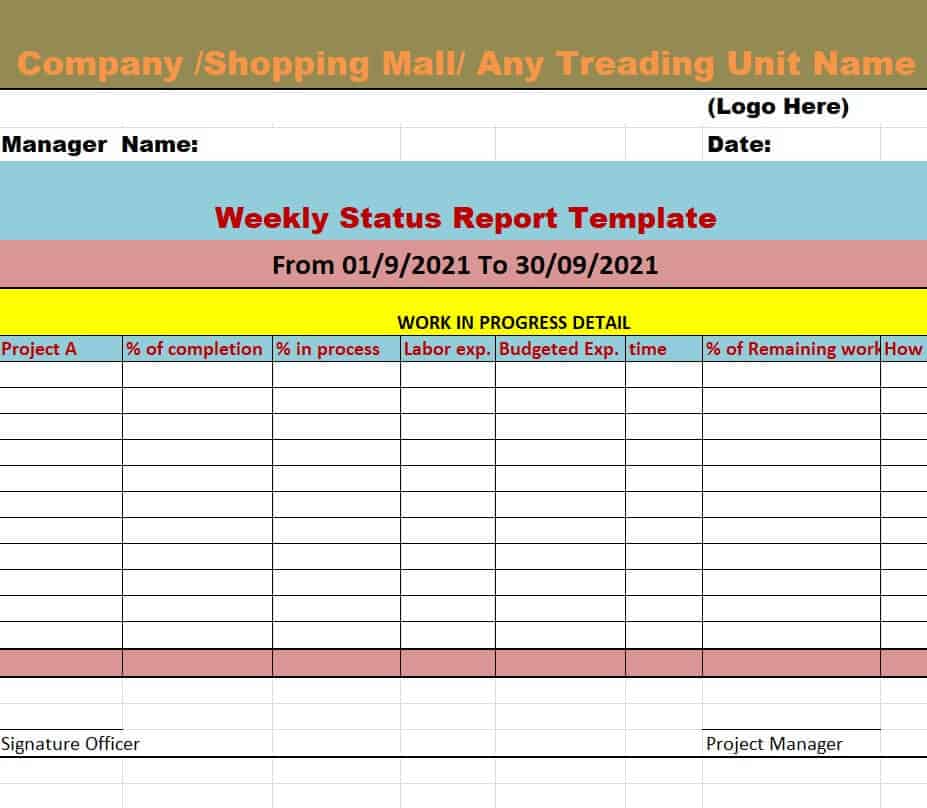
- Choose Microsoft Excel (.xlsx) when your status updates rely heavily on numerical data, timeline schedules, budget tracking charts, or multi-task lists requiring sorting and formulas.
How to Edit and Customize Your Template in Minutes
- Download: Select and download the free weekly report template matching your preferred software (Word or Excel).
- Input General Info: Update project details, author information, date ranges, and status badges.
- Detail Accomplishments: Record completed milestones from the past week concise and bullet-pointed.
- Outline Next Steps: List high-priority deliverables scheduled for completion in the coming week.
- Export & Share: Save your customized report as a PDF to ensure formatting consistency before emailing it to your team or client.
Get Weekly Status Report Templates Below:
Simple Weekly Status Report Word Template
Project Weekly Status Report Template
Weekly Status Report Excel Sheet Template
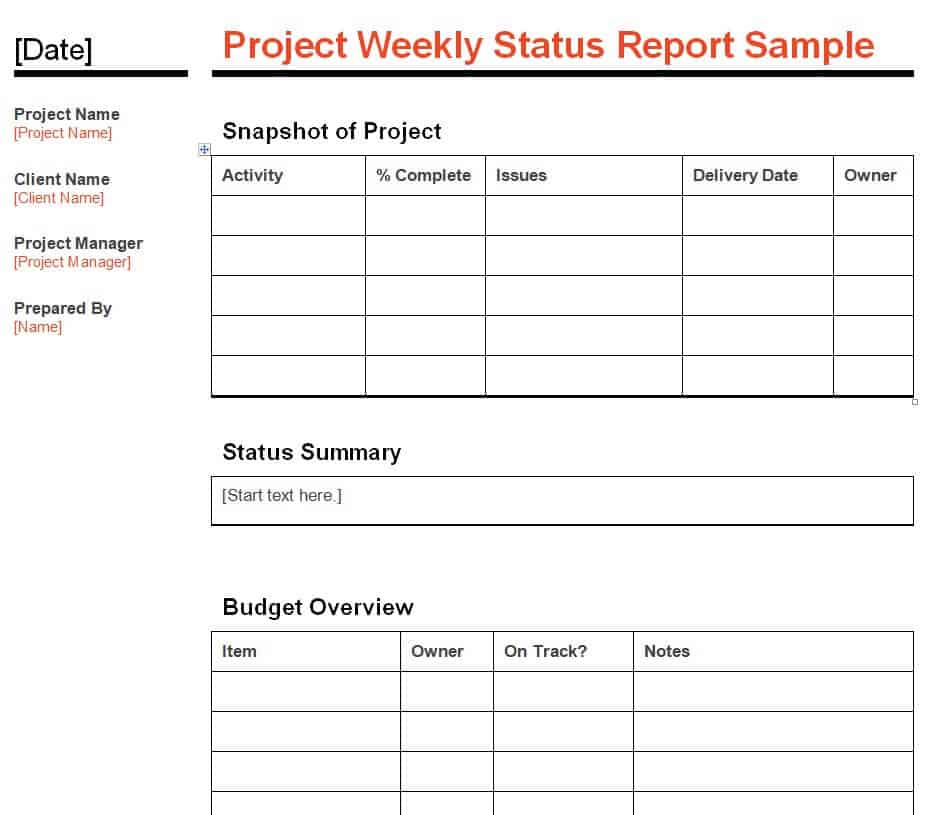
Blank Project Weekly Status Report Sample
Employee Weekly Status Report Template in DOC Format
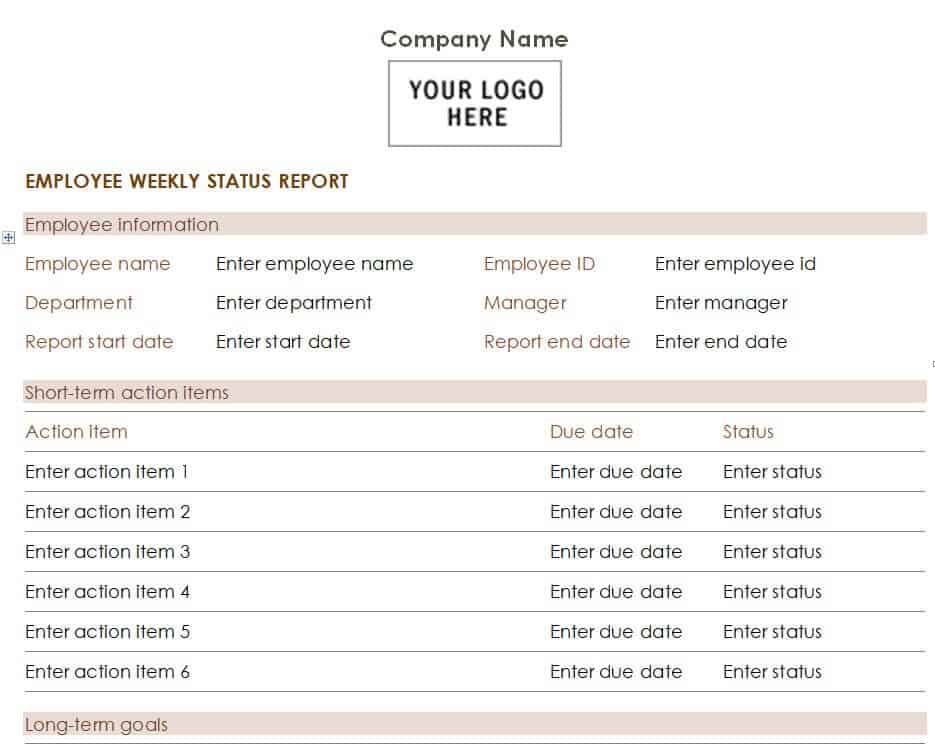
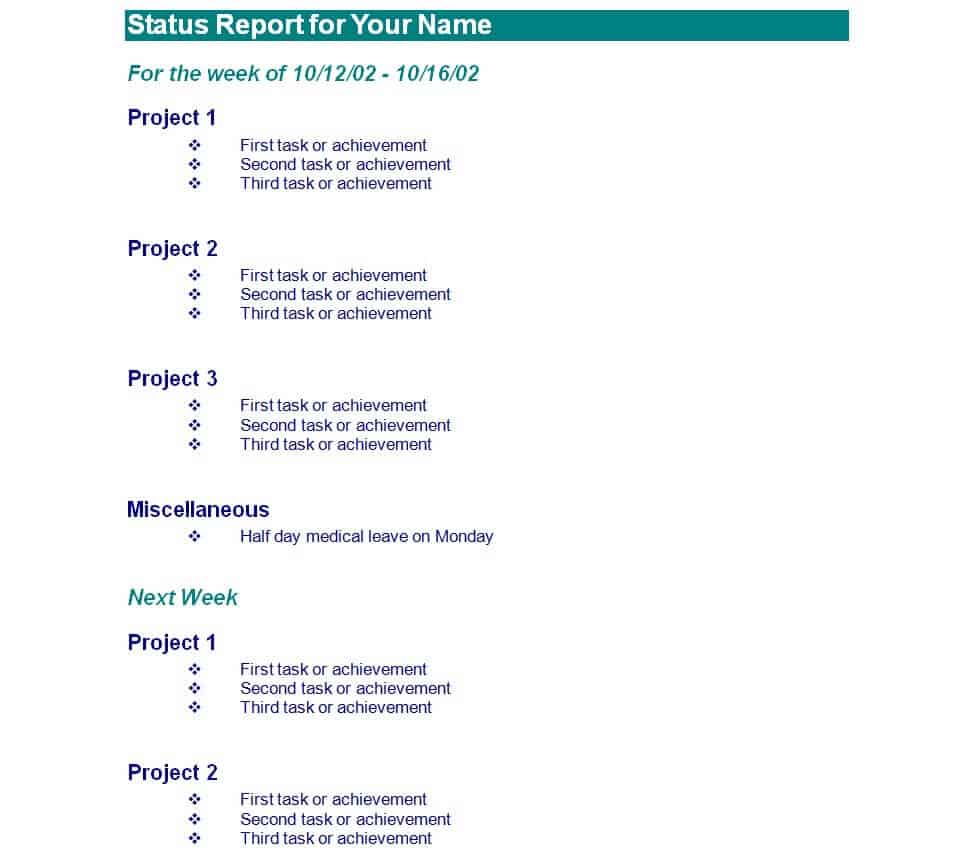
Multiple Projects Weekly Status Report Example
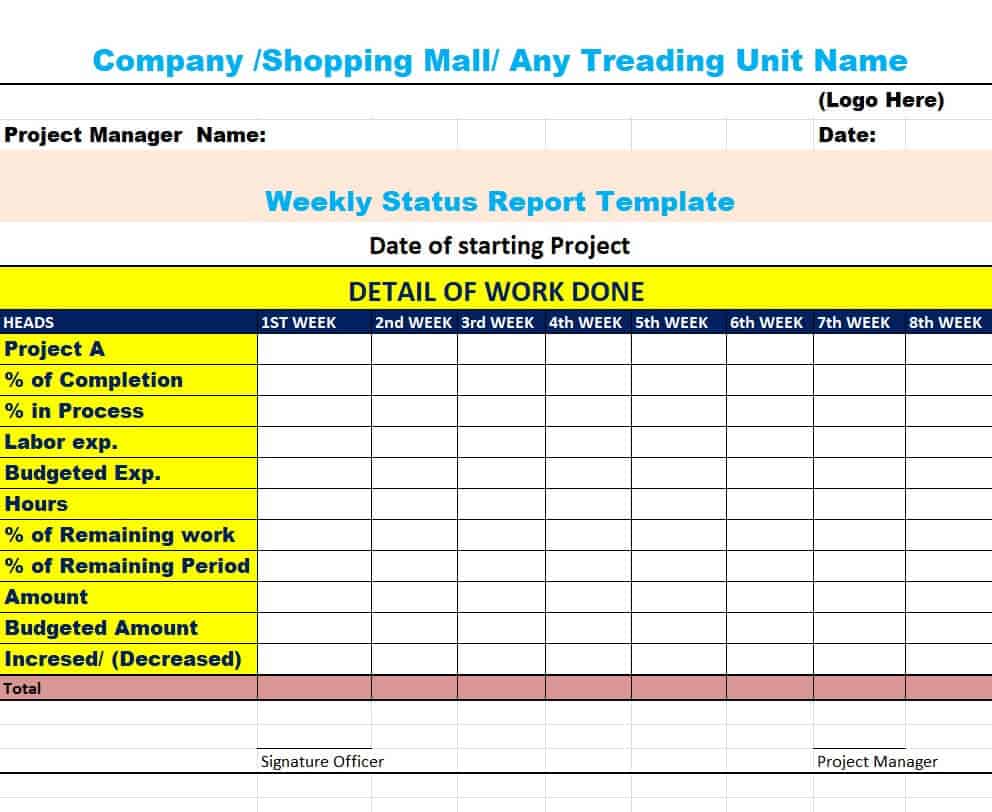
Company’s Weekly Status Report Template in XLSX Format
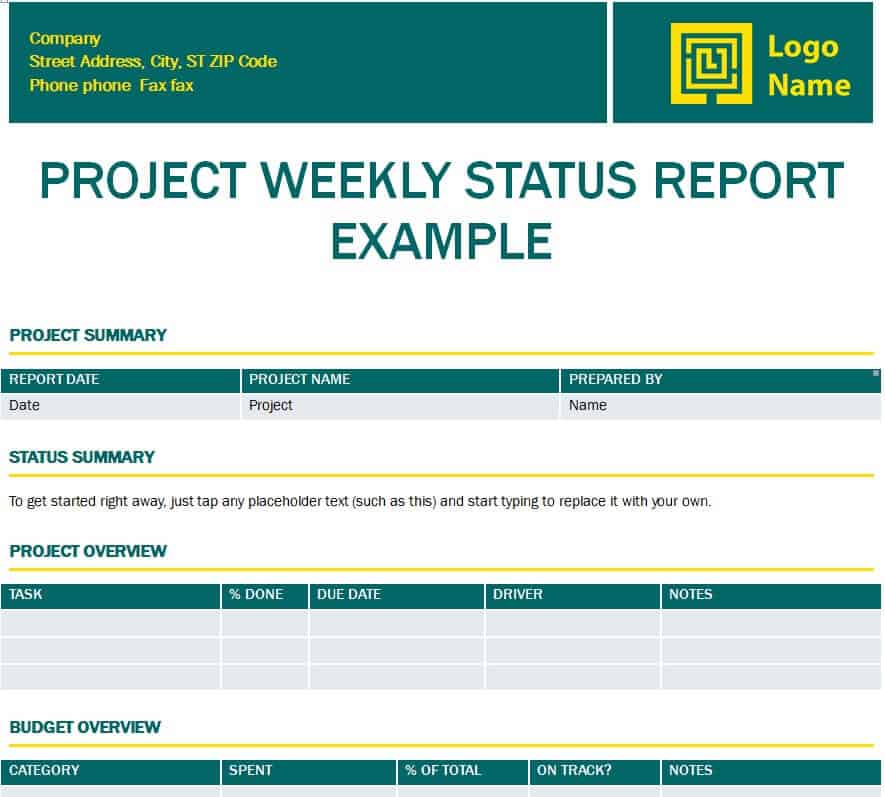
Official Weekly Status Report Template for a Project
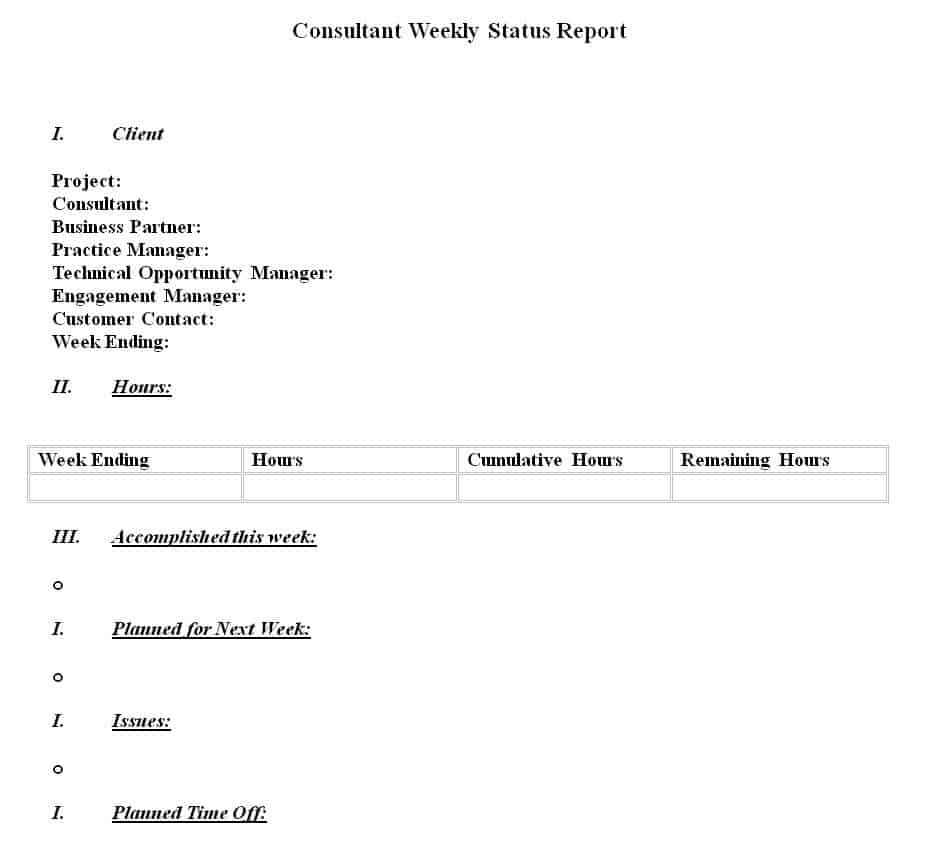
Consultant Weekly Status Report Word Template
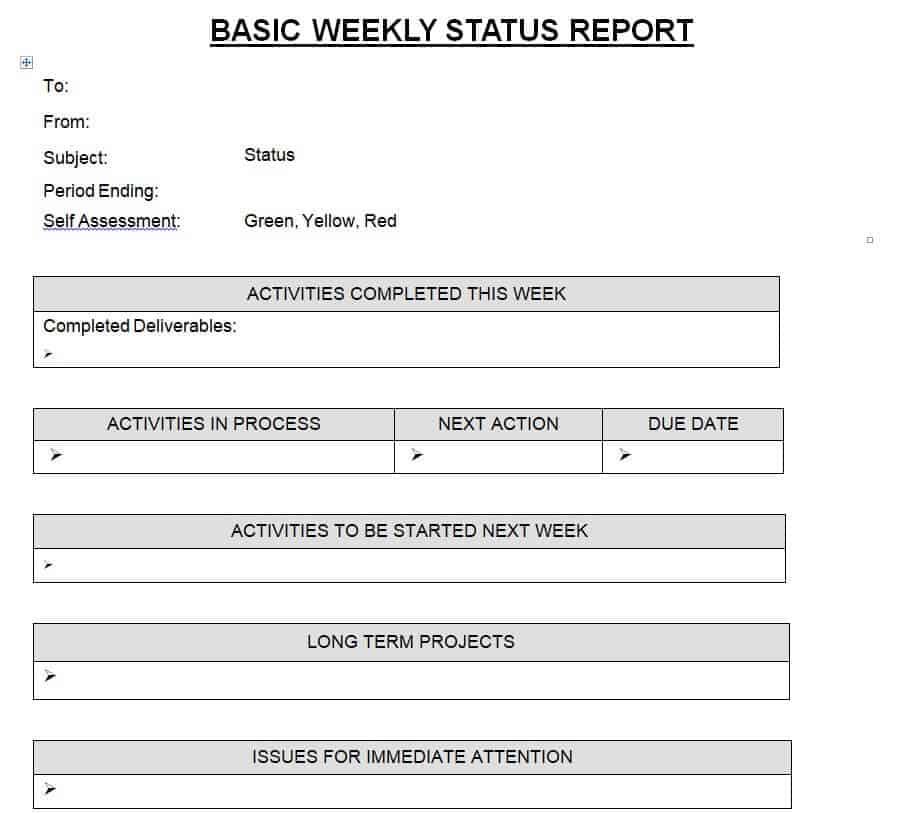
Basic Weekly Status Report Layout
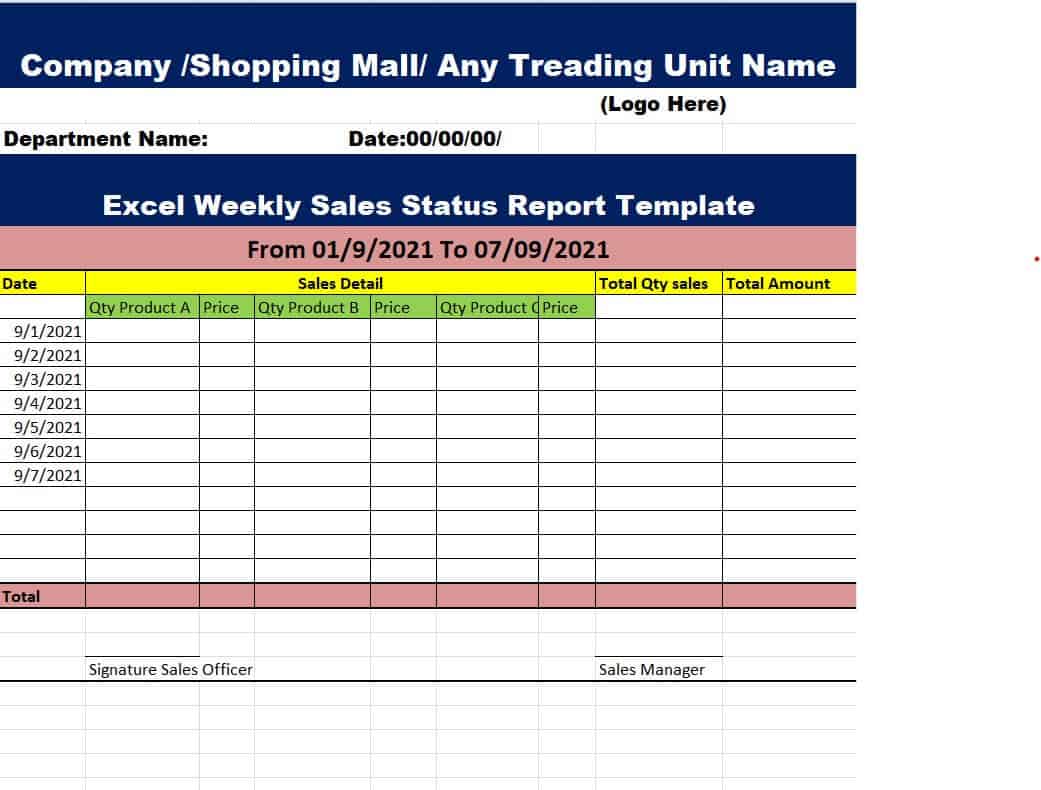
Business Weekly Sales Status Report Template in Excel
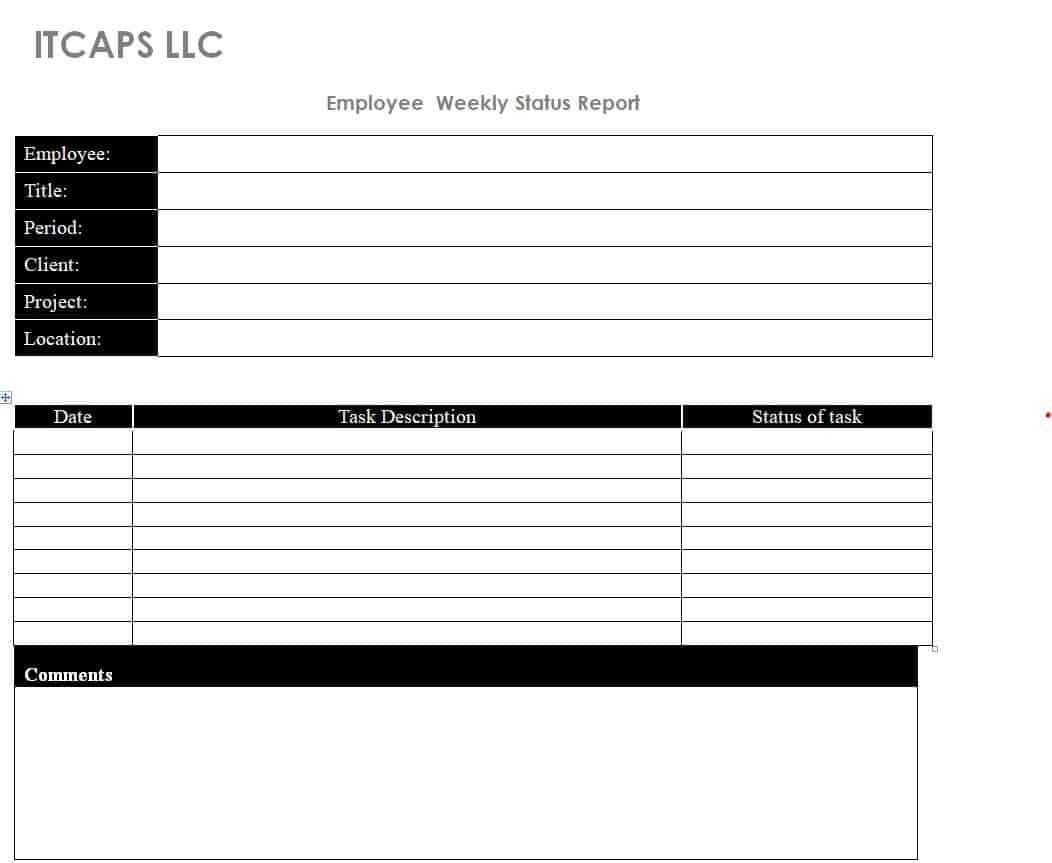
Fillable Employee Weekly Status Report Sample
Professional Weekly Project Status Report Template
Practical Weekly Status Report Template
Team Progress Weekly Status Report Format
Weekly status report templates are essential for keeping projects and teams on track. By providing a clear structure for updates, they make it easier to share progress, highlight challenges, and set goals for the upcoming week. These templates save time, ensure consistency, and help managers and stakeholders quickly understand the current state of work.
There are several types of weekly status reports, each serving a different purpose. Project weekly reports focus on milestones and deadlines, while team weekly reports summarize performance and workload distribution. Task-based reports are more detailed, tracking individual or departmental progress, whereas risk-focused reports emphasize potential issues and blockers. Executive weekly reports provide a high-level overview, ensuring leadership stays informed without unnecessary detail. Together, these templates provide flexibility for different reporting needs while maintaining clarity and accountability.
By using the right weekly status report template, professionals can improve communication, reduce misunderstandings, and ensure that projects move forward smoothly.
Frequently Asked Questions (FAQs)
What is a weekly status report template?
A weekly status report template is a pre-formatted document or spreadsheet used by project managers, executives, and employees to track work progress, identify project risks, and detail upcoming goals over a seven-day cycle.
What software formats are these templates available in?
All templates on this page are completely customizable and available in Microsoft Word (.docx) and Microsoft Excel (.xlsx) formats. They can also be opened and edited using Google Docs and Google Sheets.
What is the most effective layout for an executive weekly report?
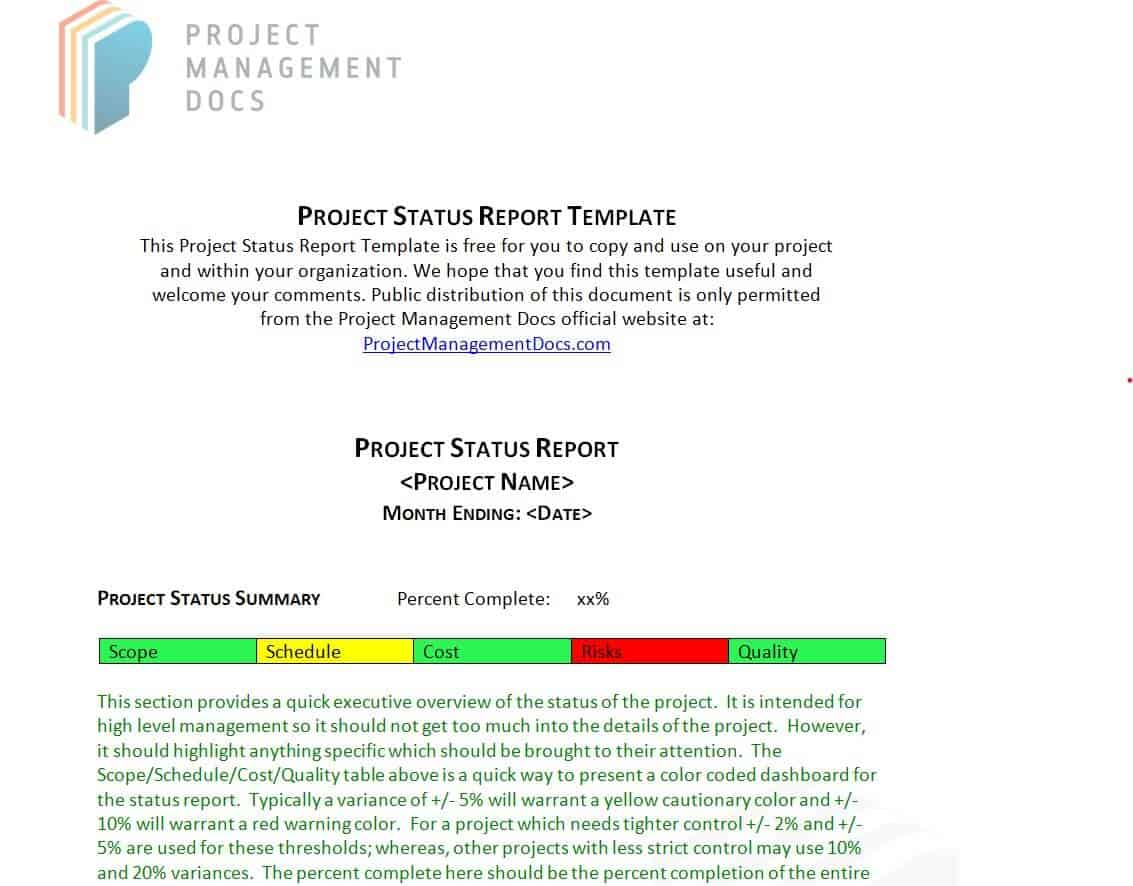
An executive weekly report should focus on high-level summaries rather than granular daily tasks. The best layout includes a visual health indicator (Green/Yellow/Red), a brief list of key milestones achieved, current budget status, and urgent decisions required from executive leadership.
How often should a project status report be distributed?
While weekly reports are standard for active projects, high-stakes or fast-moving projects may require bi-weekly updates. Routine, long-term operations may only require bi-weekly or monthly reporting cycles.
Are these weekly status report templates completely free to download?
Yes. All weekly status report templates listed on this page are 100% free to download, edit, and use for personal or commercial projects.

You must be logged in to post a comment.