

Keeping projects on schedule, teams aligned, and stakeholders informed requires clear and consistent communication. A progress report template provides a pre-formatted structure to track ongoing milestones, detail completed tasks, address potential bottlenecks, and outline upcoming goals—saving you valuable time while maintaining professional standards.
Whether managing a complex construction project, tracking academic milestones, or providing weekly status updates to executive leadership, using an editable progress report format in MS Word or Excel ensures complete accuracy and clarity.
What is a Progress Report?
A progress report is an official business or academic document that outlines the current status of an ongoing task, project, or long-term objective at a specific point in time. Unlike a final project summary, a progress report focuses on work in progress—comparing actual achievements against planned milestones.
Key functions of a professional progress report include:
- Status Tracking: Detailing what tasks have been completed since the last reporting period.
- Risk Management: Highlighting roadblocks, resource shortages, or technical issues early.
- Budget Monitoring: Tracking financial expenditures and resource usage against forecasted allocations.
- Future Planning: Outlining specific deliverables planned for the upcoming reporting cycle.
Key Components Every Progress Report Should Include
To ensure your report delivers maximum value to supervisors, clients, or team leads, every standard project progress report format should incorporate the following core elements:
- Header & Metadata: Project title, date of submission, reporting period (daily, weekly, or monthly), author’s name, and target audience/stakeholder.
- Executive Summary: A brief 2–3 sentence overview summarizing current progress, key wins, and critical issues.
- Tasks Completed: A detailed list of deliverables achieved during the current period.
- Ongoing Tasks & Milestones: Work currently in progress with estimated completion percentages.
- Issues & Blockers: Any risks, delay drivers, or budget variances requiring management intervention.
- Action Items for Next Period: Clear, prioritized objectives set for the upcoming reporting timeframe.
Common Types of Progress Report Formats
Different industries require specialized tracking structures. Select the free editable progress report template below that best aligns with your organizational needs:
- Daily Progress Reports: Ideal for field management, construction sites, and fast-paced operational environments where daily activity tracking is critical.
- Weekly Status Reports: The standard format for corporate teams, software development sprints, and marketing campaigns to keep supervisors updated.
- Monthly & Quarterly Progress Reports: High-level summaries tailored for executive boards, investors, and grant-funding organizations focusing on macro milestones and budget health.
- Academic & Student Progress Reports: Specialized forms designed for teachers, postdoctoral researchers, and educational institutions to evaluate student learning growth and research developments.
Download Free Progress Report Templates for MS Word & Excel
Explore our collection of fully customizable MS Word (.docx) progress report templates below. Click the download buttons to save each format directly to your device and adapt the fields to your specific workflow.
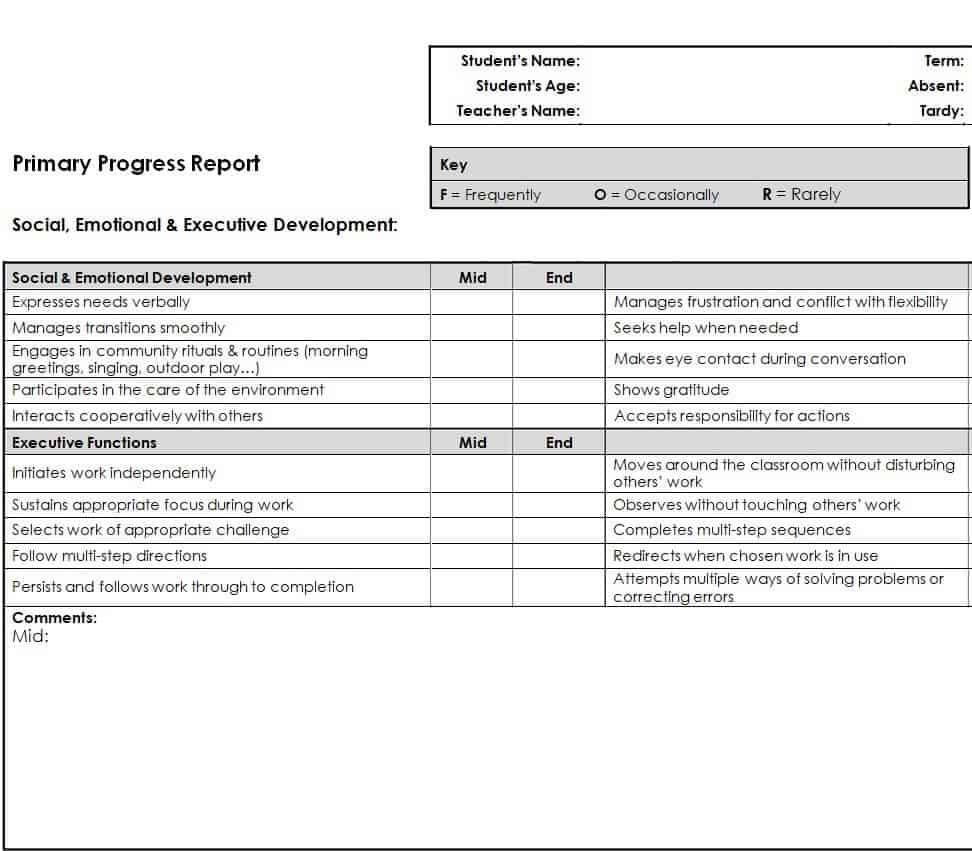
Primary Progress Report Template
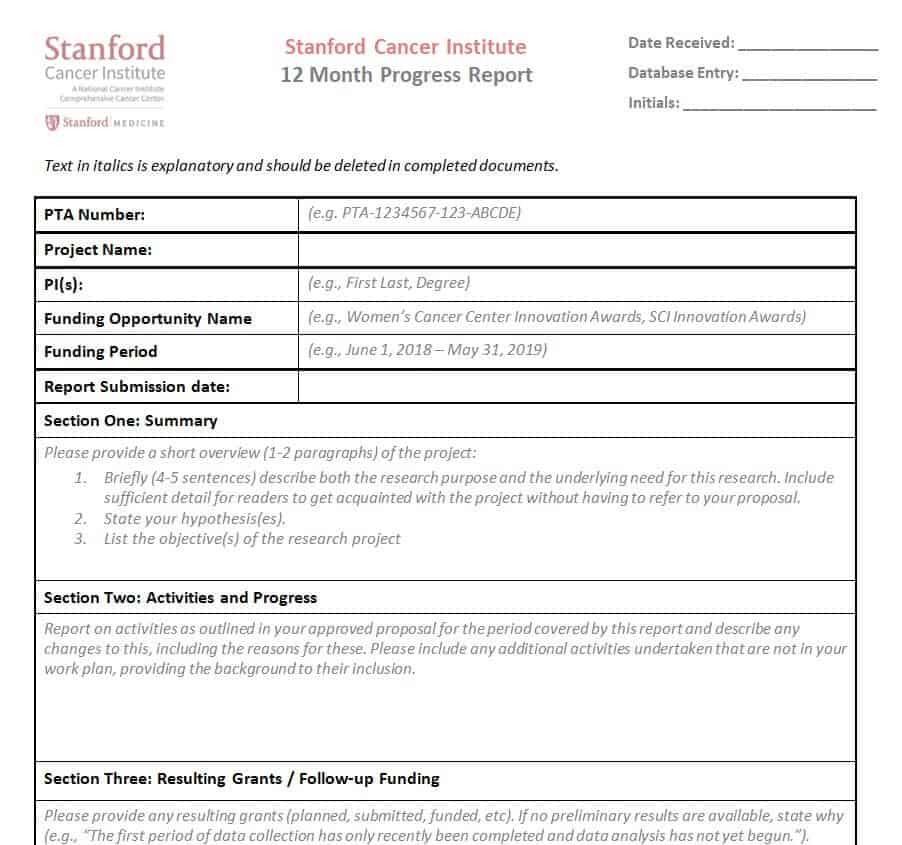
12 Month Progress Report Template WORD
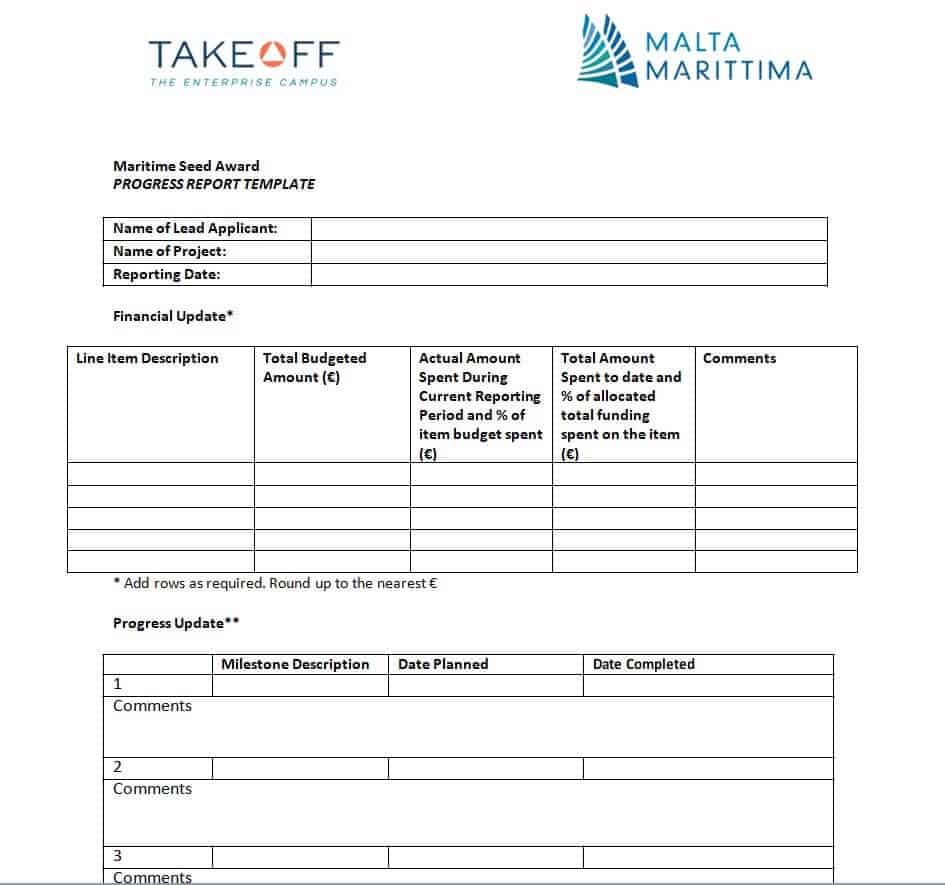
Fillable Progress Report Template
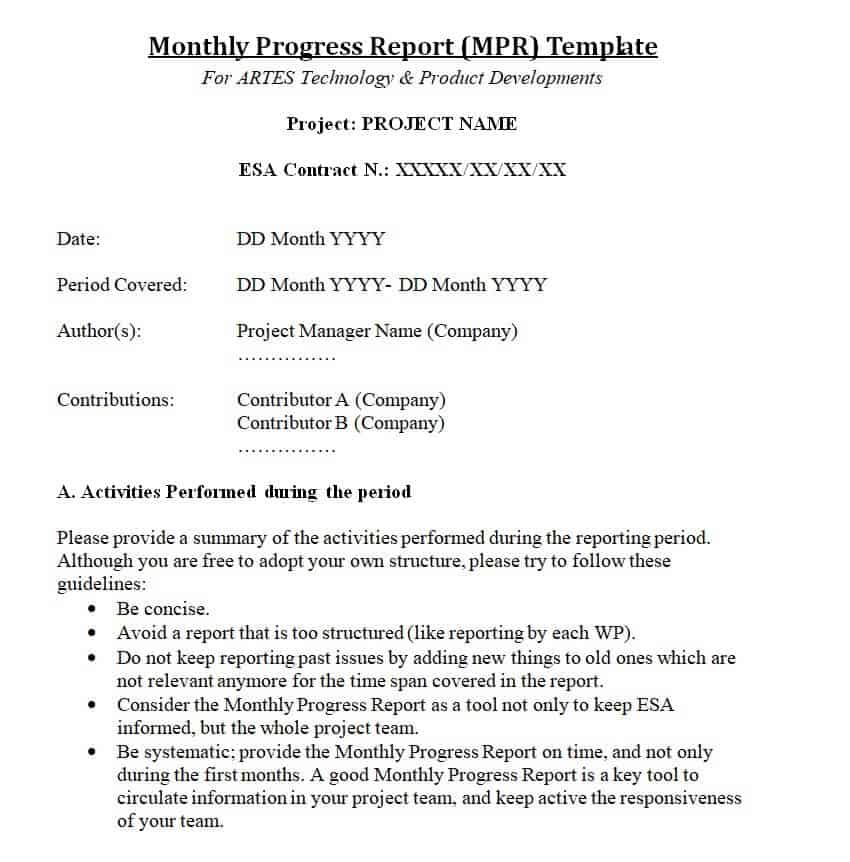
Monthly Progress Report Template
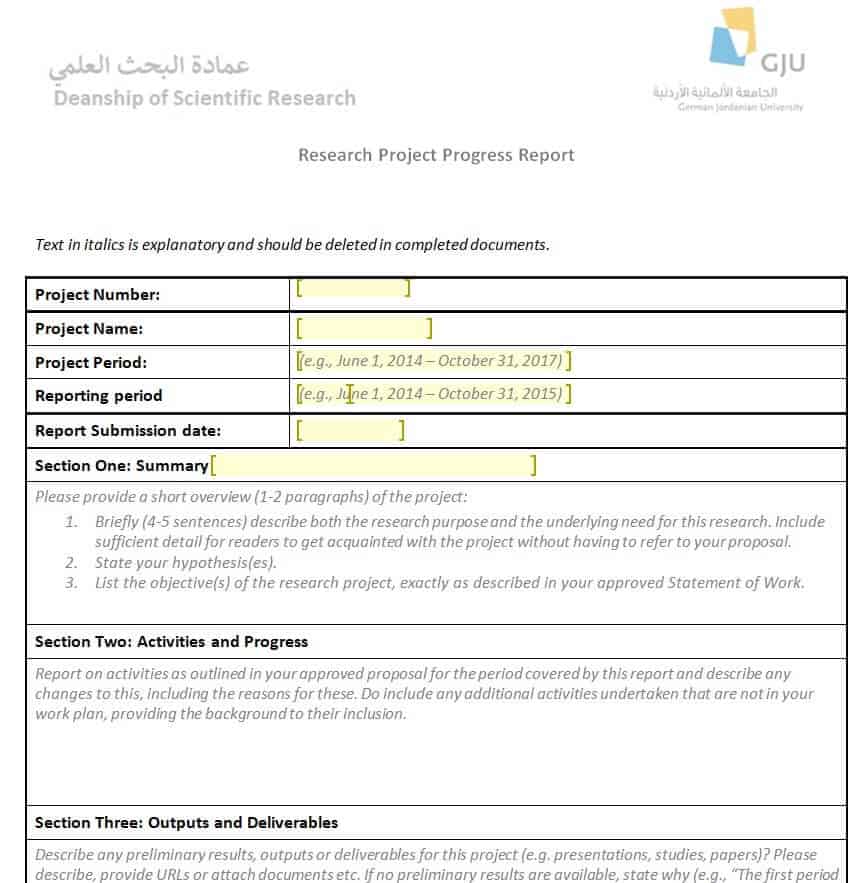
Research Project Progress Report Example
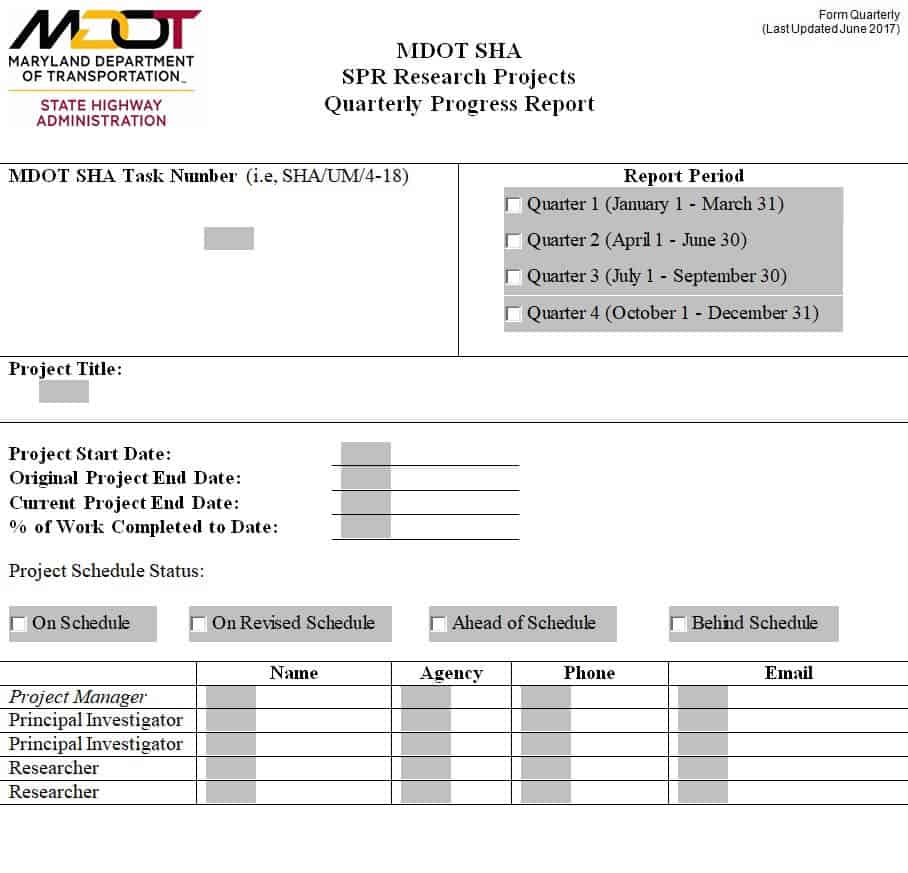
Quarterly Progress Report Sample
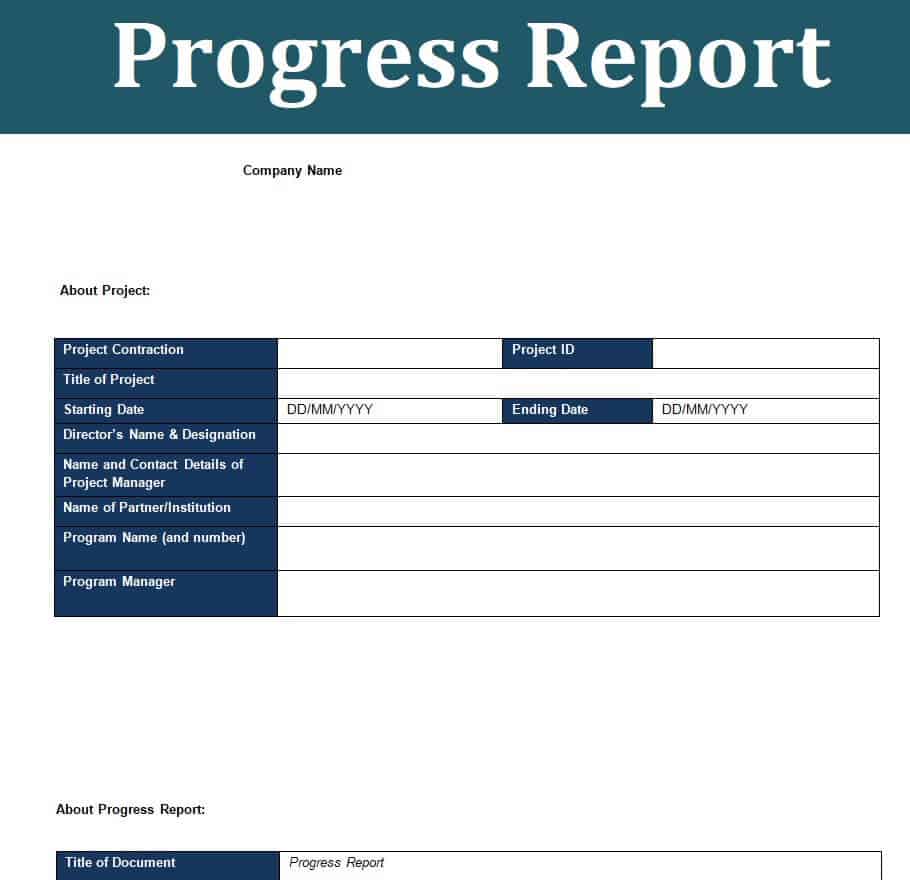
Basic Progress Report Format
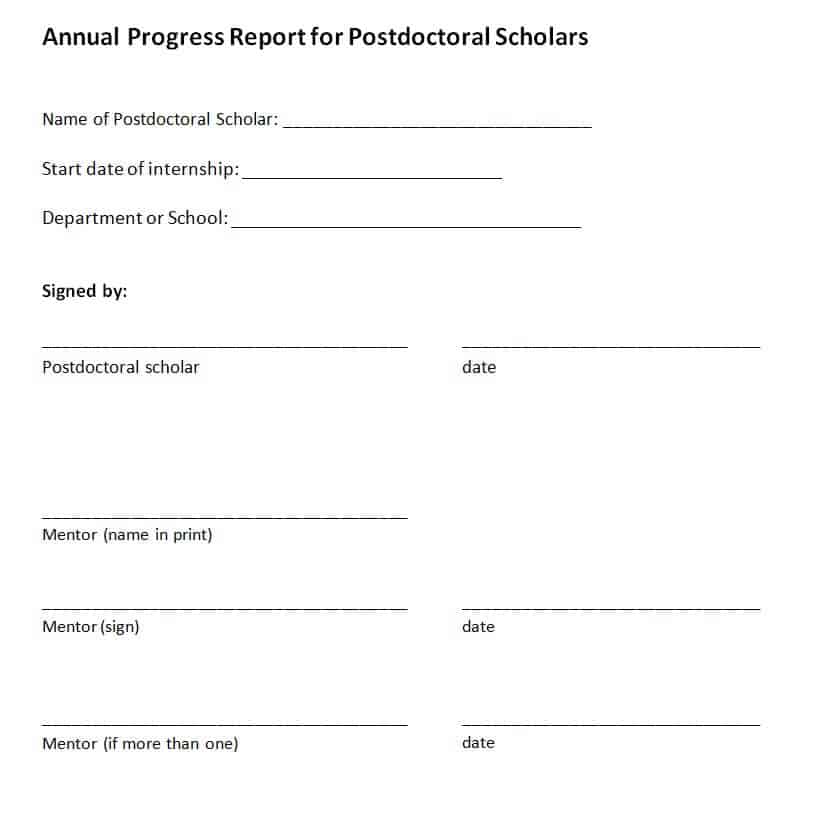
Annual Progress Report Template for Postdoctoral Scholars
Quarterly Progress Report Form Template
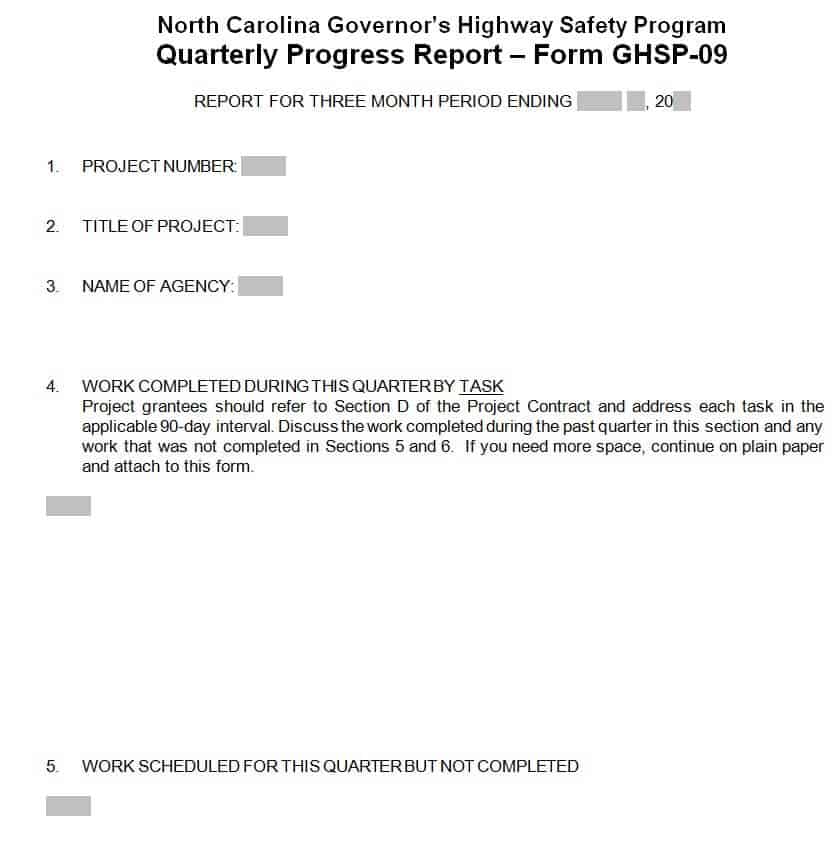
Free Editable Activity Progress Report Template
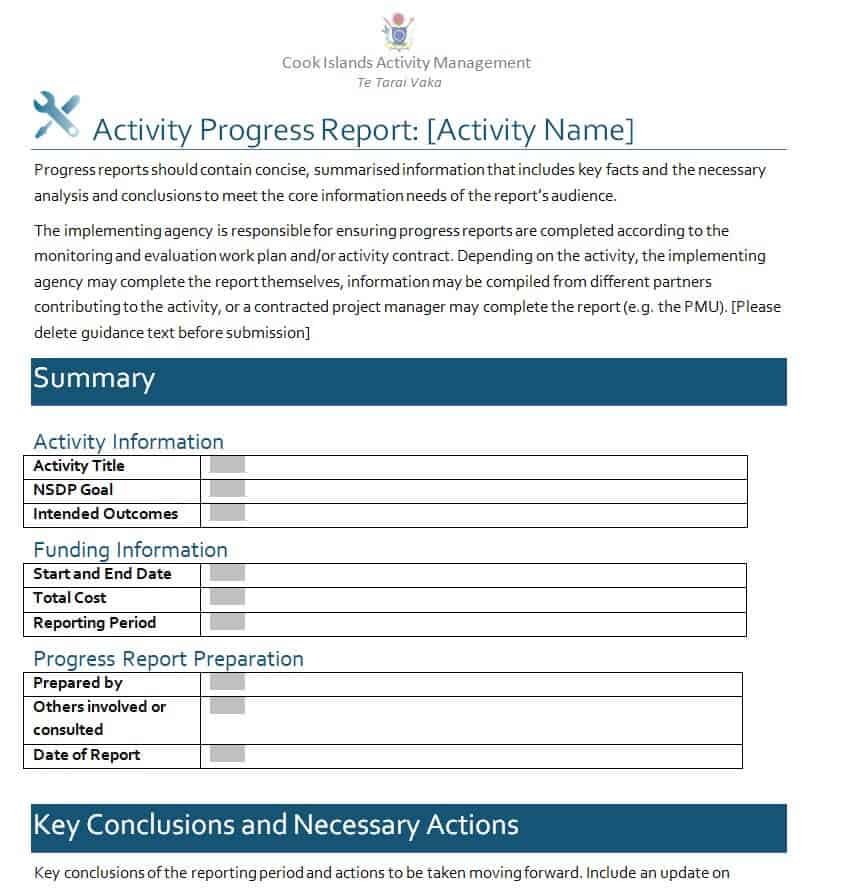
Research Progress Report Sample
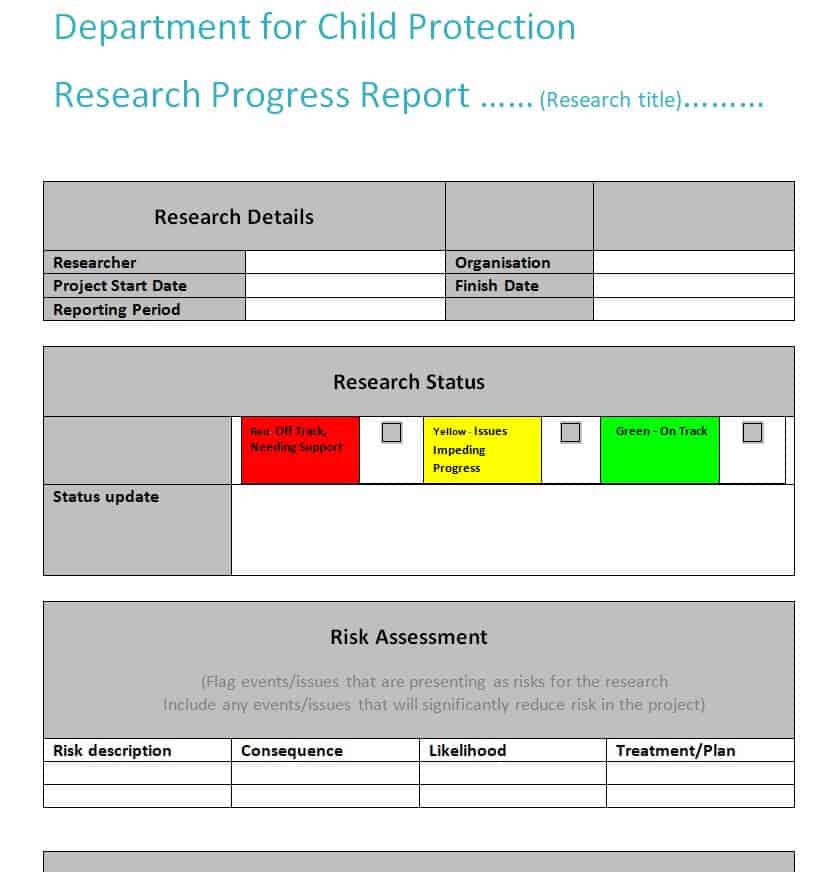
Daily Progress Report Template in DOC Format
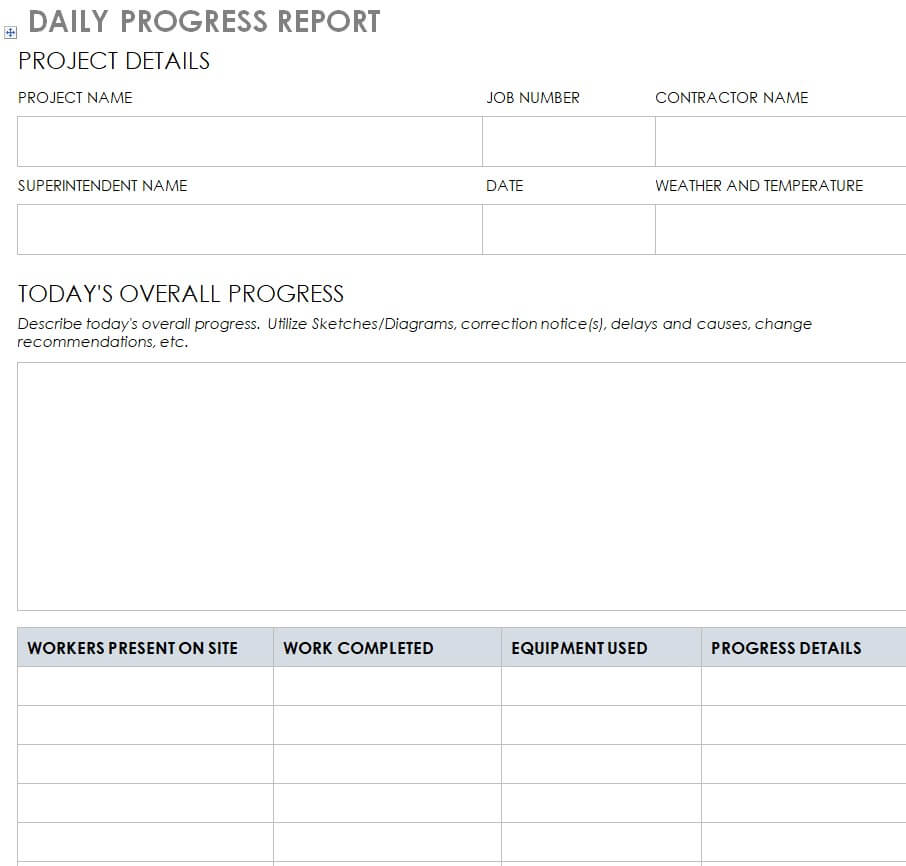
Annual Child Progress Report Template
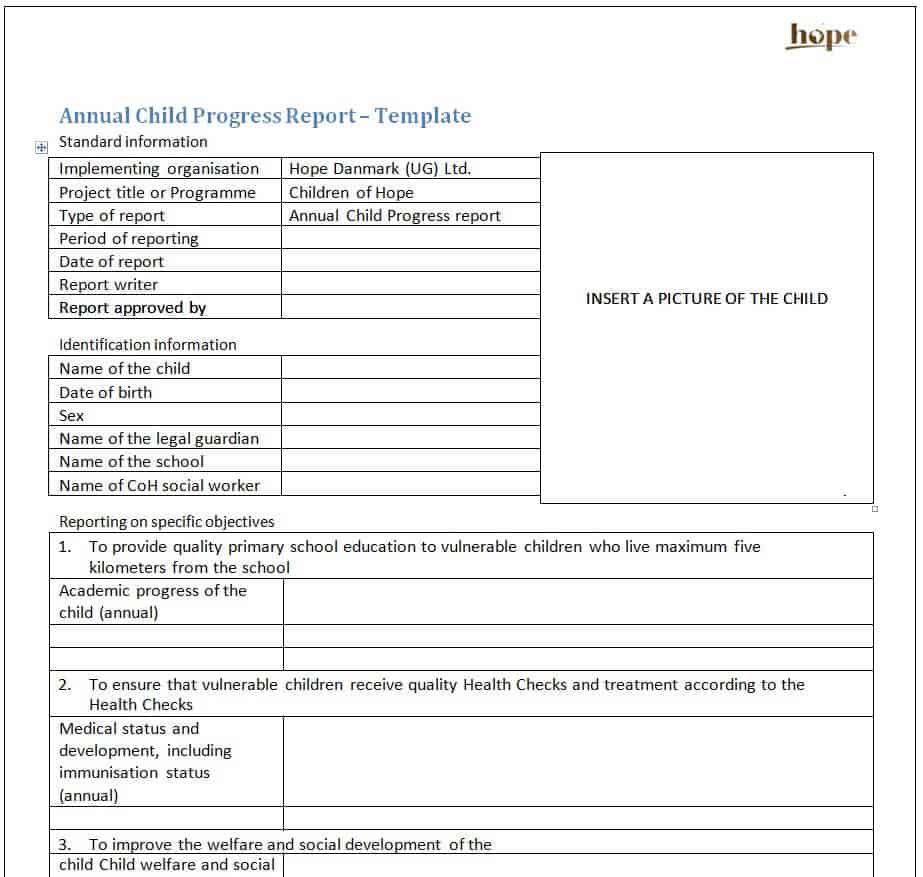
Cancer Institute Progress Report Example
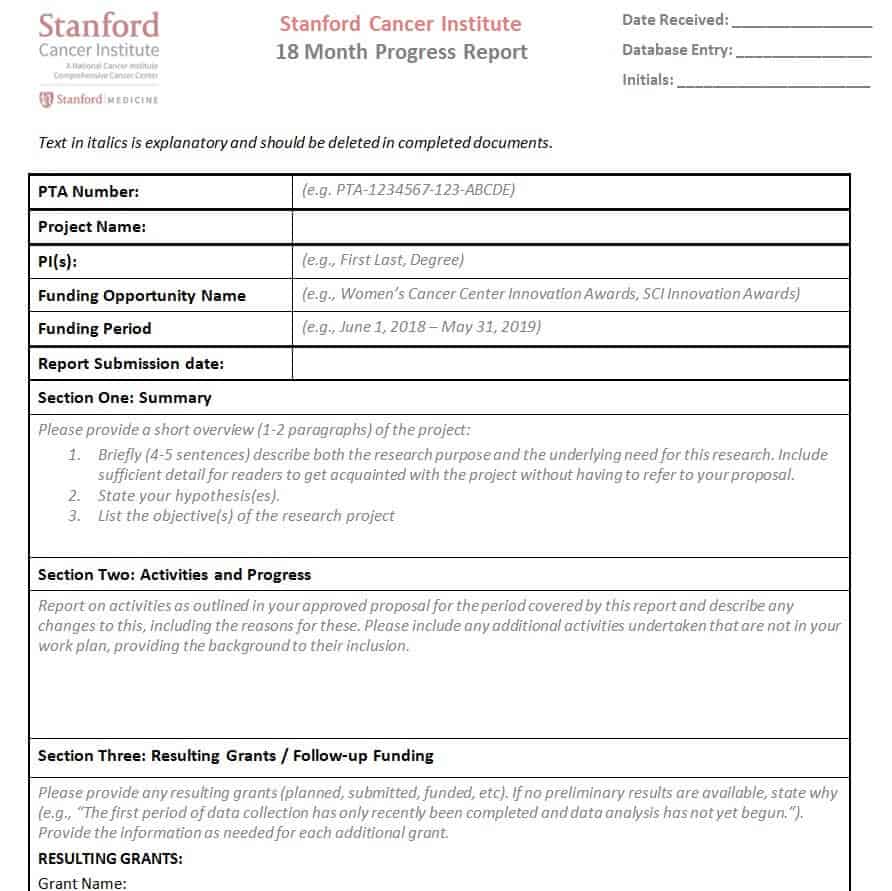
Detailed Progress Report Format
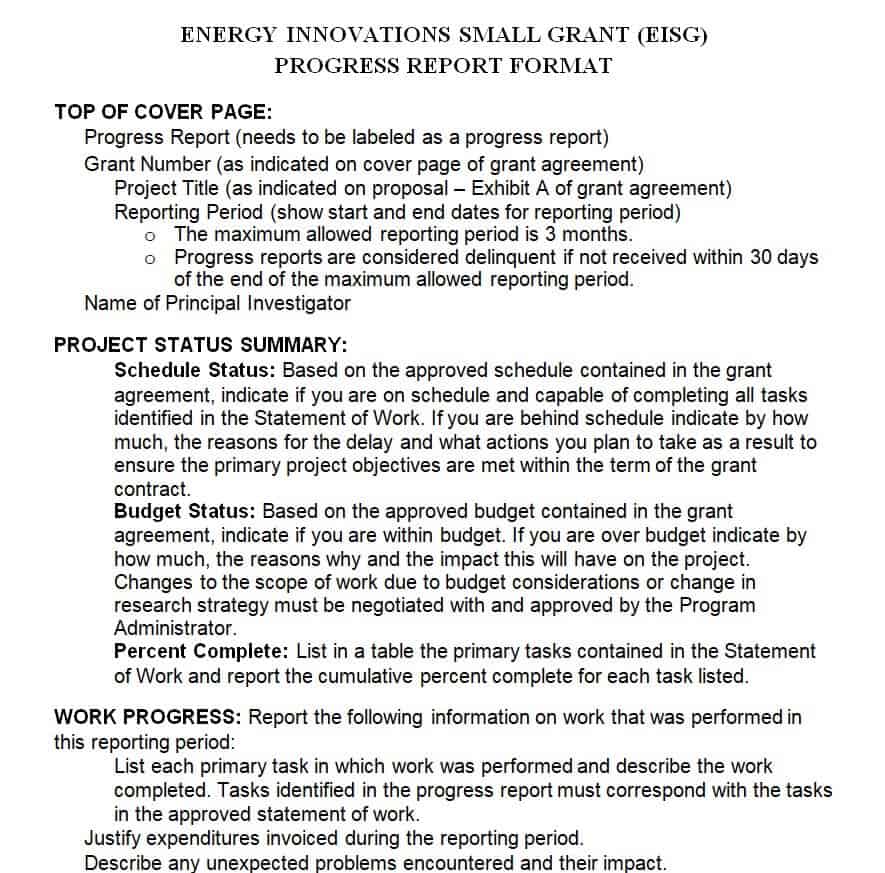
Development Program Progress Report Template
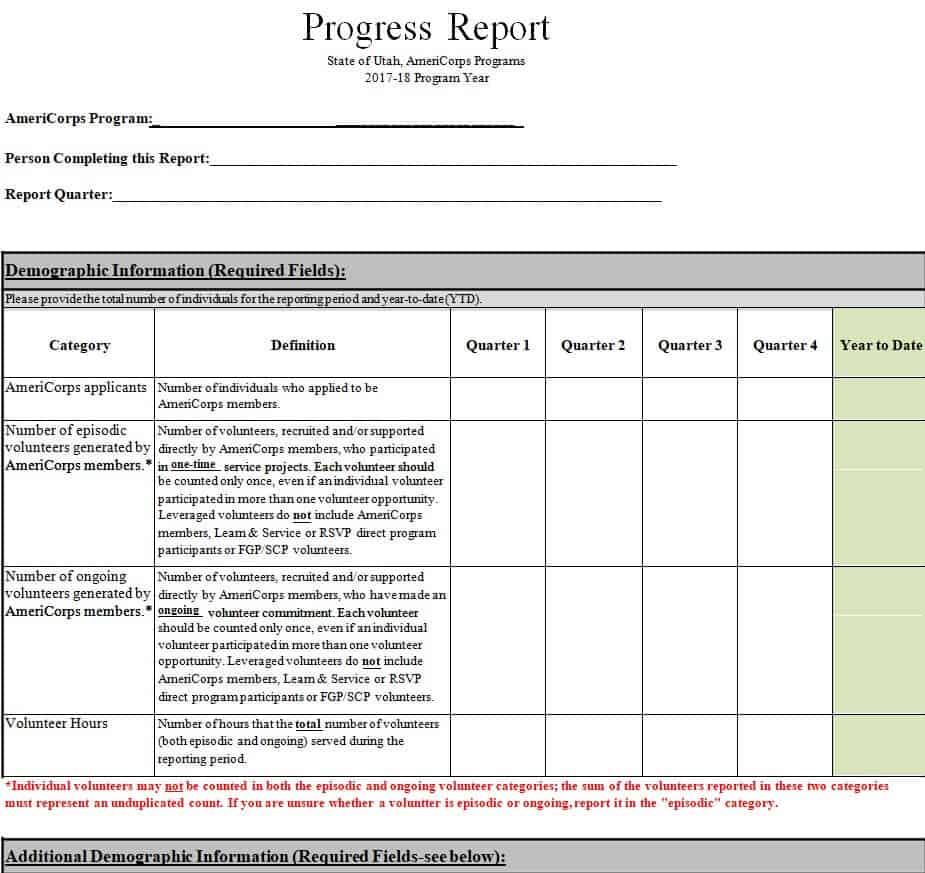
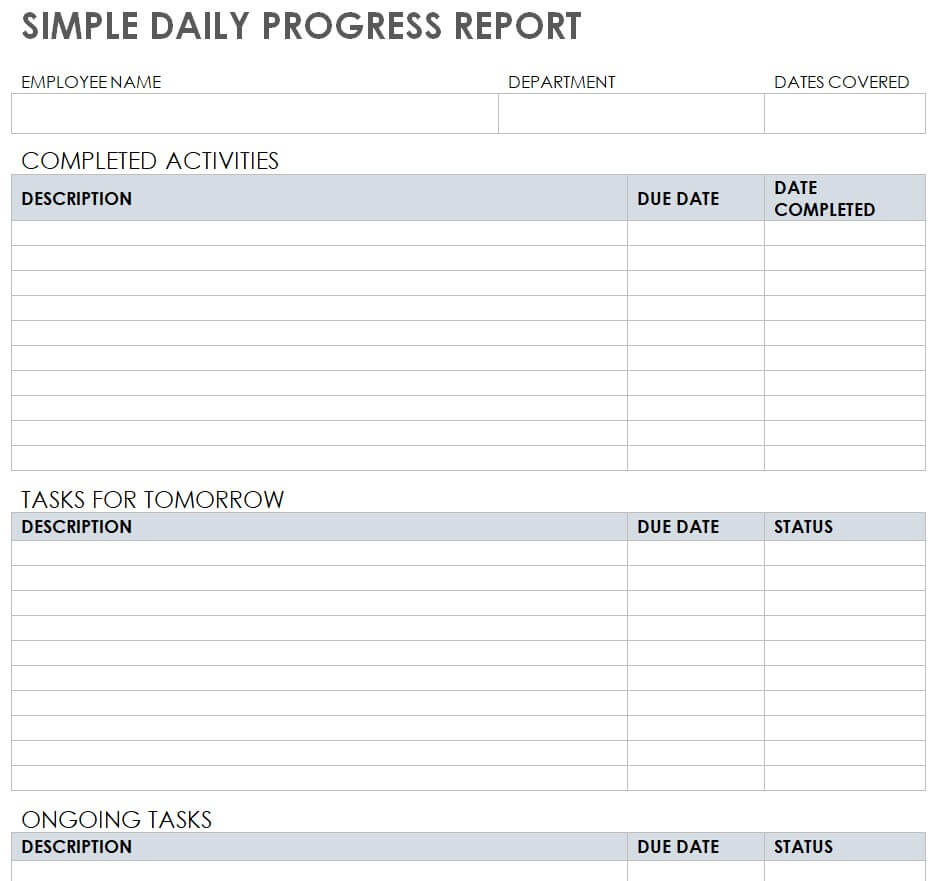
Simple Daily Progress Report Example
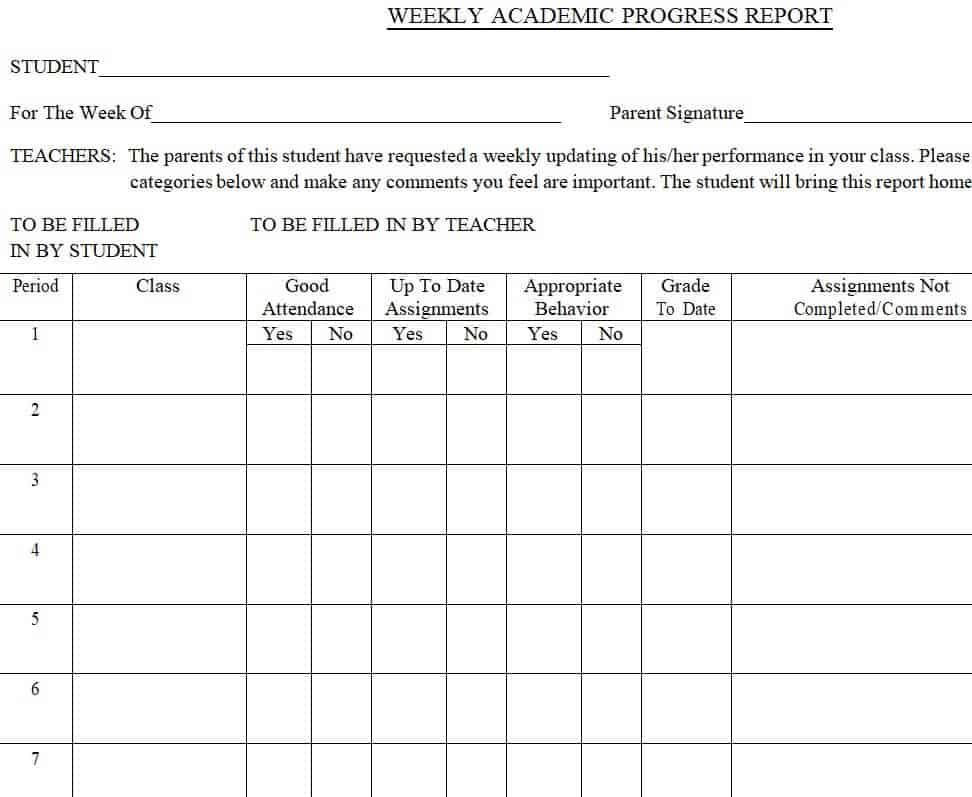
Weekly Academic Progress Report Word Template
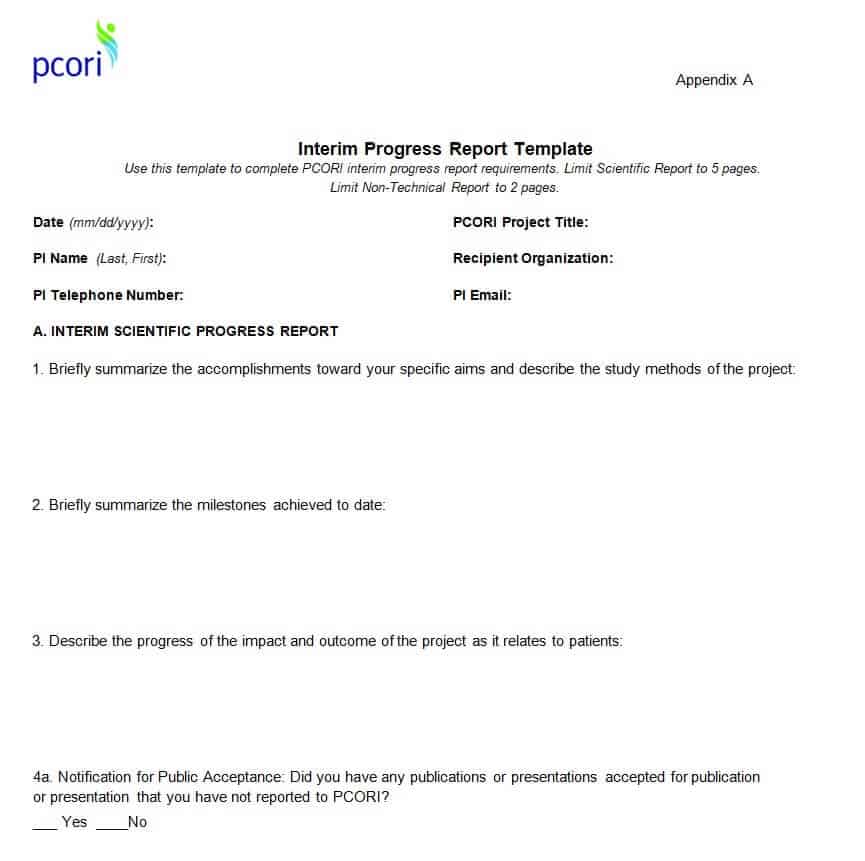
Interim Progress Report Template
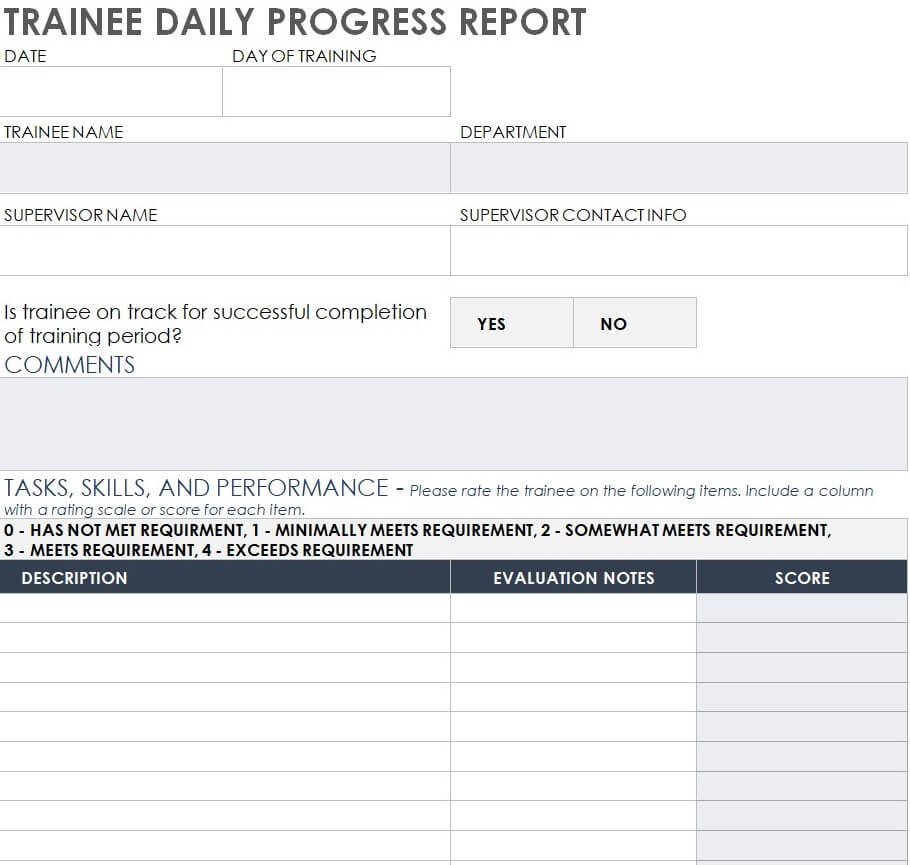
Trainee Daily Progress Report Sample
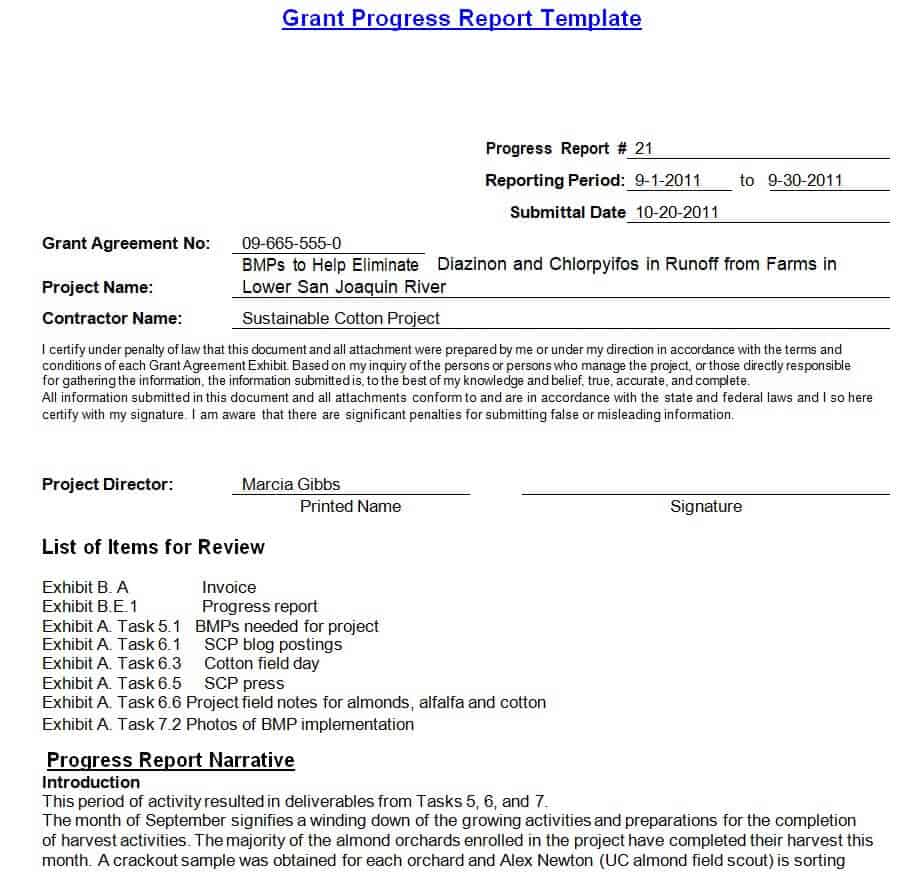
Grant Progress Report Template in MS WORD
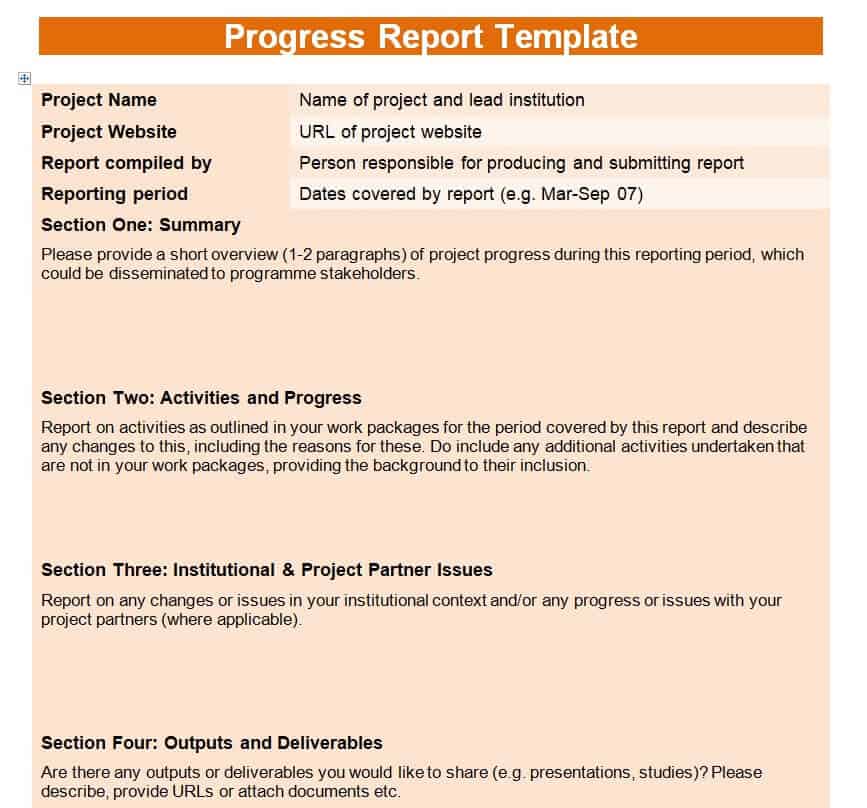
Official Progress Report Template
How to Write an Effective Progress Report in 4 Steps
To maximize the impact of your downloaded progress report format, follow these best practices when filling out your document:
1. Identify Your Audience’s Needs
Tailor the level of detail to your reader. C-suite executives prefer brief, high-level summaries focusing on budget and schedule variances, whereas project managers require granular task breakdowns.
2. Be Specific and Measurable
Avoid vague statements like “made good progress on design.” Instead, use quantified metrics: “Completed 85% of initial UI wireframes; on track for Friday sign-off.”
3. Be Transparent About Delays
Hiding obstacles creates larger risks down the line. Clearly state any project blockers, explain the root cause, and propose a concrete mitigation plan.
4. Keep Formatting Clean and Consistent
Utilize bullet points, bold key metrics, and structured tables to make the report easy to scan. Downloading a pre-designed Word progress report template ensures consistent margins, typography, and professional presentation across all updates.
Frequently Asked Questions
Q1: How do I create a progress report in Microsoft Word?
To create a progress report in MS Word, download a pre-designed .docx progress report template, open it in Word, and customize the text fields. You can easily adjust the header, update task lists, modify colors, and add your organization’s logo to match your company’s branding.
Q2: What is the main difference between a progress report and a status report?
While both track work, a progress report specifically focuses on movement toward long-term project goals over time (comparing past accomplishments against upcoming milestones). A status report provides a broader, real-time snapshot of the overall project health—including current budget, resource allocation, and active risks.
Q3: How long should a typical project progress report be?
For weekly or daily updates, a 1 to 2-page progress report is ideal. High-level executive, quarterly, or grant progress reports may span 3 to 5 pages to include budget tables, detailed milestone assessments, and risk mitigation strategies.
Q4: How frequently should a progress report be submitted?
Frequency depends on your project’s pace and stakeholder requirements. Short-term or fast-moving operational tasks usually require daily or weekly progress reports, while long-term business or research initiatives typically use monthly or quarterly reports.
Q5: Can I convert these Word progress report templates to PDF or Google Docs?
Yes. After editing your report in Microsoft Word, click File > Save As and choose PDF to create a read-only document for clients or leadership. To use Google Docs, simply upload the downloaded .docx file directly to Google Drive and open it as a Google Doc.

You must be logged in to post a comment.