

Keeping clients, managers, team members, and other stakeholders informed about current work is an important part of effective project management. A well-prepared status report provides a clear snapshot of what has been completed, what is currently in progress, what needs attention, and what is planned next. Instead of creating a new report from scratch every time, you can use a ready-made status report template to organize information quickly and consistently.
On this page, you can find a useful collection of free status report templates designed for different reporting requirements. These templates can help you prepare professional reports for projects, employees, teams, IT departments, business operations, and other types of work. They are easy to customize, making it simple to add your own project information, progress updates, deadlines, issues, and upcoming activities.
Free Status Report Templates
A status report template provides a structured format for presenting the current condition of a project, task, department, or business activity. Depending on your requirements, you may need a daily status report, weekly status report, monthly project status report, or a more detailed report for management and clients.
Our collection includes different formats and layouts so you can choose a template that matches your reporting needs. You can use these templates as a starting point, edit the information, add your company details, and create a professional report without spending hours designing the document.
Whether you are a project manager, team leader, employee, business owner, consultant, or administrator, a ready-to-use status report format can make regular reporting much easier.
What Is a Status Report?
A status report is a document used to communicate the current progress and condition of a project, job, activity, or business process. It normally summarizes completed work, ongoing activities, upcoming tasks, important milestones, problems, risks, and other information that stakeholders need to know.
A project status report is particularly useful because project stakeholders often need regular updates without reviewing every individual task. A concise report allows them to understand whether the project is progressing according to the expected schedule, budget, scope, and objectives.
A good status report should focus on relevant information rather than unnecessary details. The exact format can vary depending on the project and audience, but common sections include project information, overall status, accomplishments, upcoming activities, milestones, risks, issues, action items, and deadlines.
Why Use a Status Report Template?
Creating regular reports manually can take considerable time, especially when the same information has to be presented every week or month. A status report template provides a consistent structure that can be reused for future reporting periods.
Using a template can help you:
- Save time when preparing recurring reports
- Keep project information organized
- Present important updates in a professional format
- Track completed and pending activities
- Highlight project risks and issues
- Monitor milestones and deadlines
- Communicate progress clearly to stakeholders
- Maintain consistency between different reporting periods
- Create a record of project history and decisions
- Make it easier for managers to review project health
A consistent reporting process also makes it easier to compare the current project status with previous reports and identify changes in schedule, workload, risks, or performance.
What Should a Status Report Include?
The contents of a status report depend on the type of report and the audience. However, a professional project status report format commonly includes several important sections.
Project Information
Start with basic information such as the project name, project manager, reporting period, report date, client, department, and other relevant details. This helps readers immediately understand which project or activity the report covers.
Overall Project Status
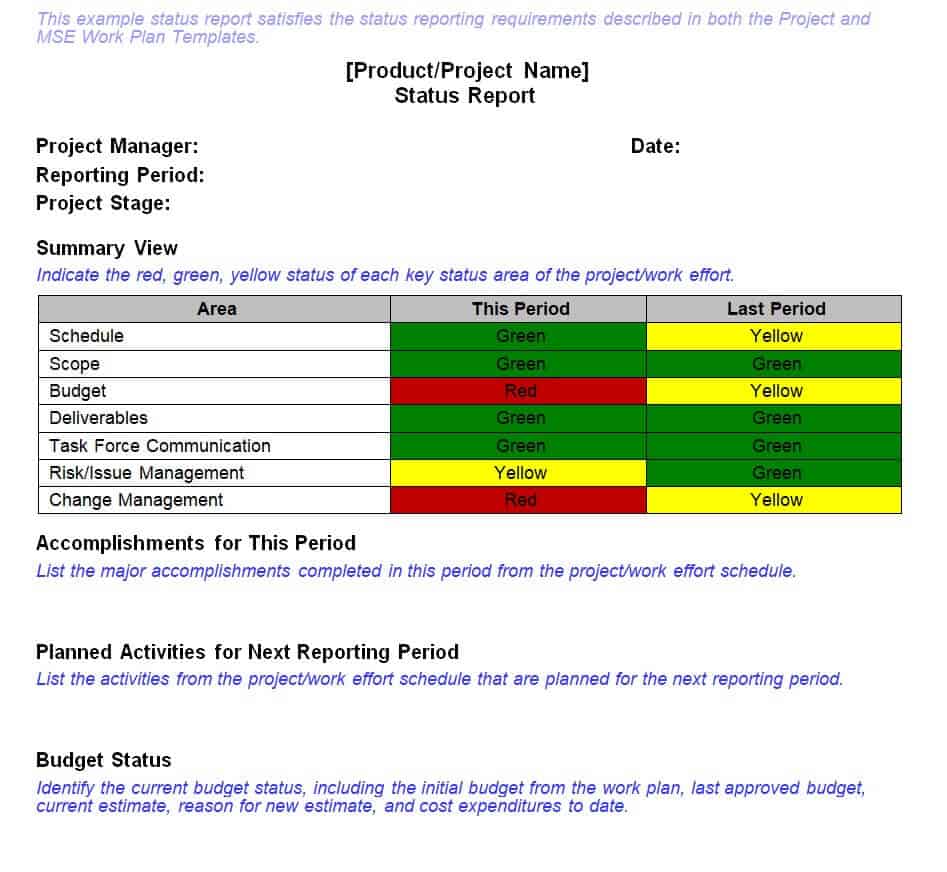
The overall status provides a quick summary of whether the project is on track, requires attention, or is facing significant problems. Some organizations use simple labels such as On Track, At Risk, and Delayed, while others use red, amber, and green status indicators.
Work Completed
List the important tasks, deliverables, milestones, or activities completed during the reporting period. Focus on meaningful accomplishments rather than listing every minor task.
Current Activities
Explain what the team is currently working on. This gives stakeholders visibility into ongoing work and helps them understand how the project is progressing toward its objectives.
Upcoming Tasks
A useful weekly status report template should also identify the major activities planned for the next reporting period. Include important deadlines, upcoming milestones, dependencies, and activities that require stakeholder attention.
Risks and Issues
Projects can encounter unexpected problems, delays, resource constraints, technical issues, or other risks. A status report provides a convenient place to document these concerns and explain the action being taken to address them.
Milestones and Deadlines
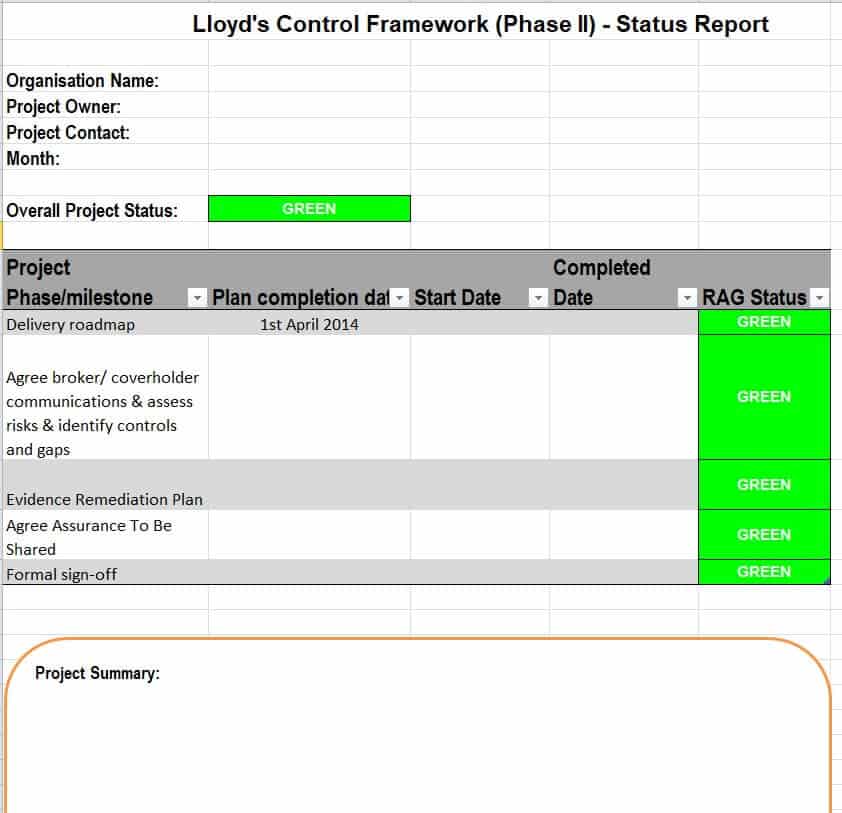
Tracking milestones helps project managers determine whether important deliverables are being completed according to the original schedule. A status report can show planned dates, actual dates, current status, and expected completion dates.
Budget and Resources
For projects where financial or resource tracking is important, the report can include budget information, actual spending, resource requirements, staffing concerns, or other cost-related updates.
Action Items
Action items identify what needs to happen next, who is responsible, and when the task should be completed. This makes the status report more useful than a simple description of project progress.
Weekly Status Report Template
A weekly status report is one of the most common reporting formats used by project teams. It provides a short, regular update on what happened during the week and what is expected during the following week.
A weekly project status report can include completed tasks, current progress, upcoming activities, project milestones, issues, risks, action items, and important decisions. It is especially useful for keeping project managers, clients, team members, and stakeholders aligned.
The most effective weekly reports are concise. Readers should be able to understand the project’s current condition quickly without going through unnecessary information. Weekly reporting templates commonly focus on progress, budget, schedule, resources, risks, roadblocks, and next steps.
Monthly Status Report Template
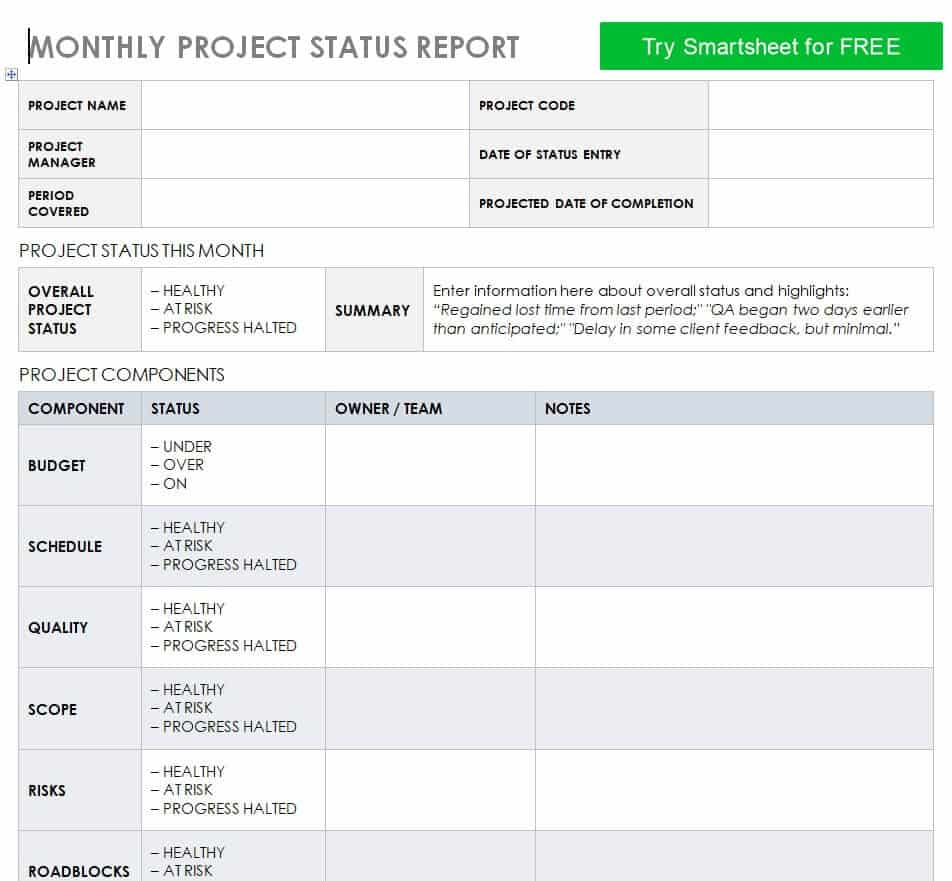
A monthly status report template is useful when projects or business activities do not require weekly reporting or when management needs a broader view of performance.
Monthly reports can include progress during the month, major achievements, milestone updates, budget information, resource utilization, risks and issues, and priorities for the following month. Because they cover a longer period, monthly reports can also be useful for identifying trends and comparing performance across reporting periods.
Daily Status Report Template
Some projects require more frequent communication. A daily status report template can be useful for short-term projects, critical deadlines, implementation periods, construction activities, IT deployments, or situations where managers need frequent updates.
A daily report should normally be shorter than a weekly or monthly report. It can focus on work completed today, work planned for the next day, current problems, blockers, and urgent decisions.
Who Can Use These Status Report Templates?
Status report templates are not limited to project managers. They can be adapted for many professional situations, including:
- Project managers
- Team leaders
- Employees
- IT teams
- Construction teams
- Marketing departments
- Human resources departments
- Consultants
- Business owners
- Operations teams
- Sales teams
- Administrative departments
- Contractors and service providers
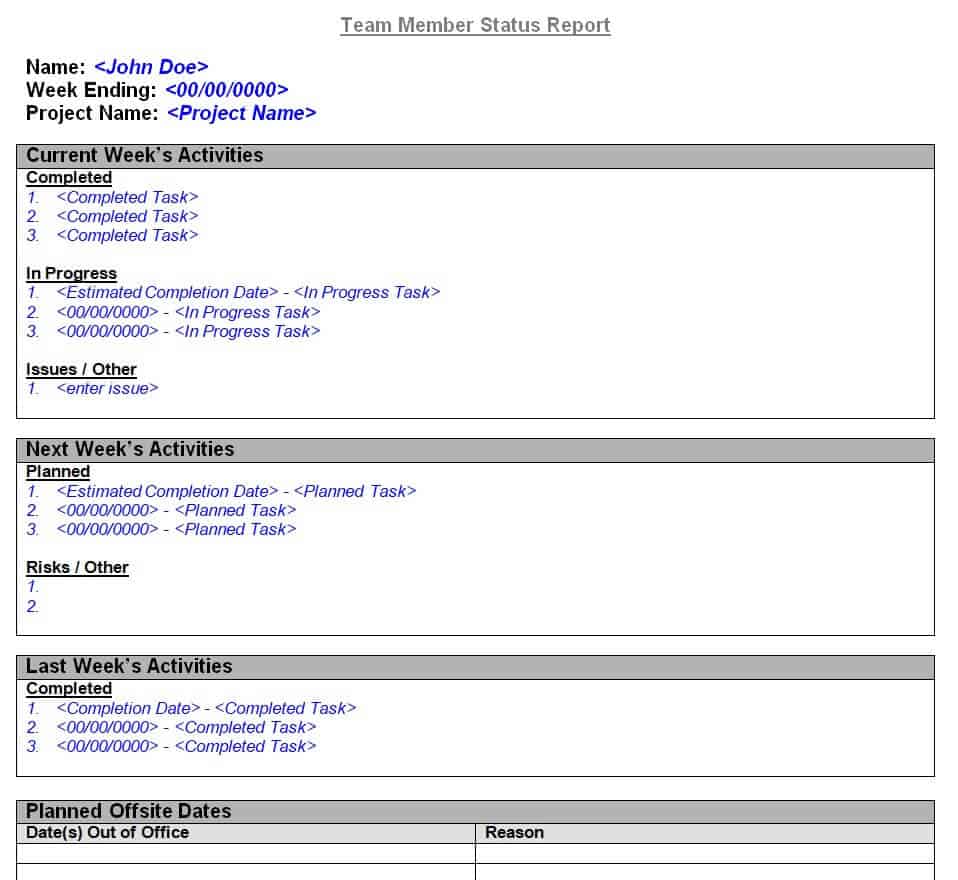
For example, an employee can use an employee status report template to summarize completed assignments and upcoming responsibilities. An IT department can use an IT status report to communicate system updates, technical issues, and outstanding tasks. A project manager can use a project status report to keep clients and senior management informed.
How to Use a Status Report Template
Using a ready-made template is simple. First, select the status report format that best matches your reporting requirements. Enter the project or company information and define the reporting period. Next, update the sections covering completed work, current activities, upcoming tasks, milestones, risks, issues, and action items.
Before sharing the report, review all dates, figures, names, and project information for accuracy. Keep the summary clear and highlight anything that requires a decision or immediate attention from management.
The same template can then be reused for future reporting periods. This creates a consistent status report format and makes it easier to compare reports over time.
Download Free Status Report Templates
If you regularly prepare project or business updates, these free status report templates can save time and help you create better-organized reports. Choose a template that fits your requirements, customize it with your own information, and reuse it whenever you need to prepare a new status update.
A good reporting process does more than document completed work. It helps teams communicate clearly, identify problems early, manage expectations, track responsibilities, and keep projects moving toward their goals. Using a professional status report template gives you a practical starting point for creating clear and consistent reports.
Download Status Report Templates Below:
Monthly Project Status Report Template
Detailed Project Status Report Template
Control Framework Status Report Excel Template
Team Member Status Report Sample WORD
Project Daily Status Report Sample
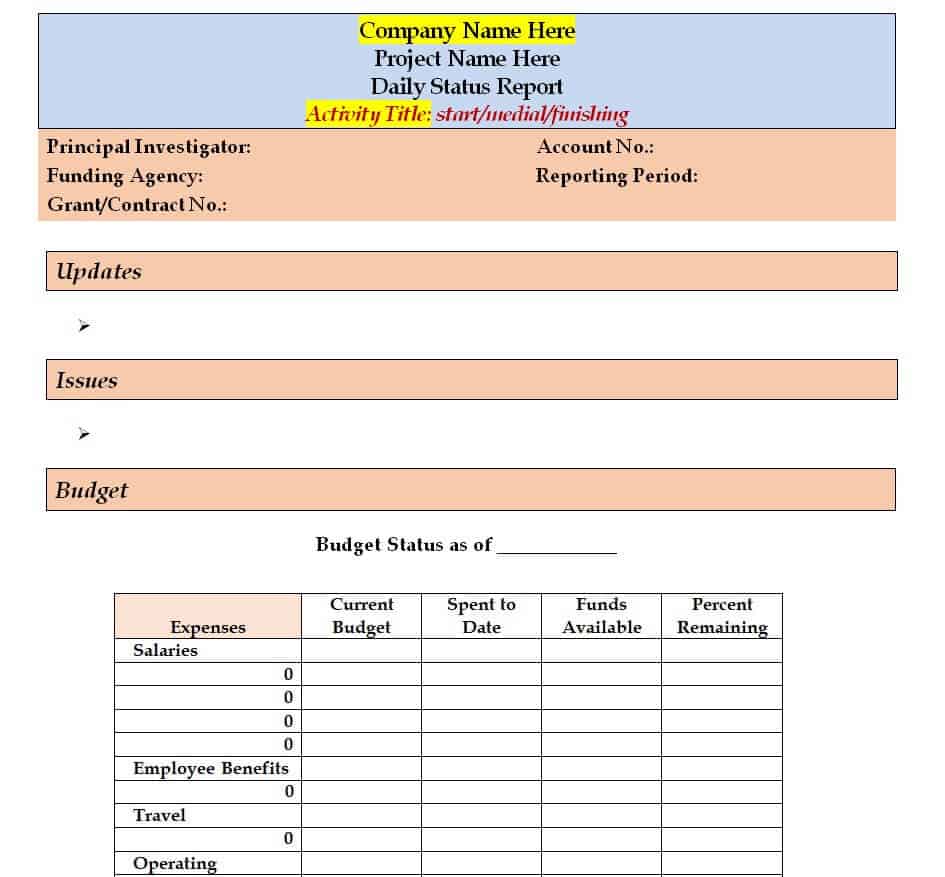
Basic Weekly Status Report Template in DOC Format
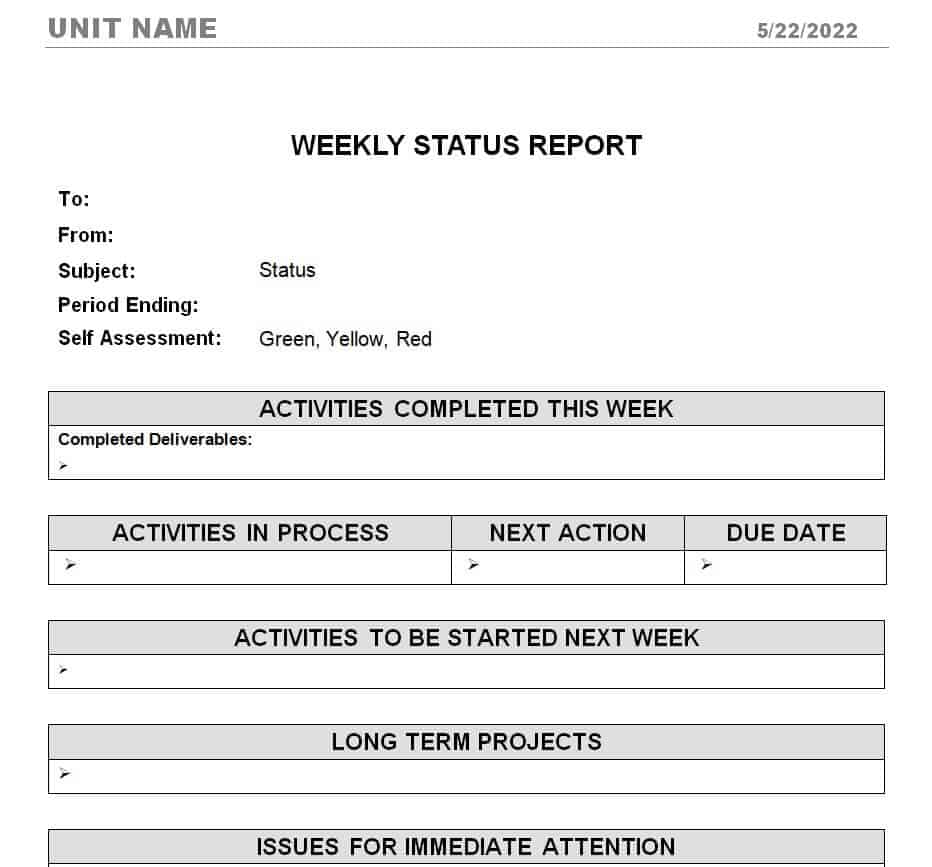
Official Project Status Report Example
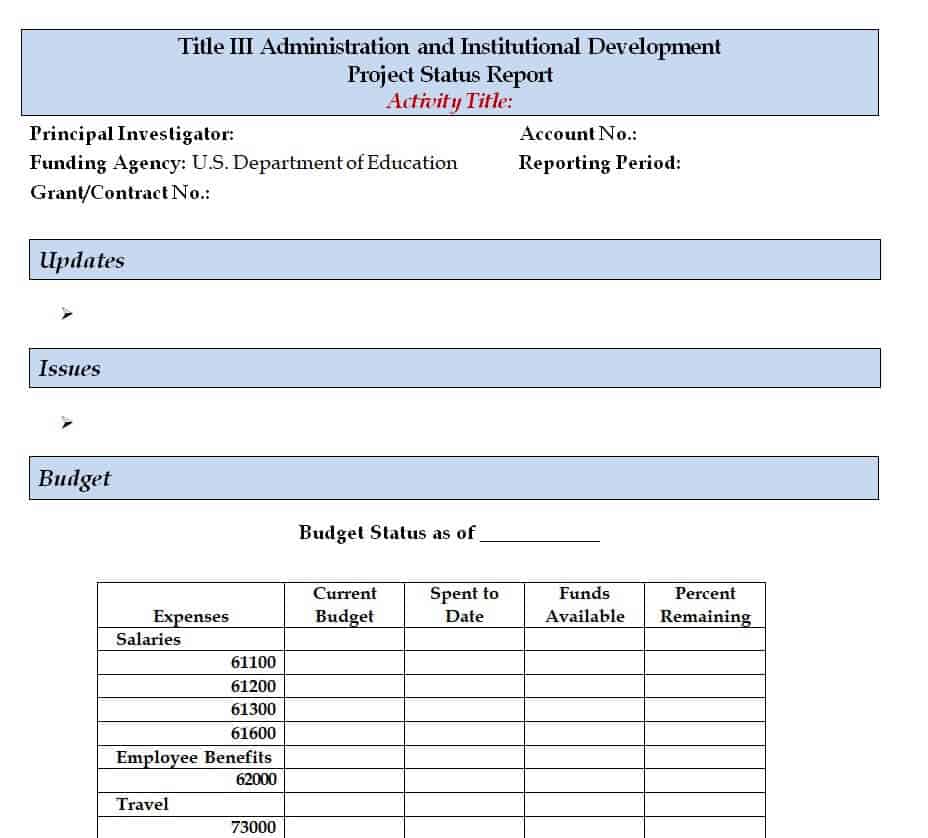
Quarterly Status Report Word Template
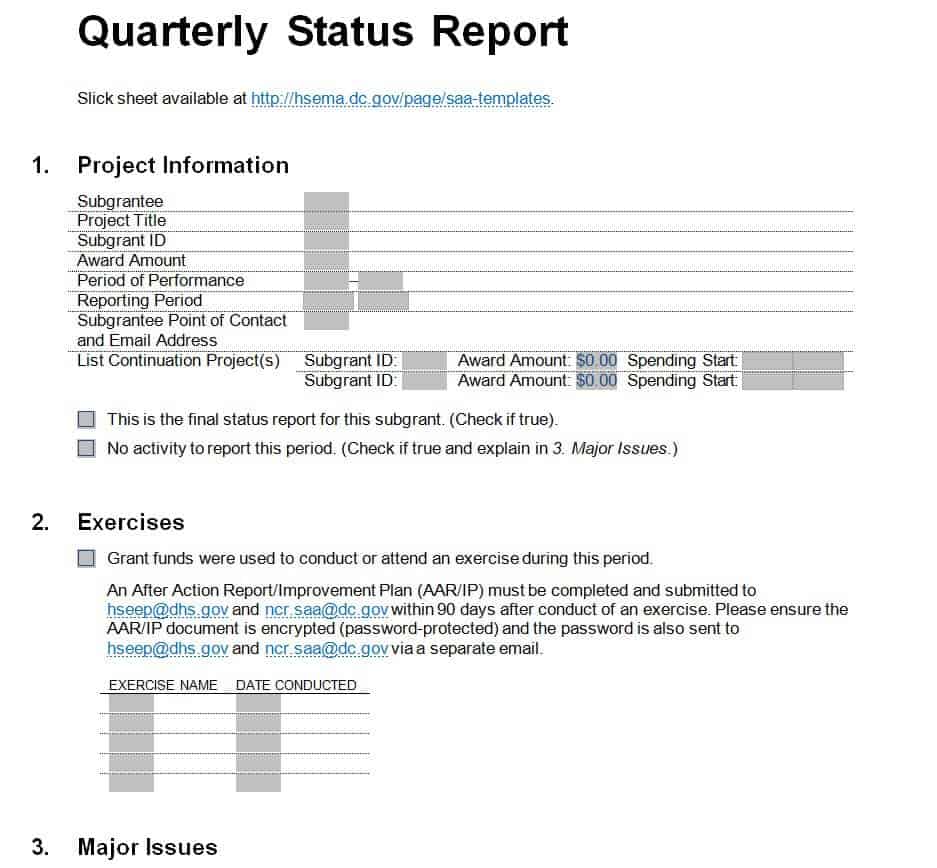
Monthly Project Status Report Template
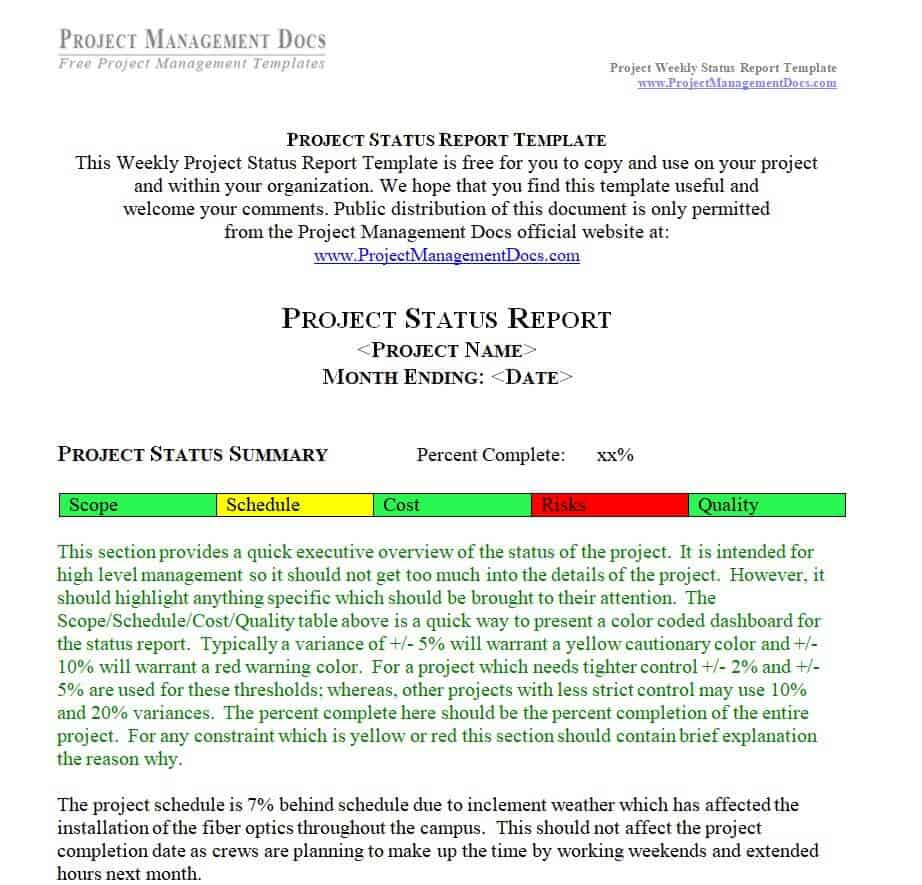
IT Project Status Report Template
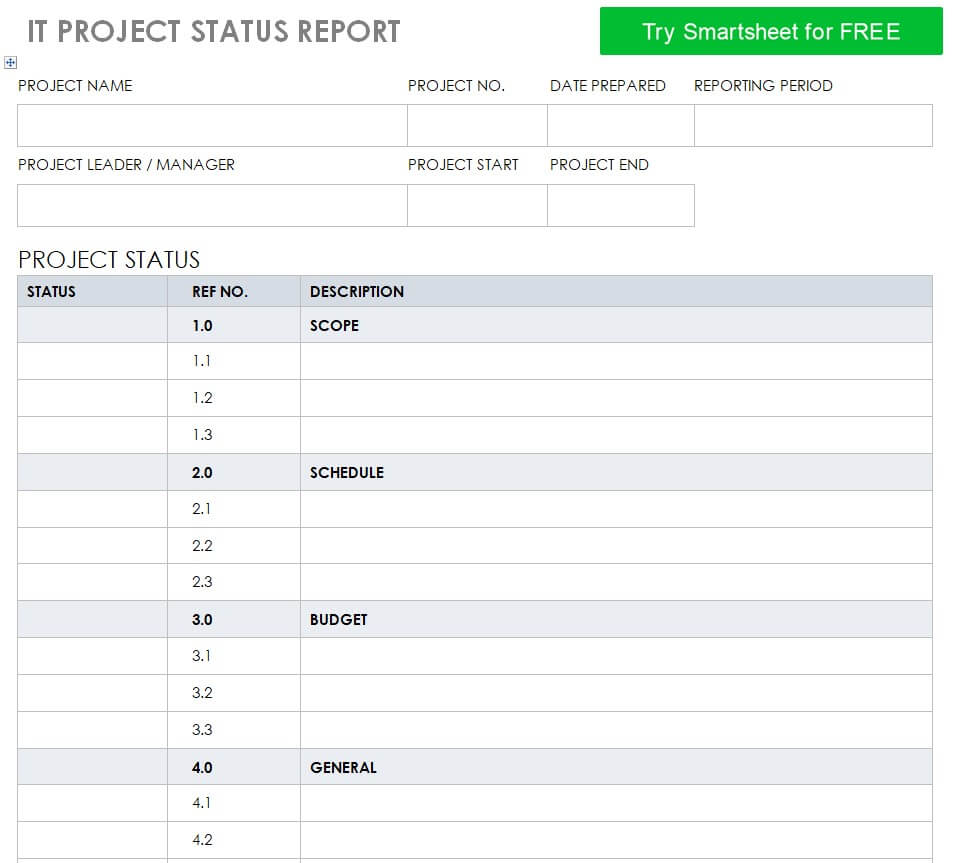
Fillable Project Status Report Format
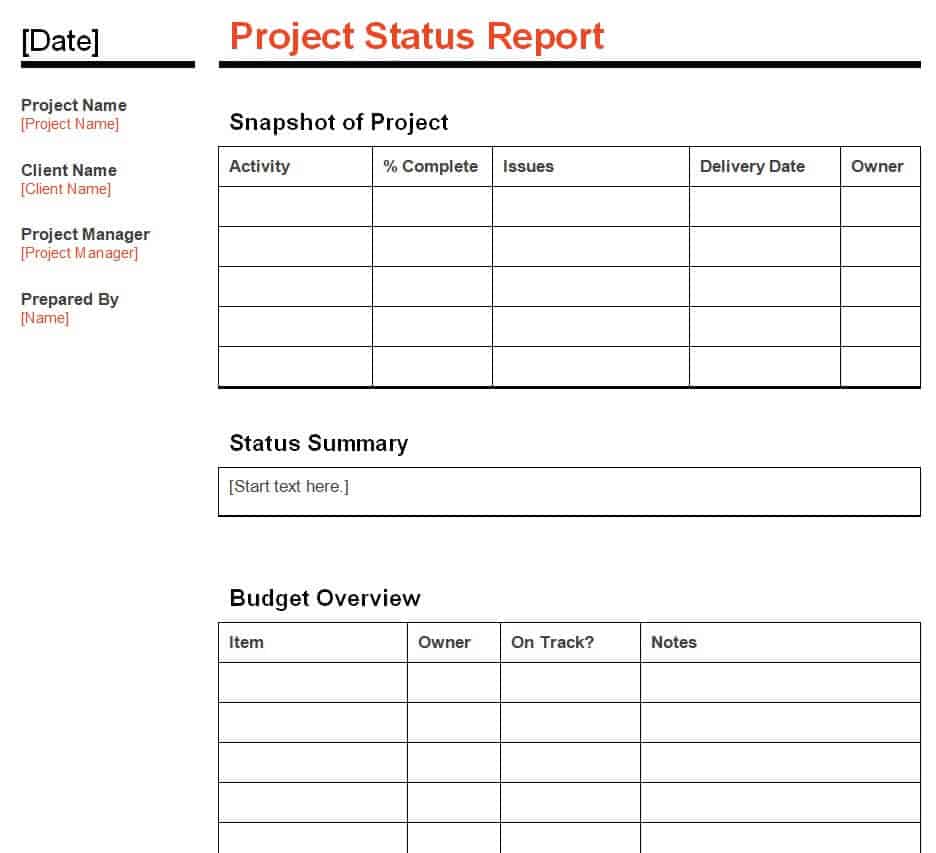
Detailed Status Report Layout
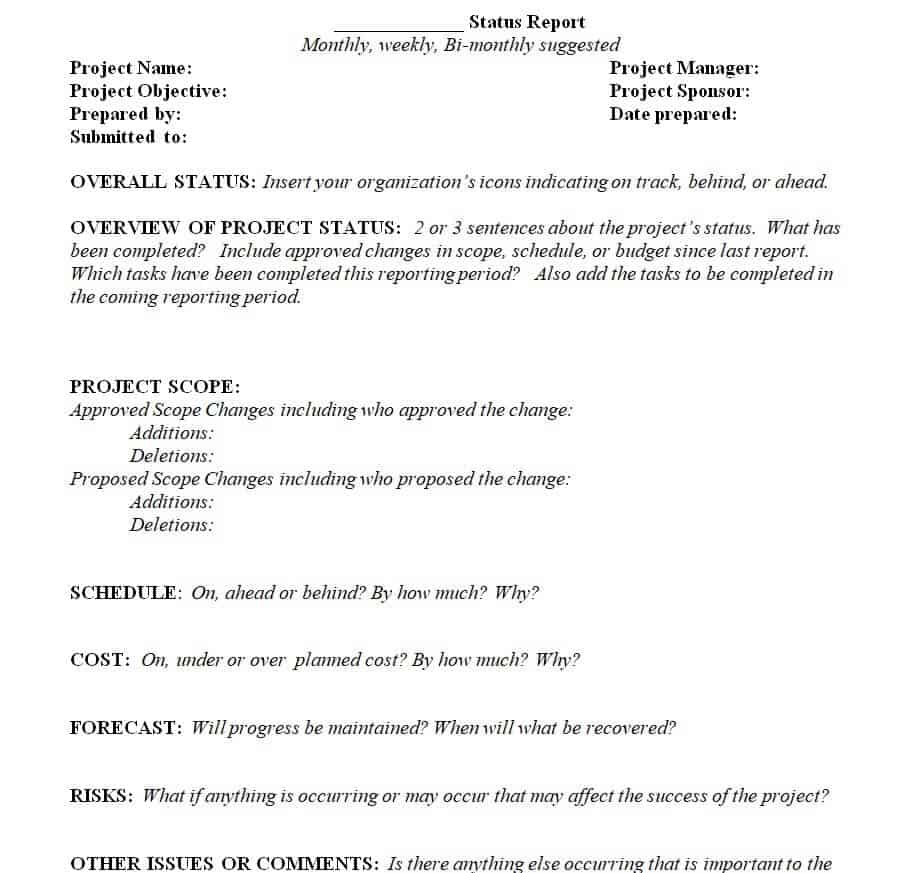
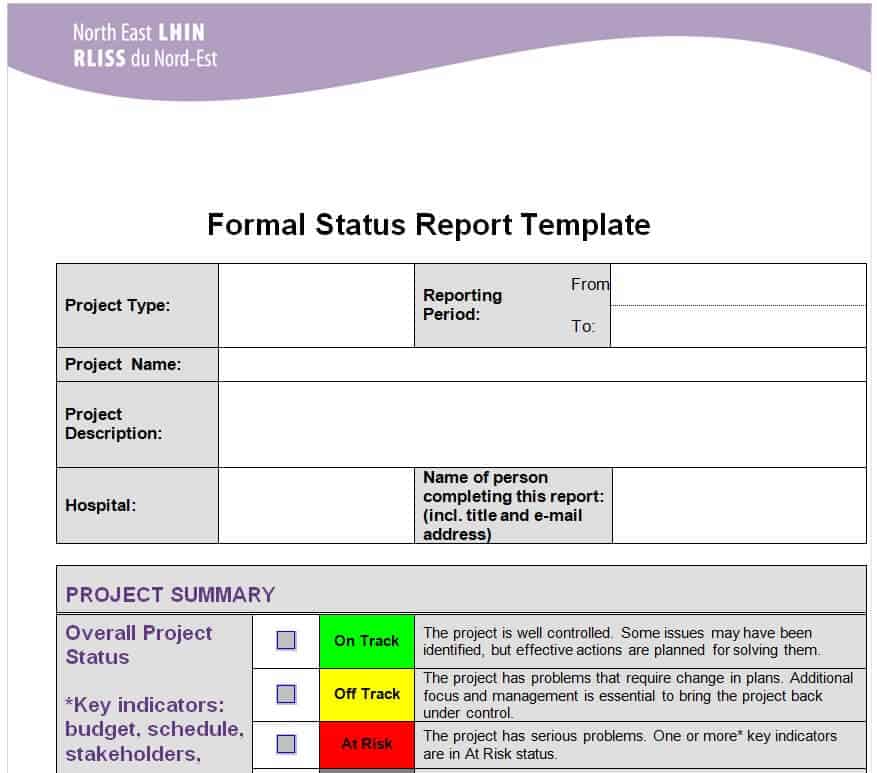
Editable Formal Status Report Template in MS WORD
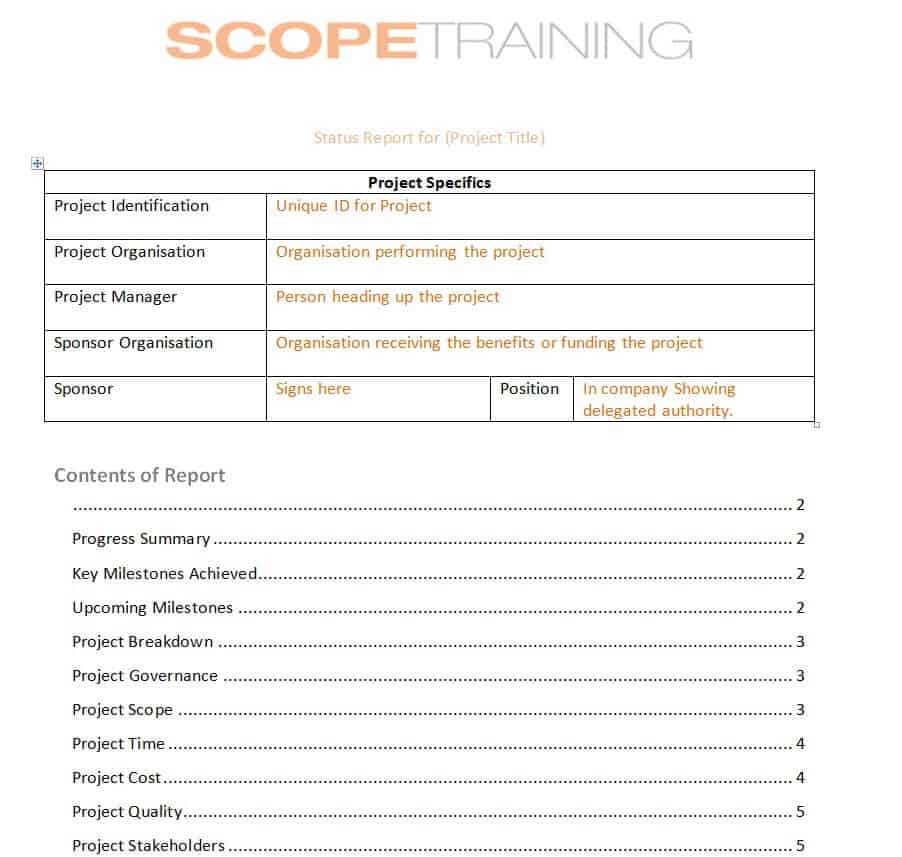
Project Scope Status Report Template
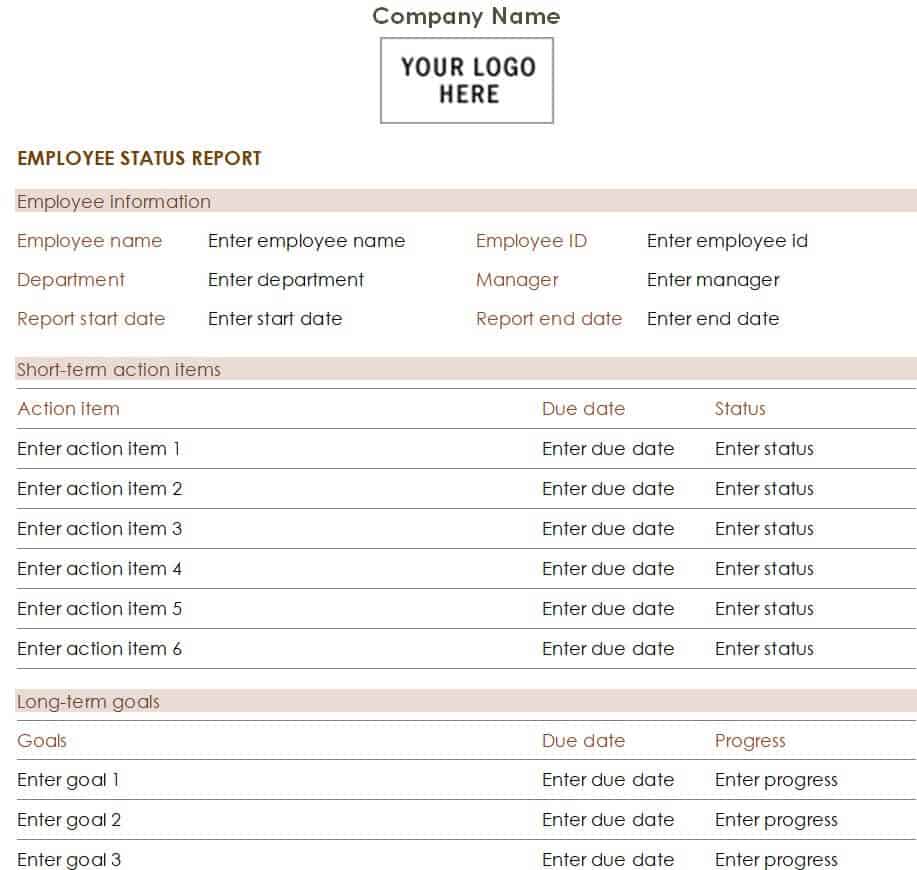
Employee Status Report Example
Frequently Asked Questions About Status Report Templates
What is a status report template?
A status report template is a pre-designed document used to organize and present updates about a project, job, employee, team, or business activity. It provides sections for information such as progress, completed tasks, upcoming work, risks, issues, milestones, and action items.
What is a project status report?
A project status report is a document that communicates the current health and progress of a project. It helps stakeholders understand what has been completed, what is currently being worked on, what is planned next, and whether there are any risks or problems affecting the project.
How often should a status report be prepared?
The reporting frequency depends on the project and the needs of stakeholders. Daily, weekly, and monthly status reports are common. Weekly reporting is often suitable for active projects, while monthly reporting may be better for management-level reviews.
What should a weekly status report contain?
A weekly status report can include the overall project status, work completed during the week, current activities, upcoming tasks, milestones, risks, issues, blockers, action items, and important decisions.
Can I customize a status report template?
Yes. A template should be customized to match your project, organization, reporting process, and audience. You can add or remove sections, change headings, insert company information, and modify the layout as required.
What is the difference between a status report and a progress report?
A status report generally provides a broader snapshot of the current condition of a project, including progress, schedule, risks, issues, budget, and next steps. A progress report may focus more specifically on work completed and progress toward objectives. In practice, the terms are sometimes used interchangeably.
Why are status reports important in project management?
Status reports improve communication and transparency. They give stakeholders a regular view of project performance, help identify issues early, clarify responsibilities, and provide a written record of important updates and decisions.
Can a status report be used for employees and teams?
Yes. Status reports can be adapted for employees, departments, and teams. An employee or team status report can summarize completed work, current assignments, upcoming responsibilities, challenges, and support required.
Are these status report templates suitable for business use?
Yes. A customizable status report can be adapted for business projects, internal operations, client reporting, IT work, marketing activities, construction projects, consulting assignments, and many other professional purposes.

![Top 18 Business Analysis Report Templates [Word, Excel & PDF]](https://www.reportsexcel.com/wp-content/uploads/2025/09/business.png)
You must be logged in to post a comment.