

A service report template is a simple and professional way to document the work completed during a service call, repair, maintenance visit, inspection, installation, or technical support job. Instead of creating a new report from scratch every time, you can download a ready-made service report form and customize it with your company information, customer details, service description, parts used, labor hours, findings, and recommendations.
On this page, you can find free service report templates in Excel, Word, and PDF formats. Choose a template that matches your requirements, download it, and edit the fields according to your business or service operation. These templates can be useful for technicians, contractors, maintenance teams, repair businesses, customer service departments, field service companies, and other professionals who need to maintain accurate service records.
What Is a Service Report?
A service report is a document that records what happened during a service visit. It normally includes information about the customer, technician, service date, job or work order number, problem reported, work performed, parts or materials used, findings, and the final status of the job.
A well-prepared service report form creates a clear record of the service provided to a customer. It can also help businesses maintain service history and make it easier to identify recurring problems, track repairs, and plan future maintenance.
For technicians working at customer locations, a field service report template is particularly useful because it provides a structured format for recording information immediately after completing a job.
Free Service Report Templates
The templates available on this page cover several common service documentation requirements. You can find options for Excel service reports, Word service report templates, and printable PDF service reports.
Depending on your needs, you may use a template as a:
- Service report form
- Field service report
- Customer service report
- Technical service report
- Maintenance report
- Repair report
- Service estimate
- Work order form
- Service visit report
- Equipment service report
- Inspection report
- Service completion report
Because the templates are editable, you can add or remove sections to create a service report format that works for your particular business.
What Should a Service Report Include?
A professional service report does not need to be complicated, but it should contain enough information to clearly document the job. Common fields include:
Customer information: Record the customer’s name, company, phone number, email address, and service location.
Service details: Include the service date, technician name, job number, work order number, and type of service performed.
Problem or service request: Describe why the customer requested the service and what issue was reported.
Work performed: Explain the inspection, maintenance, repair, installation, troubleshooting, or other work completed by the technician.
Parts and materials: List replacement parts, materials, equipment, or components used during the service.
Findings and diagnosis: Record important observations, test results, faults, or problems discovered during the visit.
Labor and time: Where appropriate, record arrival time, departure time, labor hours, or other time-related information.
Recommendations: Add follow-up work, maintenance recommendations, replacement suggestions, or other actions that may be required.
Signatures and approval: A technician signature and customer signature can confirm that the service was completed and the report was reviewed.
These details can make your service report format much more useful when you need to check a customer’s previous service history or review work completed by a technician.
How to Use a Service Report Template
Using a service report template is straightforward.
First, download the format that best suits your requirements. If you need to make calculations or maintain records electronically, an Excel service report template can be a convenient option. If you need a document that is easy to edit and print, a Word service report template may be more suitable. A PDF version can be useful when you want a printable or shareable service report.
Next, enter your company information and customer details. Add the date of service, technician information, job number, and description of the service request.
After completing the work, record exactly what the technician found and what actions were taken. Include parts or materials used, labor information, test results, and any recommendations for future service.
Finally, review the report for accuracy and obtain the required customer or technician signatures. Save a copy for your business records and provide a copy to the customer when appropriate.
Who Can Use a Service Report Template?
A free service report template can be adapted for many different industries. HVAC technicians can use it to document heating and cooling system maintenance and repairs. Electrical contractors can record inspections, troubleshooting, installations, and electrical repairs. IT service providers can document technical support and equipment problems.
The same type of service report form can also be useful for plumbing companies, appliance repair businesses, automotive service providers, equipment maintenance companies, construction contractors, cleaning services, facility management teams, and general field service businesses.
For companies with multiple technicians, using a standardized report template can also help ensure that every service visit is documented in a consistent format.
Service Report vs. Work Order
A service report and a work order are related but serve different purposes. A work order form is generally used to authorize, assign, or organize work before or during a job. A service report is normally completed to document what actually happened during the service visit.
For example, a customer may request an air-conditioner repair and the company may create a work order for the technician. After visiting the customer, the technician can complete a service report describing the fault, diagnosis, repair performed, parts replaced, and final condition of the equipment.
Using both documents can provide a more complete record of the service process.
Why Use a Service Report Template?
Creating reports manually can take unnecessary time, particularly for businesses handling multiple service calls every day. A ready-made service report template provides a consistent structure and helps technicians focus on recording useful information rather than formatting a document.
A standardized service report can help you:
- Keep an organized record of completed work
- Track customer service history
- Document repairs and maintenance
- Record parts and materials used
- Track technician work and labor time
- Improve communication between technicians and customers
- Support accurate invoicing and billing
- Identify recurring equipment problems
- Provide customers with professional documentation
- Maintain records for future reference
Download a free template above and customize it for your own service business or professional requirements.Download a free template above and customize it for your own service business or professional requirements.
Get Service Report Templates in Excel:
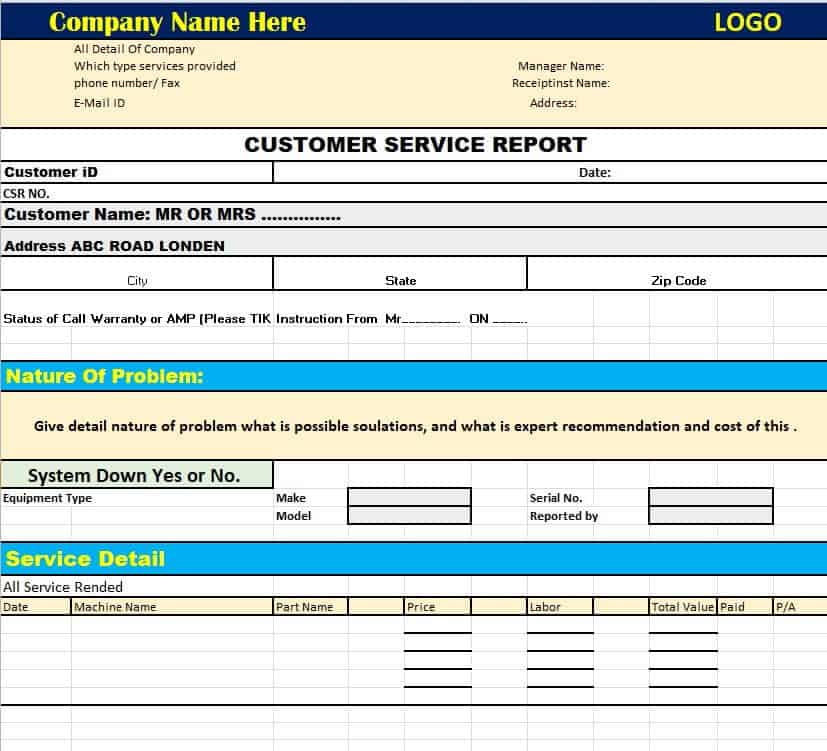
Customer Service Report Template
This Excel-based template is engineered to streamline how your team tracks, analyzes, and manages customer service interactions. Featuring dedicated cells for ticket numbers, customer contact information, issue categorization, and resolution status, it provides a structured setup for monitoring ongoing support tickets. Built-in formulas help calculate total handling time and track client satisfaction metrics across various support channels.
By maintaining a centralized record of client requests, your team can easily spot recurring operational bottlenecks and assess individual agent performance. The spreadsheet structure allows for quick filtering, sorting, and reporting, making it an invaluable tool for customer support managers looking to enhance service quality, improve response times, and present clean operational data to stakeholders.
Check our this page specifically for customer invoice templates..
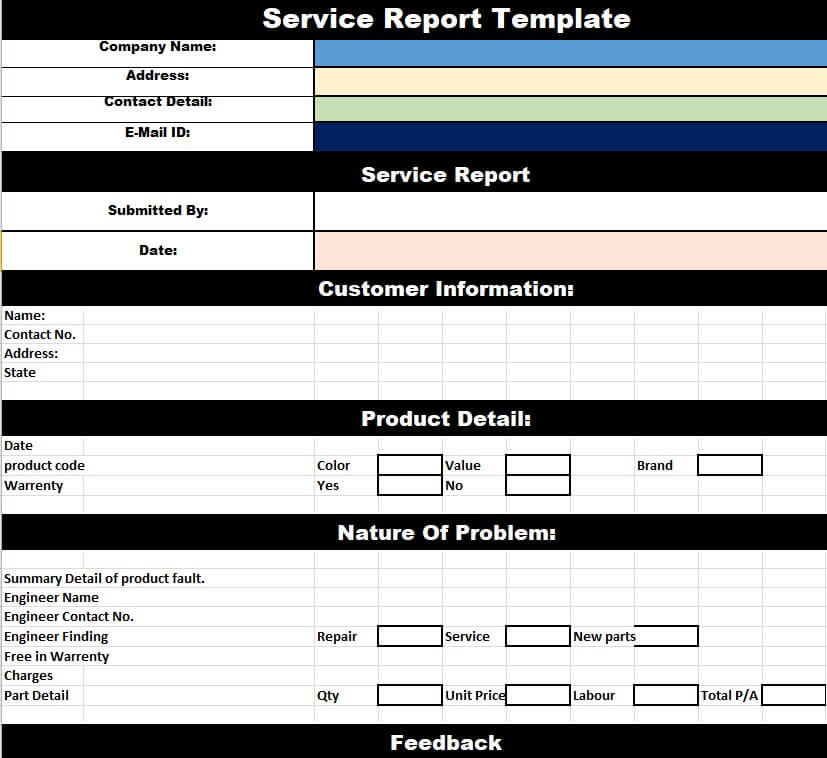
Blank Service Report Template
Designed for ultimate flexibility, this minimalist Excel service report sheet serves as a clean canvas for any field service operation. It features essential pre-formatted tables for client information, work order details, hourly labor logs, and itemized spare parts lists. Built-in summation formulas automatically calculate labor totals, material costs, applicable taxes, and the final billable balance.
Because the layout avoids industry-specific terminology, it can be quickly customized for plumbers, electricians, HVAC technicians, or general handymen. The uncluttered structure ensures field technicians can rapidly log job details on-site without navigating unnecessary fields, while keeping client billing transparent and accurately documented.
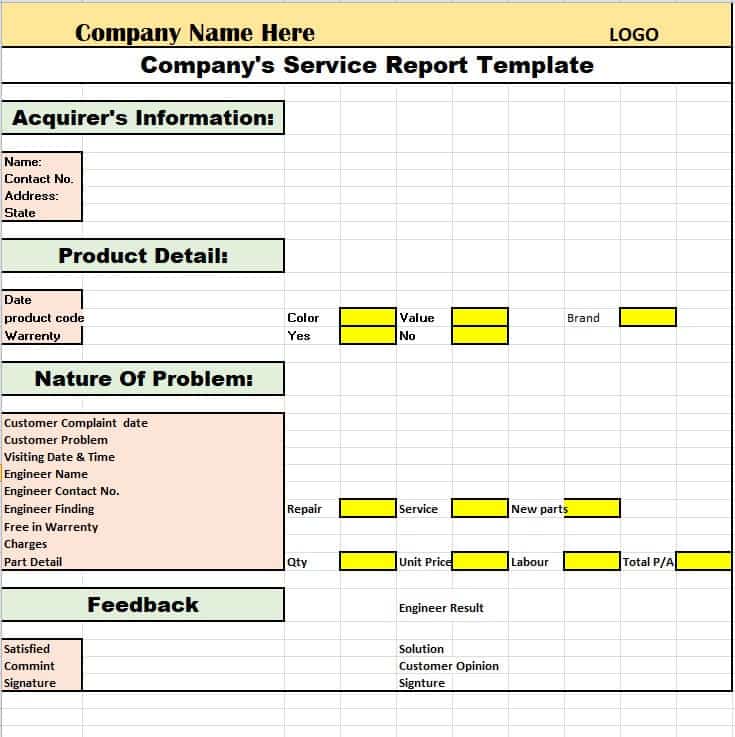
Company’s Service Report Template Excel
Tailored for medium-to-large service enterprises, this formal Excel template establishes a standardized reporting process across multi-member technical teams. It includes structured sections for corporate branding, project/job reference numbers, multi-day work breakdowns, and technician assignment logs. The layout helps maintain consistent documentation standards across all ongoing company contracts.
The spreadsheet integrates summary tables to present total resources expended, allowing project managers to monitor budget utilization against initial estimates. Its professional layout makes it suitable for sending directly to corporate clients alongside monthly invoices, providing complete transparency into completed maintenance tasks and labor hours.
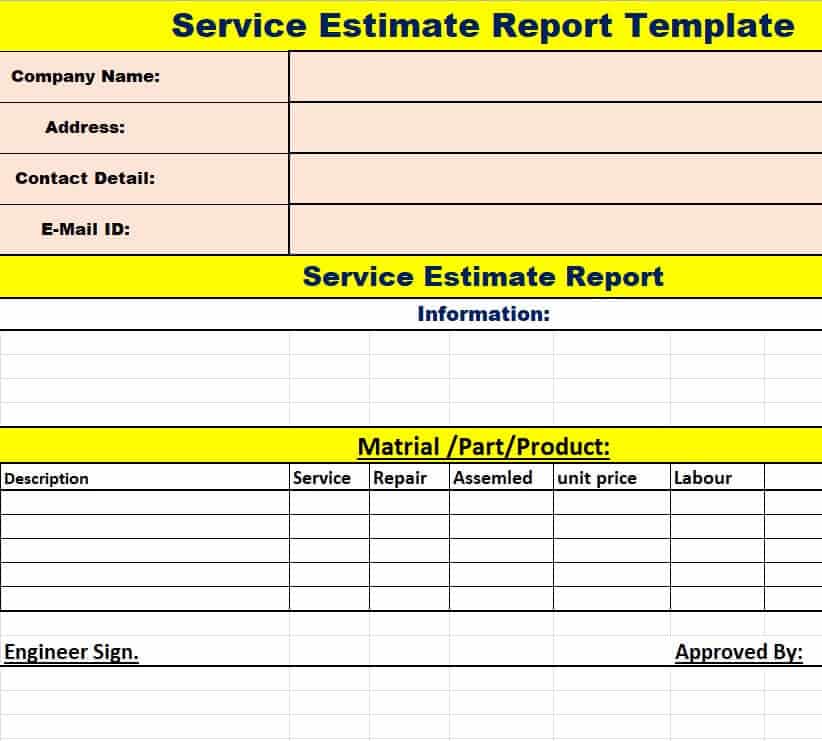
Service Estimate Report Template in XLSX Format
This specialized dual-purpose spreadsheet bridges the gap between initial job quotes and final service delivery. It allows field estimators to list anticipated labor hours, required replacement hardware, and diagnostic fees side by side with actual incurred expenses. Built-in percentage variance formulas help highlight cost overruns or savings before final invoicing.
Using this template ensures clear communication between service providers and clients before heavy work commences. Once the job is completed, technicians can update the actual expenditure columns, transforming the initial quote into an audit-ready financial breakdown for seamless billing and record-keeping.
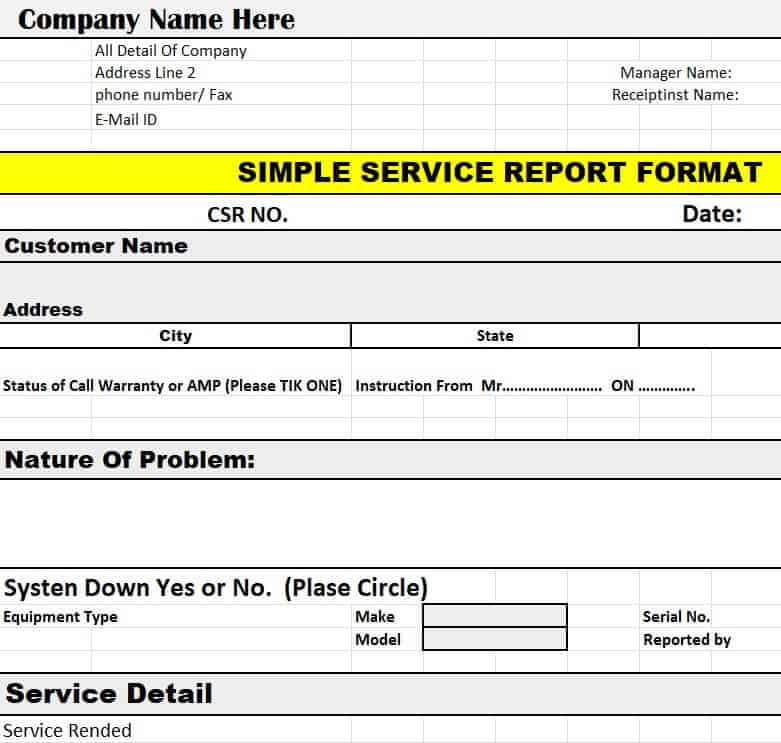
Simple Service Report Format
Created for quick, single-job service calls, this lightweight Excel format skips complex project management fields in favor of direct, essential documentation. It highlights basic client information, technician arrival and departure times, a short summary of work performed, and a straightforward parts list with calculated line items.
Ideal for small business owners and independent contractors, this sheet reduces paperwork overhead while maintaining a professional standard. Its compact, single-page layout prints cleanly or exports to PDF effortlessly, making it perfect for emailing completed service receipts directly to clients on the spot.
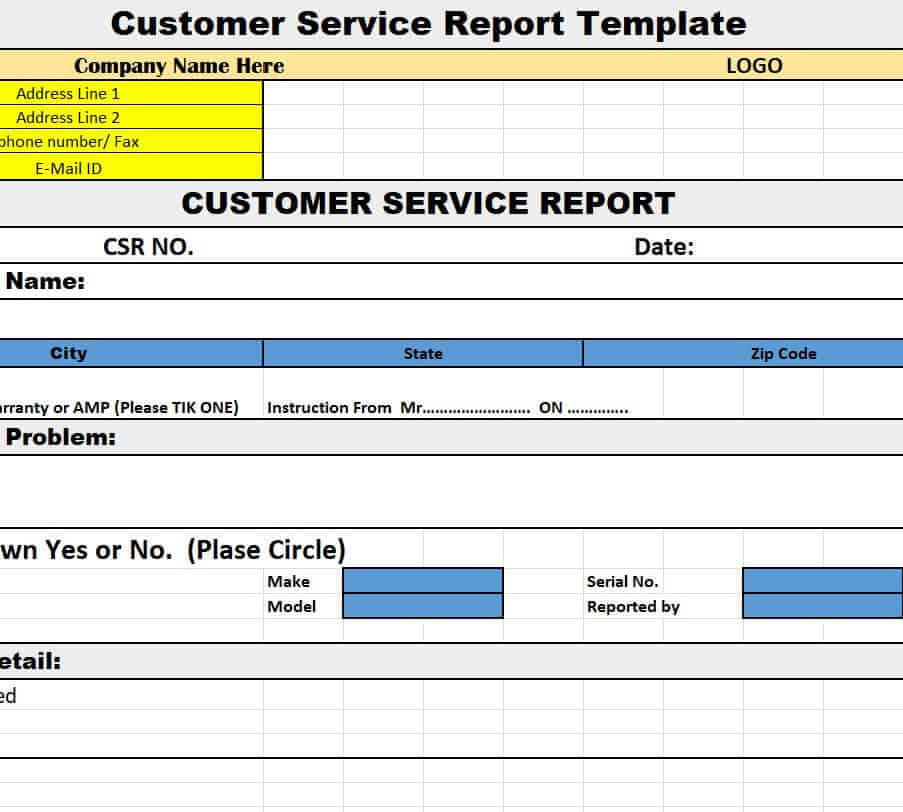
Official Customer Service Report Sheet Template
Engineered for enterprise-level support environments, this detailed spreadsheet records complex customer service workflows and escalated technical incidents. It incorporates fields for logging initial client complaints, diagnostic steps taken, escalation pathways, root-cause analysis, and long-term corrective action plans.
This template is particularly effective for departments operating under strict Service Level Agreements (SLAs). By standardizing how critical service disruptions and resolutions are documented, management can easily evaluate compliance, streamline internal auditing, and deliver thorough post-incident reports to enterprise clients.
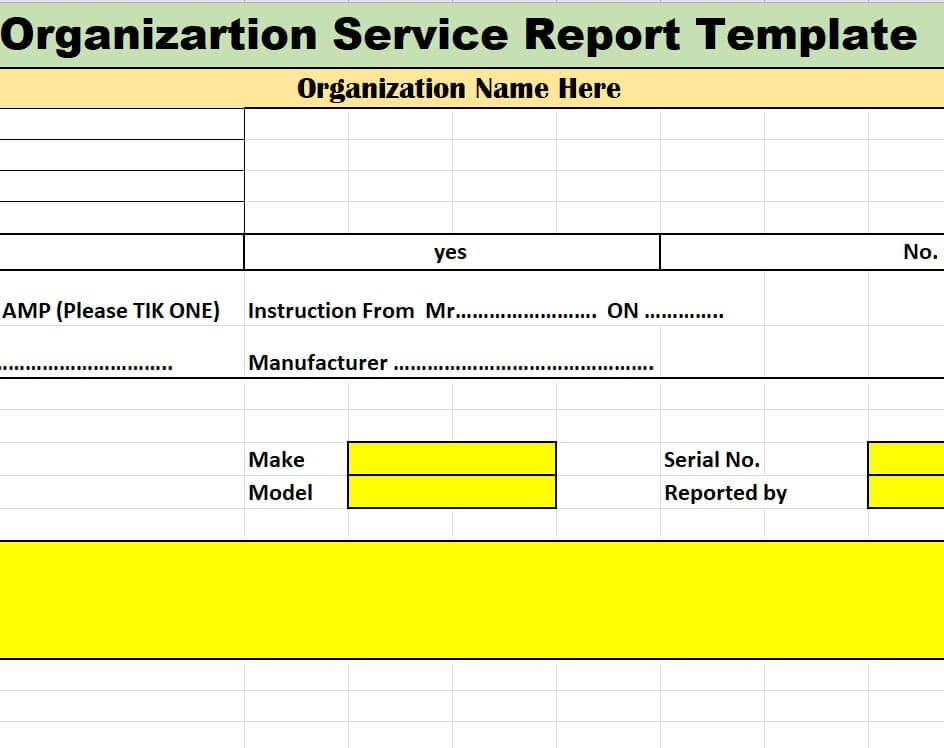
Organization’s Service Report Template
Designed specifically for non-profits, public sector entities, and internal IT/facility departments, this sheet focuses on tracking service delivery across various organizational units. It features columns for inter-departmental billing codes, asset identification tags, priority level status, and supervisor authorization fields.
This template helps organizational leads track internal resource allocation and equipment maintenance cycles without focusing solely on commercial invoicing. The clear tabular structure ensures that internal service requests are documented, assigned, and completed in accordance with organizational policies.
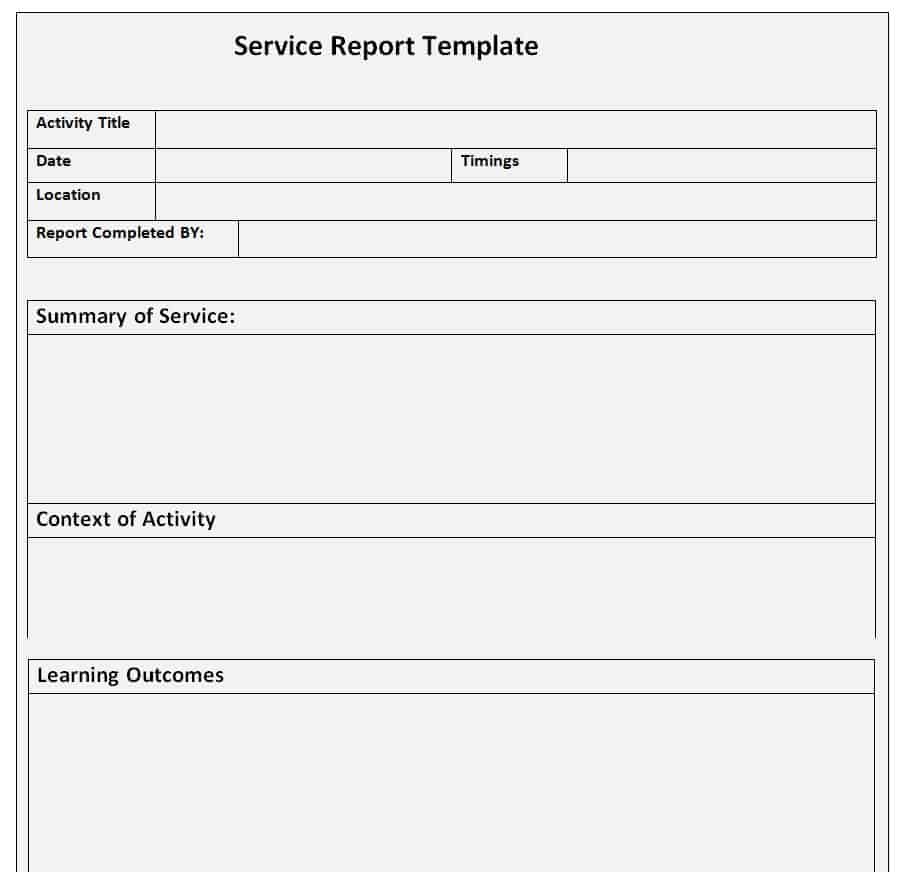
Get Service Report Templates in WORD Here:
Fillable Service Report Template WORD
This customizable Word document provides a clean, text-friendly layout for technicians who need to write descriptive field notes and narrative service summaries. Built with structured tables for administrative details, the primary content area allows space for thorough explanations of technical diagnoses, procedural steps, and site observations.
The fillable table design allows users to click through fields using the Tab key, enabling swift input on laptops or tablets in the field. It also includes explicit signature lines for both the technician and client, ensuring physical or digital sign-off upon job completion.
Formal Customer Service Report Template
Designed with corporate aesthetics in mind, this Microsoft Word template offers a polished layout suitable for executive presentations, formal client updates, and contract reviews. It incorporates professional typography, visual section dividers, and structured summary blocks to highlight key performance metrics and completed service milestones.
Beyond documenting basic repairs, this format allows service managers to outline strategic recommendations, identify prospective hardware upgrades, and summarize overall system health. It is an ideal format for managed service providers (MSPs) presenting monthly or quarterly account summaries to high-value clients.
Sample Service Report Template in DOC Format
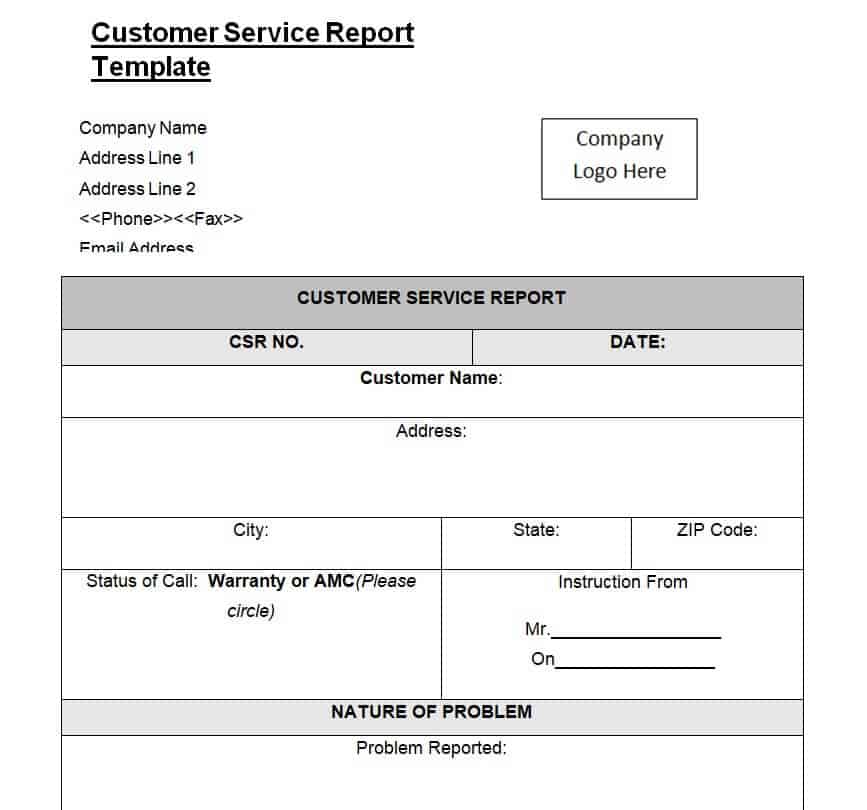
A classic, versatile Word document template tailored for general repair and maintenance operations. It organizes essential service metrics into neat, bounded tables covering job order numbers, customer details, diagnostic summaries, itemized replaced components, and labor summaries.
The flexible DOC layout can be easily adapted to match any corporate visual identity by inserting company logos or updating header color schemes. Its simple, balanced layout ensures high readability for both non-technical clients and internal administrative staff handling billing.
Free Editable Service Field Report Template
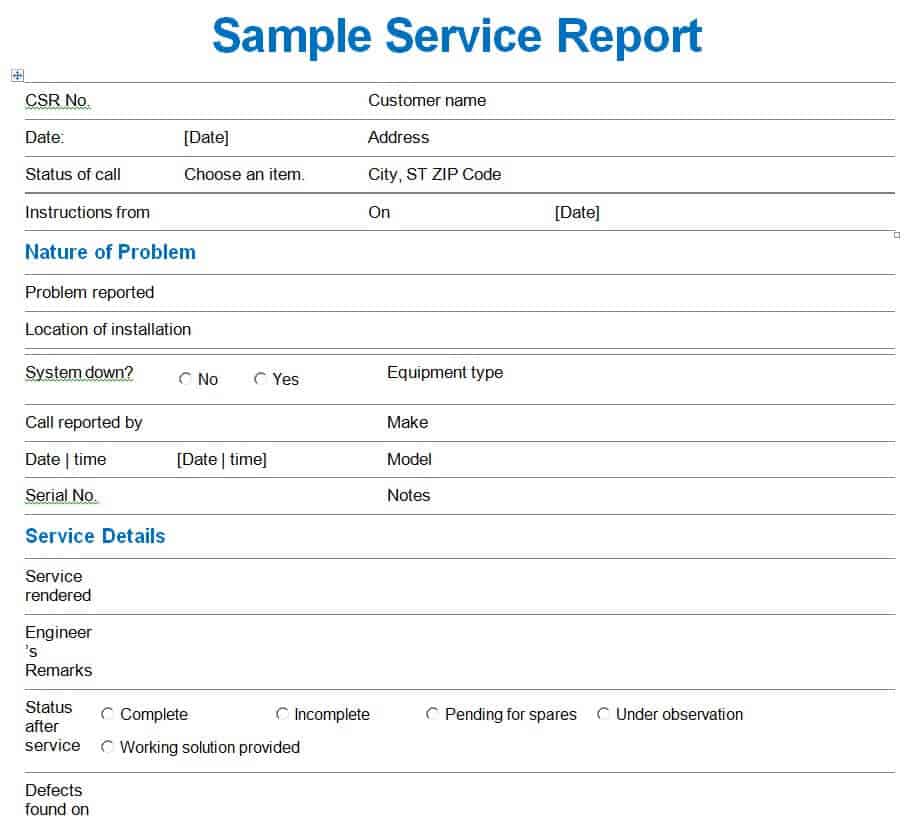
Specifically formatted for field service engineers and traveling technical crews, this Word template focuses on capturing site-specific conditions and environmental factors. It features designated entry tables for location details, weather/site conditions, safety compliance checklists, work completed, and follow-up requirements.
The document’s narrative flow makes it easy for engineers to detail complex installations, multi-stage repairs, or emergency troubleshooting. Because it is fully editable, field staff can insert photos, site diagrams, or scanned inspection tags directly into the document body before final submission.
Employment Services Follow-Up Report Example
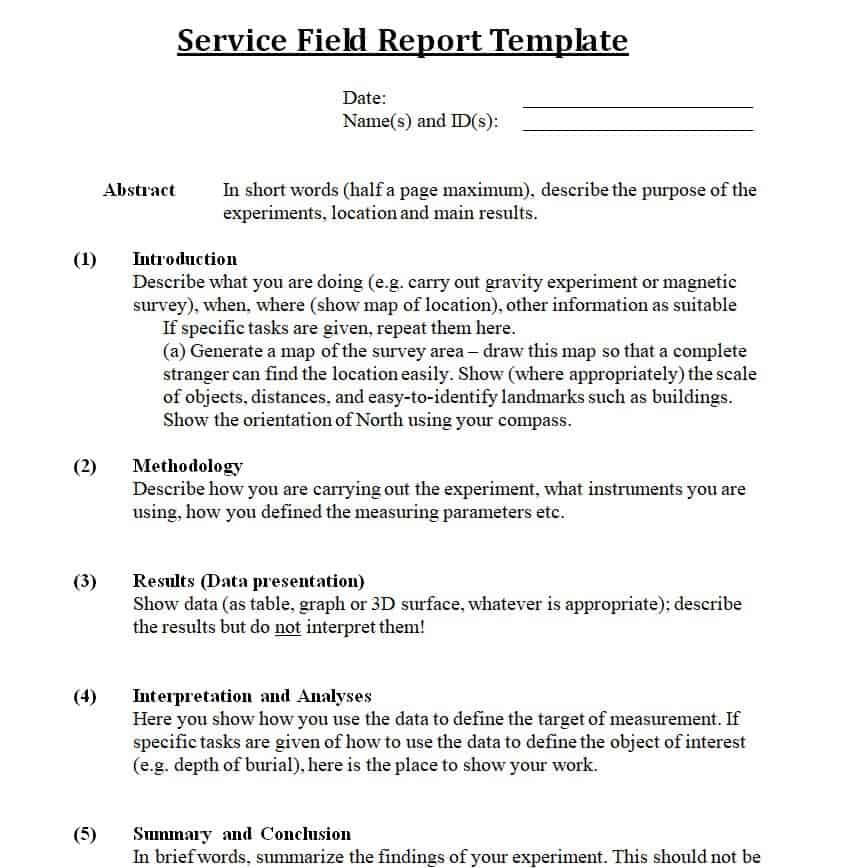
Tailored for human resources departments, employment agencies, and vocational rehabilitation services, this Word template shifts the focus toward client placement and ongoing job performance evaluations. It includes organized sections for candidate profiles, employer feedback, milestone checks, and scheduled support activities.
The document provides a structured framework for counselors and case managers to track client progress over time, document intervention strategies, and maintain accurate records for workforce development programs. Its clean text layout ensures clear, professional record-keeping for administrative audits.
Get Service Report Templates in PDF Here:
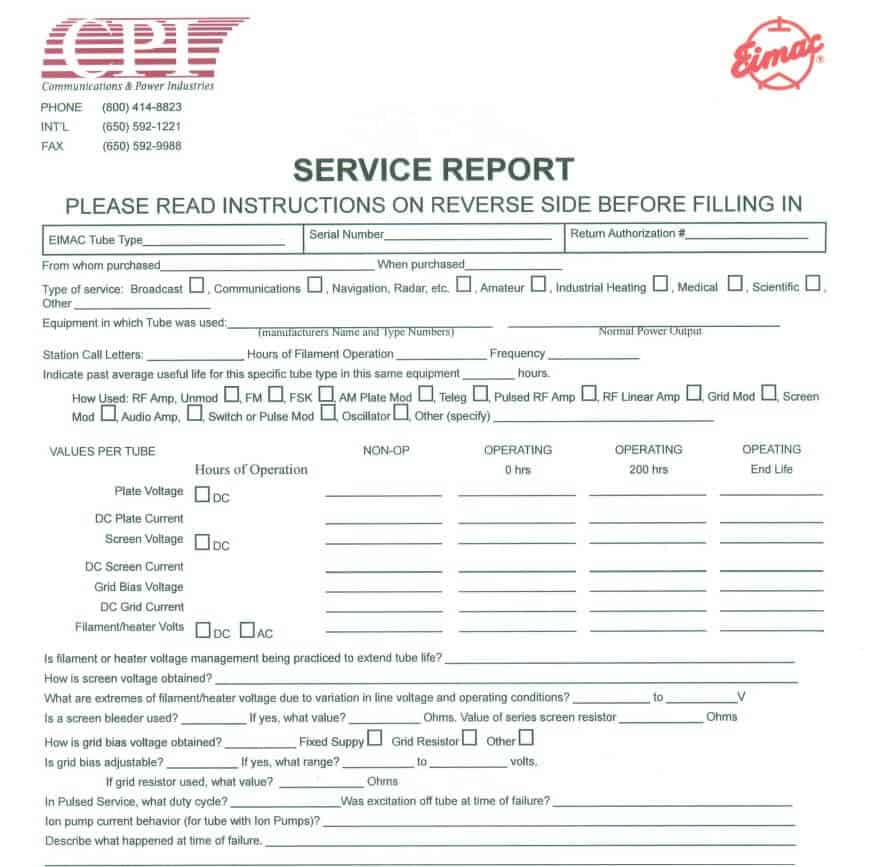
Technical Services Report Template PDF
This fixed-layout PDF template offers a clean, non-shiftable format designed for high-precision technical documentation, such as medical equipment servicing, calibration logs, and complex electrical engineering work. It features precise grid sections for logging technical tolerances, serial numbers, firmware versions, and test results.
Because the PDF format preserves exact visual layouts across all operating systems and devices, it prevents accidental formatting changes during field entry. It can be opened and filled out on mobile tablets using annotation software or printed for clipboards on-site.

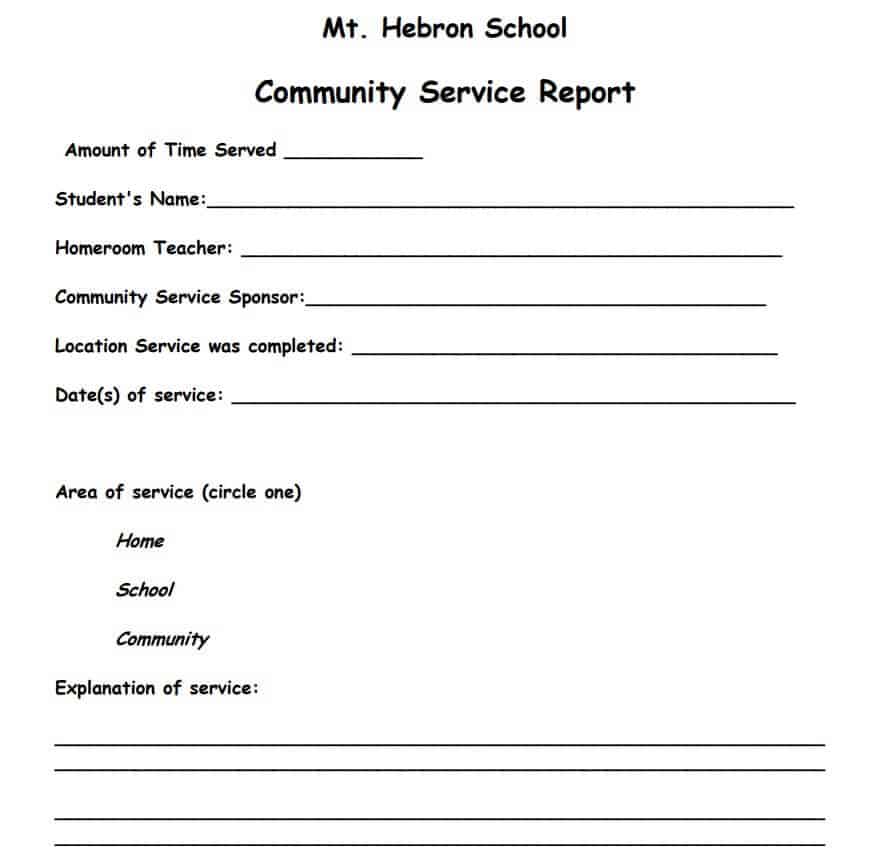
School Community Service Report Template
Designed for educational institutions, non-profit organizations, and student volunteers, this PDF form focuses on tracking non-commercial community service hours and project contributions. It features simple entry fields for student details, organization names, dates of service, specific activities completed, and supervisor signatures.
The printable layout ensures students can take physical copies to volunteer sites for instant supervisor sign-off. It provides school administrators with a standardized, easy-to-verify record for validating graduation requirements, scholarship applications, and community outreach credits.
Professional Service Report Template Printable
This print-ready PDF template is crafted for field technicians who operate without reliable digital access or prefer physical paper documentation. Featuring high-contrast borders and clear, handwritten-friendly line spacing, it covers customer details, problem descriptions, parts used, labor hours, and authorization sign-offs.
The layout is optimized for duplicate/triplicate carbon-copy paper printing, allowing technicians to handwrite job details on-site, obtain physical customer signatures, and hand a physical copy to the client immediately upon job completion while retaining a copy for office processing.
Service Report Templates: Elevating Your Business’s Documentation and Efficiency
Streamline your field service management, track maintenance calls, and maintain accurate client records with our collection of free service report templates. Designed for service technicians, HVAC engineers, IT consultants, mechanics, and maintenance managers, these customizable spreadsheets and documents help you generate professional field reports in minutes.
Whether you need an Excel service report format, a fillable Word document, or a printable PDF work order, download your preferred template below to upgrade your business documentation and improve client transparency.
Download Free Service Report Templates
1. Service Report Templates for Microsoft Excel (.xlsx)
Ideal for automated calculations, tracking labor costs, listing material and parts expenses, and managing tax totals.
- Customer Service Summary Report Template – Track customer support interactions, issue resolution status, and client feedback score.
- Blank Field Service Report Template – Simple sheet featuring hourly rate formulas, parts inventory lists, and grand total sum fields.
- Commercial Equipment Maintenance Report – Specialized spreadsheet for machinery servicing, preventative maintenance schedules, and site inspection logs.
- Service Cost Estimate & Completion Sheet – Dual-purpose template to log initial job quotes alongside final completed labor charges.
2. Service Report Templates for Microsoft Word (.docx)
Best for written descriptions, detailed scope of work breakdowns, field notes, and formal customer signatures.
- Fillable Field Service Log Sheet – Structured Word document with table layouts for technician notes, job site details, and sign-offs.
- Formal Customer Service Technical Report – Professional layout engineered for IT service providers, software support, and corporate client updates.
- Editable Repair & Installation Form – Quick fill-in-the-blank layout tailored for plumbers, electricians, and appliance repair technicians.
- Field Inspection & Incident Follow-Up Sheet – Comprehensive checklist layout for reporting site visits, safety compliance, and follow-up recommendations.
3. Printable Service Report Templates in PDF Format
Ready-to-print, fixed-layout forms suitable for mobile technicians using tablets or physical clipboards on-site.
- Technical Field Service Ticket (PDF) – Clean, print-ready layout with dedicated lines for manual handwriting and physical client approval.
- School & Community Service Activity Log – Simplified volunteer hour verification and community service activity record.
- General Maintenance & Inspection Checklist – Standardized job ticket designed for facility managers and property maintenance crews.
What is a Service Report and Why Is It Essential?
A service report (also called a field service ticket or work completed report) is an official document created by service representatives, engineers, or field technicians to record the details of work performed for a client.
From scheduled maintenance and site inspections to emergency repairs and technical troubleshooting, a structured service report serves as a formal proof of work. It captures crucial data such as job site locations, arrival/departure timestamps, diagnostic findings, replaced components, labor hours, and client authorization signatures.
Key Benefits for Your Business:
- Accelerated Invoicing & Billing: Serves as direct supporting documentation for billing client accounts, eliminating disputes over labor hours or spare parts used.
- Standardized Quality Control: Ensures field personnel follow standard operating procedures (SOPs) during every maintenance call or inspection.
- Comprehensive Service History: Builds a complete historical record for client machinery or systems, making future preventative maintenance faster and more reliable.
- Legal & Warranty Protection: Establishes an undeniable paper trail verifying that safety protocols were met and services were delivered as contracted.
Core Components of an Effective Service Report Format
To ensure your document satisfies both operational and legal requirements, a standard service report template should include the following core sections:
- Header & Administrative Info: Company name, logo, contact numbers, unique report/ticket number, and date.
- Client & Job Site Details: Customer name, service location address, account number, and primary contact person.
- Problem Description / Service Request: Initial reason for the service call, client-reported symptoms, or scheduled maintenance scope.
- Work Performed & Diagnostic Summary: In-depth breakdown of technical procedures completed, root causes identified, and solutions executed.
- Parts & Materials Used: Itemized list of hardware, spare parts, component model numbers, quantities, and unit pricing.
- Labor & Time Tracking: Log of technician arrival/departure times, total billable hours, and labor rates.
- Technician & Client Signatures: Sign-off sections confirming the work was completed satisfactorily and accepted by the client.
Frequently Asked Questions (FAQ) About Service Report Templates
What is a service report template?
A service report template is a standardized document used by businesses and service technicians to record details about services rendered, including work performed, parts used, time spent, and resolutions provided to a client. It’s crucial for consistent service documentation.
Why are service report templates important for a service business?
They are vital for ensuring accurate service history tracking, streamlining service delivery, maintaining clear communication with clients, facilitating billing, and protecting the business in case of disputes. They enhance professionalism and operational efficiency.
What key information should a good service report template include?
An effective template should capture client contact information, details of the service request, date and time of service, description of work performed, parts or materials used, labor hours, any issues encountered, resolution, and technician’s notes and signature. An area for client signature and feedback is also beneficial.
Can I find free service report templates online?
Yes, many websites offer free service report templates in various formats (e.g., PDF, Word, Excel) that can be adapted for purposes like work order forms, maintenance reports, inspection reports, or repair report forms to suit different industry needs.
How do these templates help with customer satisfaction and legal compliance?
By providing clear, detailed service documentation, templates foster transparency and trust with customers. For legal compliance, they create an undeniable record of services performed, which can be essential for warranty claims, dispute resolution, or regulatory audits.
What file format is best for field service reports?
Microsoft Excel (.xlsx) is recommended when your report requires automatic total calculations for parts, tax, and labor hours. Microsoft Word (.docx) is best if your technicians need to write lengthy diagnostic summaries or custom proposals. PDF formats are preferred for digital signature capture on tablets or physical paper printing.
How do I customize these service report templates?
All downloaded .xlsx and .docx templates can be edited directly in Microsoft Office, Google Sheets, or Google Docs. You can insert your company logo, modify column headers, adjust color themes, and update taxes or hourly labor formulas to align with your business operations.
Can these templates be used as job completion certificates?
Yes. By ensuring the client signature section is signed and dated upon completion of the service call, the template serves as both a detailed work record and a formal job completion certificate.
What is the difference between a work order and a service report?
A work order is generated before work begins to authorize the job and assign technicians. A service report is completed during and after the job to document what actual labor was executed, parts consumed, and final outcomes achieved.

![14+ Customer Service Report Templates [WORD, EXCEL, PDF]](https://www.reportsexcel.com/wp-content/uploads/2025/09/Gemini_Generated_Image_iva98niva98niva9.png)
You must be logged in to post a comment.